Quicken ID login hangs (only on Google Fiber)

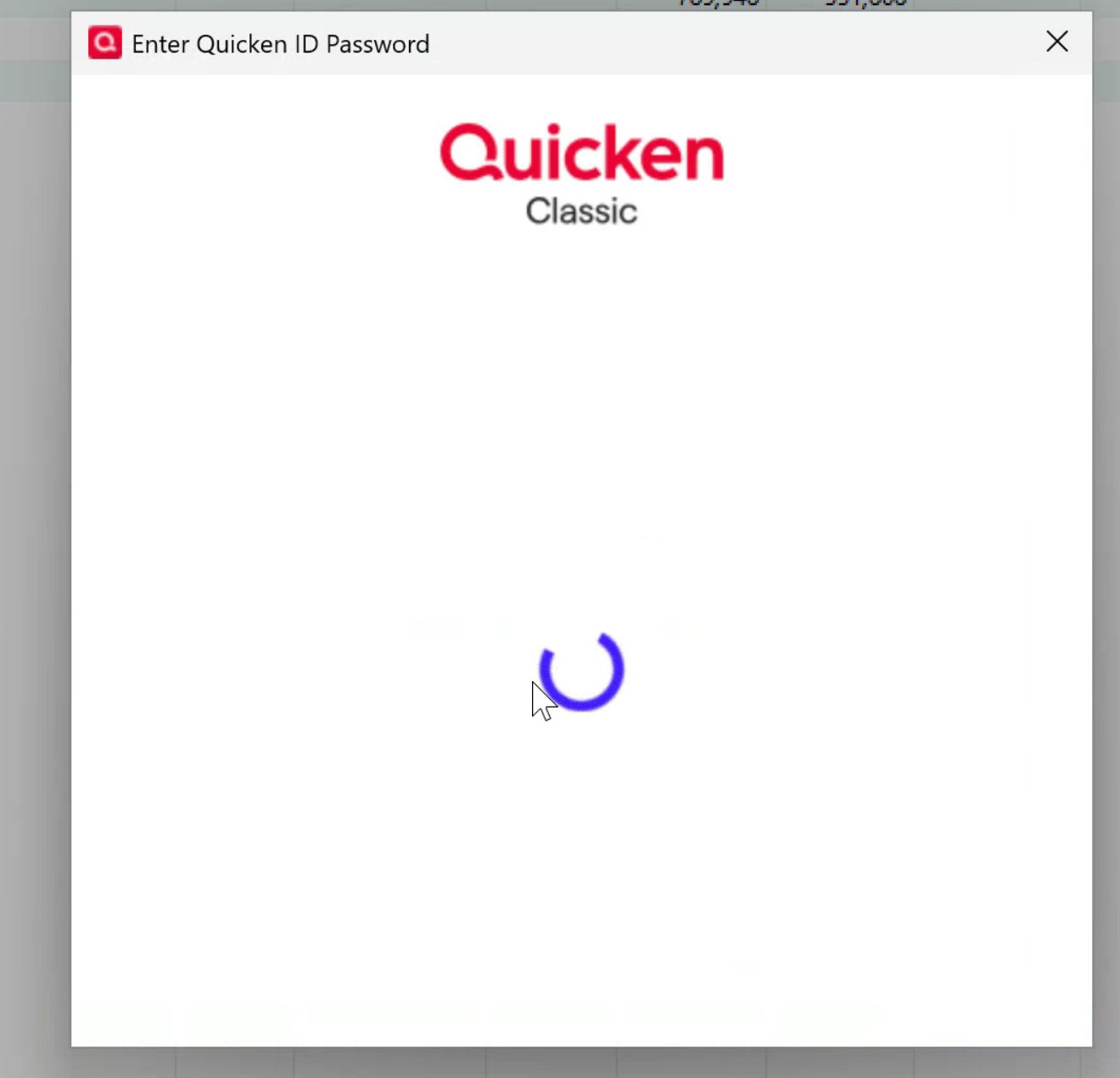
when performing one step update this morning, quicken asked me to login with my quicken ID. I provided my ID but then it just hangs and I’m never asked for my password.
everything worked fine yesterday. Nothing has changed with my account. I rebooted and ran a validation with no issues. I’m able to log into the quicken website so my password is valid and my subscription is active.
Version R63.21
Build 27.1.63.21
Subscription Valid until July 26, 2026 (333 days from today)
Windows 11 Home
help!
Comments
-
Hello @mikeweberatl,
Thank you for taking the time to tell us about this issue!
To start with, I suggest you try signing out of your data file completely and then signing back in to refresh the registration token for your Online Connected Services. However, I do recommend that you first please ensure you are on the latest version of Quicken (Help > Check for updates), and save a backup file prior to performing these steps.
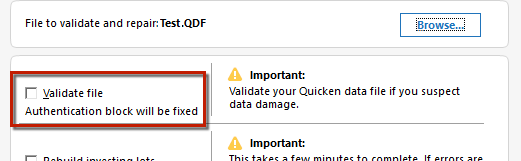
- Validate your data file by navigating to File > Validate and Repair File
- Check the Validate file box and click OK
- Navigate to Edit
- Preferences...
- Quicken ID & Cloud accounts
- Click Sign in as a different user (or it might say Sign in using a different Quicken ID)

- Follow the prompts to Sign Out
- Sign back in using your Quicken ID (email) and password (this screen is not a pop-up box)
Keep in mind that the sign-in pop-up dialog may continuously keep popping back up throughout this process, in which case you will need to continue closing it each time it pops up until you reach the full sign-in screen.
You can also find the above instructions in this support article.
I hope this helps!
-Quicken Anja
Make sure to sign up for the email digest to see a round up of your top posts.0 -
I’ve just realized that Google fiber is blocking quicken.com. I’m able to reach this site using my phone on AT&T , but my PC is unable to reach quicken.com on a browser or through the application. I am contacting Google.
I can reach community.quicken.com website from Google Fiber, but when I try to login it hangs just like the Quicken App. I am able to connect from AT&T with no issues.1 -
On Google Fiber, If you go to signin.quicken.com on a browser the website initially responds correctly. It asks for your username and then that's when it hangs. You never have a chance to enter your password. This mirrors the problem on the Quicken for Windows application.
If I connect my PC to the internet using my AT&T hotspot, I am able to resolve both website and application issues. So as of now, I have a workaround for downloading my transactions.
I have contacted Google and given them the details of this problem. They are not aware of any issues right now, but they are going to look at it. If anyone else on GFiber has this problem, please report it to customer support and tell them other people have the same problem so it gets more priority.
1 -
I am having the same problem. Can't login with Google fiber, can login with my Verizon cellular hotspot.
0 -
Hello All,
Thank you for taking the time to report this issue, and sharing the information regarding Google Fiber.
We went ahead and forwarded this issue to the proper channels on our end as well to have this further investigated. However, we request that you please navigate to Help > Report a problem within your Quicken program and submit a problem report with log files and screenshots attached in order to contribute to the investigation.
It would also aid the investigation to include a sanitized file when submitting the problem report. A sanitized file is a data file that removes personally identifiable information so you can comfortably share this file with the Quicken team.
While you will not receive a response through this submission, these reports will help our teams in further investigating the issue. The more problem reports we receive, the better.
We apologize for any inconvenience in the meantime! Thank you.
(CBT-789)-Quicken Anja
Make sure to sign up for the email digest to see a round up of your top posts.0 -
Seeing as the vast majority of us are not experiencing an issue with this, it must be something particular to your system(s) or internet provider. I wonder if this could be a DNS issue with Google Fiber. The first thing I would try is flushing the DNS cache.
To flush the DNS cache on your Windows 11 device, here’s a quick and effective method:
- Open Command Prompt as Administrator
- Press
Windows + S, typecmd, then right-click Command Prompt and choose Run as administrator.
- Press
- Run the DNS Flush Command
- Type the following command and hit Enter:
- ipconfig /flushdns
- Confirmation Message
- You should see:
"Successfully flushed the DNS Resolver Cache."
This clears out any stored DNS entries, which can help resolve issues like outdated IP addresses or connectivity glitches.
0 - Open Command Prompt as Administrator



Categories
- All Categories
- 16 Product Ideas
- 34 Announcements
- 248 Alerts, Online Banking & Known Product Issues
- 20 Product Alerts
- 517 Welcome to the Community!
- 682 Before you Buy
- 1.5K Product Ideas
- 55.6K Quicken Classic for Windows
- 16.8K Quicken Classic for Mac
- 1K Quicken Mobile
- 834 Quicken on the Web
- 126 Quicken LifeHub