Amex Connect Stopped Working

doujouDC
Quicken Windows Subscription Member
Hey,
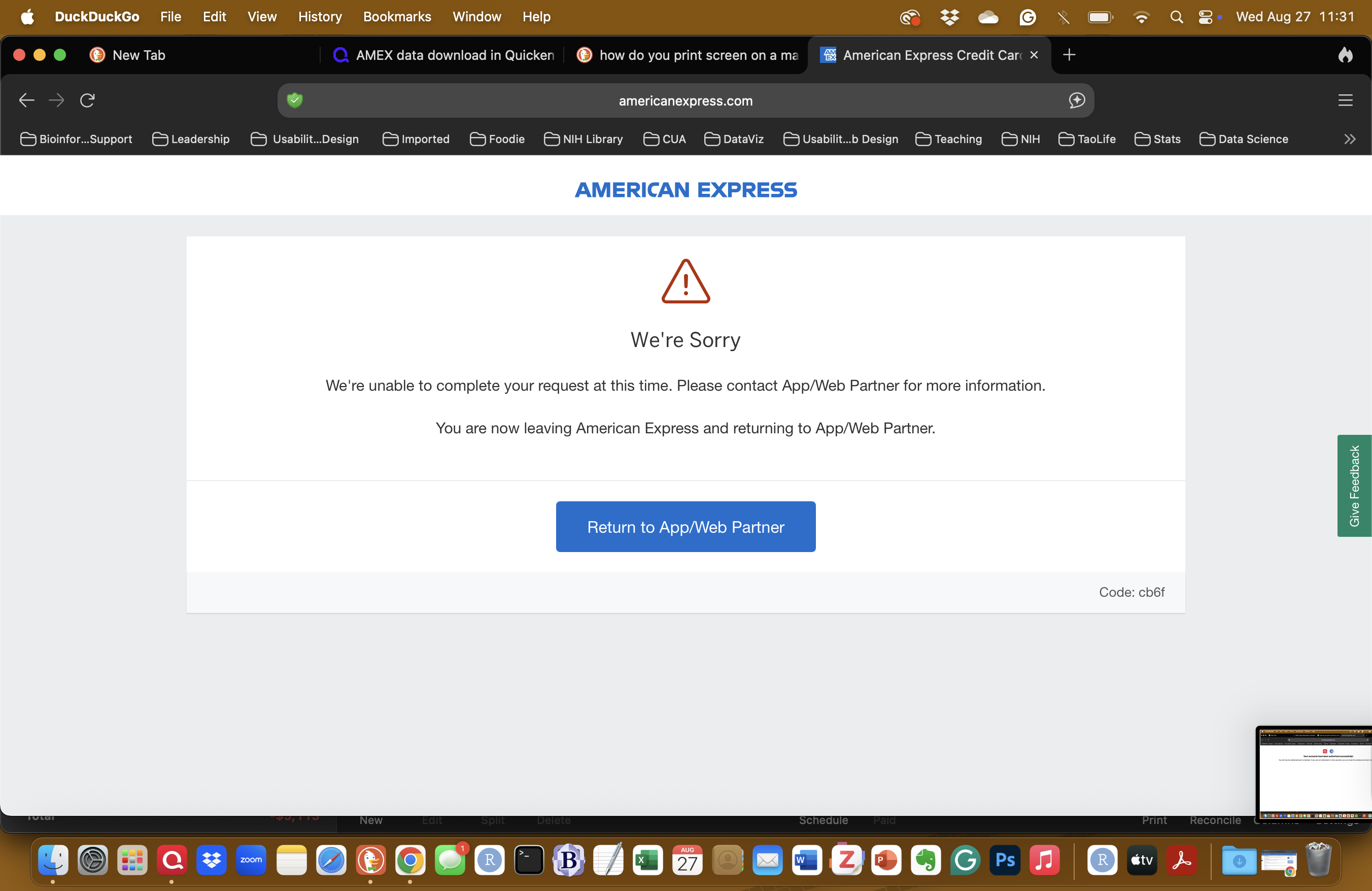
Starting last week my Amex accounts are no longer syncing. I tried to reconnect and I keep getting the error (see screenshot) below
Tagged:
0
Answers
-
Hello @doujouDC,
Thanks for taking the time to bring this to our attention! To troubleshoot this, first, please save a backup. Then, please follow the instructions provided below.
Step 1: Deactivate All Accounts in Quicken
- Go to Accounts > Hide and Show Accounts and ensure no Vanguard accounts are hidden.
- Open each Vanguard account register.
- Click the Settings gear in the bottom-right corner.
- Navigate to the Downloads tab and select Disconnect Account (repeat for each Vanguard account).

- Quit Quicken.
Step 2: Unlink the affected Financial Institutions from Quicken on their Websites
- Log into your American Express accounts online banking website.
- Navigate to Account Services → Security and Privacy → Third-Party Permissions
- If Quicken is listed, select it and choose the option to revoke access, remove, or stop sharing data (the wording may vary).
Step 4: Re-add Accounts in Quicken
- Reopen Quicken.
- Go to Accounts > Add Account.
- Use the search field to locate the financial institution, then click Continue.
- Follow the prompts to sign in using your login credentials.
- If Quicken finds your accounts, use the dropdown menus to link them to the correct accounts in Quicken.
Once you’ve completed these steps, let us know if you're still experiencing issues.
Note: the DuckDuckGo browser has been known to cause connection issues with Quicken. We recommend using a different browser, with Chrome being the best-supported option.
Hope this helps!
-Quicken Anja
Make sure to sign up for the email digest to see a round up of your top posts.0

This discussion has been closed.