Citibank Authorization

Once again, Citibank is requiring reauthorization of my Quicken for Mac account. And, once again, I am getting an error message (internal server error, etc.) when I go to reauthorize. Tried to go to the Manage apps page at Citibank. Shows Quicken as authorized a few months ago — last time I went through this same irritating issue.
Comments
-
Hello @sjnelson,
Thank you for sharing your experience, though I am sorry to hear you are running into errors.
Citibank uses the Express Web Connect + connection method in Quicken. This connection method requires an authentication token. Sometimes the token expires and needs to be reestablished. I do apologize that this can be inconvenient.
I did review your account, and I can see that you are, in fact, getting an FDP-350 internally, which translates to "invalid token". To resolve this, please do the following:
1. Save a Backup. Steps can be found in this article if needed.
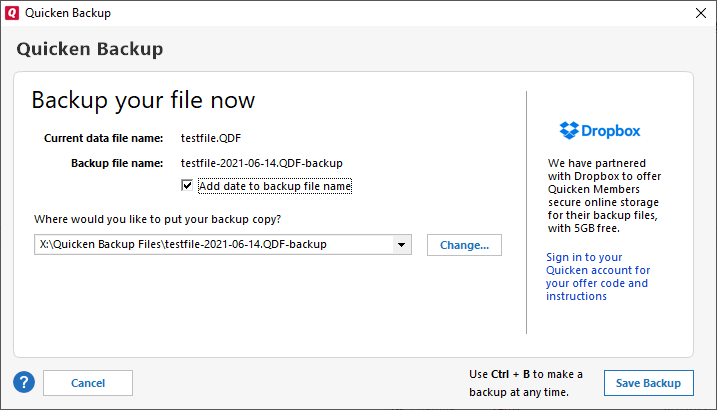
2. Disconnect ALL Citibank accounts in Quicken. Here are the steps on how to do that.
3. Revoke Quickens Third-Party Access from the Citibank website.
4. Add accounts back into Quicken
Once back in Quicken, you will want to make sure you choose the "LINK to existing" option for any of the accounts that were already in Quicken.
Let me know if this resolves the issue you are having.
Quicken Alyssa
Make sure to sign up for the email digest to see a round up of your top posts.
-1 -
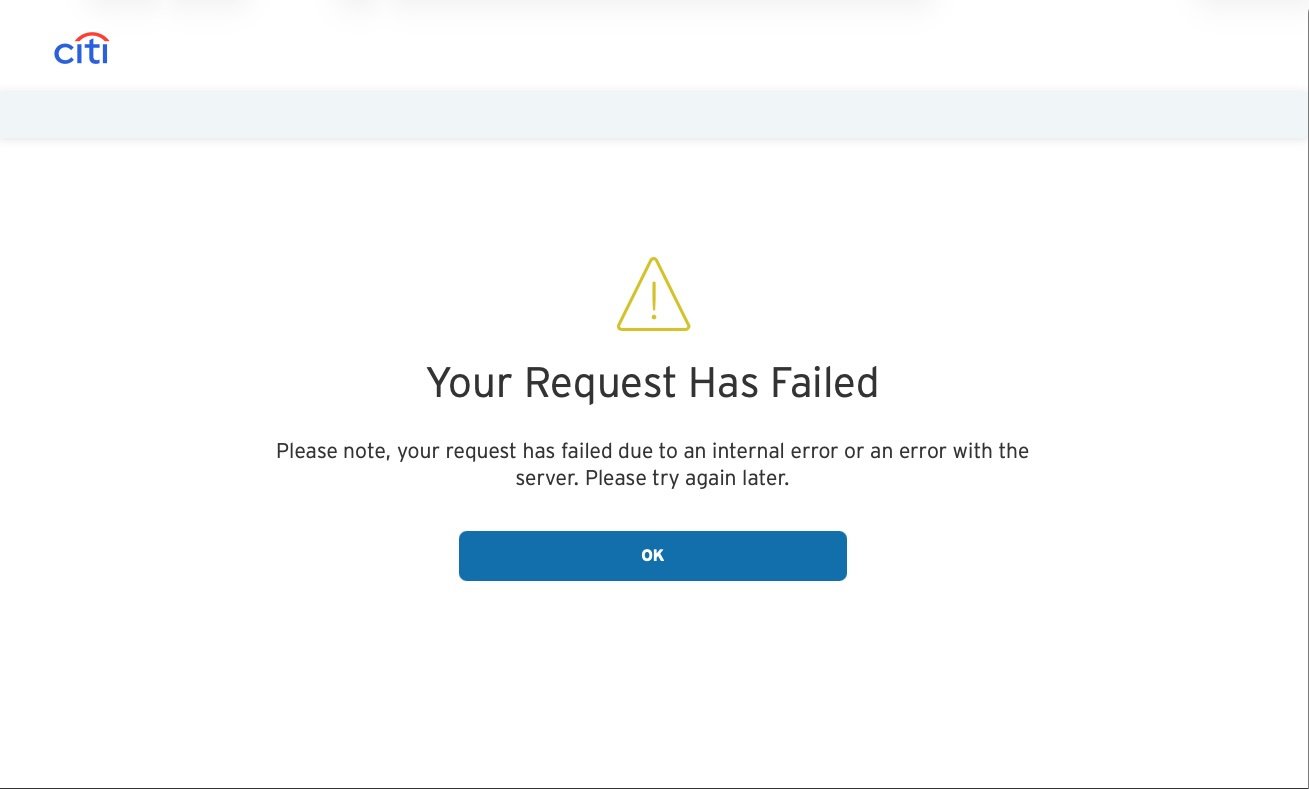
Didn't work. Disconnected all Citibank accounts. Deleted authorization at Citibank. Closed and opened Quicken. I keep getting this error: Your Request Has Failed. Please note, your request has failed due to an internal error or an error with the server. Please try again later. I don't believe for a minute this business about an internal error or an error with the server.
[Edited-Readability]
1 -
Hello @sjnelson,
Thank you for trying those steps and following up with your results, though I am sorry they didn't resolve the issue.
With this server error you are seeing, at what point does it happen? Can you walk me through the steps you take to get it?
Additionally, a screenshot may be helpful. If needed, please refer to this Community FAQ for instructions on how to attach a screenshot. Alternatively, you can also drag and drop screenshots to your response if you are not given the option to add attachments.
Thank you!
Quicken Alyssa
Make sure to sign up for the email digest to see a round up of your top posts.
-1 -
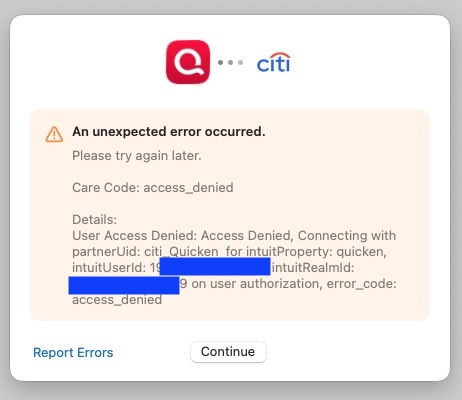
I have been having the same issue with Citi since last week (Friday, I think?). Same error. I have attached screenshots. I did the steps above to disconnect in Quicken, deauthorize apps on the Citi side, then try to reconnect - same problem. Interestingly, when I removed the authorization on the Citi web site, it said that the permission had expired on 10/2/2025, right around when the issue began.
 1
1 -
Went to settings for the Citibank account. Went to Downloads tab. Clicked Connect Account. Found Citibank in list. Clicked. Got a page telling me that Quicken Classic uses Intuit to connect. Clicked Continue. Got page asking how Quicken should connect. Only possible solutions is Quicken Connect because Direct Connect is grayed out. Pressed continue. Got Citibank Sign in page (see screenshot). Clicked Sign In. Got sign-in page. (see screenshot). Entered user name and password. Clicked. Got error page. (See screenshot)
2 -
I'll chime in that I am having the same issues. And Alyssa's proposed workaround does not work. I hope it gets elevated to Quicken support so it can be fixed.
0 -
Hello All,
Thank you all for adding to this discussion with more details on the issue.
Please contact Quicken Support directly so they can further investigate and escalate this issue as needed. If you reach out to them today, they will schedule a time to call you back when the escalation team is available. If you wait and contact during the week, needing a call back will be far less likely.
Note that only chat support is available on weekends.
Thank you!
Quicken Alyssa
Make sure to sign up for the email digest to see a round up of your top posts.
0 -
I finally overcame this issue by changing my Mac System Settings to use default browser Google Chrome. Safari did not work and Firefox did not work. After I successfully got connected in Chrome, I changed the default back. I hope this helps others in the same situation.
0 -
Hello @Xian,
Thank you for coming back to let us know what worked for you.
I am sure it will be helpful to others in the future.
Thanks again!
Quicken Alyssa
Make sure to sign up for the email digest to see a round up of your top posts.
0 -
@Xian - switching to Chrome worked for me too, thanks for that!
0 -
Hello @The Grain Doctor,
Thank you for following up to let us know that it worked for you as well!
If you need more help, don't hesitate to reach out.
Thank you!
Quicken Alyssa
Make sure to sign up for the email digest to see a round up of your top posts.
0 -
Using Chrome as default also worked for me. Thank you.
0 -
Quicken Alyssa
Make sure to sign up for the email digest to see a round up of your top posts.
0


