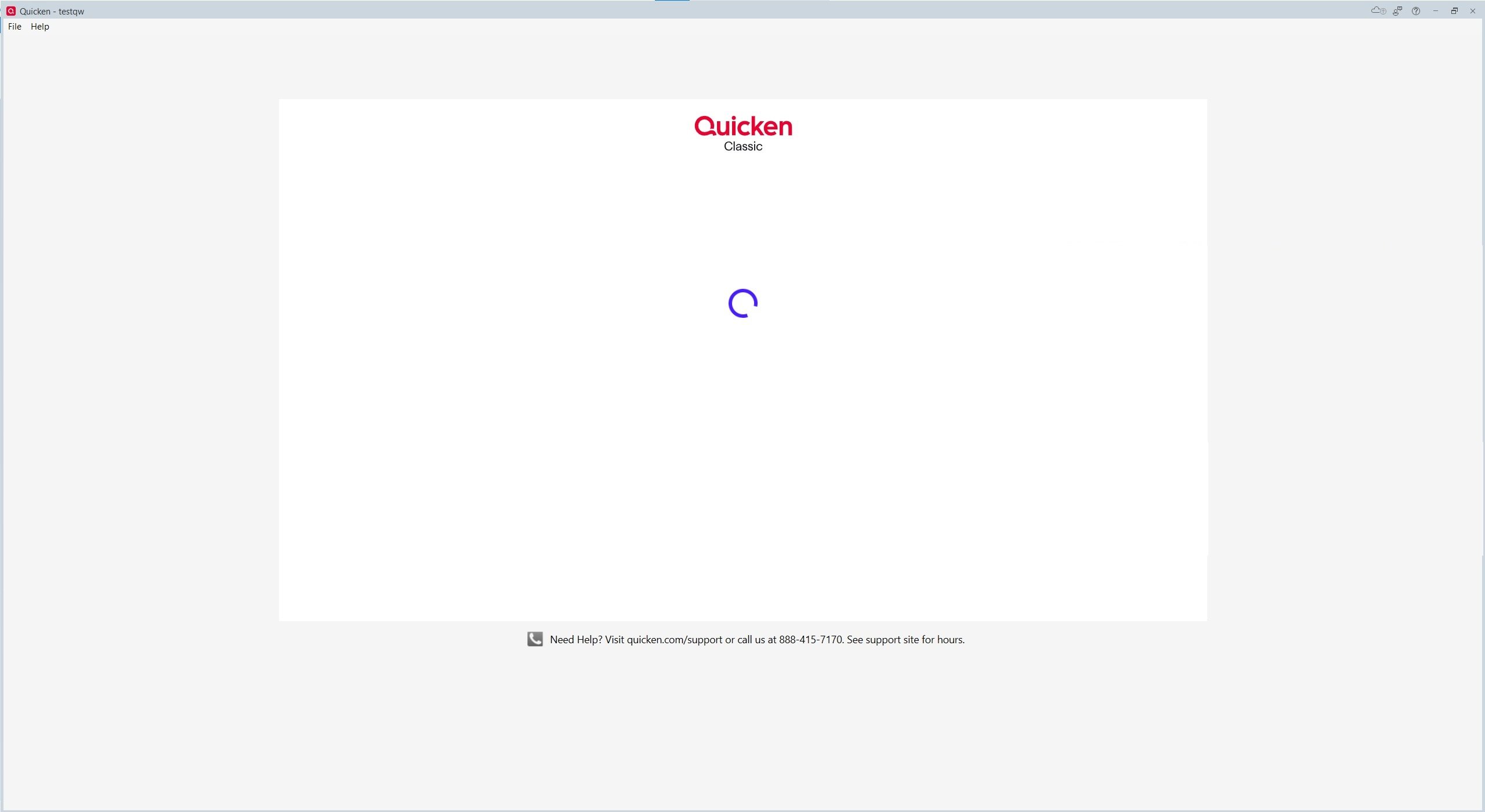
As of this morning, Quicken Classic keeps asking me to log in, and the login screen hangs after I enter my email address. It started when opening my usual file. I got a pop-up dialog asking me to log in to my quicken account - which is already weird, because that's not usually necessary. The pop-up hung after entering my email, and clicking the X to close it just popped up another dialog that was blank. Repeat, repeat.
Based on a suggestion from another, older thread, I went to Preferences → Quicken Id, and killed the pop-up repeatedly until I got the "we could not retrieve your quicken profile information" message, then clicked Try Again. Same results.
I then signed completely out of the file, getting to the full-screen login within Quicken. Same results. Tried again by creating a new, empty quicken file. Still stuck at the full-screen login, and unable to even access the empty file, in order to get to Preferences or anything else.
Completely removed the quicken installation by uninstalling, removing the residual Program Files (x86)/Quicken directory. Reinstalled using the installer downloaded from within my online quicken account. Same results. Creating a new, empty file from the fresh quicken installation brings up the full-screen login, which gets stuck with the spinning circle icon after entering my password. Tried updating Windows and rebooting, same results.
So I tried creating a new account, with a different email/password. Same results - the full screen login hangs after entering the information to create the account & then clicking Create Account, then eventually dumps back to the account creation screen with the new info pre-filled.
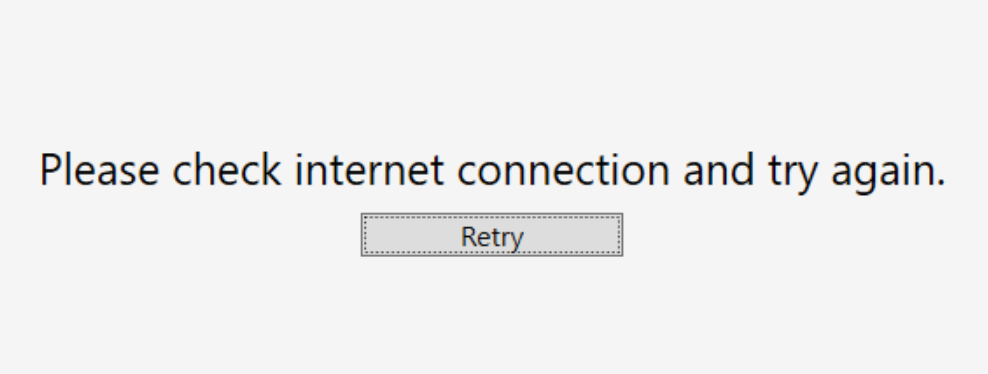
Tried again with my computer completely disconnected from the internet. The login screen said "please check internet connection and try again". Tried again with internet connected, and firewall turned off - same results, hangs after entering email. Tried again with Run As Administrator, and go a "quicken does not support the option Run As Administrator" pop-up.
My login/password have not changed, and are still valid - as evidenced by the fact that I was able to log in to my account on the web site. The quicken installation was, and is again, at the latest updated version (R64.30 build 27.1.64.30).
Two questions: 1) is there something going on with Quicken Classic globally? I searched but didn't find any other threads. It seems clear that it's a problem connecting to the quicken servers, since a new file with a new installation isn't working.
2) [Removed - Profanity] - I thought that even without a valid subscription (which I have), or when simply offline, I'd still be able to access my old file and perform offline tasks. But it seems like quicken forces a login in all cases now. I've been using it for decades, but if it's now useless without a connection to log in, that could be the dealbreaker that finally makes me leave.