ID/Password suddenly required for expired subscription

goinesjl
goinesjl Quicken Windows Subscription Member ✭✭

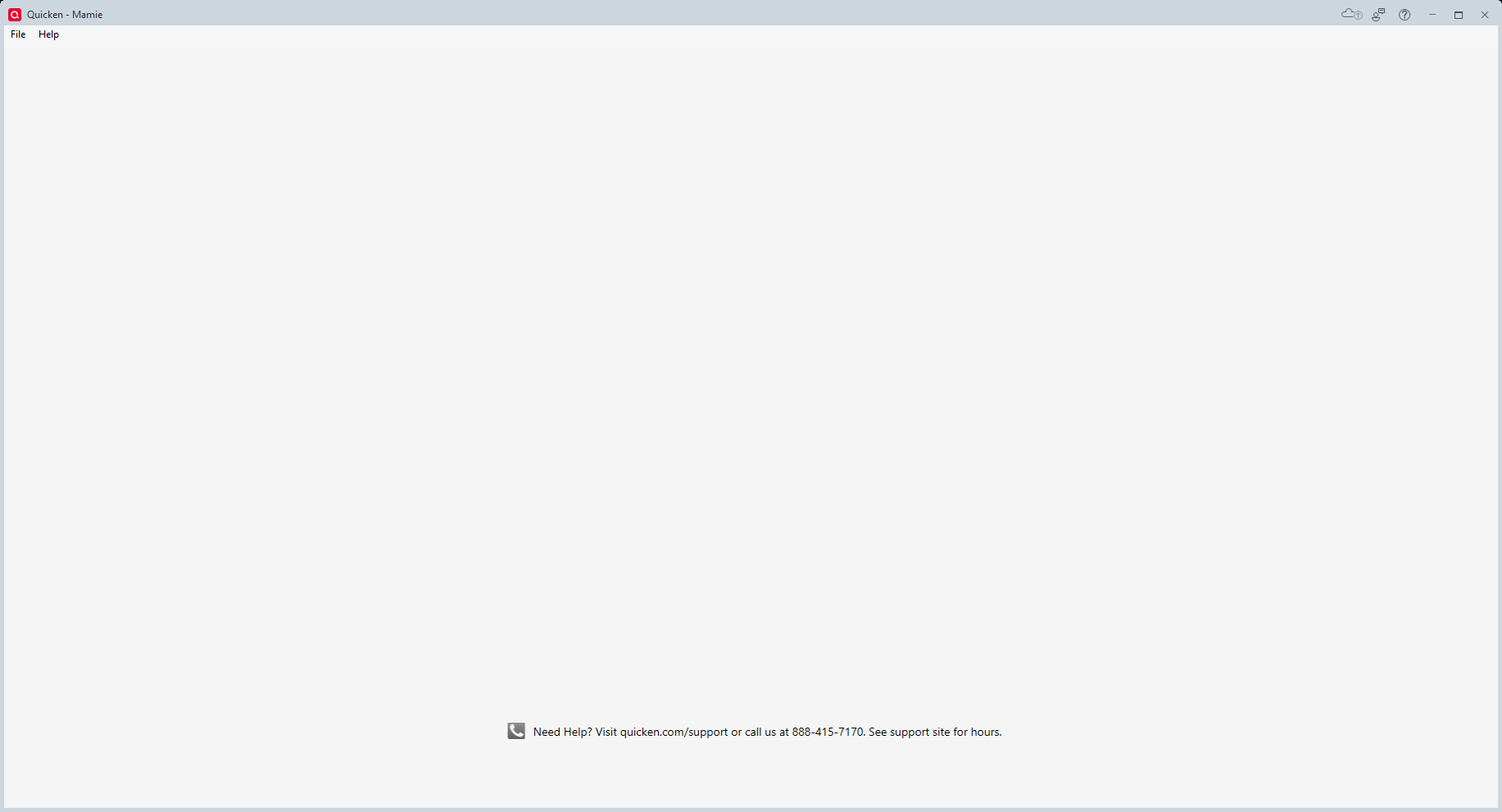
Subscription expired 8 months ago. Never used any of the only functions so I did not renew. Today was attempted to add a new account and it asked for my ID/Password. It does this for all 5 of the quicken files I have, even the ones that have not been used for a year. The files flash on the screen and then immediately require the sign-in and returns to a blank screen with no information visible. I know the ID/Password are correct because I can sign-in here and I have changed the Password this morning with emails acknowledging it was changed.

Comments

  • goinesjl
    goinesjl Quicken Windows Subscription Member ✭✭

    Additional Info- Windows 11 home, Quicken Classic Version R61.17, Build 27.1.61.17 Have tried the comments on "Blank Popup Screen Asking to sign in with Quicken ID" from September 5 and "Windows 11 - Blank screen - No Login prompt issues" from July 6 since mine is function very similarly with the ending being the blank screen shown in the Blank Popup thread.

  • goinesjl
    goinesjl Quicken Windows Subscription Member ✭✭

    Update from this morning. Started Quicken and was immediately presented an update to install. This update sent me to Version R64.30, Build 27.1.64.30. However, the update did not fix the issues has it still returns to the blank screen after providing the login email/password.

    Quicken 2025-10-19.png
  • Quicken Kristina
    Quicken Kristina Quicken Windows Subscription Moderator mod

    Hello @goinesjl,

    Thank you for reaching out. Since your subscription is expired, please roll back to a version of Quicken that was available when your subscription was active. For instructions on how to do that and links to download previous versions, please use this article:

    If you haven't already done so, please try following the steps listed in this article on troubleshooting a Blank/White login screen (Note - Ignore the part of Step 1 that says to update your Quicken. Since your subscription is expired, using a version that came out after your subscription expired can prevent you from being able to access your file until you roll back to an older version):

    Please let me know how it goes!

    Quicken Kristina

    Make sure to sign up for the email digest to see a round up of your top posts.

  • goinesjl
    goinesjl Quicken Windows Subscription Member ✭✭

    Reinstall of Quicken and Patch – Windows 11 Home does not like the original install file. Says this program not install correctly and to try compatibility modes. Under compatibility, it will not install because it is beyond Windows 8. Downloaded it again and restarted the install. Told it that it did install correctly and proceeded with the patch install.

    Connected back to the internet and opened Quicken. Provided login information and all files opened successfully. It appears a reinstall has corrected the issue.

    For your notes, I was going thru the rest of the instructions on the Blank/White Registration or “Success” Screen. On the Fifth part, turn off the Firewall the detailed instructions do not match Windows 11 Home.

    Also, when creating a new user administrator the process failed. Only message returned was that “Something went wrong” and it never would allow the account to be added.

  • Quicken Kristina
    Quicken Kristina Quicken Windows Subscription Moderator mod

    Thank you for the follow-up,

    I'm glad to hear that reinstalling the program corrected the issue.

    If you need further assistance, please feel free to reach out!

    Quicken Kristina

    Make sure to sign up for the email digest to see a round up of your top posts.

This discussion has been closed.
