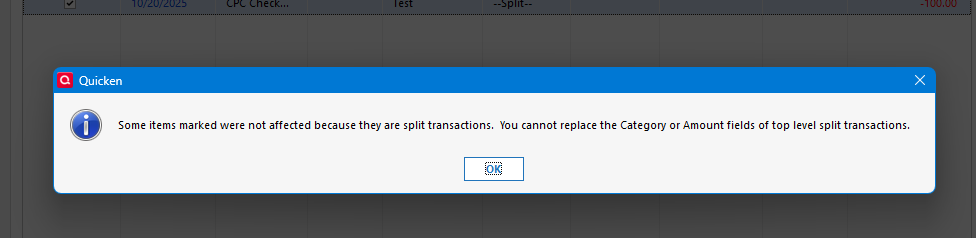
Is Find/Replace… for any version of Quicken Classic for Mac capable of operating on split transactions? Thank you.
@r-comm-acct Feature requests are in the Product Ideas section of this website. There are about a dozen subcategories for Quicken Mac; you can browse through and add your vote or comments to any of the requested features. Once an Idea thread reaches 30 votes, its status is changed to "Under Consideration" and it is forwarded to the development team for consideration. They evaluate not only whether it's a good idea, but what it would take to implement and where it would fit in their existing development roadmap. Ideas the developers accept and add to their schedule show a status of "Planned".
Here's the top for Find-and-Replace, showing the "Planned" status:
There are a few other related Idea topics. To me, this one seeks essentially the same functionality, with many more votes, but is for some reason not yet marked as Planned:
Thank you very much https://community.quicken.com/profile/jacobs.
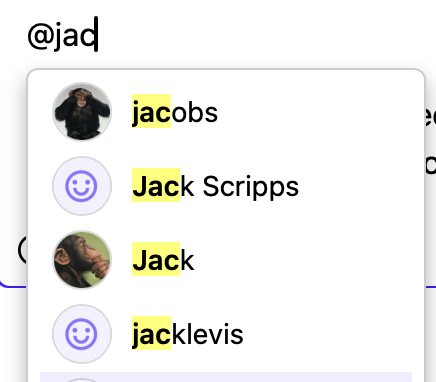
@r-comm-acct You just type the "@" sign followed by starting to type the username; it pops up a menu of matches and you select one:
However, you may not be seeing this because, for some reason, the Quicken folks have the site configured that a few features like this one aren't available to new users until after some number of posts on the site.
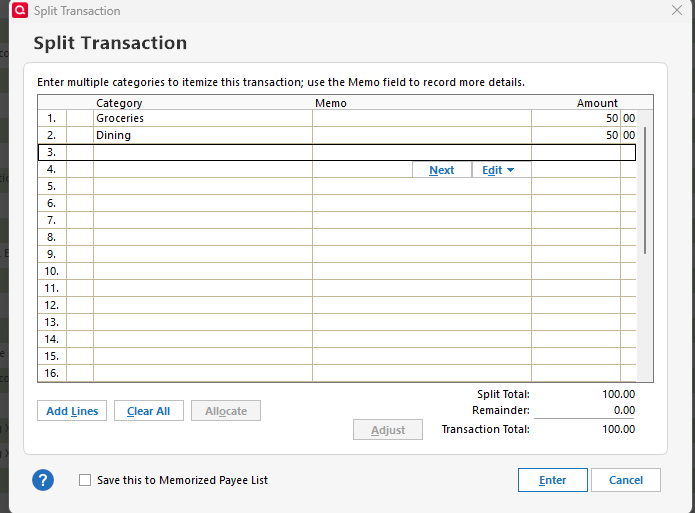
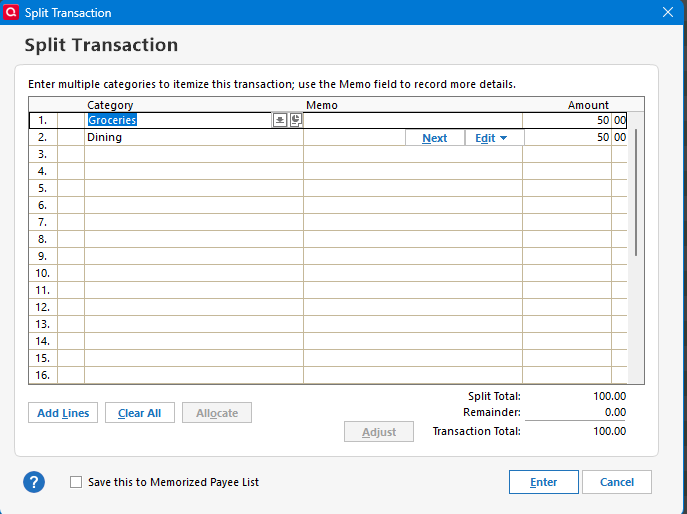
Nope. There isn't really a single Find/Replace command anyway; you can use Find to locate a set of transactions, select them for editing, and then do a group edit to modify them all, but for split transactions you can only modify the fields that apply to the entire transaction like the Payee. Fields like Category or Tags that are part of the split can't be modified that way.
Quicken Windows ability to change splits is limited to the "base transaction". As in you can change the payee, but you can't change any of the split lines.
Which isn't surprising how would you even define that change?
Say you find the transactions with a given payee, and it has 3 split lines which each have a category, tag and amount. How do you say change split line 1's category to XXX? Not to mention if your search hits transactions where split line is something different on a for split line 1.
Which isn't surprising how would you even define that change? Say you find the transactions with a given payee, and it has 3 split lines which each have a category, tag and amount. How do you say change split line 1's category to XXX? Not to mention if your search hits transactions where split line is something different on a for split line 1.
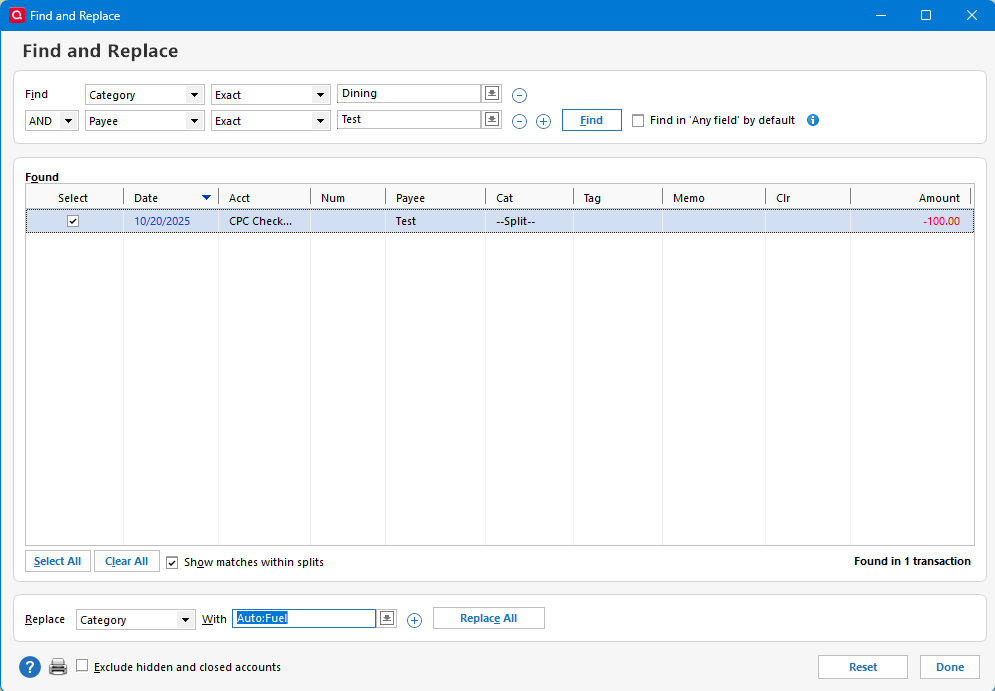
@Chris_QPWI think the expectation is that if there was a true Search-and-Replace or Find-and-Replace, if I say to change all instances of Category XXX to Category YYY (or all instances of Tag AAA to Tag BBB), Quicken would change all instances of Category XXX to YYY (or all instances of Tag AAA to BBB) irrespective of whether they occur in an unsplit transaction or in one (or more) splits of a transaction. Currently in Quicken Mac, Search and followed by mass Edit iwould apply the edit only to the unspilt transactions, and ignore the split transactions which match the search criteria.
@r-comm-acct The Quicken Mac development team has indicated that they do have plans to release such global Find-and-Replace functionality. As with all feature enhancement requests, we never know when they aim to implement such a change.
@jacobs Yes, an implementation like that makes sense, but in reality, the main reason I replied is that it seems like people like to give Quicken Windows features that it doesn't actually have:
Thanks kindly everyone for the informative discussion. I was thinking, as jacobs suggests, about changing all instances of Category XXX to YYY whether they occur in split or unsplit transactions, and am glad to hear it's on the development roadmap. Is there somewhere on Quicken's website where the development team shares their plans -- how did you learn of it? I can also see, as @Chris_QPW suggests, that Amount could be problematic for splits as a category could be used more than once in the same split, say to detail an adjustment.
How might I get profile URLs to post live with the @ sign in a comment?
Thank you @jacobs.