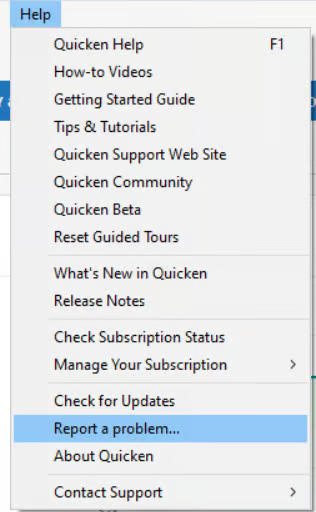
I have done all updates and this is still a problem.
Is anyone else still having this problem?
Yes! I can get the menu back to appear, but the black bar remains. This is a real PITA.
XPS-8960 32G Ram 1TB HDD
The discussion from November 2024 was apparently closed because those who reported the issue said it went away after they installed R60.14.
Please go to Help > About Quicken and let us know version of Quicken you are running.
Is this the issue? An open discussion
Hello @cschwalm,
Thank you for reaching out!
There’s actually a newer discussion about this same issue that’s currently open and being tracked under an active escalation ticket (CTP-14856). I recommend following that thread and adding a comment there so you can stay updated as progress is made.
You can also help our teams by submitting your log files through Help > Report a problem in Quicken.
Please add "Attn: CTP-14856” to the title/subject field so it can be linked to the ongoing investigation.
Thank you for your patience while this issue is being worked on!
Quicken R64.35 Build 27.1.64.35
Dell XPS-8960 32GB Ram 1TB HDD