Program responsiveness

Adience
Adience Quicken Windows Subscription Member ✭✭
edited November 29 in Before you Buy

I have a mid range gaming desktop pc that I bought in 2020 (ADM Ryzen 7 3700X 8-core, 32gb SSD ram, RTX 2070), with which I can still play even the new 2025 games on modest settings just fine.

But almost everything with my Quicken Windows is slow, every button / link I click, there is a notable up to 1 second stutter/freeze, before it reacts. Sometimes it can be every longer than 1 second. (yes, I realize gaming is more about the GPU and Quicken probably only relies on the CPU).

I wouldn't say I have a very late data base, since I've only started using Quicken since 2023, my backup is around 50mbs, and the file is saved on the local C drive. Also my investment portfolio only has 20 ish securities.

I also tried Quicken on the Mac, which is butter smooth and very responsive (yes I understand Mac was recently developed from the ground up and it is supposed to be much faster).

I am thinking about getting a new top of the line gaming laptop, will I notice performance improvement in Quicken Windows as a result?

thanks

Answers

  • jacobs
    jacobs Quicken Mac Subscription SuperUser, Mac Beta Beta

    I'm a Quicken Mac user, so I don't know if the same situation exists with Quicken Windows: check to make sure you don't have any Quicken windows open which are hidden behind the main Quicken window or minimized. On Quicken Mac, I've seen users complain about overall slow performance and the culprit turns out to be that they had a report window open but out of sight; every transaction saved generates a refresh of the report(s) or account registers(s) in other open window(s). Simply closing the hidden/obscured/minimized windows so only the one main window is open restore Quicken to its regular zippy performance.

    Quicken Mac Subscription • Quicken user since 1993
  • Chris_QPW
    Chris_QPW Quicken Windows Subscription Member ✭✭✭✭

    Will your performance improve?

    Maybe, but probably not for the reasons you think.

    Your current machine is plenty fast enough. Quicken Windows performance problems are very hard to pin down. Likely causes are something about the machine, like drivers or a setting or such. As such just getting on any other machine might make the difference. It might be a corrupted data file. And even though it doesn't sound like it in your case, it can be "user perception". Some people have very powerful computers and expect Quicken to be lightning fast and it will never be that. There is also the case that Quicken performance does suffer in investment accounts with a lot of securities/security lots/transactions, but that is usually limited to a given investment account.

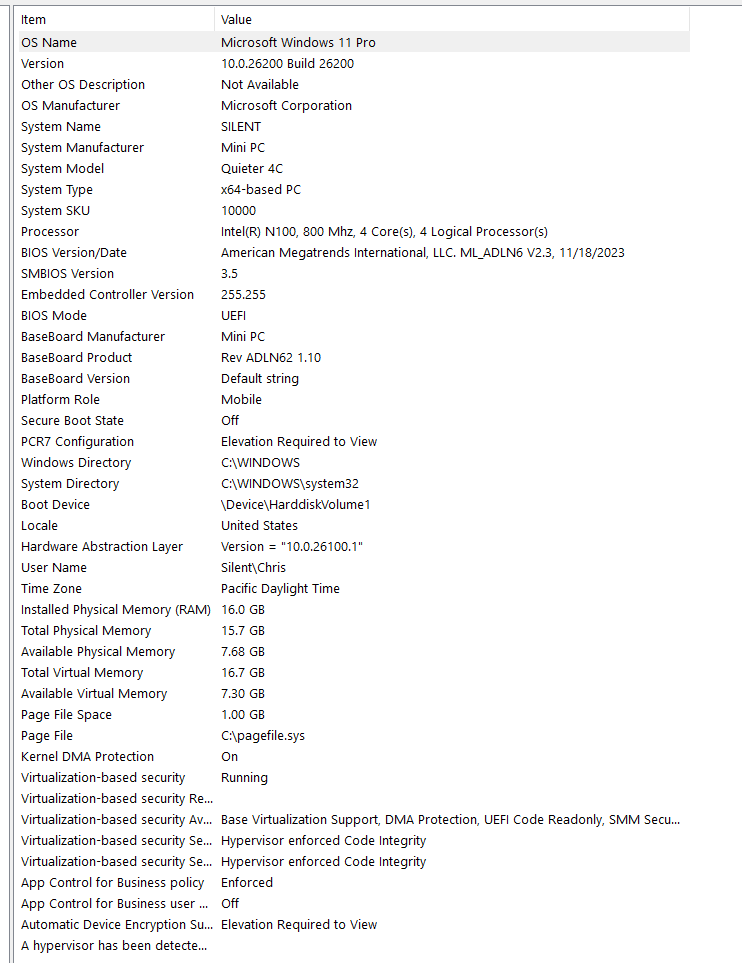
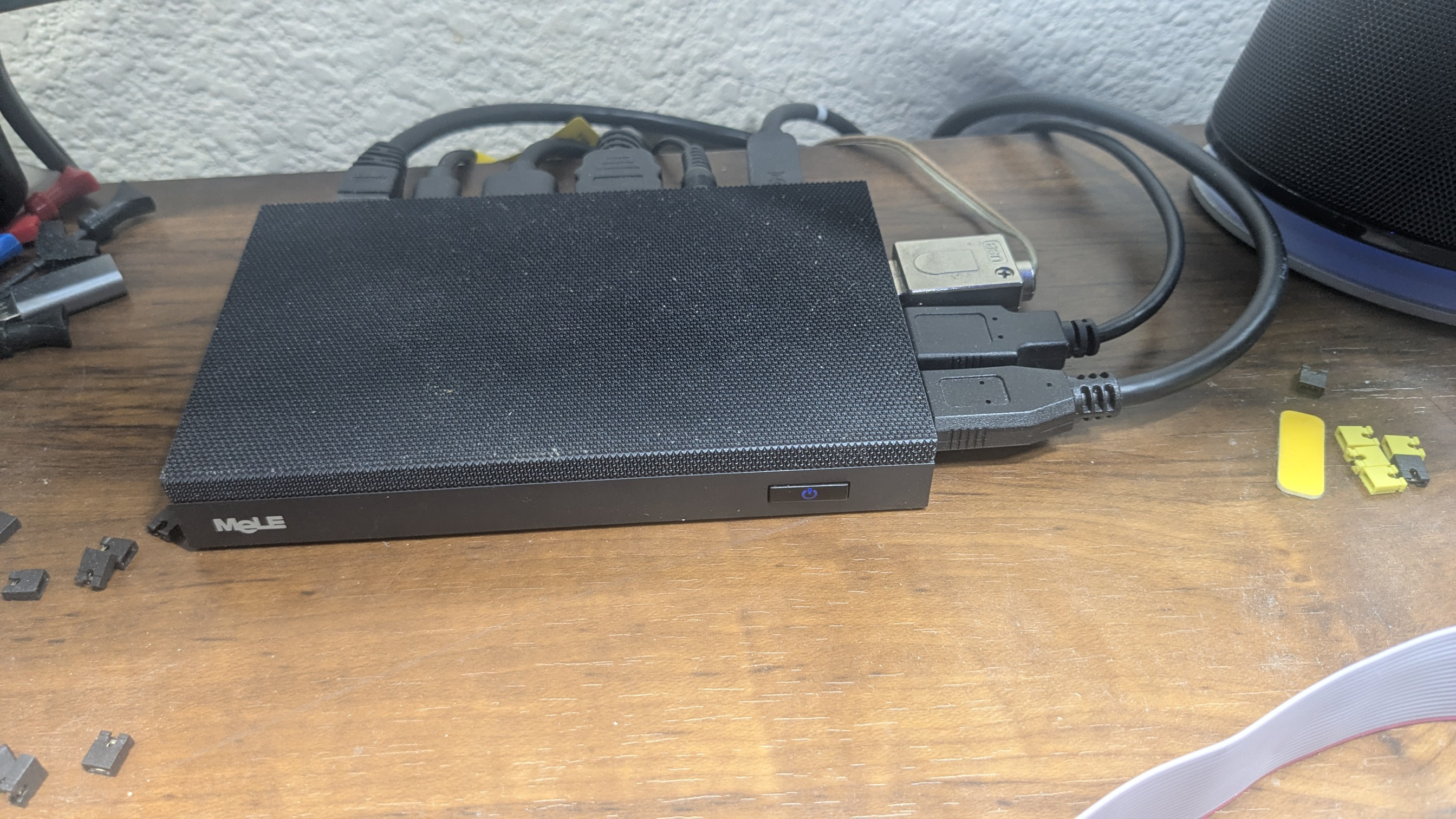
    Right now, because I don't like fans, I'm running on this (and I don't have performance problems, and my data file goes back to 1996 and is 185MB):

    image.png PXL_20251028_235239377.jpg

    Signature:
    This is my website (ImportQIF is free to use):

    http://www.quicknperlwiz.com/

This discussion has been closed.