Hello:
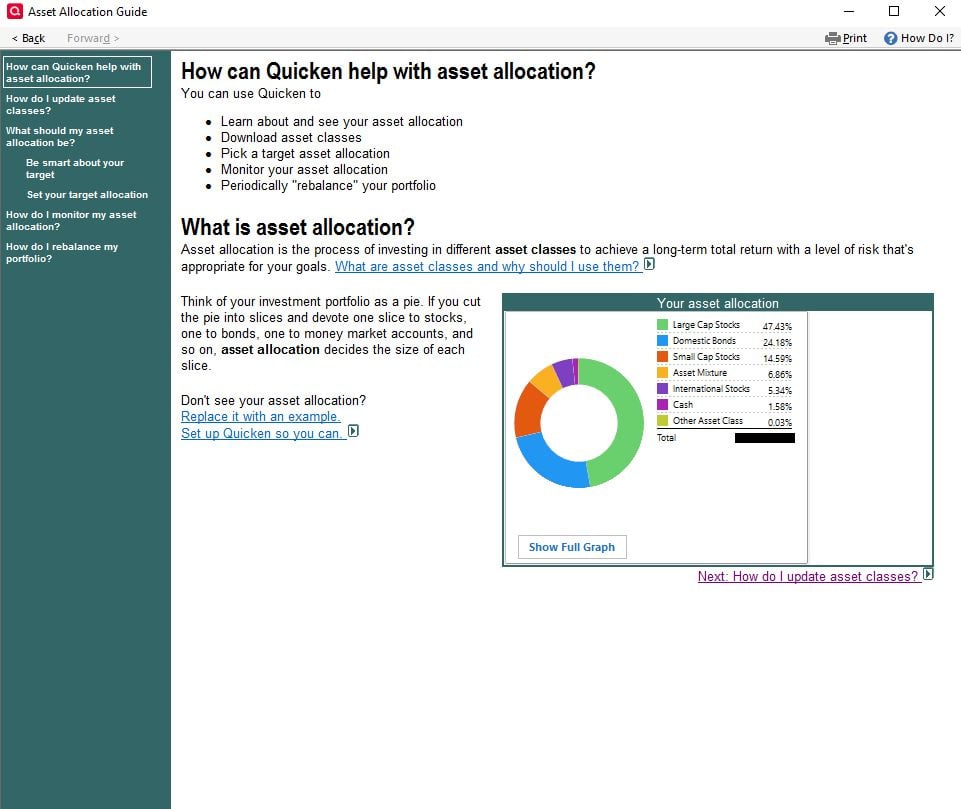
Screen 1 of the Asset Allocation Guide, "How Can Quicken Help…" shows the correct investment total. It exactly matches the total investments in my accounts bar.
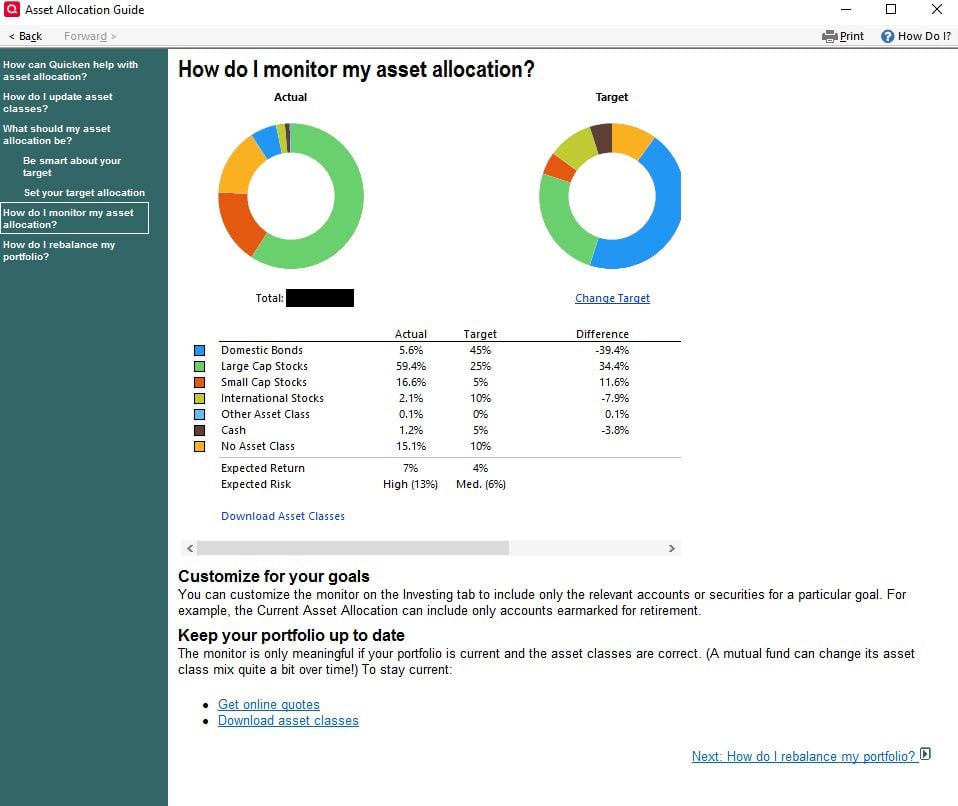
Screen 4, "How do I monitor my asset allocation" on the other hand only shows about half the investment total.
See attached screen shots. I blacked out the totals but imagine the investment total on the second shot being about half of the first. The difference is significant.
As suggested in a different thread for a different problem, I did close Quicken and delete the C:\ProgramData\Quicken\Cache folder. That did not solve.
Windows 10 Premier, R65.17
I appreciate any assistance.



![2025-12-09 07_29_58-Quicken Classic Premier - JTG V2 - [Investing].png](https://us.v-cdn.net/6031128/uploads/09P7DN63OWQG/2025-12-09-07-29-58-quicken-classic-premier-jtg-v2-5binvesting-5d.png)
