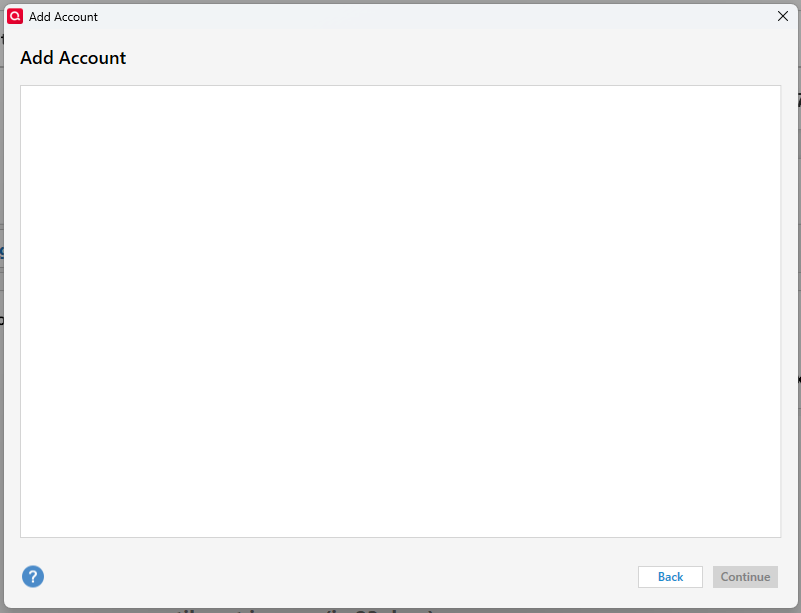
When I click Menu>Tool>Add Account…, and then "Search for your financial institution" (Connected Account), and after clicking on any financial institution, I get a blank Add Account page. How can I resolve this? Using Version R65.17 Build 27.1.65.17
Hello @jo ma,
Thank you for letting us know you're encountering this issue. To help troubleshoot, please provide more information. When did you first notice this issue? Was there anything that happened around the same time that this started, such as a computer/program update or unexpected computer/program shut down? Is your Quicken file located directly on your local hard drive? Is it synced with any cloud service, such as OneDrive, iCloud, or Dropbox?
If you haven't already done so since this issue started, please try restarting the device Quicken is installed on. If the issue persists, please try reinstalling the current patch. The article linked below provides the instructions on how to do that:
I look forward to your response!
I haven't seen a response from you. Do you still require assistance?
Thank you!