This discussion was created from comments split from:
Questions on Fidelity Rewards Visa
.
I have both the Fidelity Visa and the Chase Freedom Visa and I have had what I think is a related problem. There is a month long gap in the entries for both from mid-October to the time that I noticed and redid the accounts in late November. Someone at Quicken help said that these were known problems and I would get an email telling me when they would be resolved, but since I never received an email telling me of the problem in the first place, I don't expect one now. I'd like to not have to enter these transactions manually, especially since I was traveling abroad during that time. Does anyone have a lead as to how I can fill this gap without getting duplicate transactions?
Hello @R2power,
Thank you for letting us know you're encountering this issue. To help with this issue, please backup your Quicken file, and follow these steps from our article on missing transactions:
1. Has the sort order been changed in the register? Confirm that the Sort Order in your account register is by Date; just click the top of the Date column in your account register. It's likely the transactions are in your register, just not where you thought they'd be.
2. Click the Reset button at the top of the register. This will confirm that there's no filtering in your account register.
3. Try refreshing your login session: To do this, go to Help > Refresh Sign in. After completing the log-in process, trying running a One Step Update again.
4. Was the missing transaction incorrectly matched to another transaction in the register? This is common with repeating payments made to the same payee for the same amount.
5. Have any transactions been deleted recently? Transactions won't download again after being deleted. If a transaction was deleted in error, you can re-enter it manually (if there's a large group of deleted transactions, it may also be easier to restore a backup).
6. Was the transaction moved from one account register to another? Click on All Transactions in your account bar and search for the missing transaction. If you find the transactions in an incorrect account, you can move the transactions to the correct account: just select the transaction(s), right-click, and select Move transaction(s). Select the correct account and click OK.
If the troubleshooting above does not resolve the issue, check to see if the financial institution allows you to download QFX/Web Connect files. If they do offer that, then you should be able to get a QFX file from the financial institution for the timeframe of the missing transactions. If you're able to limit the timeframe to just the timeframe where transactions are missing, that should reduce the odds of duplicates.
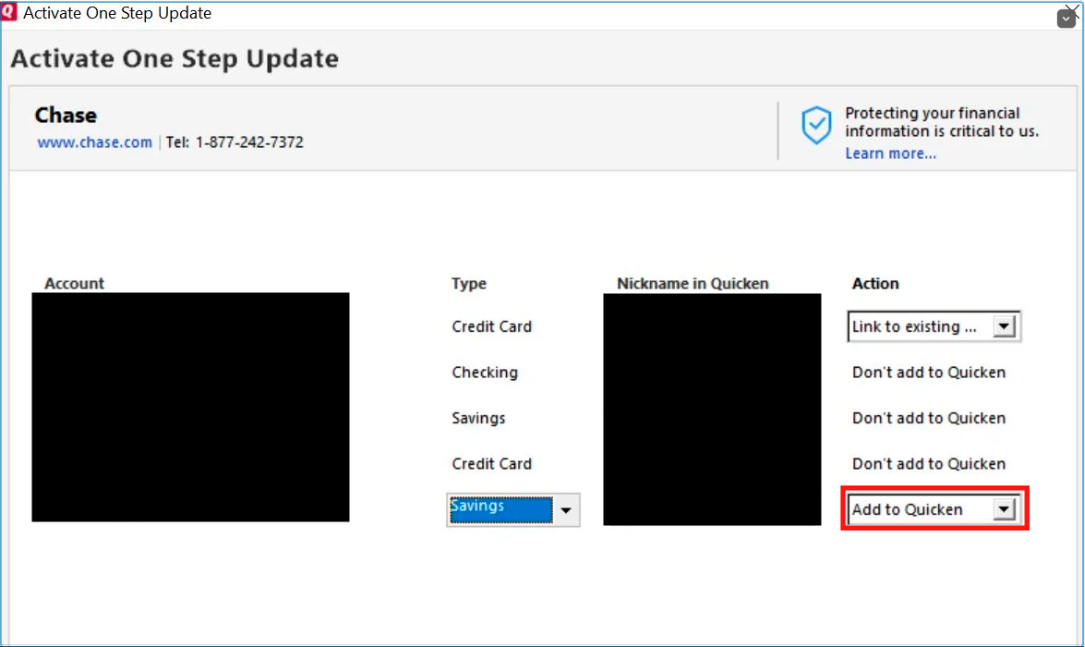
One final possibility, if the others don't work, is to backup your file, deactivate the problem accounts, then navigate to Tools>Add Account, follow the prompts, and add the accounts into your Quicken file as new accounts.
Once the accounts are added as new accounts, check to see if the missing transactions downloaded into the newly added accounts. If they did, copy/paste those transactions into the original accounts. Then, delete the new accounts and reconnect the original ones.
I hope this helps!
Not really very helpful. I don't have the time to devote to the detective work you are asking me to do. You need a faster fix than this.
There is no reset button at the top of the register that I can see. I can find no information on the Chase site about qfx files or the ability to download individual transactions. I'll try the final workaround, but since this has happened to at least 2 accounts of mine, I am sure this is affecting other people as well who would like a better solution from a mature product like this. As I said in another post, very frustrating.