Cash Flow Forecast Fail in Quicken XG
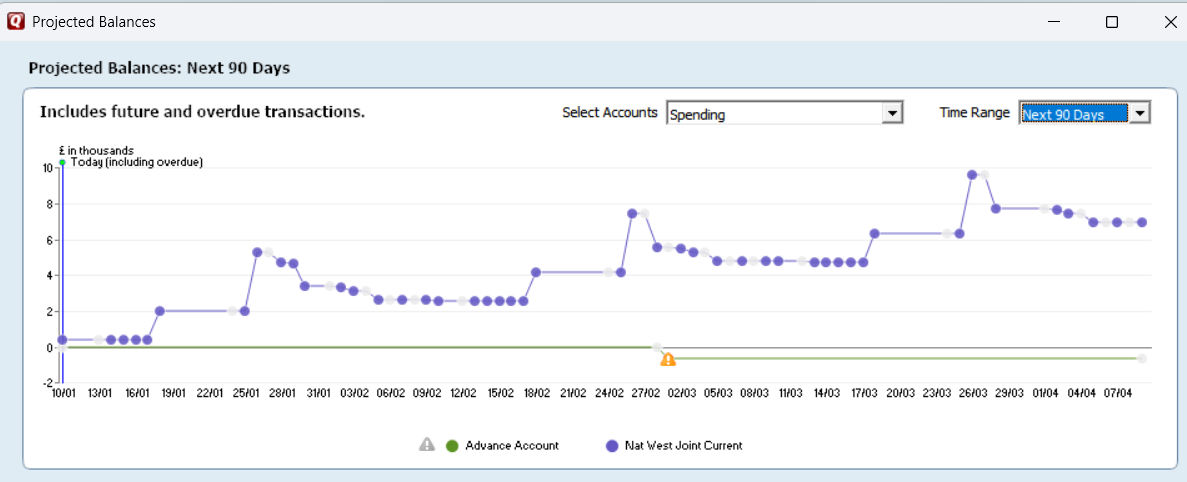
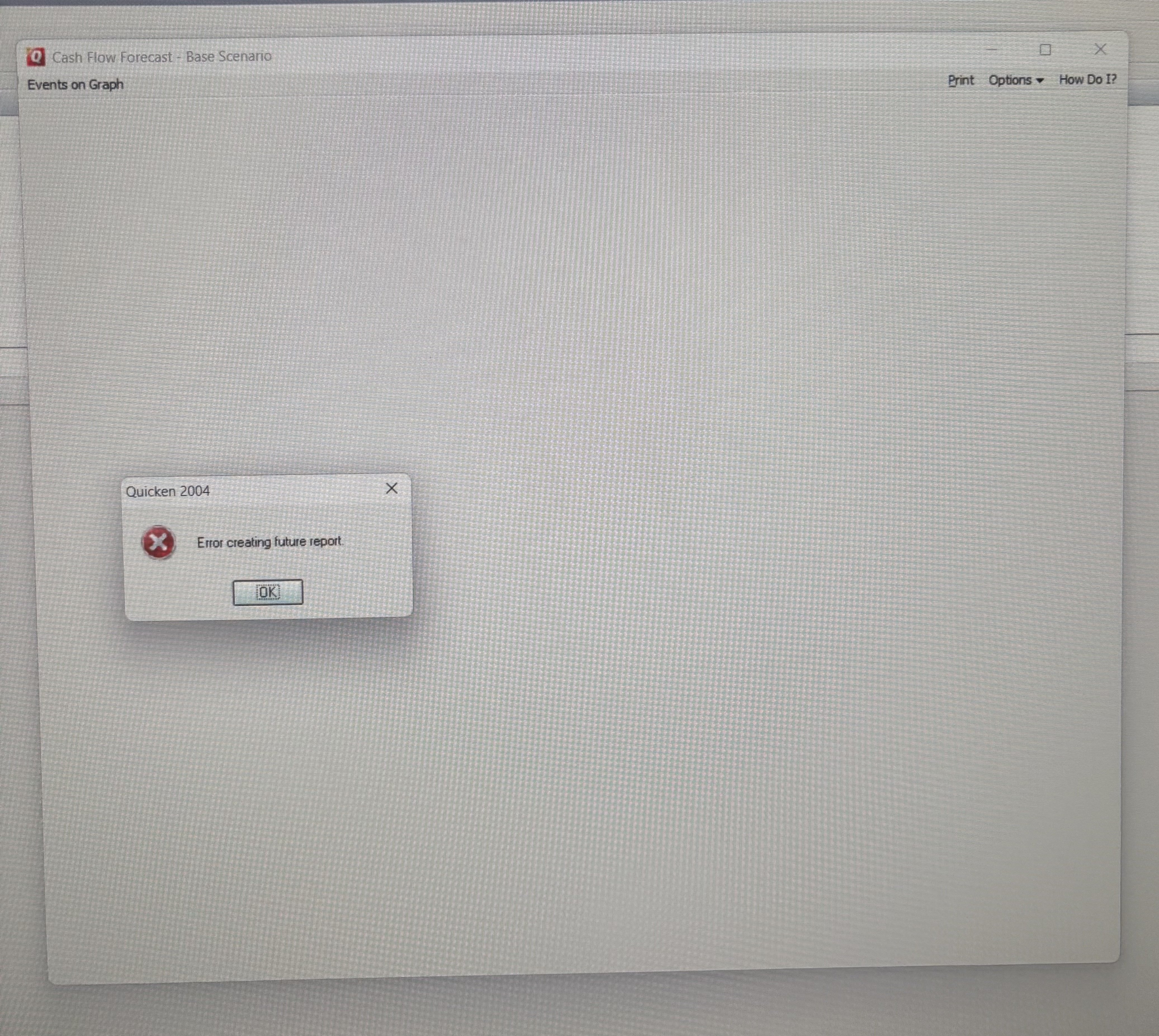
Since the new year (1st Jan 2026) my classic Quicken XG 2004 now fails to create a forecast and gives the pop up error “Error creating future report”. If I change the system date in Windows 11 back to December 2025 the forecast runs, but then it is out of date, so not much use.
Any ideas how to fix this? I’m wondering if it is an ini file or windows registry issue.
Thank you
Comments
-
Same for me John, I think this version of Quicken may have just run out of road!
1 -
Having the same issue.
Hopping on here in the hope of a fix....
(fingers crossed)
1 -
I wouldn't hold my breath hoping for a fix to a 20+ year old product that's no longer offered.
Quicken stops supporting product that are 3 years old.
Q user since February, 1990. DOS Version 4
Now running Quicken Windows Subscription, Business & Personal
Retired "Certified Information Systems Auditor" & Bank Audit VP0 -
Given that you have proven that the bug seems to be date related, I would suspect that if that feature is vital to you then it is the end of the road for Quicken XG for you.
You probably should look into converting to at least Quicken 2013 Deluxe US which you can get for free from here:
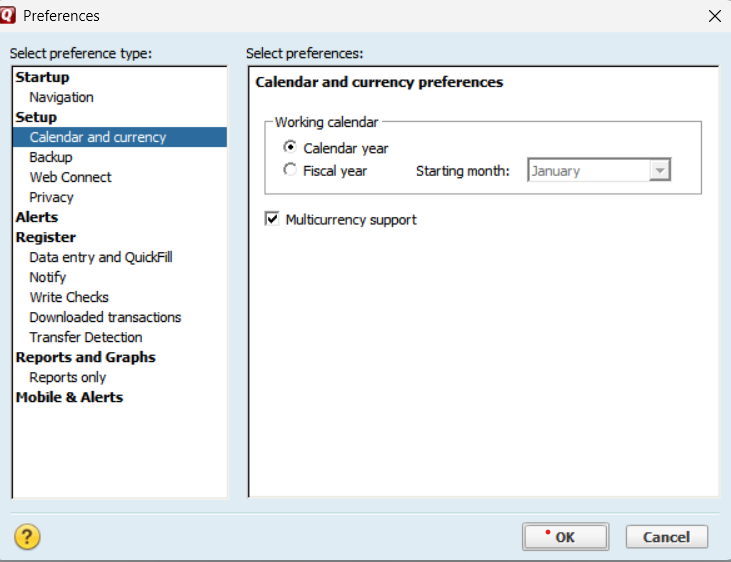
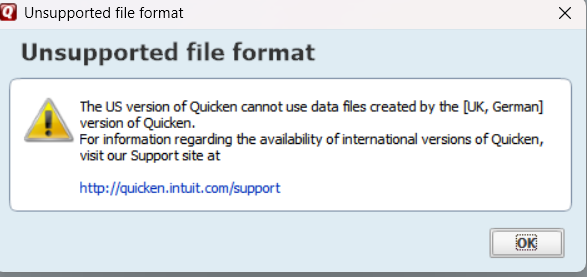
It might not be able to convert your data file directly (make sure you turn on multiple currency support in the preferences before trying to open/convert the data file).
You can try going through Microsoft Money. From what I understand Microsoft Money could read these foreign Quicken data files, and there is an import for Microsoft Money data files in Quicken.
If that fails, then maybe the QIF export/import method might work for you. Given you have UK accounts I would make sure that multiple currency support is turned on and the Home currency is set to your home currency and create any accounts that have a different currency before doing the QIF import since the QIF format knows nothing about currency, it just has numbers, and you can't change the currency of an account once it is created. Transfers also tend to be a problem; here is some information on that.
Signature:
This is my website (ImportQIF is free to use):0 -
In your Quicken data file, how many years of transaction data do you have? 20 years or more?
This is just a shot fired into the dark … What if you created a copy of your data file containing only the latest 5 years of transactions, thus reducing the number of months that a tabular report or graph with monthly intervals has to work with.
I'm assuming here that the forecast cannot work with more than either 128 or 256 intervals (approx. 10 or 20 years, respectively) …0
Categories
- All Categories
- 40 Product Ideas
- 36 Announcements
- 222 Alerts, Online Banking & Known Product Issues
- 21 Product Alerts
- 525 Welcome to the Community!
- 674 Before you Buy
- 1.3K Product Ideas
- 54.3K Quicken Classic for Windows
- 16.5K Quicken Classic for Mac
- 1K Quicken Mobile
- 814 Quicken on the Web
- 115 Quicken LifeHub