CC-800 error on multiple bank accounts
CC-800 error message is appearing on all bank accounts almost every time a one-step is performed. I have Quicken installed on two computers, both running on Windows 11. When one step update is performed on one computer first, the second computer tries to sync with the cloud during the update, and the update fails with a red circle appearing on all bank accounts. Every account has to be deactivated after closing Quicken and then set up again after signing in. This is a time-consuming, frustrating process. This problem had been reported on this site before. Then, for a while, everything was working well. Now it has reappeared. Quicken is a paid subscription service. Why can’t Quicken fix this problem with one of the most important benefits (One Step update) of using Quicken forever?
[Edited-Readability]
Comments
-
I have 25 Quicken Accounts set up for downloading in my file.
After today's OSU the Summary presented it's regular Citi Cards error, and 19 of my downloading Accounts presented with CC-800 errors.
Perhaps a new Quicken Flu is spreading?
0 -
Hello @govindanck & @Tom Young,
Thank you both for reporting this issue!
You mentioned you are using Quicken on two computers, and I am thinking this is what could be causing you to receive CC-800 errors.
I have some follow-up questions for both of you.
- Where is your data file located?
- Is your file being synced/backed up by any third-party services like Dropbox, OneDrive, or Blackblaze?
- Can you explain how you are using Quicken on two computers?
- Are you storing your file on a cloud service and accessing it from two locations?
- Are you using the Quicken application on one computer and Mobile & Web on the other?
- Are you restoring backups when you go from one computer to another?
Typically, if you've deactivated or deleted an account and then restored a Quicken backup file, you'll receive a CC-800 error. To resolve this:
First, you'll need to deactivate the affected accounts:
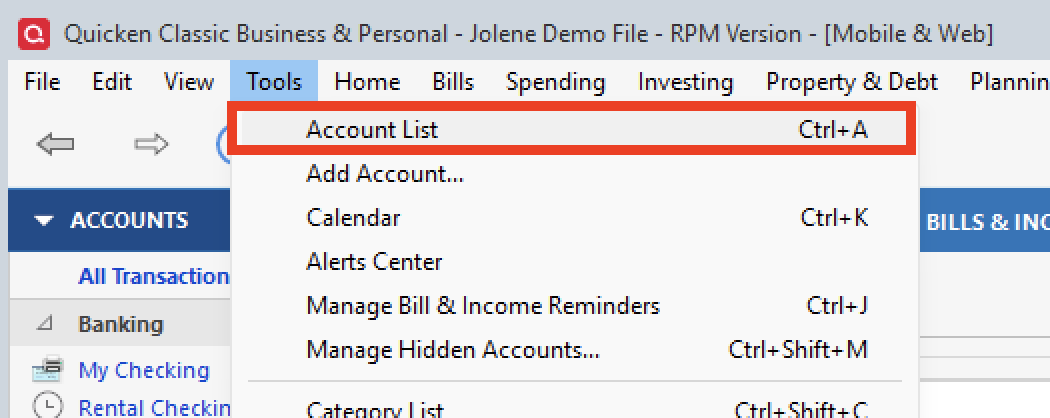
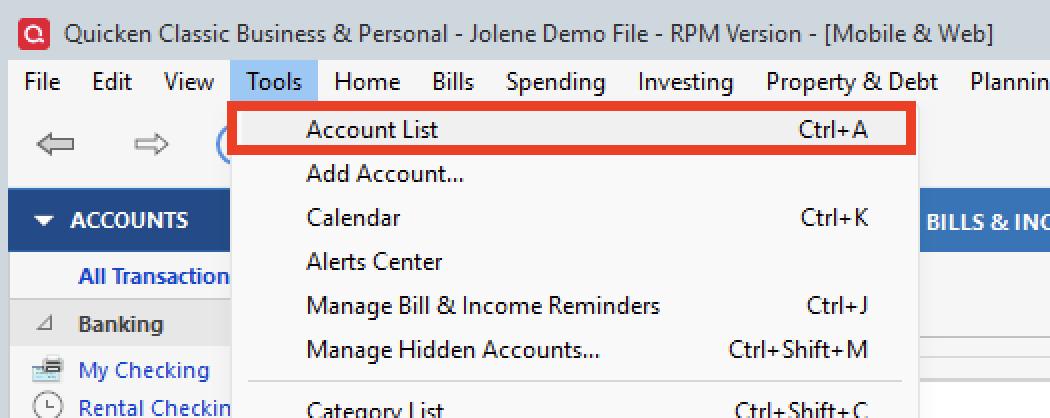
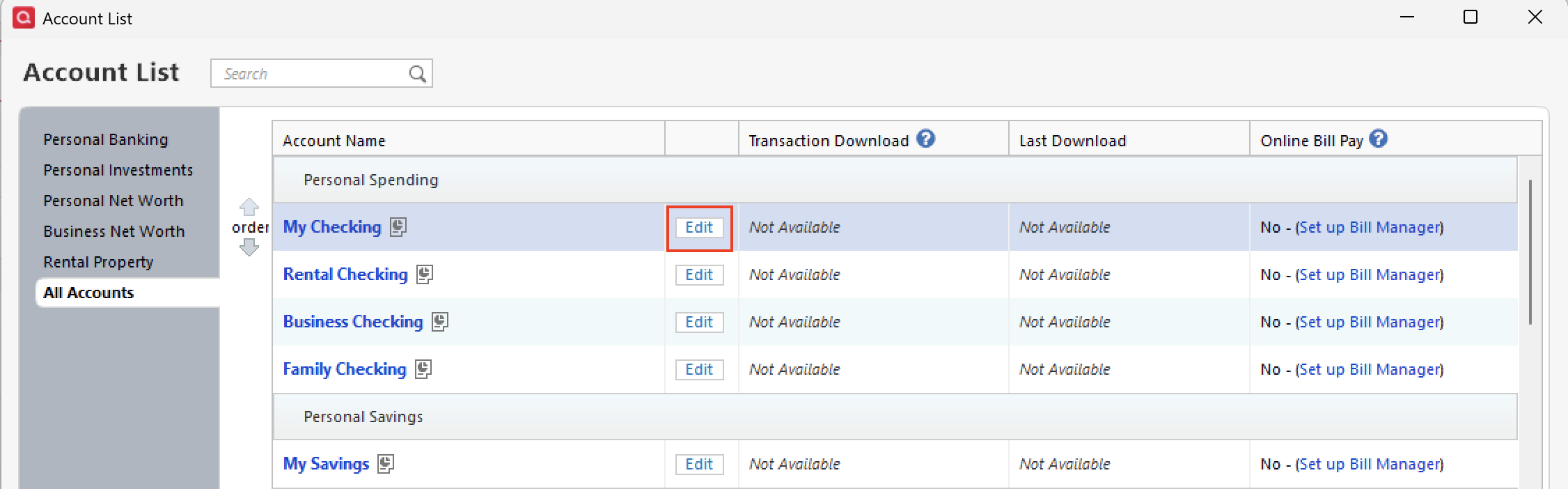
- Select Tools > Account List
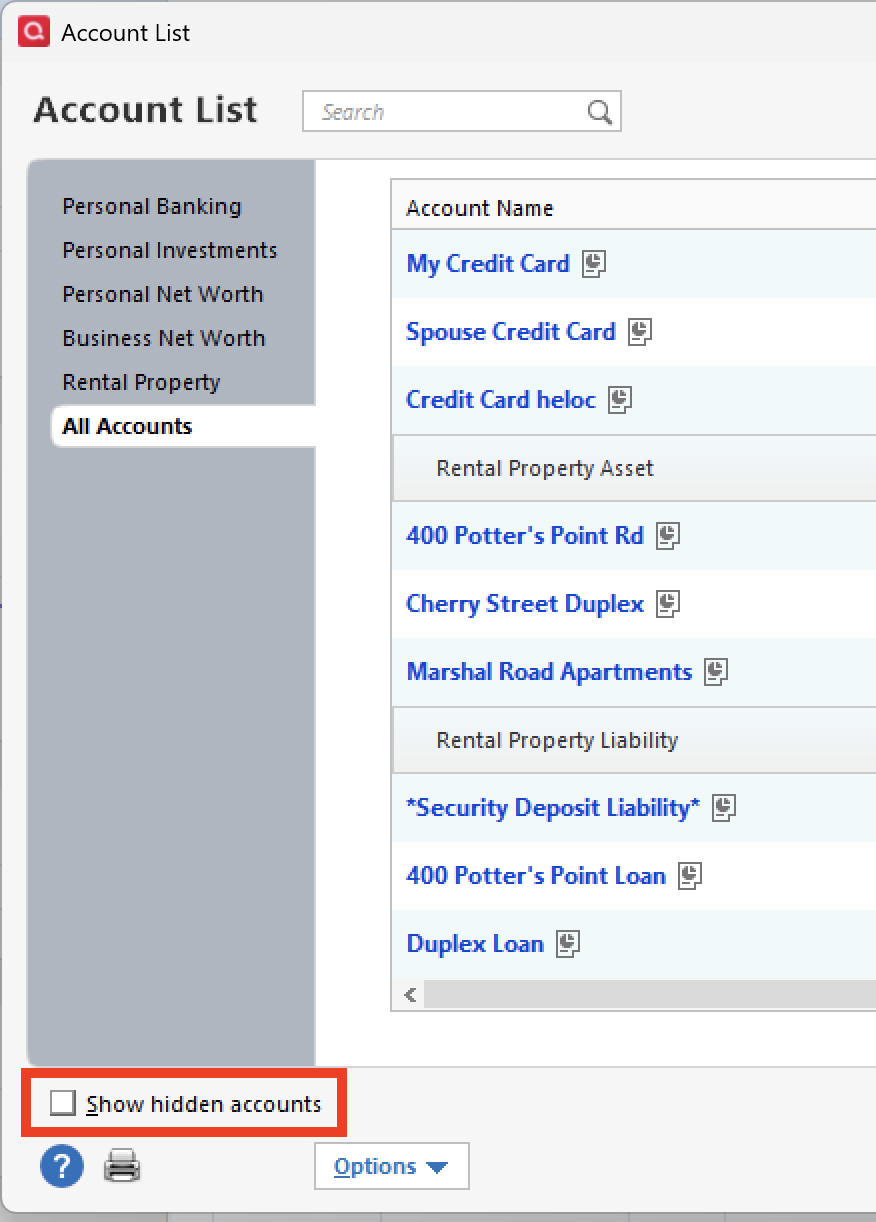
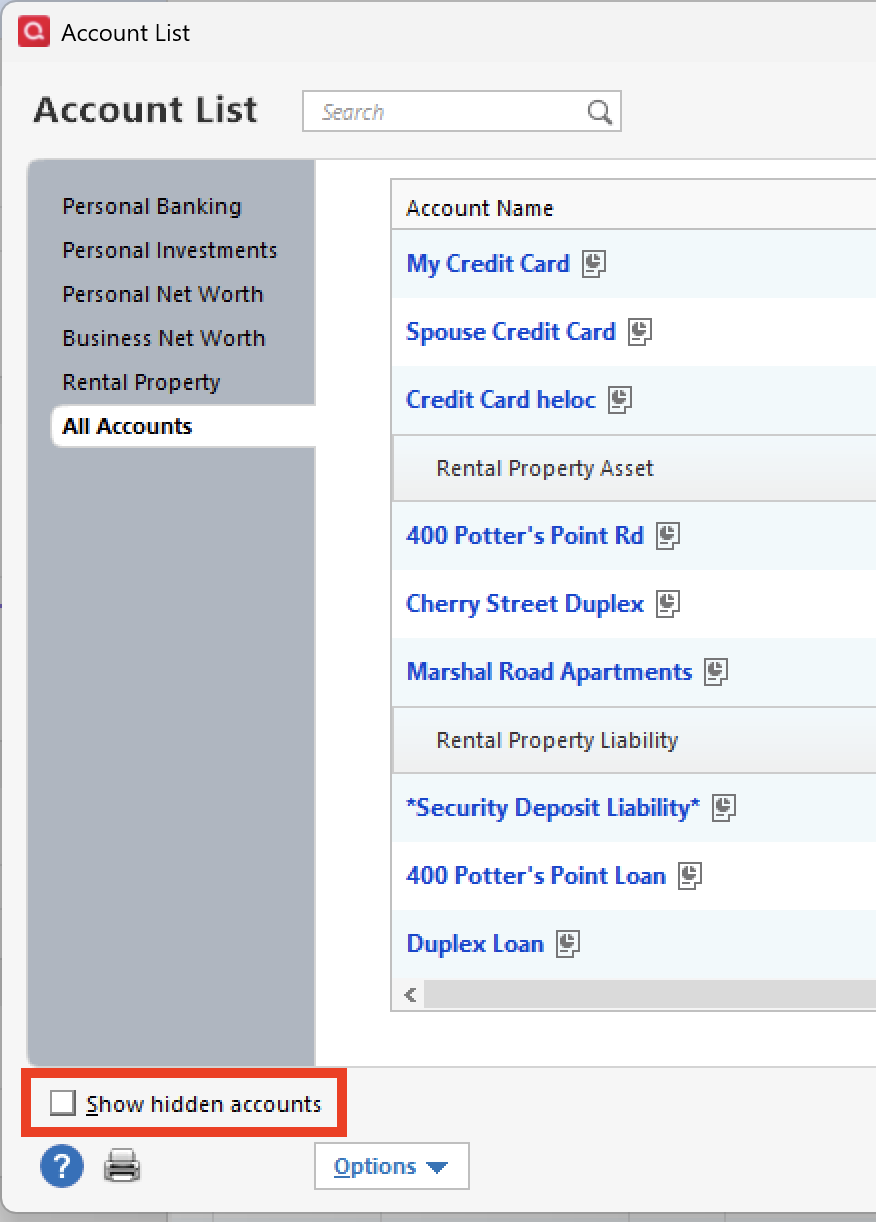
- If present, select the Show Hidden Accounts checkbox at the bottom of the Account List
- Select Edit on each account with this error and Deactivate them on the Online Services tab
- When finished, close the Account List.
Second, reactivate the accounts:
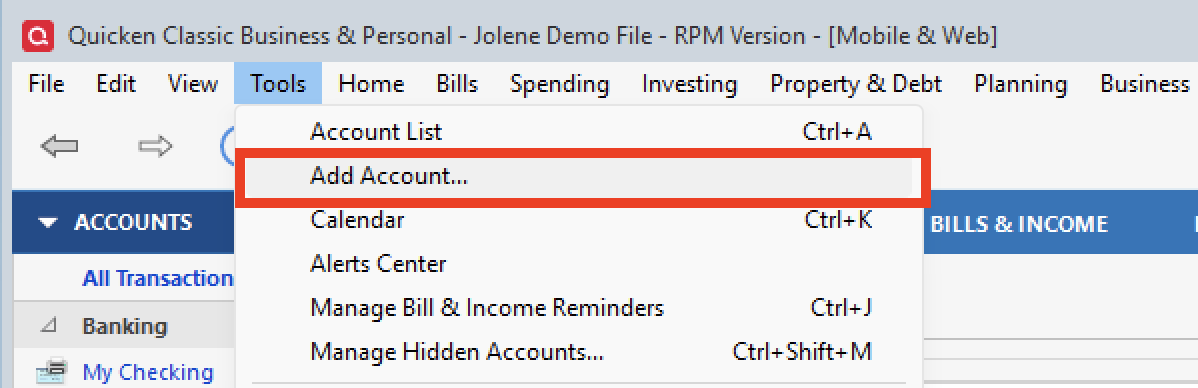
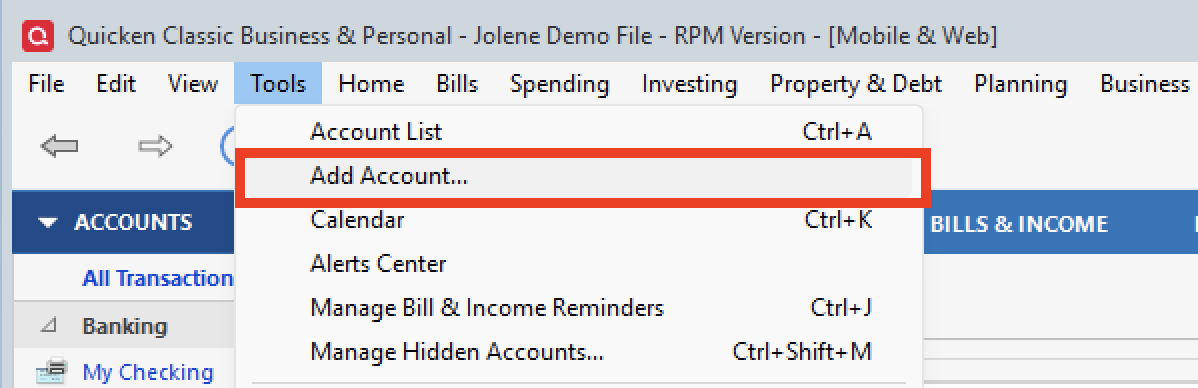
- Select Tools > Add Account
- Complete the flow of re-adding the deactivated accounts to Quicken, using your bank login credentials and answering any security questions.
- When you reach the screen listing the accounts discovered at the financial institution, use the Action drop-downs to re-link your accounts:
- For accounts you want to re-link, select Link to existing account and choose the corresponding account to re-link with.
- Select Add to Quicken for new accounts you didn't previously track in Quicken.
- For accounts you don't want to link or add, select Don't add to Quicken.
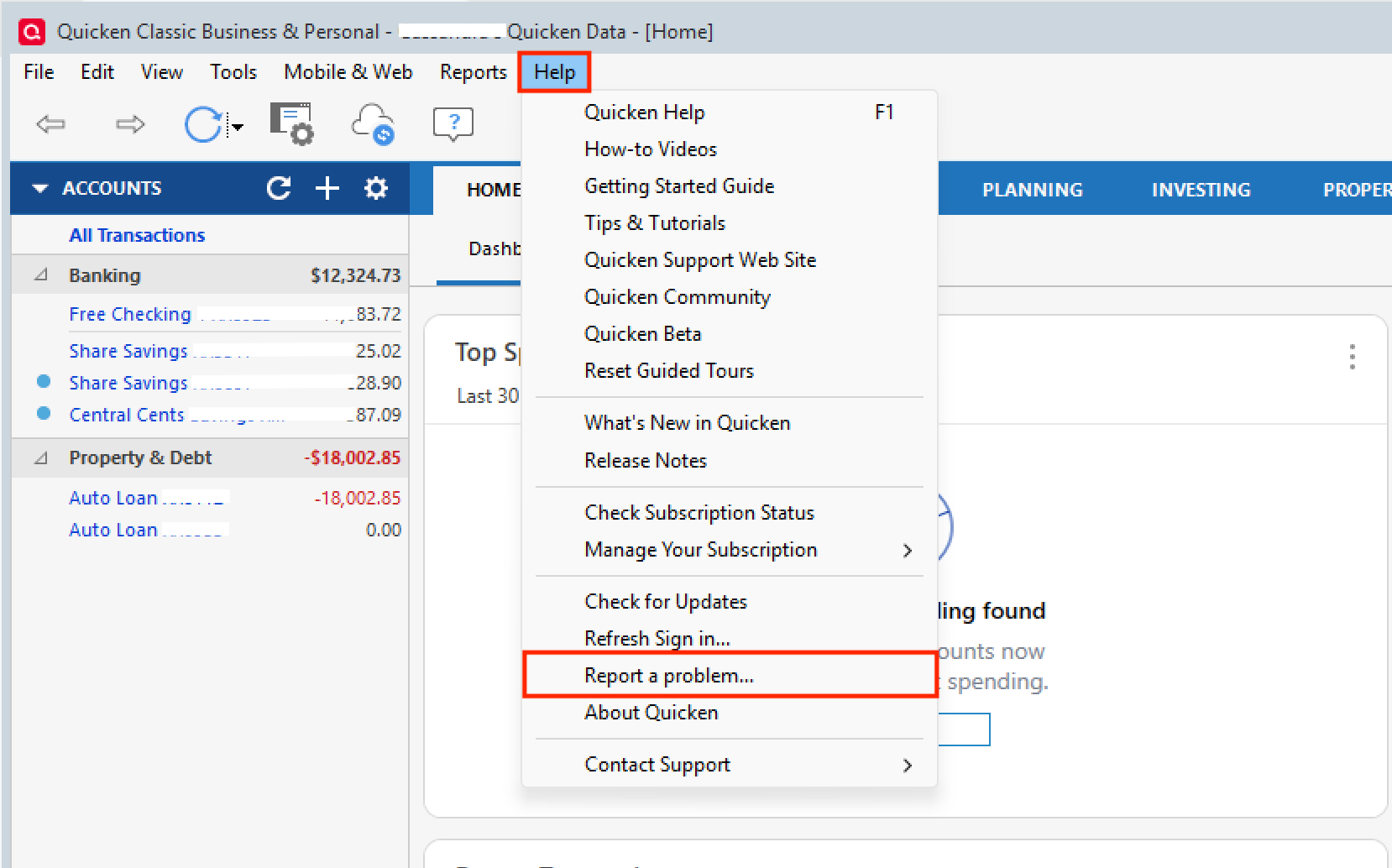
If these steps do not resolve the issue, please contact Quicken Support directly for further assistance. They will be able to take a closer look and escalate the issue if needed.
Is the Citi error you are referring to the yellow box error?
Thank you!
Quicken Alyssa
Make sure to sign up for the email digest to see a round up of your top posts.
0 -
- Where is your data file located? On Hard Drive under the Documents > Quicken Folder
- Is your file being synced/backed up by any third-party services like Dropbox, OneDrive, or Blackblaze? NO
- Can you explain how you are using Quicken on two computers? N/A
Typically, if you've deactivated or deleted an account and then restored a Quicken backup file, you'll receive a CC-800 error. Did not do this.
Is the Citi error you are referring to the yellow box error? Yep. The Citi Card Accounts were all downloading properly so I've left that alone just to see if it goes away on its own. I'm aware of the "fix."
One element of this error I've never quite grasped is the "backwards" progression of the error into previous backups.
I went into the Backups folder, used Widows Copy to make a copy of a backup from yesterday, (where the problem didn't present.) Then I re-named the copied file, I edited the file extension to simply ".QDF", I shut down the modem and router, and I opened the file. Obviously there could be no "sync" to the cloud.
That file opened with the same 19 Accounts showing the red circle with the line though it.
My impressions was that the CC-800 error was a result of a "cloud" problem and that simply opening a good backup in the usual fashion - connected to the Internet - would corrupt the just-opened file because of the sync process. But I must be wrong about that.
Maybe you could explain?
So now I'm off the disconnect and re-connect 19 Accounts.
0 -
Well that was a long, long afternoon of trying to get things fixed. In a few instances it was fairly easy and in others it was more of a hand-to-hand fight to get things right.
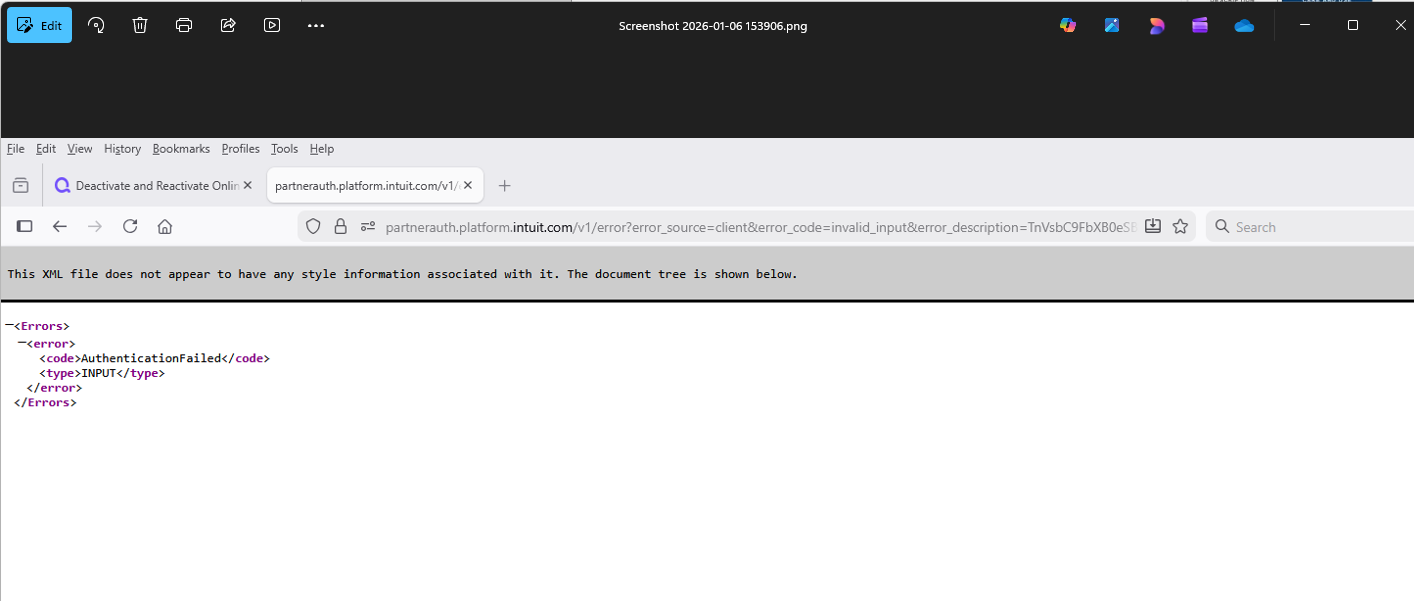
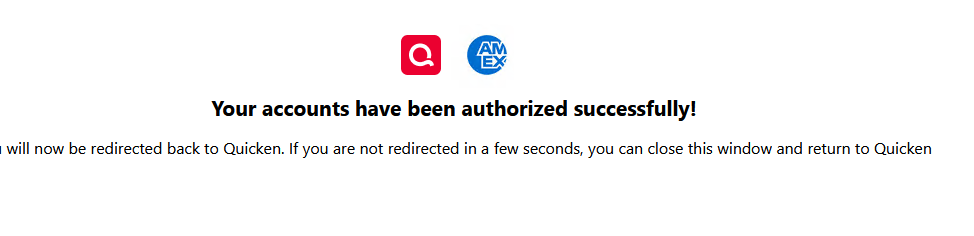
Encountered a couple of instances with the first download after re-establishing downloading where the Opening Balance got changed, got tangled up a bit with the multi-armed labyrinth of Citi Bank credit cards where the first download brought in transactions associated with a different credit card and a weird experience where with a group of Schwab accounts. In the latter case page telling me I was done with Schwab and could close the page or wait to put back into Quicken came up looking like this:
and upon returning to Quicken I WASN'T asked what account at Schwab went with what Account in Quicken, and yet there was a transaction for that day in one of the Schwab Accounts. Seemed odd and I'll have to see if things work OK tomorrow.
0 -
Today (January 7) I have the same problem - ALL of my accounts have CC-800 errors. Local hard drive file that worked fine last time I updated a few days ago. File was NOT restored from backup and is NOT being copied/synced. Very frustrating to have to reconnect all accounts and then audit for accuracy. I see very little reason to continue paying the annual quicken tax if I have to manually fix my accounts every few weeks - I would be better off just manually entering transactions.
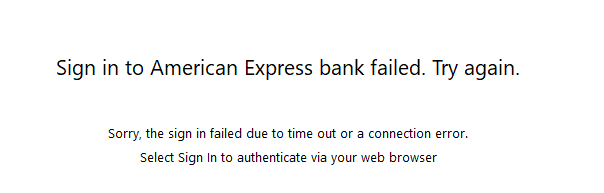
UPDATED: Now the re-authorization process is failing. I signed in successfully, got the Success message from bank, then Quicken says sign in failed. I am so completely frustrated with Quicken's repeated failures.
0 -
I am using two different computers, one lap top and the other a desktop, with Quicken installed on hard drives of both. Started with the same datafile on both months ago, but there may be slight differences in categories, payee names etc. now. The files have not been restored from back up files recently nor accessed from cloud or remotely.
In my opinion, the problem occurs when Quicken sync one of the files with the cloud and not the other. I am not sure what Quicken is syncing, because Quicken claims that data files are not stored in the cloud!
I have followed the procedure you recommend for restoring accounts lot of times, but repeated occurrences make the process very frustrating and time consuming.
0
Categories
- All Categories
- 41 Product Ideas
- 36 Announcements
- 224 Alerts, Online Banking & Known Product Issues
- 21 Product Alerts
- 497 Welcome to the Community!
- 676 Before you Buy
- 1.3K Product Ideas
- 54.3K Quicken Classic for Windows
- 16.5K Quicken Classic for Mac
- 1K Quicken Mobile
- 814 Quicken on the Web
- 115 Quicken LifeHub