Removing a financial institution from an account
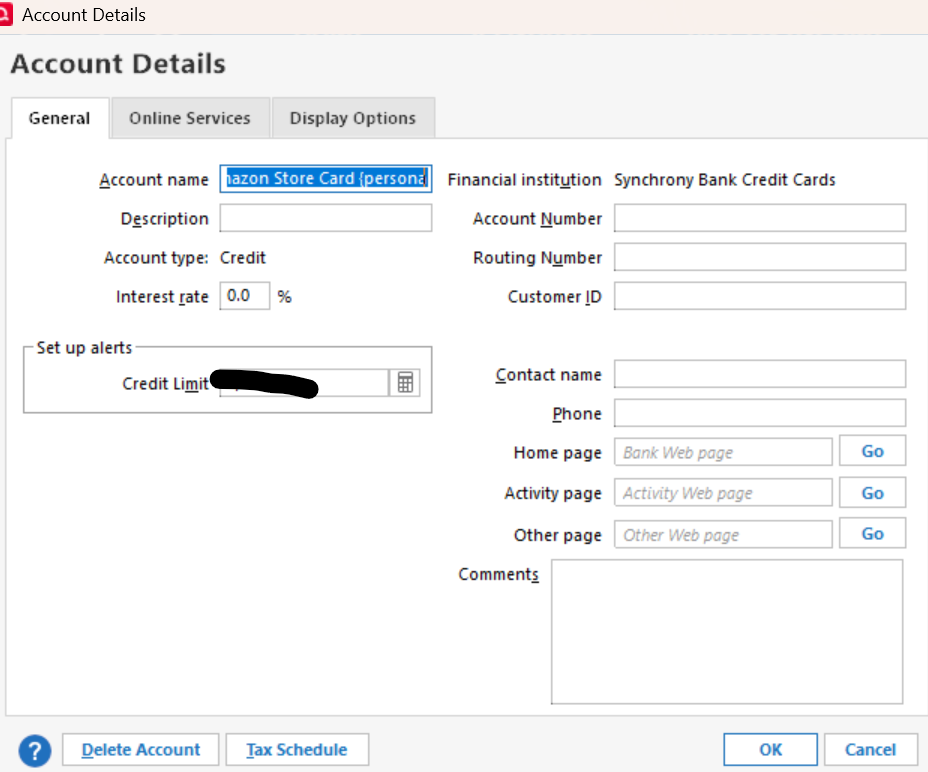
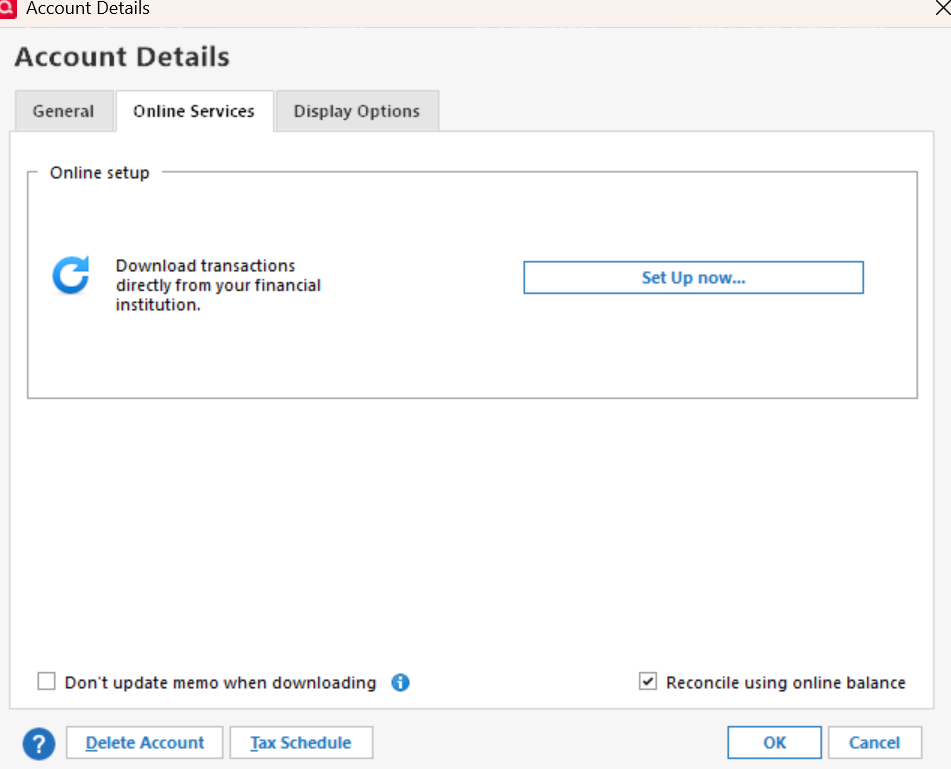
I have several accounts that used to connect through Synchrony Bank, but apparently, something changed months ago, and that no longer works. I've tried to reconnect, but it always says the login is incorrect, and then I realized that the login page is different, and instead of Synchrony Bank, it is just Synchrony, but I can't seem to clear that from the accounts I have. When I open the edit account page, the financial institution listed is under the details page, even though the online services have been disconnected, and I can't change it. I am currently running Quicken Classic Business and Personal build 27..1.65.29 Version R65.29 on Windows 11.
[Edited-Readability]
Answers
-
What you need to do here is DISCONNECT those Accounts from downloading. When they are disconnected you can remove the Financial institution and Account Number that's on the General tab. Then start the Add Account process, specify the CORRECT financial institution for those Accounts, enter your User ID and Password, and Quicken should go out and find all of those accounts at the correct financial institution. Then you carefully LINK each account at the financial institution to its corresponding Quicken Account.
Depending on how long ago that "gap" in downloading has been and Synchrony's own rules as to how long transactions that can be downloaded to Quicken are available you may, or may not, have to enter some "missing" transactions manually in order to balance.
1 -
Hello @karen m,
Thank you for sharing your experience.
In addition to what @Tom Young has explained, if you have already disconnected these accounts, and you are still unable to remove the Financial institution and Account number, validating your file can help to clear it out.
To do this:
- Save a backup.
- Go to File.
- Select Validate and Repair file…
- Check the first box for Validate file.
- Click Ok.
Once that is done, check to see if those fields are now blank.
Let us know how it goes!
Quicken Alyssa
Make sure to sign up for the email digest to see a round up of your top posts.
0 -
Thank you @Tom Young and @Quicken Alyssa for your quick replies. I had already disconnected all the Synchrony accounts and the Financial Institution did not clear which was the issue as you can see below for one of them. I believe the bank should just be Synchrony and not Synchrony bank as there is no login there for credit cards. In any case I will try to repair and validate and let you know if that works.
Actually, after i typed this I reread @Tom Young's post and it gave me the idea that instead of trying to set up the download in the account details screen I should try to add account as if it was new. Doing that I was able to find the correct bank which is just picking one of the cards like amazon and has synchrony in the name. It's kind of an odd set up as even my Sam's card now says the FI is Amazon Synchrony but whatever, that worked. I know this would be very helpful info for others as I have seen many threads that have trouble connecting to Synchrony credit cards. Would be good if someone could post a help post about it? Anyway, thanks for the help.
0
Categories
- All Categories
- 41 Product Ideas
- 36 Announcements
- 224 Alerts, Online Banking & Known Product Issues
- 21 Product Alerts
- 497 Welcome to the Community!
- 676 Before you Buy
- 1.3K Product Ideas
- 54.3K Quicken Classic for Windows
- 16.5K Quicken Classic for Mac
- 1K Quicken Mobile
- 814 Quicken on the Web
- 115 Quicken LifeHub