Bill Pay Screen Corruption

Michael Jones
Michael Jones Quicken Windows Subscription Member, Windows Beta Beta

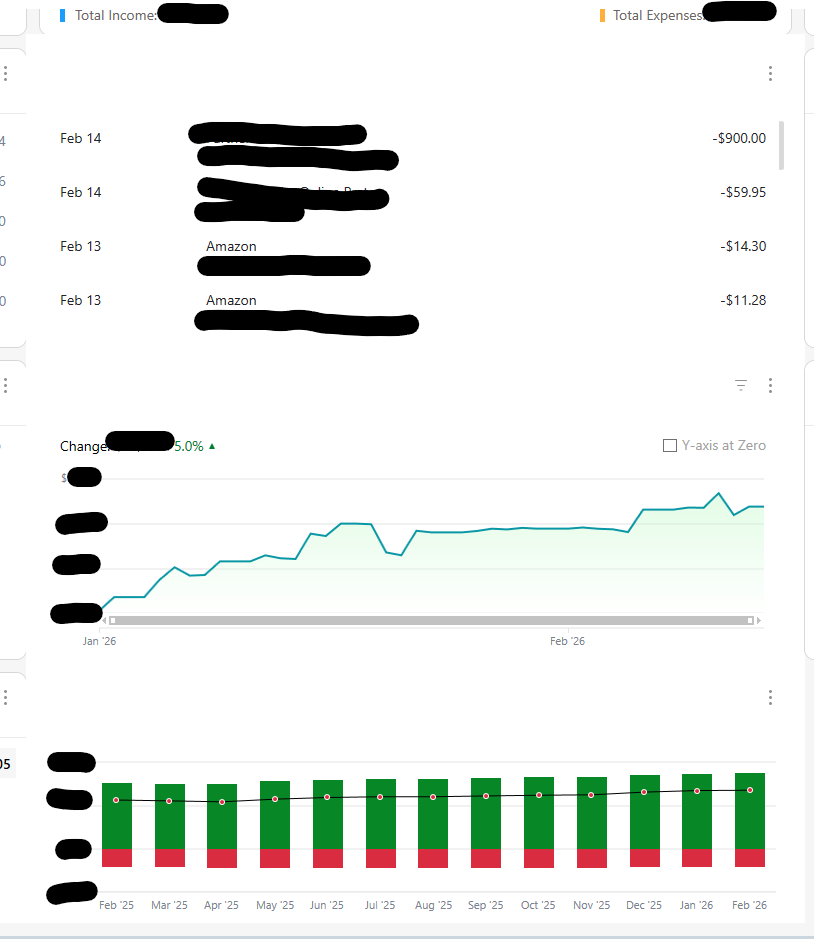
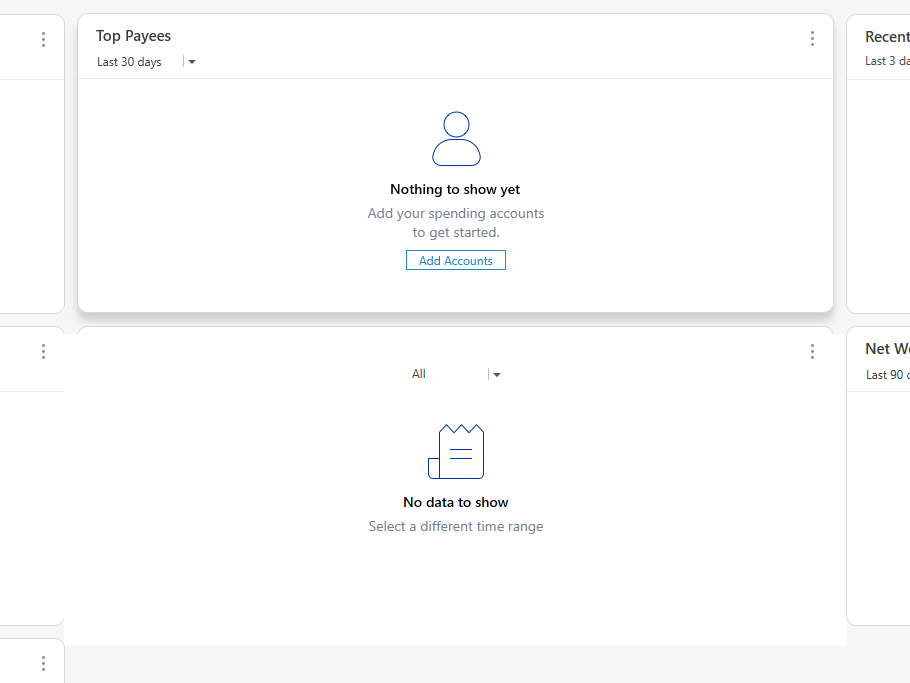
I don't know when this started, but it's made this area very hard to use over time. I don't use the online billing system any longer due to all the issues, but I do use the screen occasionally to look at upcoming and paid bills. And eventually, no matter what I do, the screen will become corrupted and look like some version of this:
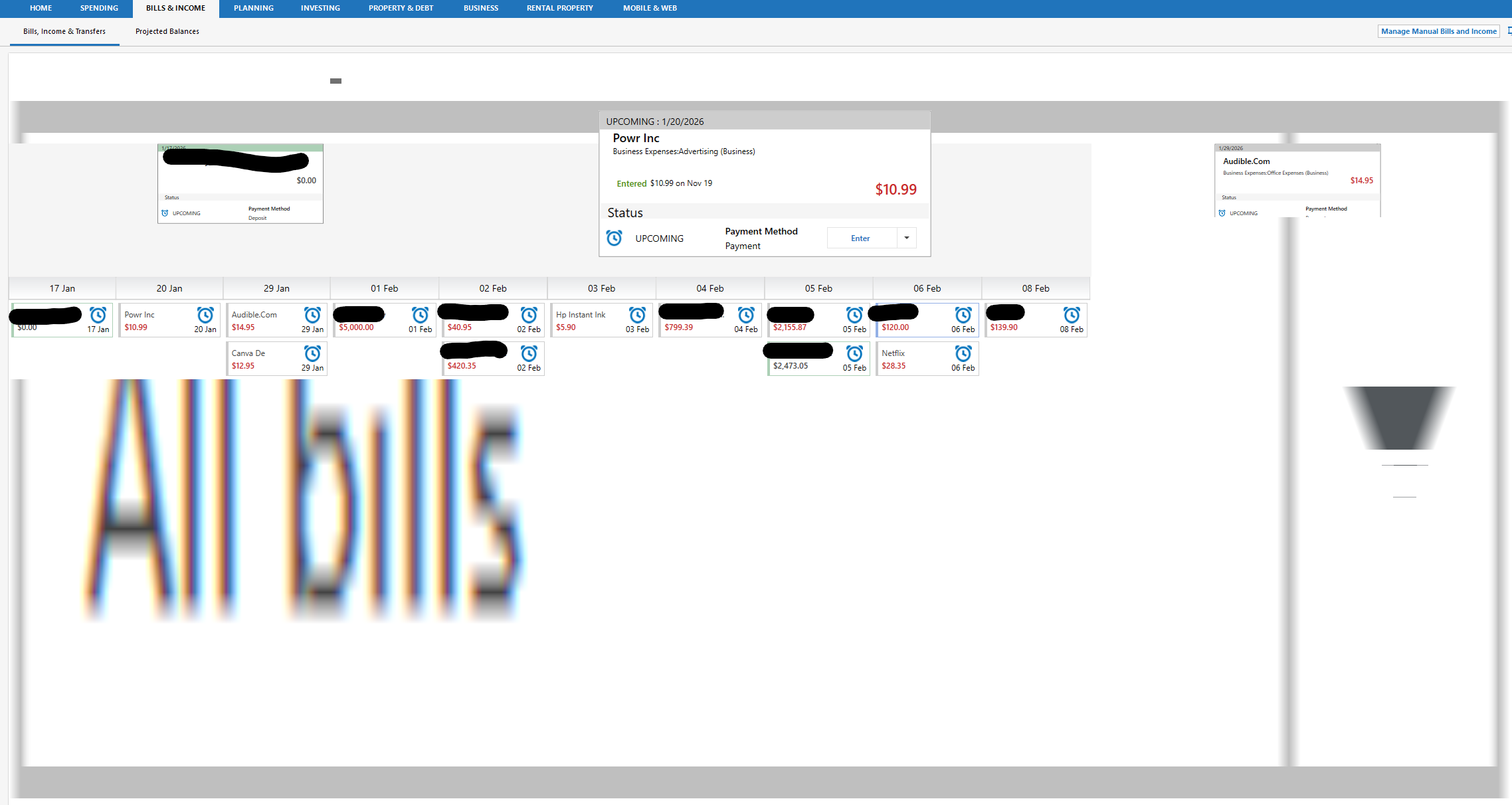
image.png

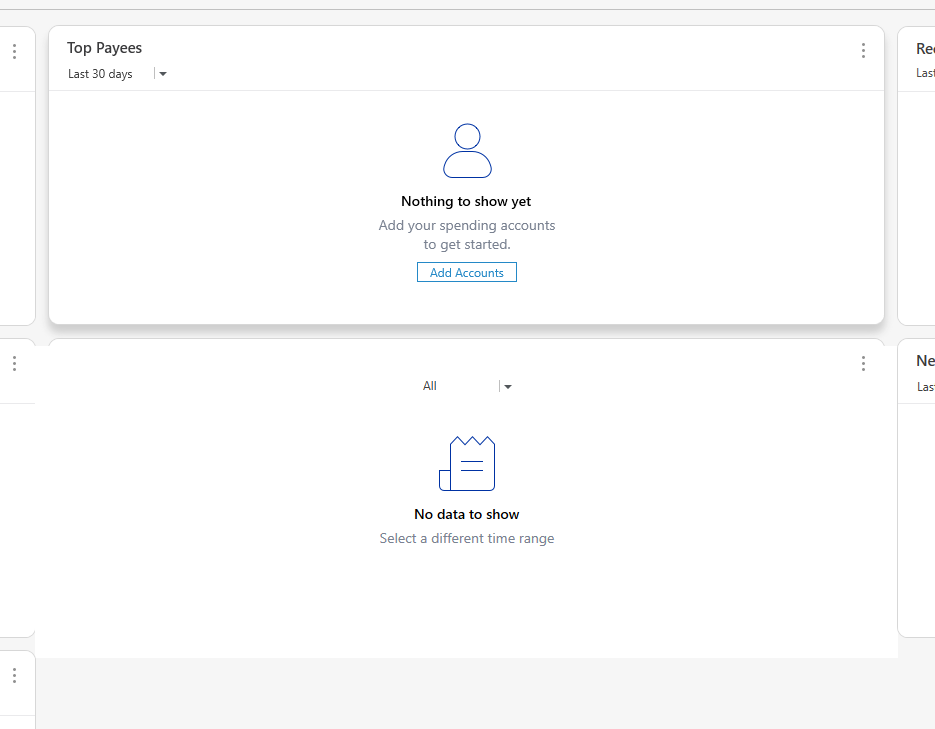
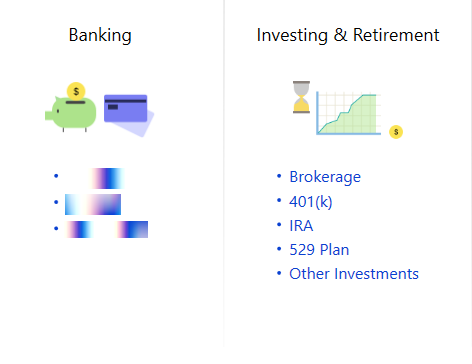
And it gets worse if I toggle. Here I clicked projected balances and then back and it got even worse:
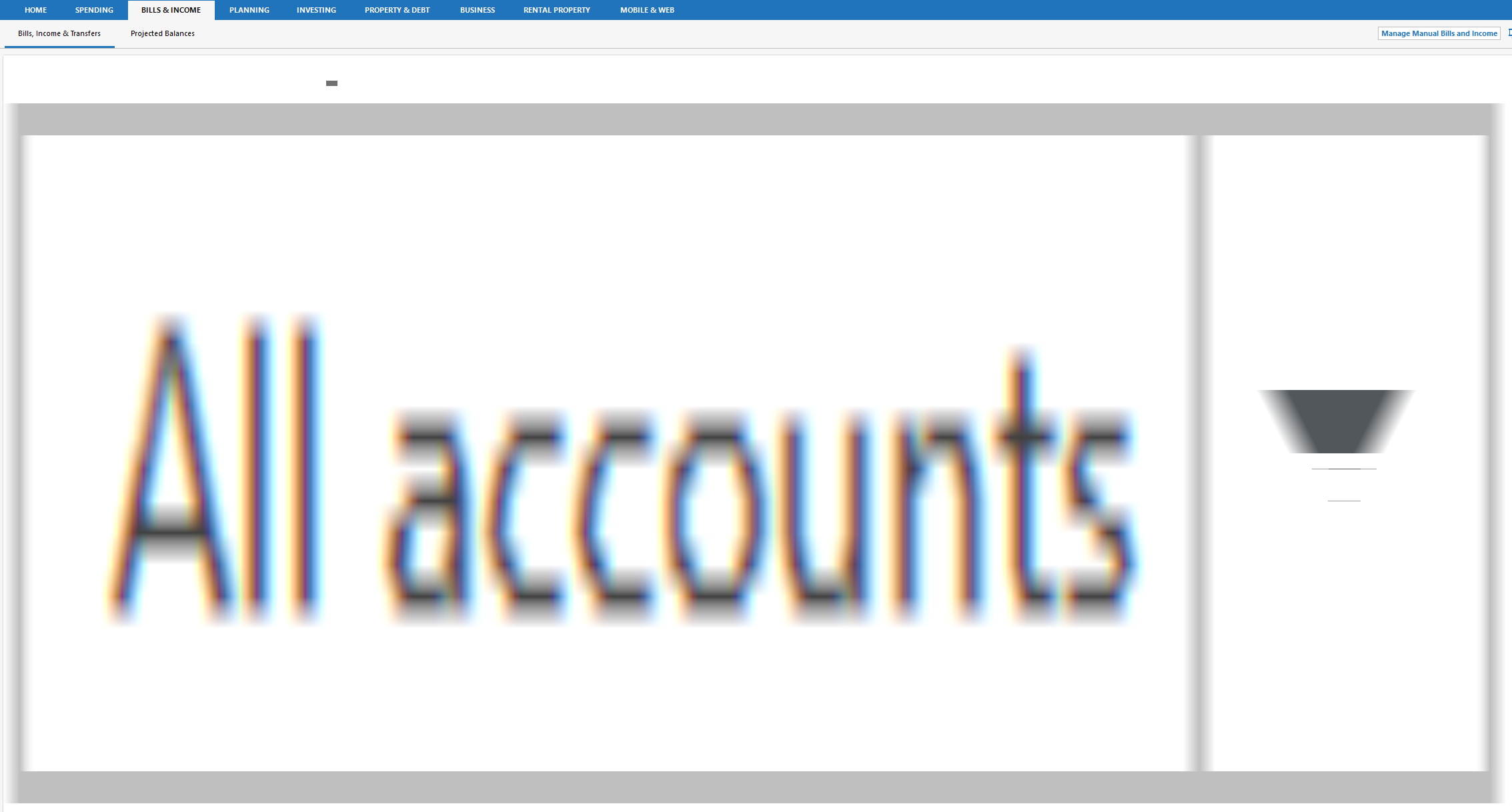
image.png

Clicking to SPENDING and then back restores the screen to the right view. But then clicking Projected Balances and then back to Bill, Income & Transfers results in a slighty different distorted version of the second picture.

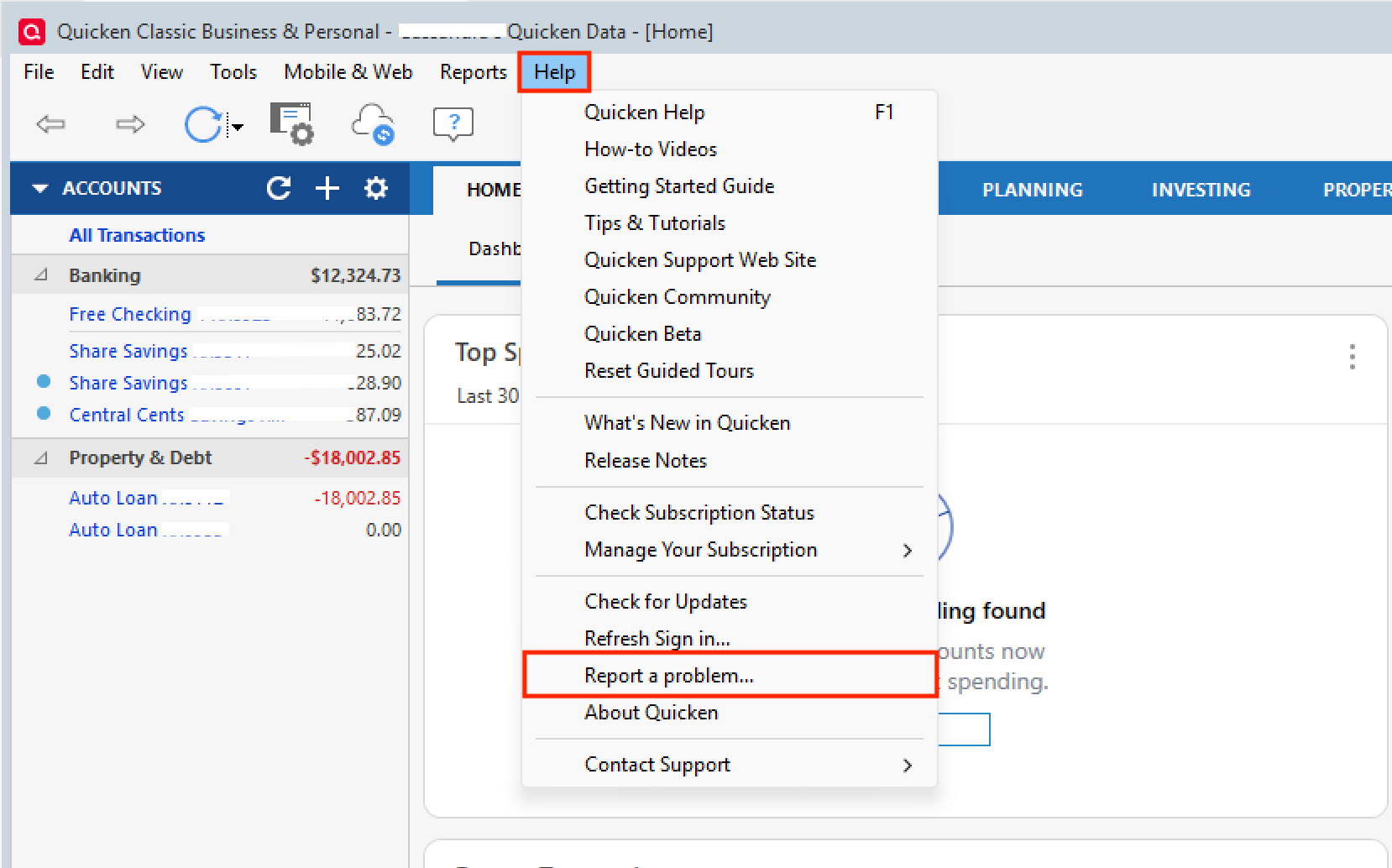
I see similar in certain cases on the main dashboard screen, and now I'm starting to see UI corruption as well in the 'Report a problem to Quicken' dialogues as well.
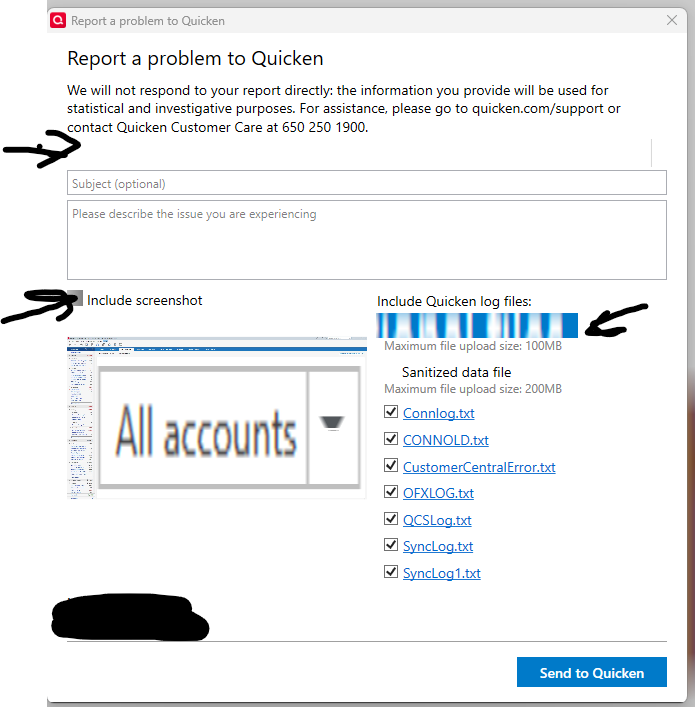
image.png

Comments

  • Quicken Alyssa
    Quicken Alyssa Quicken Windows Subscription Moderator mod

    Hello @Michael Jones,

    Thank you for sharing a detailed account of your experience.

    I am unable to recreate this in my own Quicken. I have some follow-up questions for you.

    • Where is your data file located?
    • Is your file being synced/backed up by any third-party services like OneDrive, Dropbox, or Carbonite?

    One thing we can try is validating your file. This can help to clear out/repair any corruption.

    To do this:

    1. Save a backup.
    2. Go to File.
    3. Select Validate and Repair file… Validate and Repair 2.png
    4. Check the first box for Validate file.
    5. Click Ok.

    Once the validation has completed, it will produce a report of anything it has found/corrected. After this, close Quicken for a few seconds and reopen it. See if you are still having display issues and let us know.

    Thank you.

    Quicken Alyssa

    Make sure to sign up for the email digest to see a round up of your top posts.

  • UKR
    UKR Quicken Windows Subscription SuperUser ✭✭✭✭✭

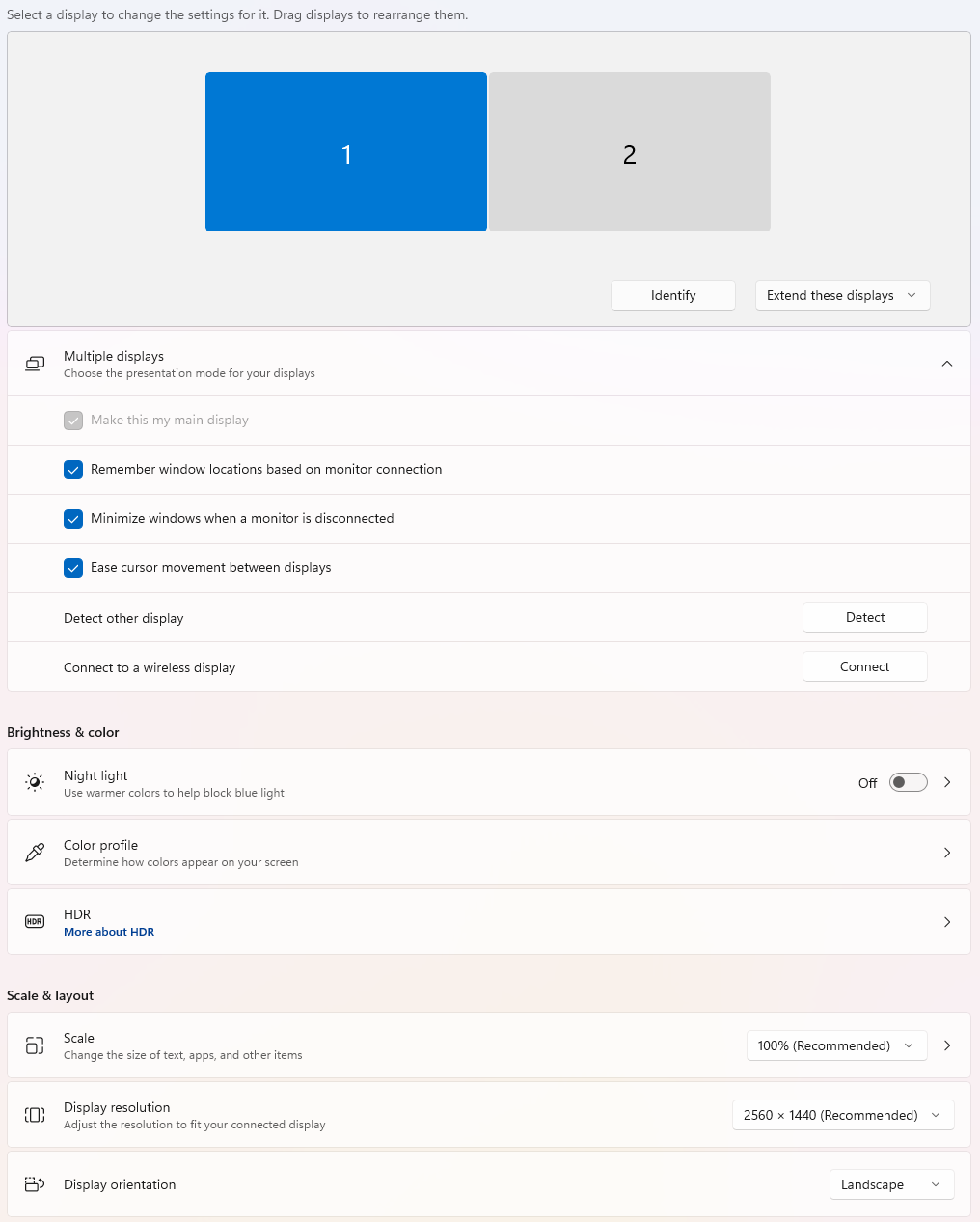
    If you haven't done so already, I would take a close look at Windows Display drivers and if there are any outstanding updates, available directly from the manufacturer. The drivers that come with the original Windows installation materials may not be up to date.