Customer ID in the Account Detail
I've read some previous discussions from other users trying to update the customer ID information in Quicken (username at credit union). But none that I saw addressed the problem I encountered when following the instructions provided. When I am asked for an account name, I choose my existing account—the one I'm trying to update. But Quicken asks me to choose a different account name because the one I am using already exists (of course).
If I change the name, will the transactions in the existing account (the one where I am having manually download transactions) stay in a separate account? If that's the case, I think I may just continue to manually download, even though that is nowhere near as convenient.

Answers
-
Hello @Tally,
Thank you for reaching out! To clarify, it sounds like you are trying to connect an account that you had previously been updating by importing a QFX/Web Connect file from your financial institution. Is that correct?
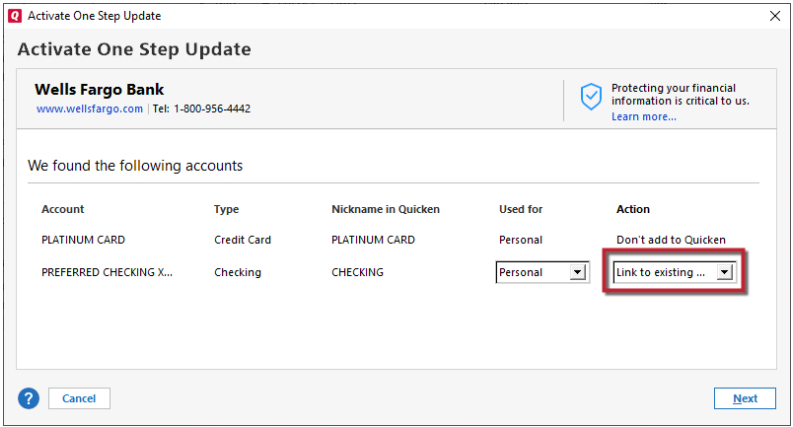
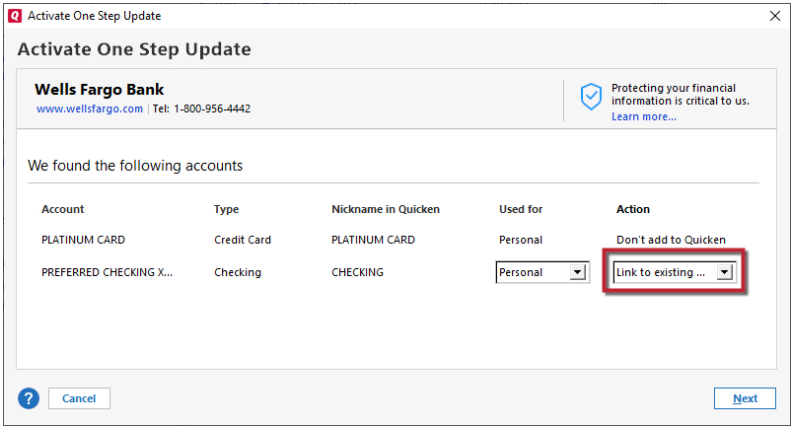
If that is what is happening, when you try to connect the account, do you see any option to link it to the existing account in your Quicken?
I look forward to your reply!
Quicken Kristina
Make sure to sign up for the email digest to see a round up of your top posts.
0
Categories
- All Categories
- 49 Product Ideas
- 35 Announcements
- 219 Alerts, Online Banking & Known Product Issues
- 18 Product Alerts
- 504 Welcome to the Community!
- 673 Before you Buy
- 1.4K Product Ideas
- 54.8K Quicken Classic for Windows
- 16.6K Quicken Classic for Mac
- 1K Quicken Mobile
- 824 Quicken on the Web
- 120 Quicken LifeHub