With a new computer, reinstalled Quicken, but now cannot get to the "Last Reconcile and Last Statement Download" site for Investments and get the title error message. Screenshots below.
You've just shown me something that I don't recall seeing before … how do you get to the place that's shown in your 2nd graphic?
Also, which Q product are you running, and what BUILD of that product? This info is at HELP, About Quicken.
I found it. But when I click on either of those dates, I get taken to dialogs within my Q product … not an error and not a webpage.
SO, I suspect that you might have a corrupted Q data file. Have you tried taking a backup and than Validating your file?
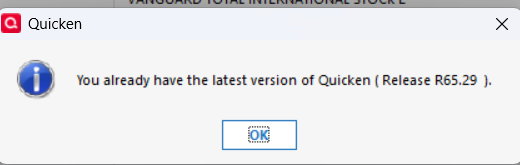
Seems I have the latest version No, I haven't used Validate file, but will try. Thanks
Validated data, and that didn't resolve.
Often the "Navigation to the webpage was cancelled" error is caused by corruption of Quicken's internal web browser cache.
If you close Quicken then use Windows Explorer to navigate to C:\Programdata\Quicken and rename the Cache folder. The Programdata folder is hidden by default. If you do not see it in Windows Explorer, click on the View menu, select Show, and select Hidden items. If Quicken does not find the Cache folder, it will create a new one.
Please let us know if this resolves the problem.
Great, yes it worked. Thank you!!