3 Months of Connection Errors
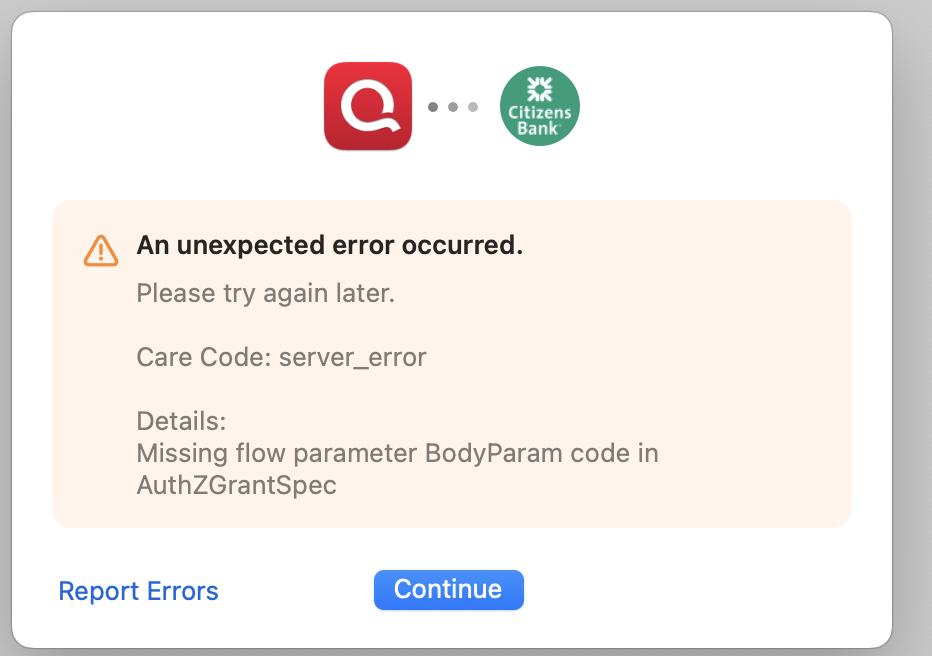
I have been a Quicken user since it became available for the Mac. Last year I upgraded to the business version to better support my business finances. Since Early December I have not been able to connect Quicken to Citizens Bank because of error 501. I deleted the connection and have repeatedly tried to set it up again and always get the error: "Authentication Error Occurred - Missing flow parameter BodyParam code in AuthZGrantSpec". I have reported this problem multiple times with no response from Quicken support. It makes managing my business finances much more difficult and may need to seriously consider alternative systems.
Comments
-
How have you reported this problem to Quicken Support? Just doing a Help / Report a problem does not make people at Quicken jump to it.
If you haven't done so already, I'd say it's time to contact Quicken Support on the phone during posted hours of operation and request help. Let them do a screen share session with you to review the situation on your computer, to determine the nature of the problem and to figure out how to fix it. Online Banking issues may need to be escalated to higher levels, for research and resolution.
Do mention that you have sent in problem reports with attached log files so they can be attached to your ticket.0 -
@Hillcrest_Lavender Which Citizen's Bank? I use Citizens Bank Mid Atlantic (citizensbank.com), and I needed to re-connect my account in December because they changed to a different connection protocol. But I didn't experience the error you're describing.
I just tried doing it now with a different test file on my other Mac, and it again worked successfully. Here's what I experienced; see where it differs from what you're experiencing…
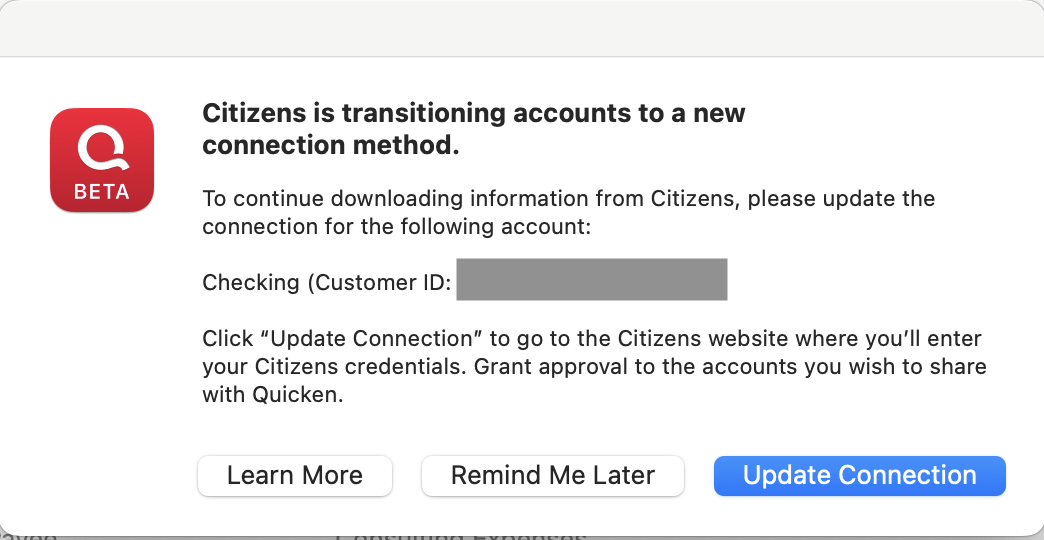
Because I had previously been connected to Citizens Bank for downloading, I first got this dialog box. You might not if you've deleted your previous connection for downloading.
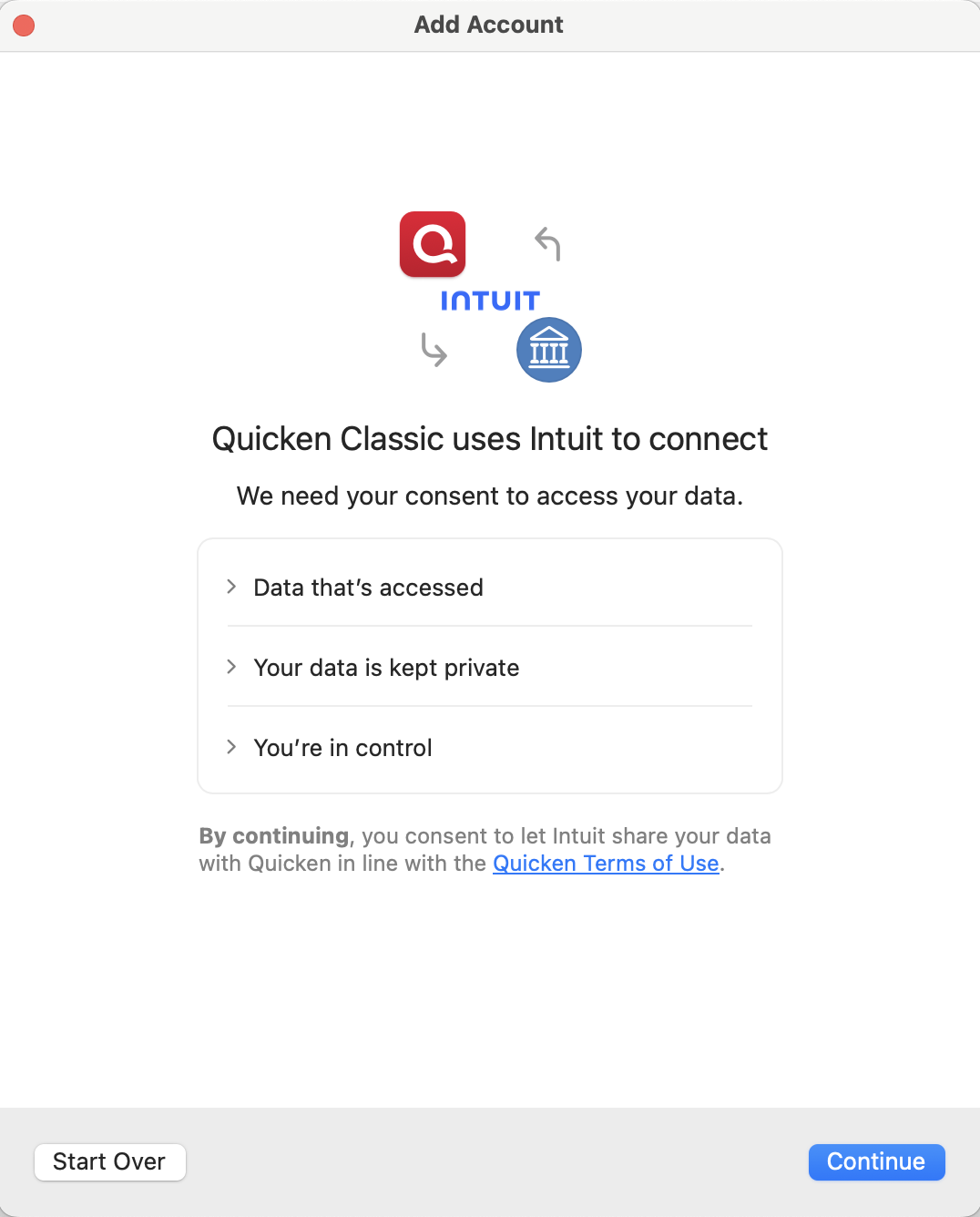
From there, or if you're starting from scratch in a data file which has no existing connection to Citizens Bank, you should see this screen:
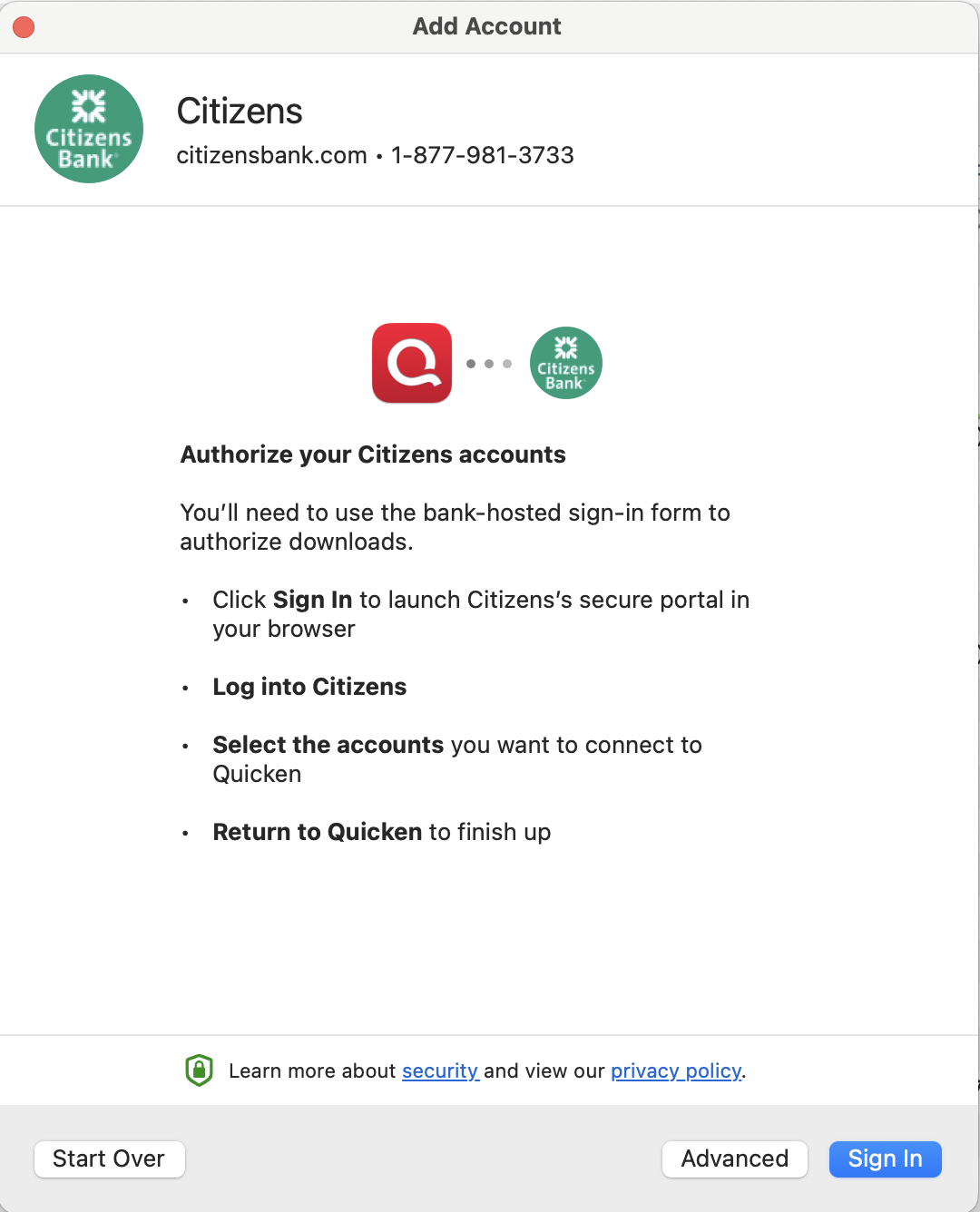
Click Continue to go to this screen:
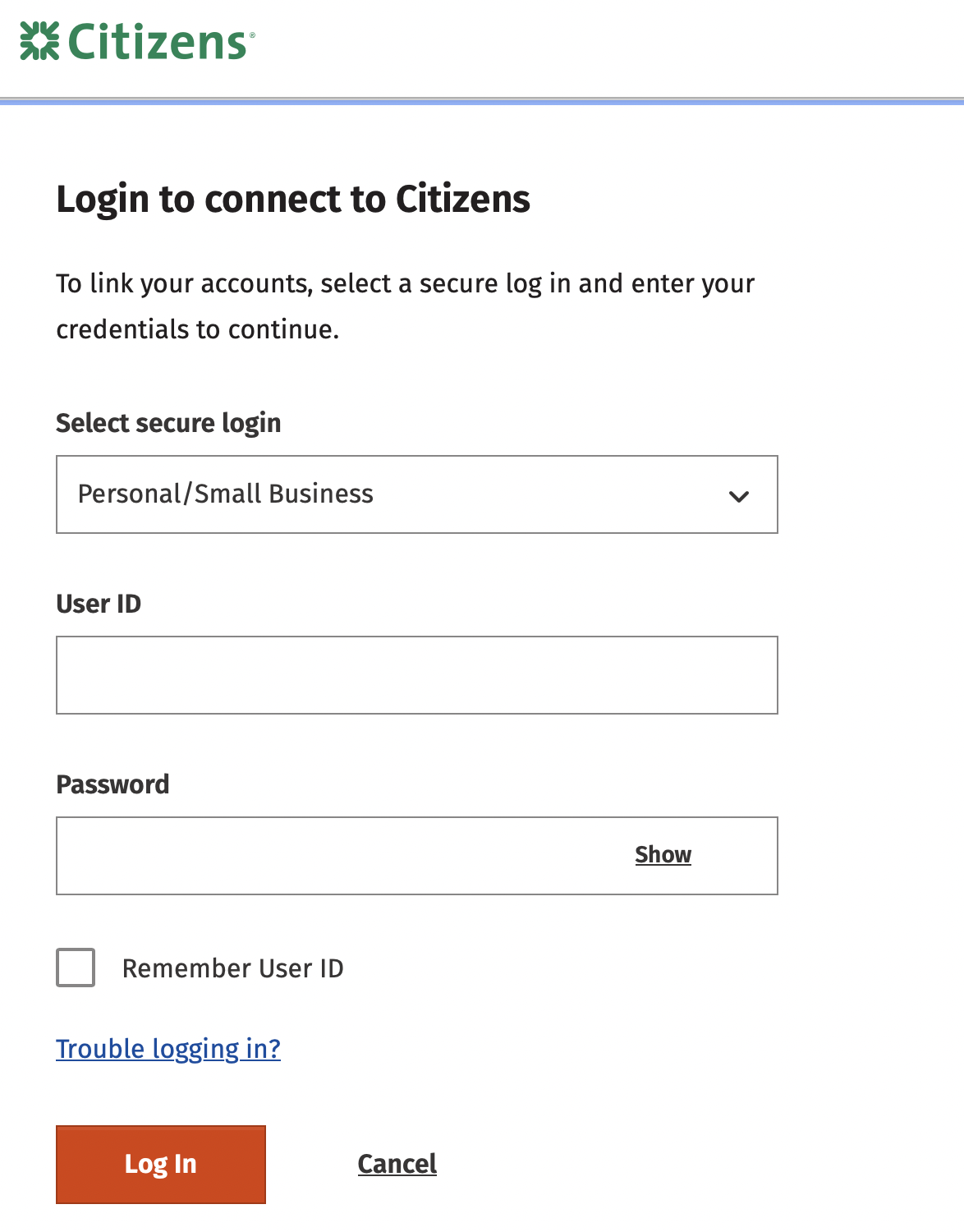
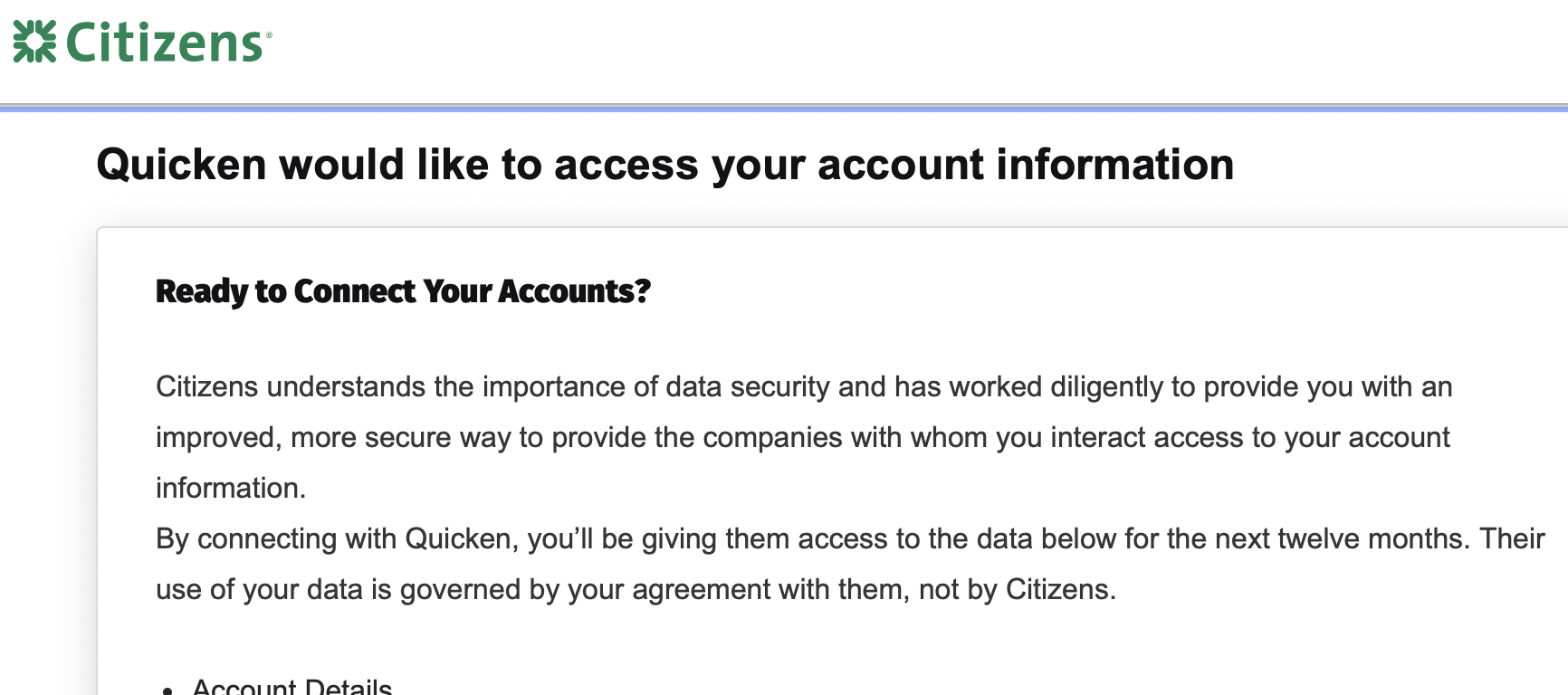
Clicking Sign In then took me to a website (the URL was "authz.citizensbank.com/customer-consent/login…") to log onto my Citizens Bank account:
After entering my login credentials on the Citizens Bank webpage, it presented me a page which asked me to confirm that I wanted Citizens to grant Quicken access to my account:
When I agreed, it made the connection and sent me back to the Quicken application, where Quicken reported success and asked me to confirm that I wanted to Link to my existing Citizens account in Quicken (not create a new, separate account). It downloaded my transactions and reported success.
Are you getting any of these steps? If not, can you describe exactly what you're seeing when you select adding an account for Citizens Bank?
Quicken Mac Subscription • Quicken user since 19930 -
I use "Citizens Bank-Not Your TypicalBank". When the failure first occurred I got the same update the connection screen you got. When that failed(with the same error screen shown below) I deleted the connection and started from scratch. Everything is the same as the screens you attached until I click the Login button. Then I get this:
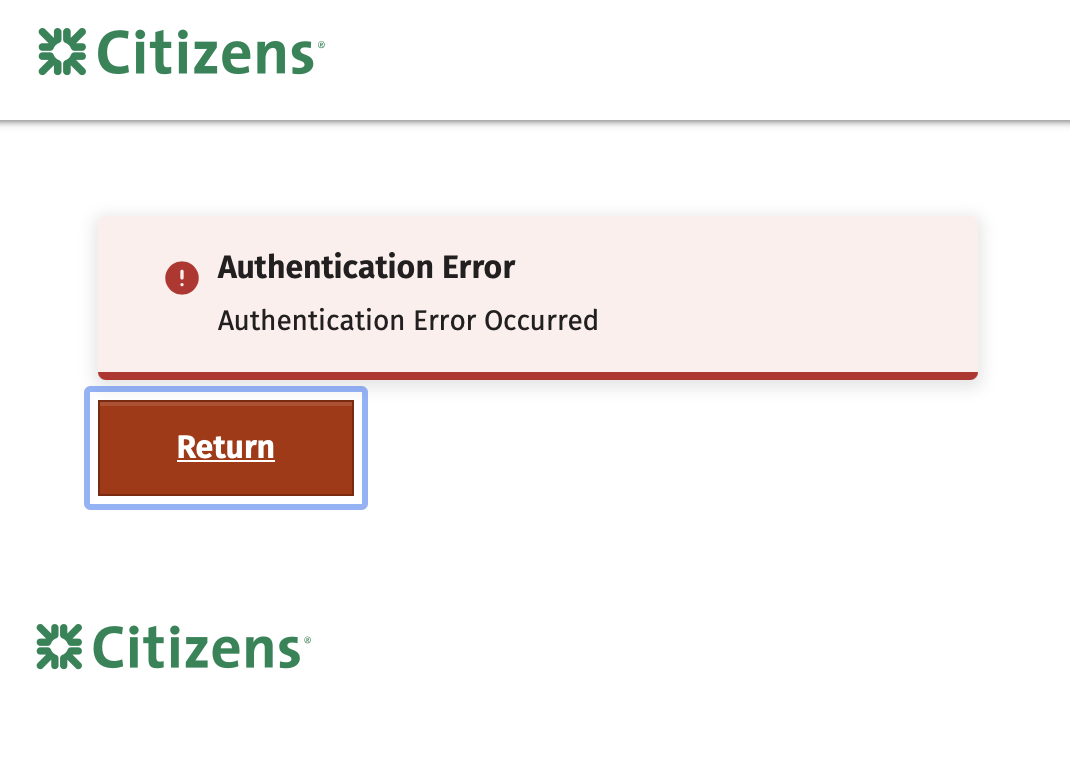
Then I get this error. If I log in through the browser directly not using Quicken I can access my account so I know my credentials are working. When I click the return button to go back to Quicken I get this screen:
I have sent this information several times to Quicken through various channels but I never receive even an acknowledgment of the issue.
I am open to suggestions
Thank you for your time and efforts.
0 -
I use "Citizens Bank-Not Your TypicalBank".
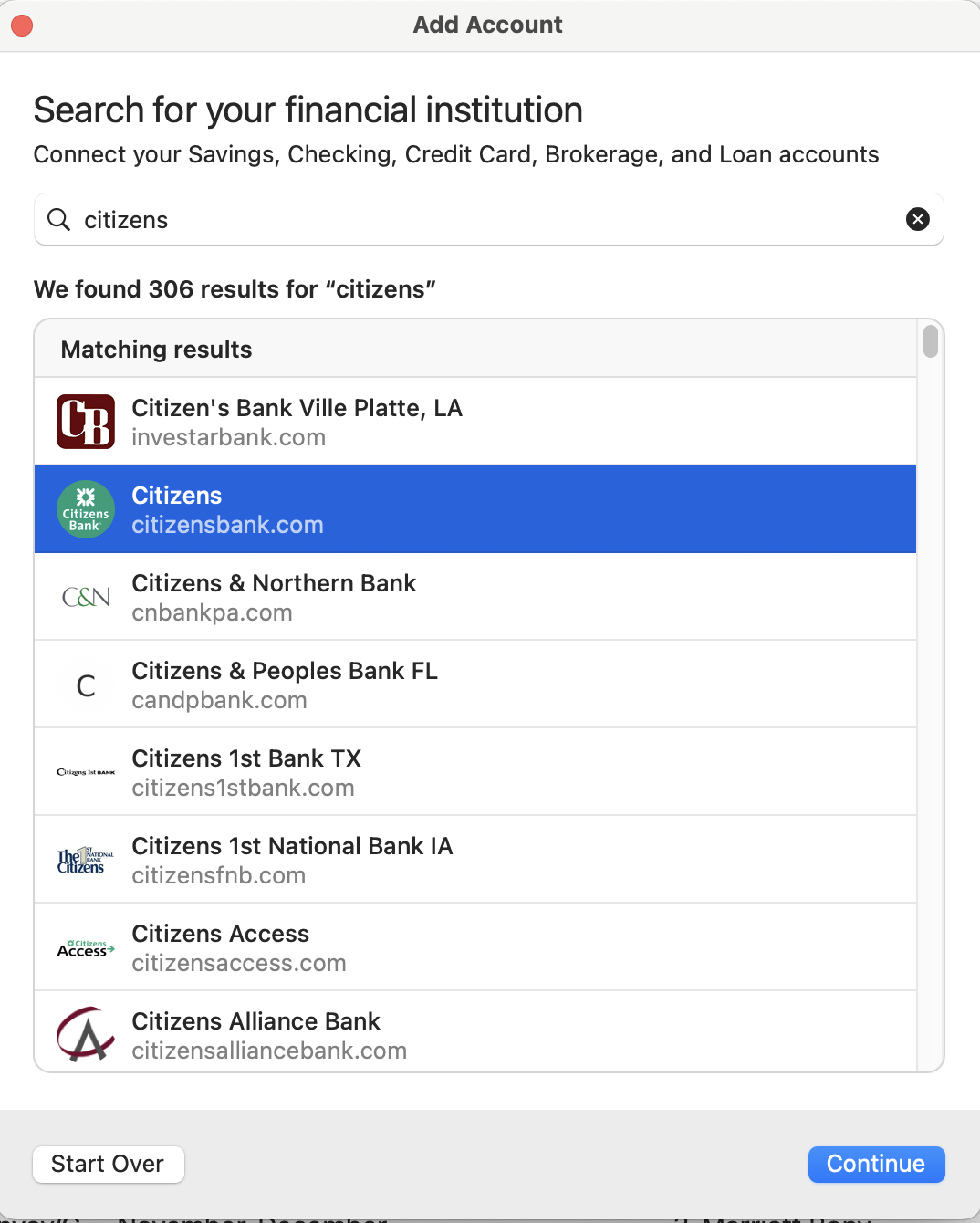
Where are you seeing this? When I click Add Account and type "citizens", I get this screen and select the one that's highlighted here:
I used to connect via this other one, but I selected the one above when I had to reconnect my account, and it worked on both my data files.
I don't understand the financial institution selection list and why there are multiple options for the same bank; I know if they all work correctly. Try again using the fist "Citizens" one and see if that works for you.
I have sent this information several times to Quicken through various channels but I never receive even an acknowledgment of the issue.
Just as an FYI, if you use Help > Report a Problem, they may or may not act on this information, but you'll never get acknowledgement of a submission; it's a one-way communication channel. I'm not sure how else you sent them information, because they do not have any technical support via email. This is a user-oriented forum where we try to help each other with the help of the handful of Quicken moderators, but this isn't Quicken Support. If you still have no luck, I'd suggest you call Quicken Support. Their agents can do a screen share with you to see exactly what you are seeing and view their logs to try to figure out the problem.
Quicken Mac Subscription • Quicken user since 19930 -
Hillcrest, I have the same issue. I've tried the other variants of Citizens Bank in the "Connect Account" dialog with the same disappointing results. I contacted Quicken support and went through the screenshare process. The agent's assessment was effectively "yup, looks broken. Sorry." This has been broken for months; pretty frustrating.
There is a thread about Citizens Bank issues in the "Alerts, Online Banking & Known Issues" forum that I think is related. As of today there is no resolution, just a note that they're sorry and have no ETA for a fix.
Given the amount of time this and other online connections like Fidelity have been broken, and that one of the advertised "Key features" of Quicken is "Connection to over 14,000 Financial Institutions," it's entirely reasonable to ask the support agent for a partial refund or an extension of your subscription. They are generally empowered to do this sort of thing.0
Categories
- All Categories
- 54 Product Ideas
- 34 Announcements
- 240 Alerts, Online Banking & Known Product Issues
- 20 Product Alerts
- 510 Welcome to the Community!
- 678 Before you Buy
- 1.4K Product Ideas
- 55.1K Quicken Classic for Windows
- 16.7K Quicken Classic for Mac
- 1K Quicken Mobile
- 828 Quicken on the Web
- 121 Quicken LifeHub