@Quicken Kristina @Quicken Kathryn @Quicken Alyssa @Quicken Anja
I have discovered a bug in the current version of Quicken Canada. If you use the "Revert to Downloaded Payee name" feature to undo the application of a renaming rule, it does revert the name to the downloaded name in the downloaded (unaccepted) transaction pane, but it does NOT revert the same information in the register view where you can accept the transaction. So, once you accept the transaction, you get the payee that resulted from the renaming rule that you reverted - exactly what you told Quicken was wrong and you didn't want. This is very inconvenient.
But, it gets worse, once you accept the transaction, after reverting, it then automatically pops open the Create Custom Renaming Rule to Rename the Payee to the WRONG payee - to the very name you just rejected using Revert. This workflow is a serious mess. Instead of saving time it wastes time - twice!
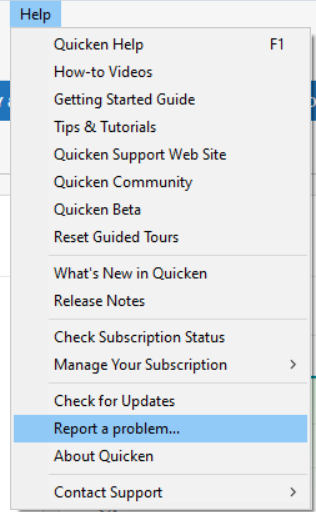
Yes, I've reported this using "Report a Problem".