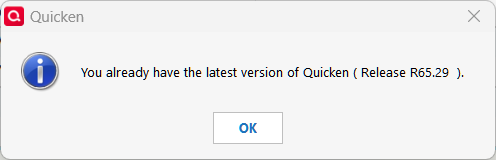
All I see is this when I try to update. How to get past this?
And, I just told Q Anja that "Check for updates" is telling me that 66.11 is latest version.
I went to the download page and the link there is also for 66.11.
Hello @Rocket J Squirrel & @NotACPA,
I was informed that R66.12 is live and available to all users so it should be offered when going to Help > Check for Updates, but I will go ahead and double-check on this and get back to you once I know more.
However, R66.11 is available via the Manual Patch support article.
Thank you!
Hello again,
I've just heard back and received confirmation that R66.12 has been switched to staged release. I've updated my earlier Windows Release Notes post.
Was offered to me about 6 hours ago but is no longer showing up via Help/Check for updates
Interesting - My check for updates tells me 65.29 is the latest version also?
Interesting. I'm on 66.12. The manual patch page still show 66.11
Both 66.11 and 66.12 went out as "staged releases for a limited amount of users". 66.11 also made it to being updated on the manual patch web page, but 66.12 didn't. Given that 66.12 was release shortly after 66.12 and its only release note entry is "fixed some crashes", it seems they aren't too confident in 66.XX so far.
Mine updated automatically last Friday (as best as I can tell from the logs). I know there's usually a lag from the time the patch is released through the auto-update and it appears on the manual update page.
No new issues with mine due to the update.
R66.12 is now available as a manual download.
Hello All,
As mentioned earlier, R66.12 was moved to a staged release, which is why it was not consistently appearing via Help > Check for Updates for all users.
@Chris_QPW is correct—R66.12 is now available via the Manual Patch support article for those who would like to download and install it manually.