I did not see this specific issue in the previous posts.
I modified the date that Windows 11 displays in the task bar to include the short version of the day-of-the-week but it messed up Quicken. Here's the details.
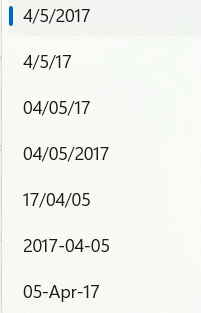
The Windows date format in managed in Control Panel/Region/Additional Settings/Date Tab.
The standard format is M/d/yyyy. This causes the task bar AND Quicken dates to look like this: mm/dd/yyyy (e.g. 2/18/2026 or 02/18/2026 for Quicken).
When I change the date format to this: ddd M/d/yyyy (just adding the ddd) the task bar now looks like this: Wed 2/18/2026. But Quicken changes to 18022026 (ddmmyyyy), no slashes even.
I want the DOW on the task bar but I want Quicken to honor the M/d/yyyy.
Please, don't tell me the programmers overlooked this and the product is working as designed.
Thanks.