Add account Lock up
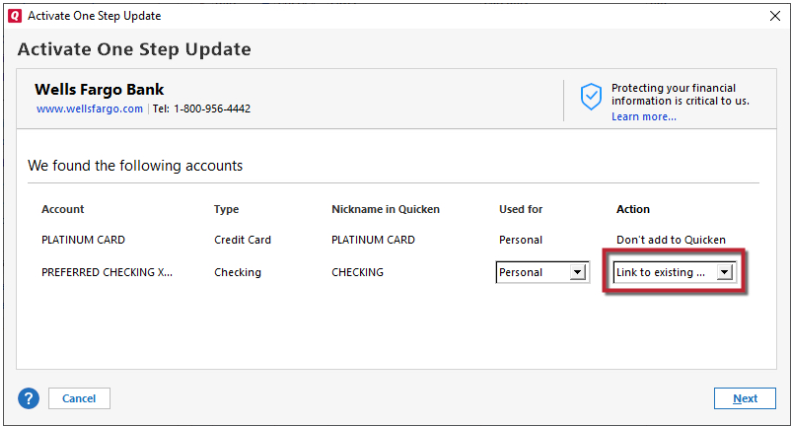
Quicken Classic R66.23… Windows…. 2+months, all accounts or single account update. When I do one step update, after the accounts are queried, I get the "add account" screen (and I don't want to add an account). If I choose "Continue" the screen locks up and nothing will release it except task manager. So I've started just killing the add account screen. It just started happening about 2+ months ago. I figured somebody in tech might notice and they might fix it but no such luck.
Comments
-
Hello @SteveDogB3,
Thank you for letting us know you're encountering this problem. To help troubleshoot, please provide more information:
- Which financial institution(s) is this happening with?
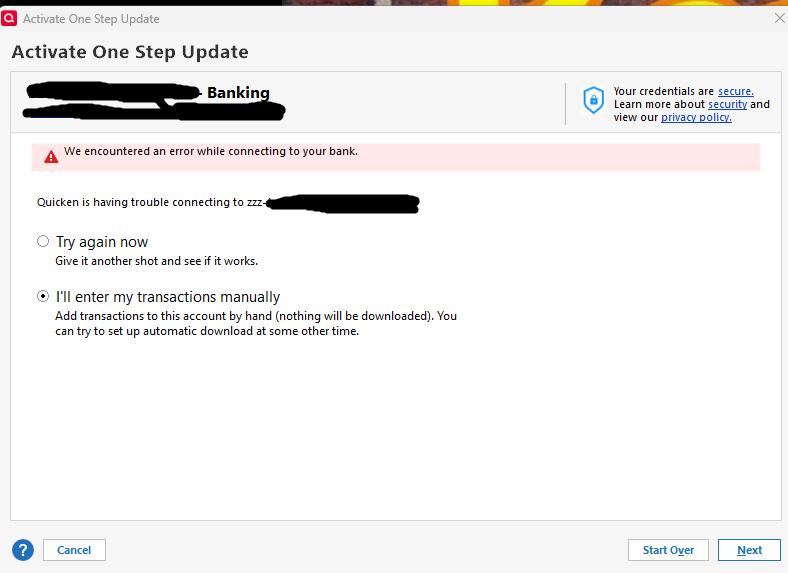
- Do you see any error messages/codes?
The most common cause of an Add Account prompt coming up after you've started a One Step Update is if one or more financial institution that connects using Express Web Connect Plus (EWC+) needs to be reauthorized.
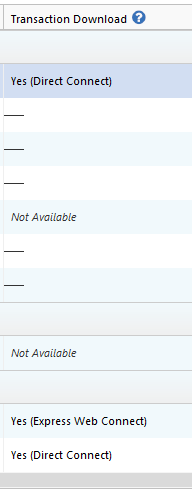
Do you have any accounts in your Quicken file that connect using EWC+? You can check this by navigating to Tools>Add Account and looking in the Transaction Download column.
I look forward to your reply!
Quicken Kristina
Make sure to sign up for the email digest to see a round up of your top posts.
0
Categories
- All Categories
- 46 Product Ideas
- 34 Announcements
- 248 Alerts, Online Banking & Known Product Issues
- 22 Product Alerts
- 513 Welcome to the Community!
- 679 Before you Buy
- 1.4K Product Ideas
- 55.4K Quicken Classic for Windows
- 16.8K Quicken Classic for Mac
- 1K Quicken Mobile
- 829 Quicken on the Web
- 123 Quicken LifeHub