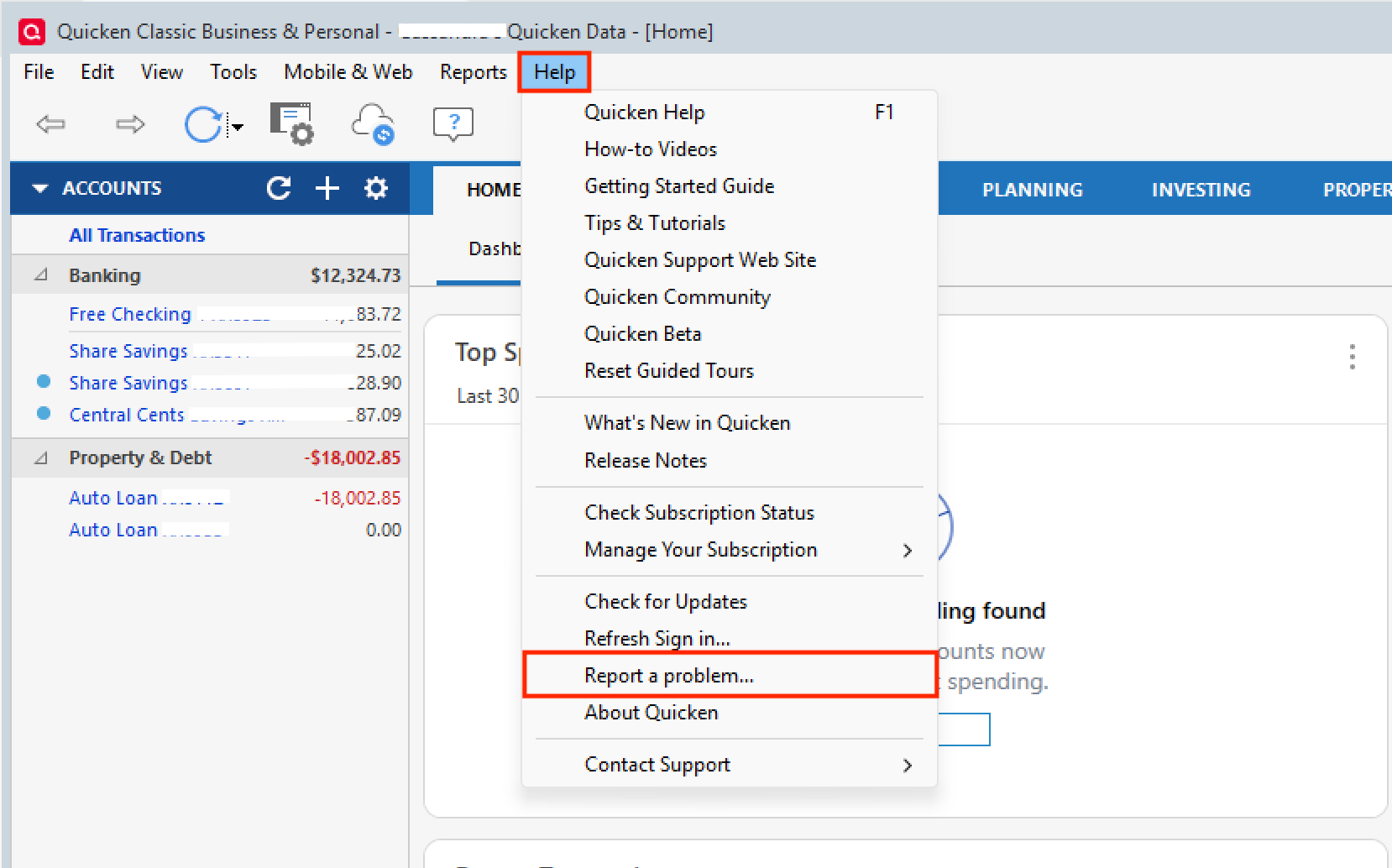
Bank of America - Reauthorization Error
I found this resolution online, and it worked for me
Log in to your Bank of America account, go to security, third party, revoke Quicken
Log out of Bank of America
Log back into Bank of America
When you get that pop-up directing you to go to Quicken within 10 minutes, hit decline
After logging into Bank of America, log back out
Go to Quicken
Pick any of your Bank of America accounts and add it to connect, then choose Bank of America
Sign in to Bank of America using your username and password
You should get a confirmation code
Enter that, and you should be able to get back to being able to get back to normal access
[Edited-Readability]
Comments
-
Hello @Amxq,
Thank you for sharing your experience.
What worked for you may work for others as well. If you need help, don't hesitate to reach out!
Thanks again!
Quicken Alyssa
Make sure to sign up for the email digest to see a round up of your top posts.
0 -
That worked for me and I was able to reconnect accounts. Thanks.
0
Categories
- All Categories
- 47 Product Ideas
- 34 Announcements
- 244 Alerts, Online Banking & Known Product Issues
- 22 Product Alerts
- 513 Welcome to the Community!
- 679 Before you Buy
- 1.4K Product Ideas
- 55.5K Quicken Classic for Windows
- 16.8K Quicken Classic for Mac
- 1K Quicken Mobile
- 829 Quicken on the Web
- 124 Quicken LifeHub