PNC Direct Connect

djlukas
djlukas Quicken Windows Subscription Member

Is anyone having issues downloading transactions from PNC Bank using Direct Connect? The last entry I have received from the download process is 03/01/2026. I've checked the bank site directly and have a number of records from 03/02/2026 and later that have not been added to Quicken Classic Deluxe R66.23 Build 27.1.66.23.

[Edited-Readability]

Comments

  • Quicken Alyssa
    Quicken Alyssa Quicken Windows Subscription Moderator mod

    Hello @djlukas,

    Thank you for sharing your experience.

    I have some follow-up questions for you:

    • Are you still experiencing this issue today?
      • Have any new transactions come in since you posted this issue?
    • Are the transactions you see on the bank's website that have not yet downloaded posted, or are they still pending?
    • Do you have transactions downloading successfully from other banks?

    It sounds like this would be considered missing transactions. We do have a Support Article that covers this issue.

    If this is the first time this has happened

    Review this list of reasons; if the issue has only happened once, one of the scenarios below is the likely cause:

    1. Has the sort order been changed in the register? Confirm that the Sort Order in your account register is by Date; just click the top of the Date column in your account register. It's likely the transactions are in your register, just not where you thought they'd be.

    WinDateSortGif_support

    2. Click the Reset button at the top of the register. This will confirm that there's no filtering in your account register.

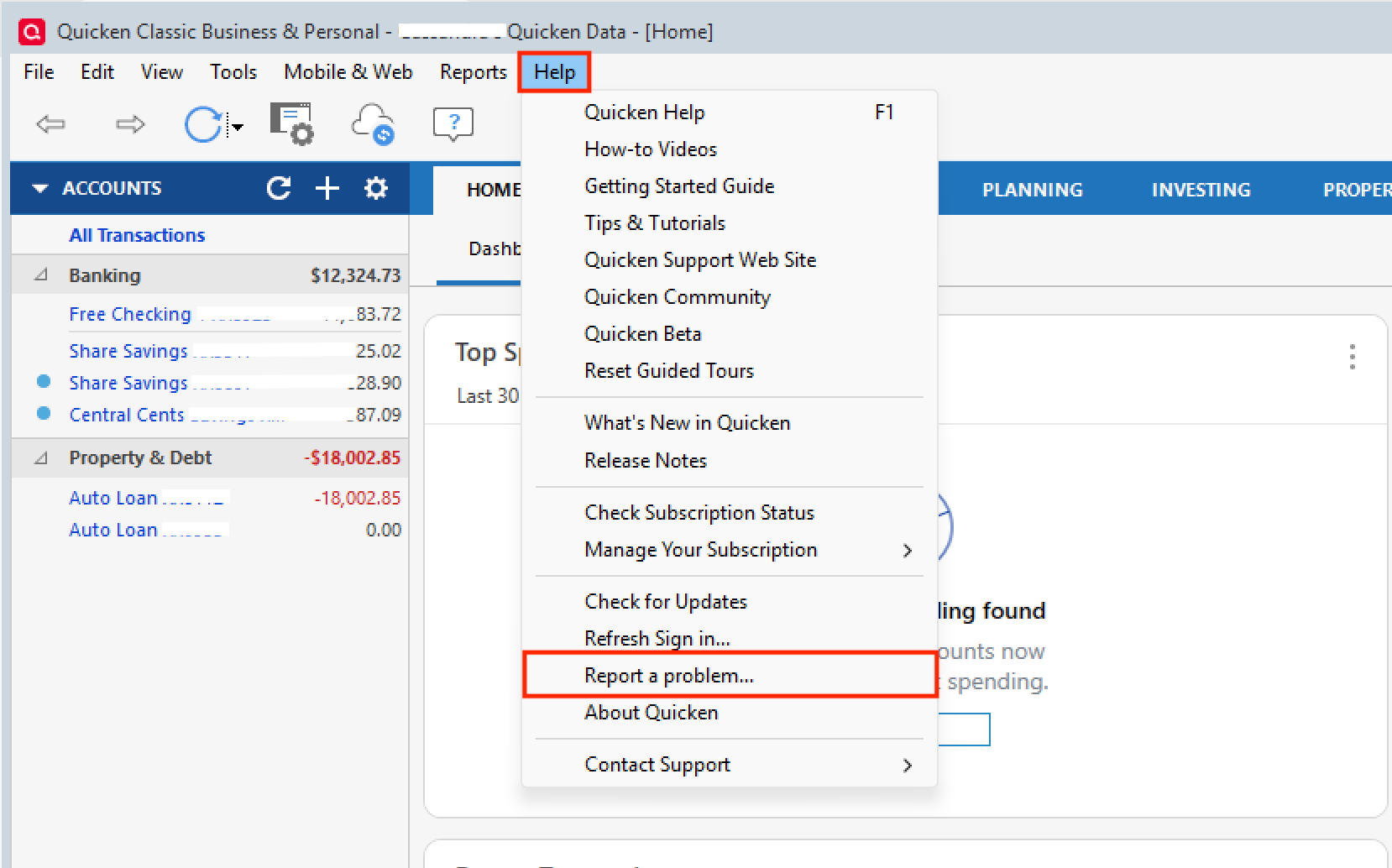
    3. Try refreshing your login session: To do this, go to Help > Refresh Sign in. After completing the log-in process, try running a One Step Update again.

    Please open the article linked above and follow the rest of the steps.

    Let us know how it goes!

    Quicken Alyssa

    Make sure to sign up for the email digest to see a round up of your top posts.