Calculator in Reports
Comments
-
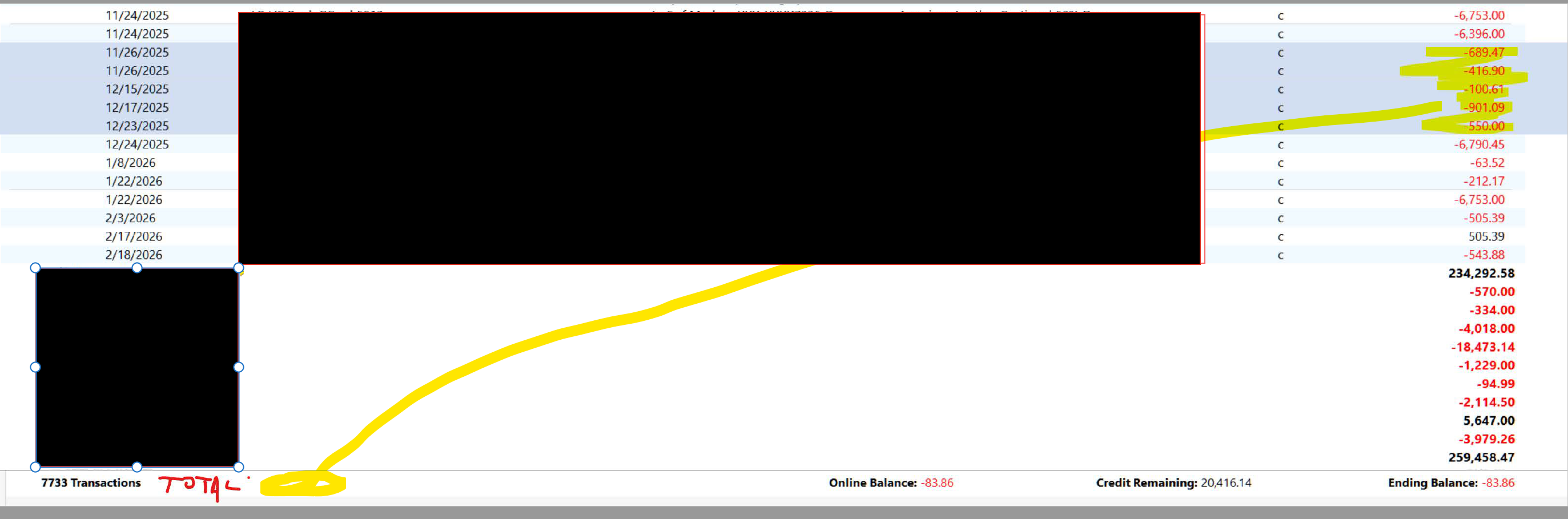
But your graphic is of an account register, NOT a report (which you're asking for a change to).
SO, I have no idea what you're asking, and thus I'd vote against this idea.
Q user since February, 1990. DOS Version 4
Now running Quicken Windows Subscription, Business & Personal
Retired "Certified Information Systems Auditor" & Bank Audit VP0 -
Hello @portlandlars,
Thank you for sharing your feedback! To clarify, your post says you'd like to see this in reports, but your screenshot shows an account register. What exactly are you wanting to see added? Do you want this in reports, account registers, etc.?
I look forward to your reply!
Quicken Kristina
Make sure to sign up for the email digest to see a round up of your top posts.
0 -
In a banking or credit card register, you can select a range of transactions by clicking on the first then shift-clicking on the last. To select individual transactions, Ctrl-click on each transaction you want to include. This is just like Excel. It also works with the All Transactions psuedo-register.
When you have selected multiple transactions, the number selected and the total amount is shown at the bottom left of the register.
Also in a banking register, including All Transactions, you can easily see a mini-report for any transaction's Category, including splits, by clicking on the little pie chart icon at the right of the Category.
Is this what you are looking for? Maybe it would be nice if you could do something similar in reports like the Banking Transaction report where the transaction detail is displayed.
QWin Premier subscription0
Categories
- All Categories
- 18 Product Ideas
- 34 Announcements
- 246 Alerts, Online Banking & Known Product Issues
- 19 Product Alerts
- 517 Welcome to the Community!
- 682 Before you Buy
- 1.5K Product Ideas
- 55.7K Quicken Classic for Windows
- 16.8K Quicken Classic for Mac
- 1K Quicken Mobile
- 834 Quicken on the Web
- 127 Quicken LifeHub