Quicken Classic Deluxe

I run Quicken Classic Deluxe on my desktop PC. How can I run it on my laptop PC? Is there a charge for that 2nd installation?
Answers
-
You can install subscription Quicken on as many computers as you want, BUT they will all be registered to the same Quicken ID account, so if you use QMobile/QWeb, the other users would be able to see what you have displayed in it.
If you are going to use the same data file on both desktop and laptop, you can NOT put the data file in the cloud and use it directly from the cloud. If you are going to keep it in OneDrive, DropBox or similar cloud storage to keep copies of it synced on both computers, you will need to stop the cloud process on the computer when you are running Q so that it doesn't try to save changes to it midway. When done with Quicken and it is closed, then restart the cloud process to have it do the sync back to the cloud and other computer.
The safest way is to copy/move the Quicken data file (.QDF) back and forth as needed, just don't make changes on both computers without doing the copy because Q does NOT have any capability to merge two files to share the changes.
-splasher using Q continuously since 1996
- Subscription Quicken - Win11 and QW2013 - Win11
-Questions? Check out the Quicken Windows FAQ list0 -
No, there is no extra charge to install it on another computer. Just make sure to use your same Quicken ID to log into it once it is installed.
Quicken Windows user since 1993.
1 -
Hello @GardenBoy,
Thank you for posing this question.
To add to what @splasher & @bmciance have said, you can install Quicken on as many computers as you would like. If needed, we do have a Support Article with instructions on installing.
If you open the linked article, you will see buttons for both Windows U.S. and Windows Canada.
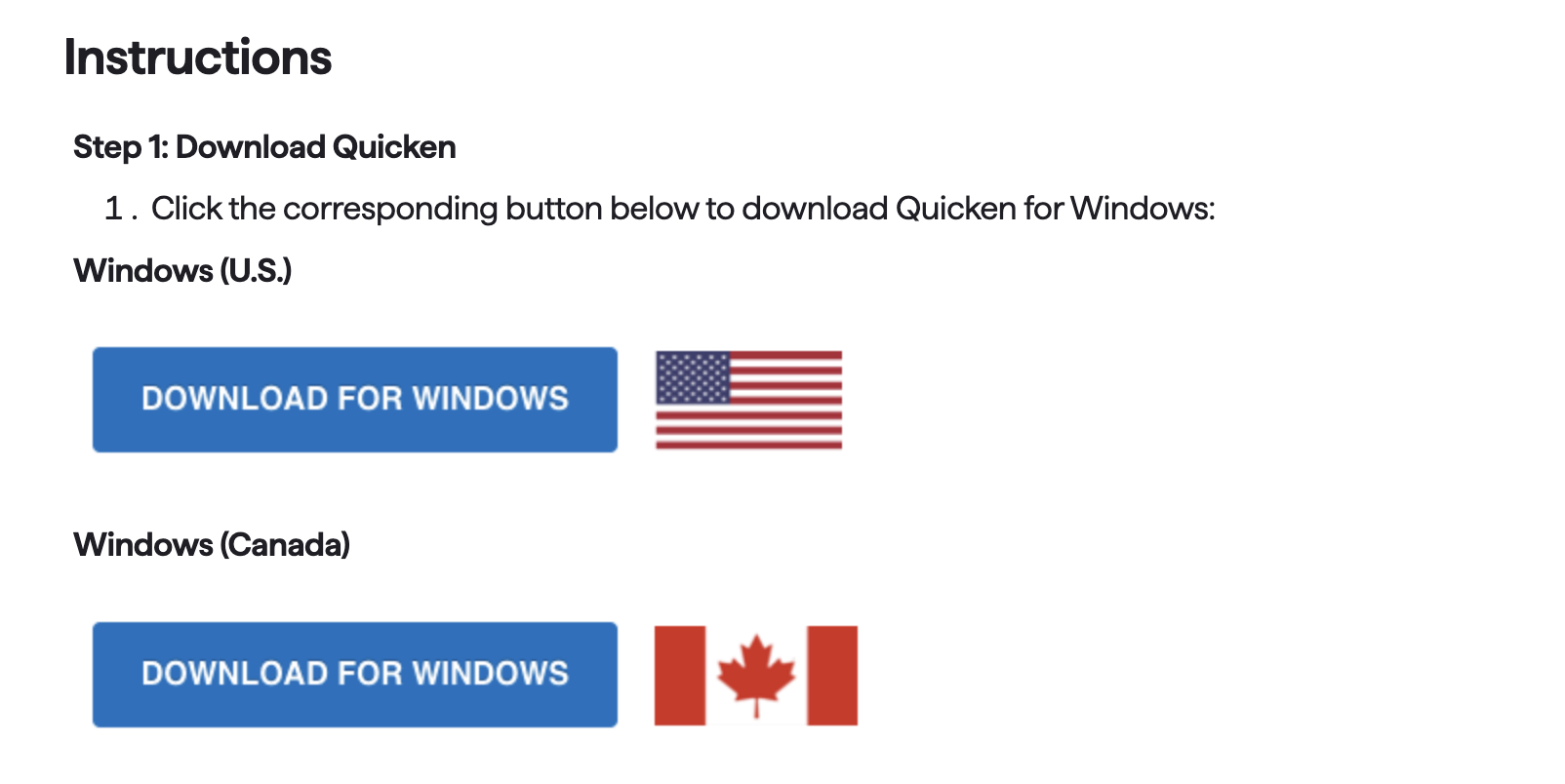
Start there and then proceed through the remaining steps.
Hope this helps!
Quicken Alyssa
Make sure to sign up for the email digest to see a round up of your top posts.
0


Categories
- All Categories
- 6 Product Ideas
- 34 Announcements
- 249 Alerts, Online Banking & Known Product Issues
- 19 Product Alerts
- 266 Welcome to the Community!
- 301 Before you Buy
- 1.5K Product Ideas
- 55.8K Quicken Classic for Windows
- 16.9K Quicken Classic for Mac
- 1K Quicken Mobile
- 834 Quicken on the Web
- 129 Quicken LifeHub