Quicken R66.28 Changing Payee Name When Not Told To Do So

cyberphile
cyberphile Member ✭✭✭✭

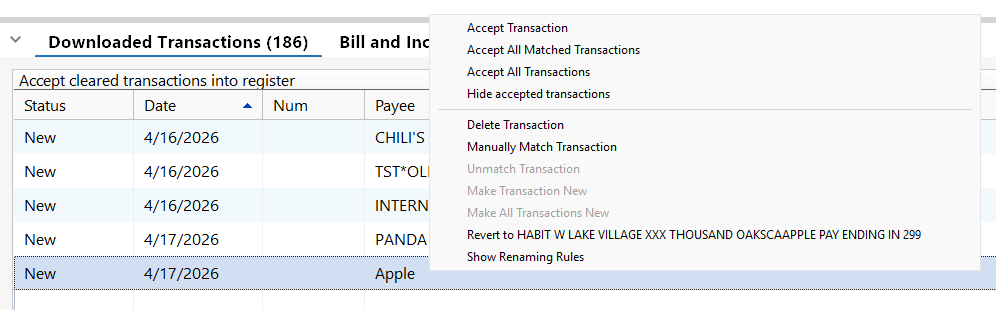
I've discovered that Quicken R66.28 is changing the names of certain Payees (or Merchants) in one of my credit cards (Discover). I have ALL of the Downloaded Transactions Preferences UNCHECKED and there are no Renaming Rules defined either. If I hover over the transaction in the Downloaded Transactions list, a window is opened saying "Renamed from …" the actual merchant name (almost, see next paragraph). If I right-click on the transaction, a window is opened giving me the choice to "Revert to …" the actual merchant name (again almost, see next paragraph).

Quicken is now also changing some Payee (Merchant) names to remove numbers and replace them with X's. Right-clicking on these transactions does not give an option to revert the name to the actual Payee (Merchant) name.

Both of these bugs are very problematic. First, most people will not see the windows that open by either hovering or right-clicking on the transaction to determine the real merchant name and will waste time trying to determine who that merchant was. Second, replacing numbers in the merchant (which is usually the store number) with X's destroys the audit trail by eliminating which merchant location the transaction is from.

Mods, please see that a ticket is opened for this and pass it on to the developers. I have no desire to spend hours on the phone with the first line Quicken Support trying to explain this to them. Escalating an issue to the next level support is just a frustrating (based on personal experience).

Below are screenshots of an example:
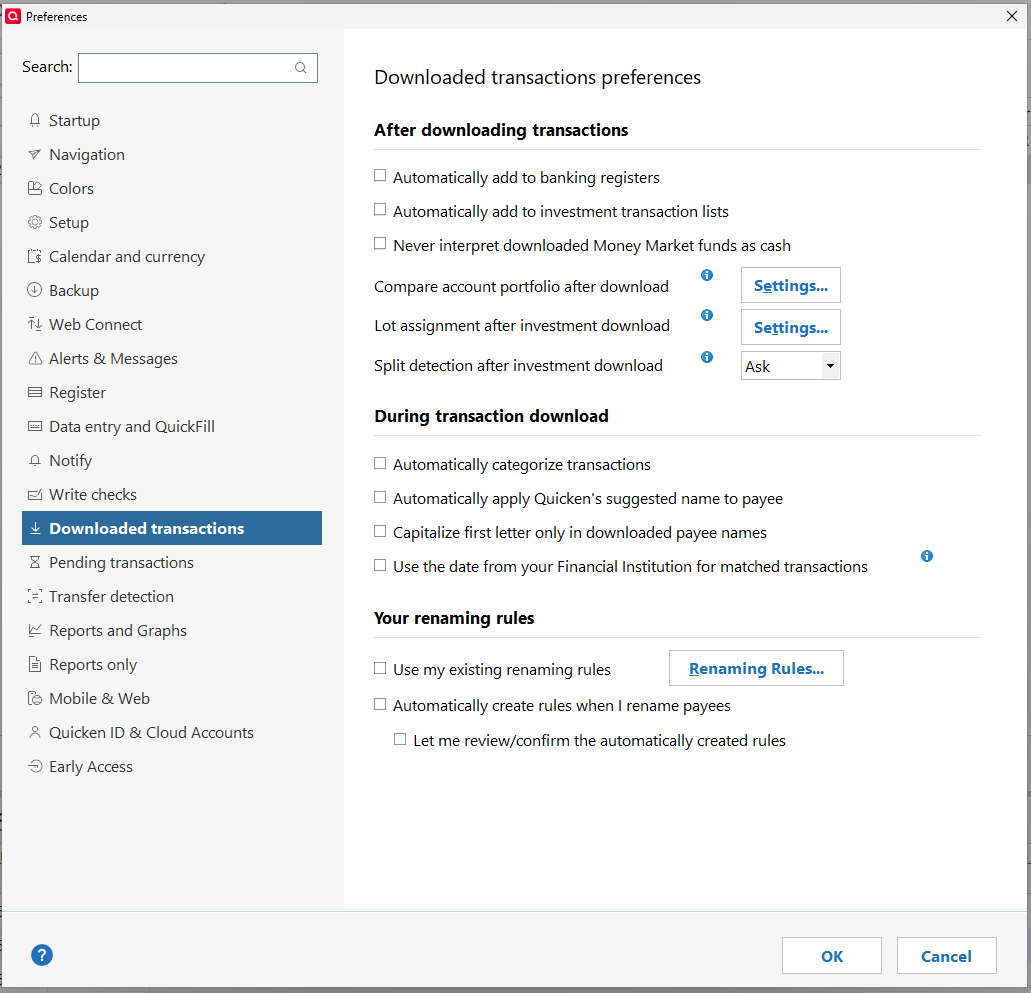
image.png image.png

Comments

  • Quicken Kristina
    Quicken Kristina Quicken Windows Subscription Moderator mod

    Hello @cyberphile,

    Thank you for letting us know you're seeing this behavior. The first issue (Payee names being changed even though the settings in Quicken that enable automatic renaming are turned off) was reported earlier under tickets CTP-11778 & CTP-16231. The response we got back is that it's working as intended. These changes are caused by service providers (such as our aggregation partner) who perform their own payee cleanup before sending the data to Quicken.

    This is the first time I've heard of store numbers being replaced with Xs. Given that Discover recently changed its connection to Express Web Connect Plus (EWC+), it's possible that a change in how they're sending the data is causing this.

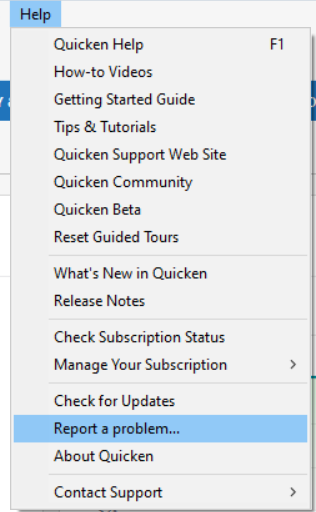
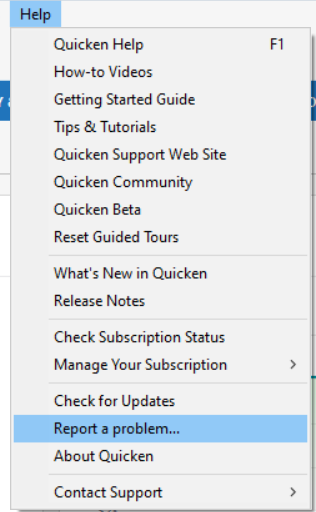
    Confirming if that's what is happening requires checking the logs. If you would like us to check, please navigate to Help>Report a Problem, and send a problem report with log files attached. Please include transactions you want us to check (Date/Payee/Amount).

    Report a Problem QWin.png

    Please let us know if you send logs.

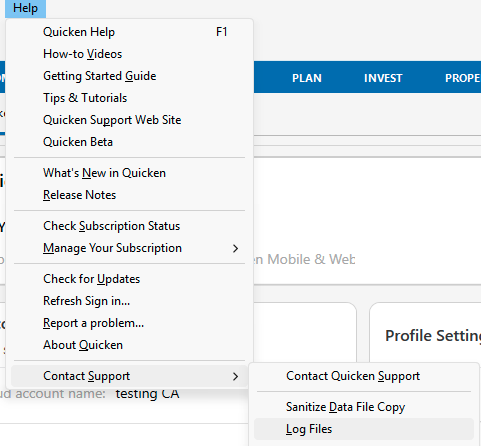
    If you prefer to check the logs yourself, you can access them by going to Help>Contact Support>Log files.

    Screenshot 2026-04-21 at 5.13.13 PM.png

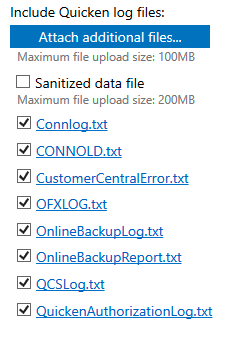
    If you're not able to view the logs from that screen, you can also access them by going to Help>Report a Problem.

    Screenshot 2026-04-21 at 5.16.29 PM.png

    You can click the file you want to view, and it should open in your default text editor.

    I look forward to your response!

    Quicken Kristina

    Make sure to sign up for the email digest to see a round up of your top posts.