Memorized Payee Category not populating

It used to be that when I would send a check, I'd type the Payee, select the correct name, and hit tab, at which point quicken would automatically populate the category with the memorized payee information. Now that is no longer working. I have to type the category now. Even checking the Save this to Memorized Payee List does not seem to take. Is there a way to get back the old functionality?
Thanks,
Ben
Quicken Classic Premier R63.21/27.1.63.21 on Windows 11.
Comments
-
Hello @benjamintm,
Thank you for sharing your experience. If I'm understanding correctly, it sounds like you're trying to enter a bank bill pay transaction, and it's not recognizing the memorized payee to fill out the information? Which financial institution is this happening with? Did you recently have add or reconnect accounts with that financial institution? If your accounts got connected via Express Web Connect instead of Direct Connect, that may be the reason for the issue you're encountering.
I look forward to your reply!
Quicken Kristina
Make sure to sign up for the email digest to see a round up of your top posts.
0 -
This happens for all accounts. My workflow is like this:
Every week I:
- Download all transactions for my accounts (bank and credit cards)
- Review and accept all the downloaded transactions, showing me the current balance of my credit cards.
- Instruct my bank, via quicken/QFC, to "send" a check to each credit card company for the amount I owe on the credit card.
The way it used to work is that I would:
- Open the bank register in quicken
- Add a new transaction
- Use the Send option for the transaction
- Type in the name of the credit card company and hit tab
- Quicken would automatically fill in the category (i.e. the credit card account).
- I enter the amount of the transaction
- Hit enter to finalize the transaction
- Repeat for each credit card with a balance
Then I would send connect to the bank and send the payments.
Now, when I hit step 4, Quicken does not automatically fill the category. Instead I have to type the category.
Ben
0 -
Thank you for your reply,
Which financial institution is this happening with?
Are you able to successfully send the payment after typing in the category? If not, then what is happening?
Thank you!
Quicken Kristina
Make sure to sign up for the email digest to see a round up of your top posts.
0 -
This is happening with my checking accounts at US Bank. I can send the checks after typing the category.
0 -
Thank you for your reply,
Since you are using bank bill pay through Quicken, there are a few possibilities. First, check to make sure that QuickFill is turned on and configured the way you want it. You can do this by navigating to Edit>Preferences>Data entry and QuickFill.
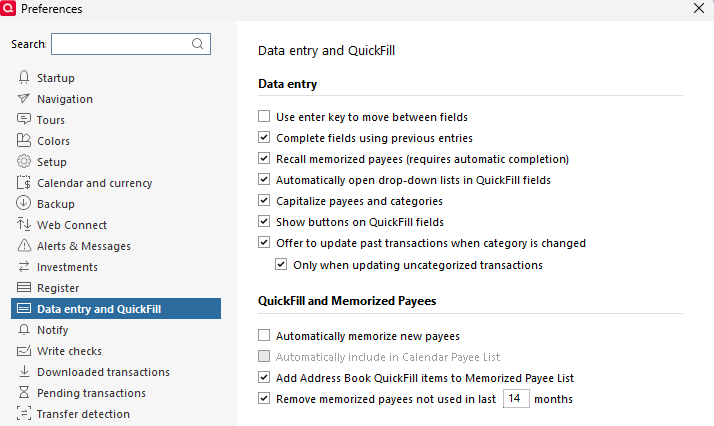
If you had to turn the feature on, or change/update any settings, then monitor to see if that resolves the issue.
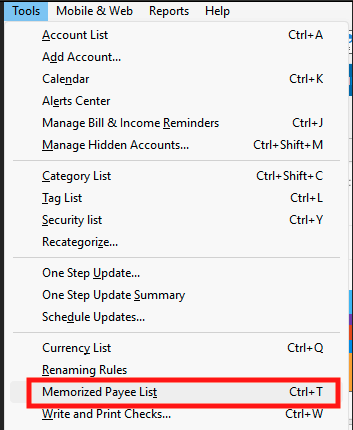
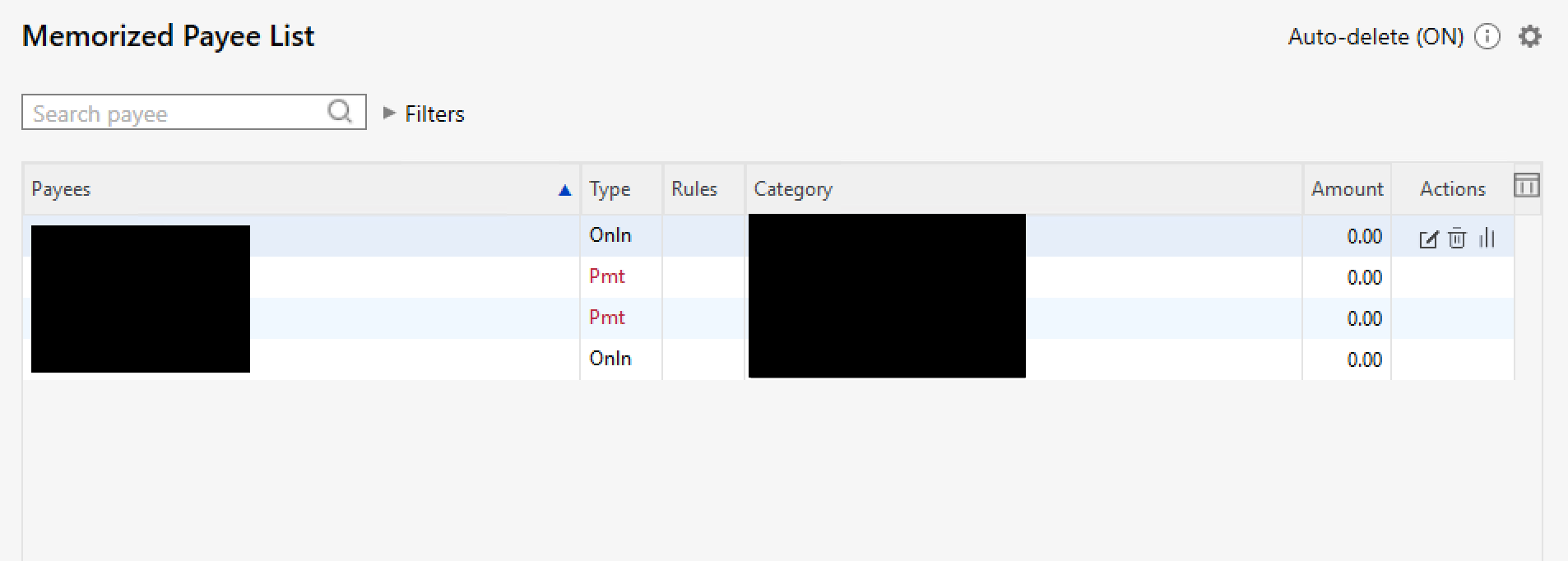
If the issue persists, the next possibility is that there's something going on in the Memorized Payee List, such as another similar payee being memorized, or the existing memorized payees being changed. To check that, navigate to Tools>Memorized Payee List. For information on how to edit a memorized payee, please see this article:
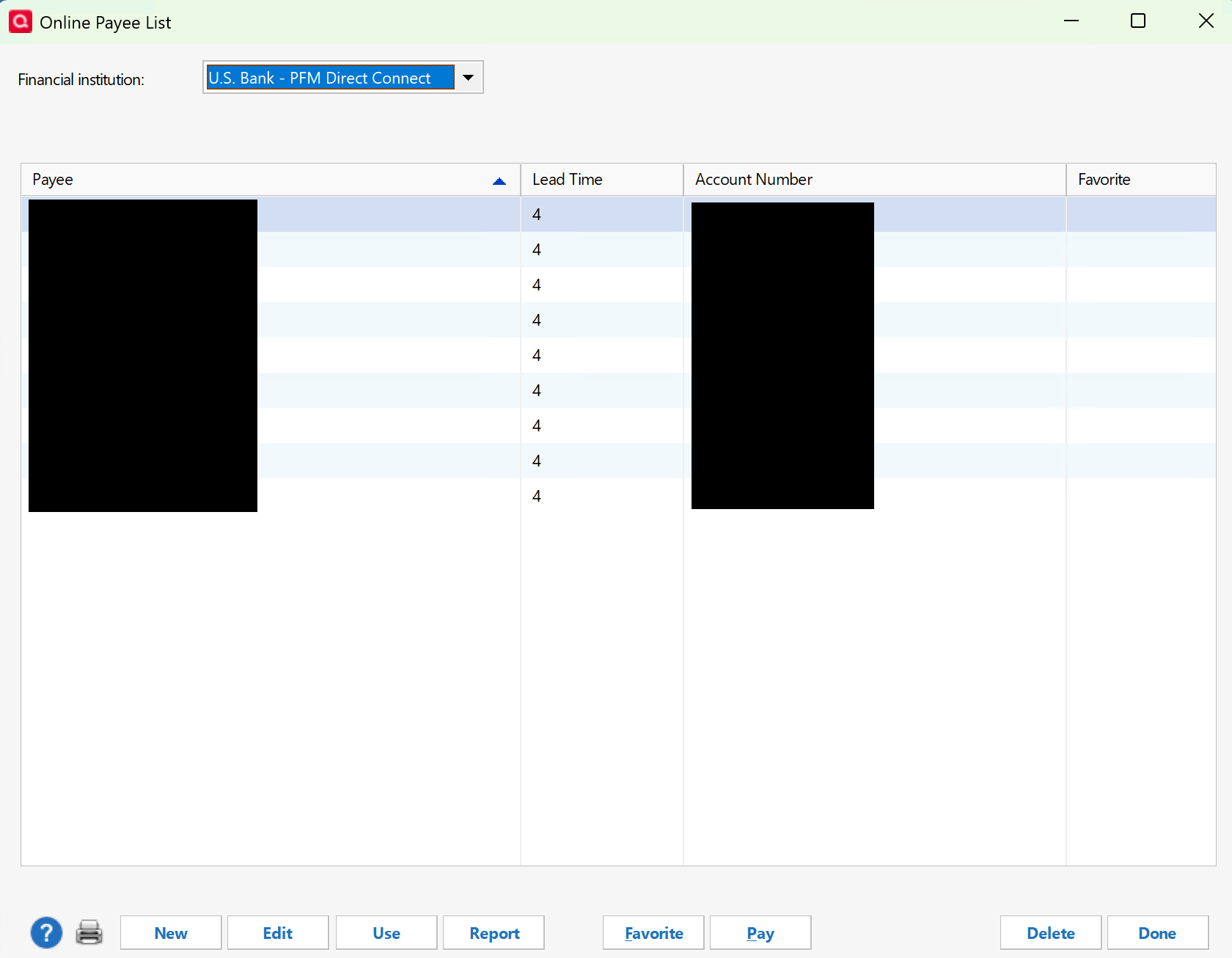
If the issue persists, or you can't find any problems in the Memorized Payee List, the next place to check is the Online Payee List. You can find this list by navigating to Tools>Online Payee List. Note - Since this information is provided by the financial institution, if anything needs to be corrected, you may need to do so from the financial institution website.
Please let me know how it goes!
Quicken Kristina
Make sure to sign up for the email digest to see a round up of your top posts.
0 -
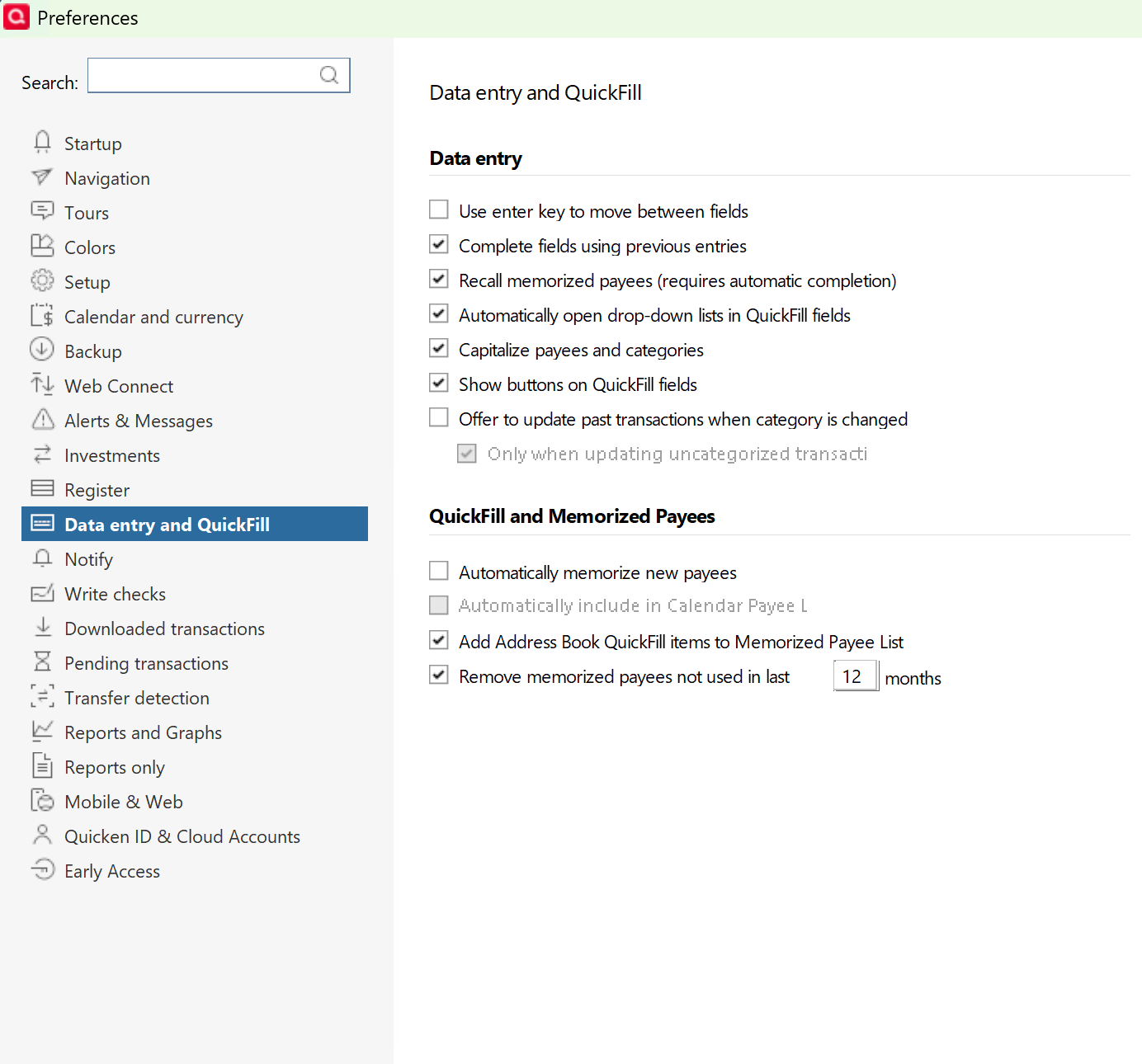
Everything looks correct:
 0
0 -
Is there a way to reset all of the settings? I'd like to see if the issue happens in a base state, vs. my 30+ years of Quicken of goodness knows what tweaks I've made that might be causing the issue.
0 -
Thank you for your reply,
The simplest way to test with most of your settings reset to default would be to create a new "test" file, connect only the financial institutions needed for the test, and then see what happens when you schedule in that new file. For instructions on creating a new file, please see this article:
For instructions on how to switch between your main file and the test file, please review the "How to alternate between multiple files" section of the article:
Please let me know how it goes!
Quicken Kristina
Make sure to sign up for the email digest to see a round up of your top posts.
0
