delete phantom account in update

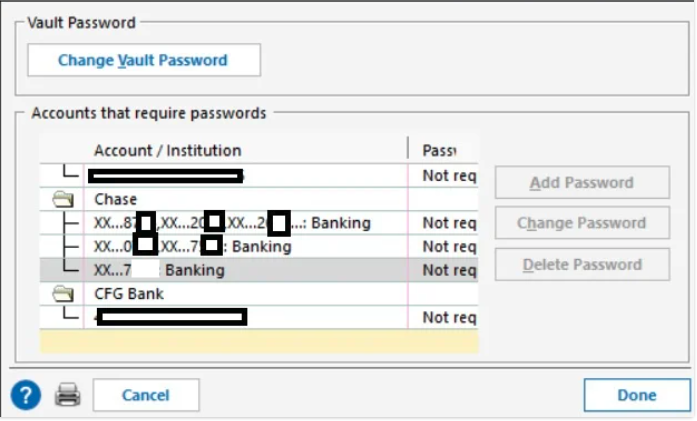
Somehow an old closed chase account (the one ending in 7XXX) remains in my update screen. Any way I can delete it?
[Edit - Removed partial account numbers]
Comments
-
It looks like Chase still considers it open. You'll probably have to contact Chase Bank.
0 -
Also the account may still be connected for downloading.
Go to Tools > Account list and click on Edit next to the problem account and on the Online Services tab, if there is a Deactivate button, click on it.
QWin Premier subscription5 -
there is no online services tab as I closed it in quicken, and I it is listed as closed at Chase (though I can still toggle the display on and off).
0 -
Hello @VerbalK,
That is unusual. If you haven't already done so, please navigate to Tools>Account List, and in the lower left corner, select the Show hidden accounts checkbox (if you do not have hidden accounts, this box will not be visible).
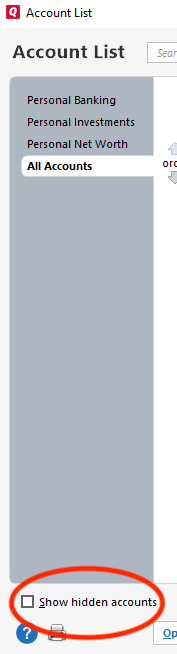
Once that box is selected, review your account list to see if there is a duplicate of that account that still thinks it's connected in Quicken.
Please let me know how it goes!
Quicken Kristina
Make sure to sign up for the email digest to see a round up of your top posts.
0 -
the hidden account is there, and it is listed as closed. And I am certain I deactivated online services before closing it. but for some reason it still exists in the update list.
I think I'm never going to "close" an account in quicken again.
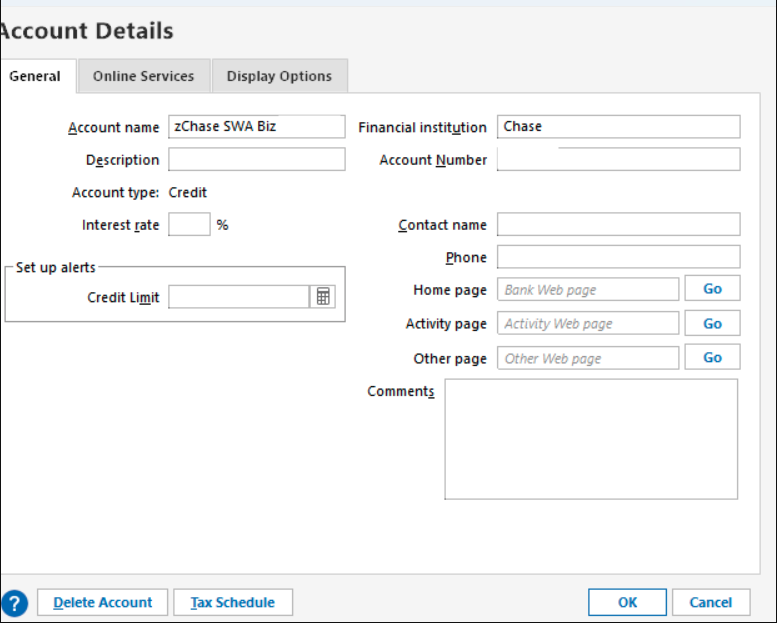
[Edited - Removed partial account number]
0



