Windows Quicken Classic - Hanging/OSU Freezing/CC-501 Errors
Comments
-
Still freezing this morning. None of the bank accounts could update
0 -
Still freezing this morning. None of my bank accounts could update using One Step Update
0 -
It has been extremely slow for the last couple of days, but has ultimately worked. Today, though, it was slow and I'm getting a CC-501 on US Bank. All other accounts were fine.
0 -
Me too. CC-501 but only on Chase accounts. Started after this morning's update (9/25/2025)
0 -
Same Here. CC-501 Error after today's update (09/25/2025). Chase Accounts Only, after one-step update.
0 -
Still freezing and having to End Task to exit Quicken. Very frustrating!
0 -
I had tried updating US Bank individually from the register option, but it returned the same. I did some other work and then tried it again before shutting down and it worked fine. Things are still slow though.
0 -
Deluxe 64.30. CC-501 errors with Verizon Visa (Synchrony Bank) started after the update
0 -
I had the extremely slow OSU update yesterday. Like 10 minutes. Then it completed. I'm 2 versions behind with Quicken. So it seems to me this is certainly a backend problem, not caused by the very latest quicken update.
0 -
Is this fixed? As of 9/25 this is still not fixed.
0 -
It has been over 4 hours since I began trying to update. Still not working. No signs of any sort of improvement despite the Quicken Anja propaganda.
-1 -
Still not fixed for Barclaycard, Cap One Card or Fidelity!
0 -
Still not fixed for Cap One Card or Barclay Card but Fidelity just completed. Progress none the less!
0 -
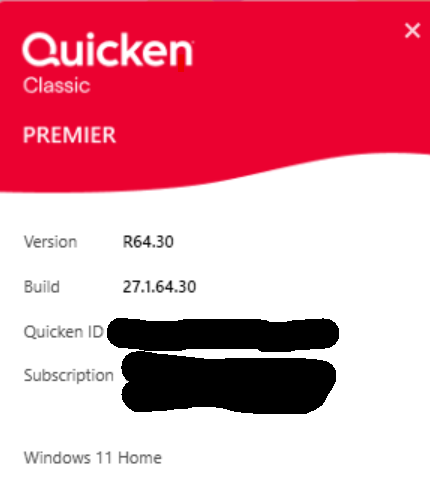
This is the second day that folks are having this issue and still nary a peep from the Quicken Support team. Come on Quicken - at least let us know you are looking into this issue! It appears to me that it started with the update to R64.29 Build 27.1.64.29
0 -
After this update one step goes into a permanent loop of processing data. I am beginning to hate the Quicken updates that introduce more issues than they fix.
0 -
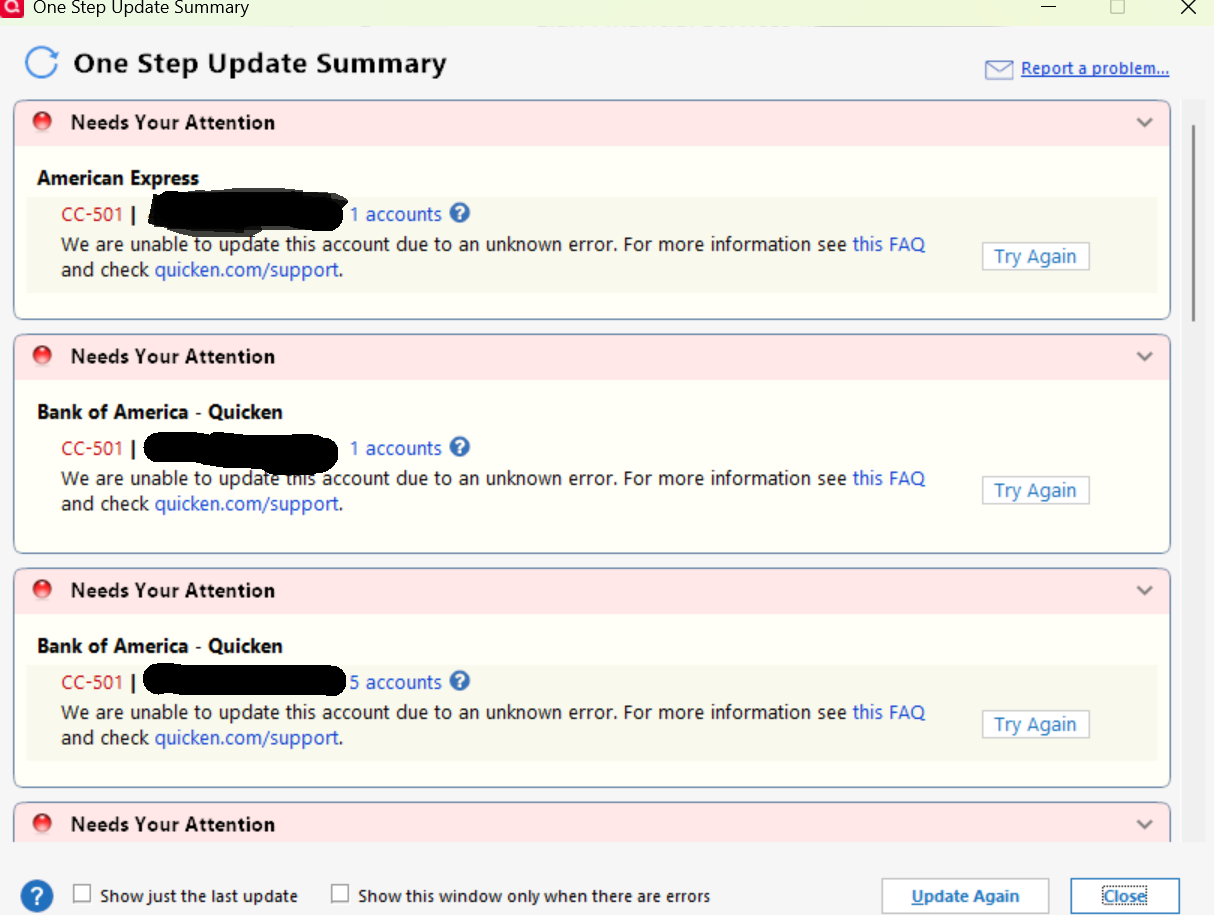
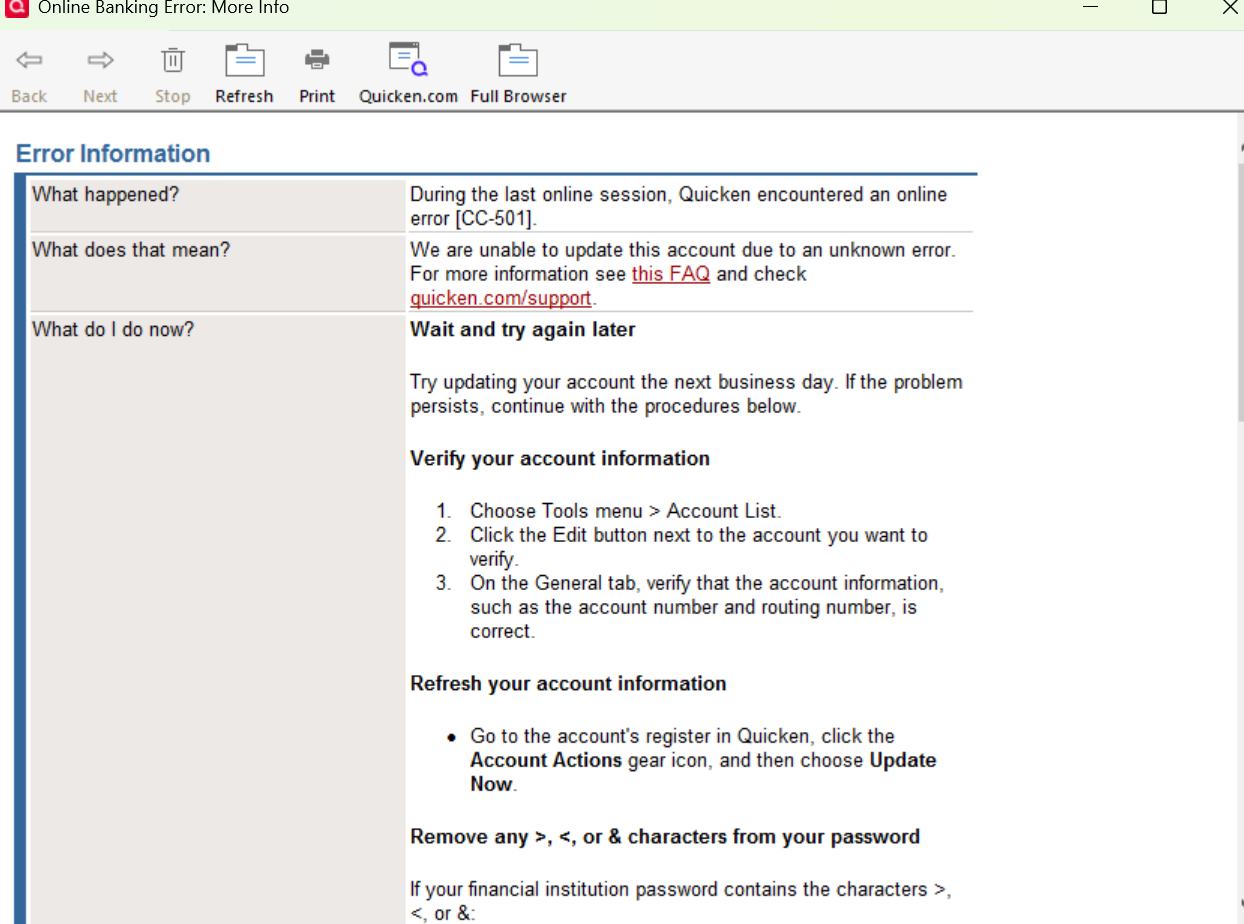
I am not able to download with Quicken for almost all of my banks and credit cards since last night Sep 24. I got CC-501
 0
0 -
@leishirsute , Thanks for the pointer. I track several accounts in Quicken (e.g., Chase, AMEX, BofA, Fidelity, Elan, etc.). As you mentioned, I did update each one individually and then didi an OSU. OSU worked! Took some time, but not the 15 or 30 minutes! All accounts updated successfully! Is this luck, good timing or a fix? Only time will tell.
Thanks!
1 -
as Anakin Skywalker said,
"It's Working, It's Working"
You Don't Have to Have a Point, To Have A Point
0 -
Working today. Will keep fingers crossed.
0 -
Working today, but I have 6 pending transactions for my checking account that are dated 7/1!!
0 -
OSU worked normally for me this morning.
Quicken Classic Premier (US): R66.28 on Windows 11 Pro
0 -
OSU completed all 15 accounts [including Fidelity] successfully this AM.
0 -
I'm still experiencing the issue today; only one account was updated.
0 -
I am still experiencing the issue as well. Fidelity will not download recent transactions.
0 -
All my accounts downloaded OK last night and this morning!
0 -
OSU is working this morning, but it did not download my Schwab transactions from 9/23 and 9/24. I had to key those in manually.
0 -
Mine worked this morning, but it was still a bit slow.
0 -
Appears to be working as of 15:15 EST. Fairly slow to do updates (Web Connect ones) but at least it worked.
My Fidelity account seems to be correct as well. Whew!
0 -
So far, so good…OSU worked (Fidelity, Elan, Chase, BofA, PNC)…slightly slower, but working. A previous issue with CitBank still exists, but can't blame OSU for that one..
0 -
Hello @Tim Custis,
Thank you for letting us know you're still seeing an issue. To help troubleshoot, please provide more details. For the accounts that did not update, did you see any error message/code? Which financial institutions are these accounts with? If possible, please provide a screenshot of what you are seeing. Please make sure to redact any personal information. If needed, please refer to this Community FAQ for instructions on how to attach a screenshot. Alternatively, you can also drag and drop screenshots to your response if you are not given the option to add attachments.
I look forward to your reply!
Quicken Kristina
Make sure to sign up for the email digest to see a round up of your top posts.
0