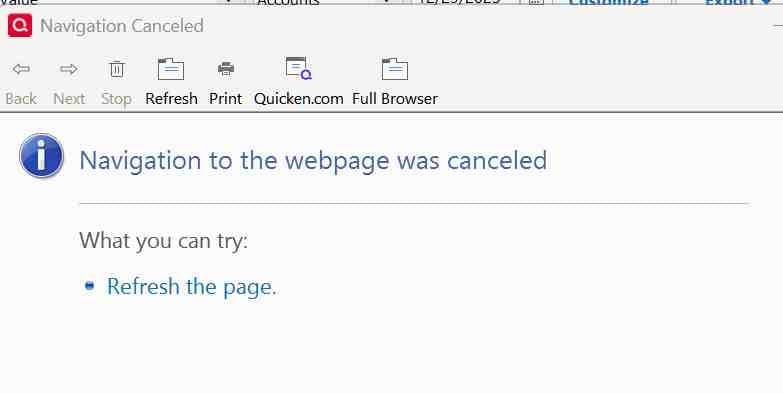
"Navigation to the webpage was canceled"

Windows 11 Pro
Quicken Ver R65 29
Build 27.1.65.29
From the Investing tab, if I click on a security I get only this window saying "Navigation to the webpage was canceled." Shouldn't there be information about the stock?
Best Answer
-
Try shutting down Quicken and deleting this folder, and then restarting Quicken:
C:\ProgramData\Quicken\Cache
1

Answers
-
Please describe your exact steps to get to the place where you're clicking on a security name.
There are several such places in Q.
Q user since February, 1990. DOS Version 4
Now running Quicken Windows Subscription, Business & Personal
Retired "Certified Information Systems Auditor" & Bank Audit VP0 -
Try shutting down Quicken and deleting this folder, and then restarting Quicken:
C:\ProgramData\Quicken\Cache
1 -
Thank you! Deleting the cache did the trick.
1
