Cash Flow Forecast Fail in Quicken XG

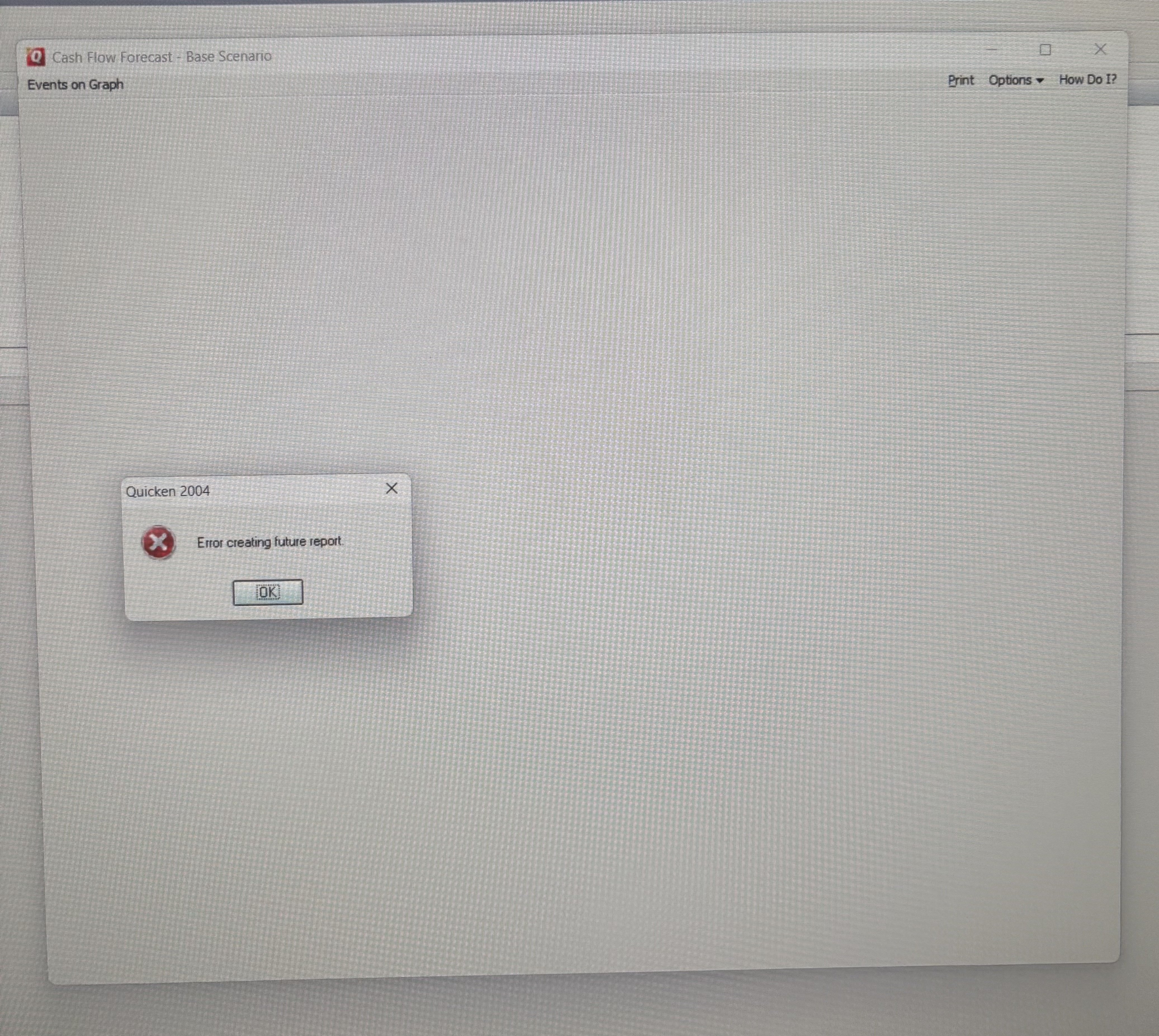
Since the new year (1st Jan 2026) my classic Quicken XG 2004 now fails to create a forecast and gives the pop up error “Error creating future report”. If I change the system date in Windows 11 back to December 2025 the forecast runs, but then it is out of date, so not much use.
Any ideas how to fix this? I’m wondering if it is an ini file or windows registry issue.
Thank you
Comments
-
Same for me John, I think this version of Quicken may have just run out of road!
1 -
Having the same issue.
Hopping on here in the hope of a fix....
(fingers crossed)
1 -
I wouldn't hold my breath hoping for a fix to a 20+ year old product that's no longer offered.
Quicken stops supporting product that are 3 years old.
Q user since February, 1990. DOS Version 4
Now running Quicken Windows Subscription, Business & Personal
Retired "Certified Information Systems Auditor" & Bank Audit VP0 -
Given that you have proven that the bug seems to be date related, I would suspect that if that feature is vital to you then it is the end of the road for Quicken XG for you.
You probably should look into converting to at least Quicken 2013 Deluxe US which you can get for free from here:
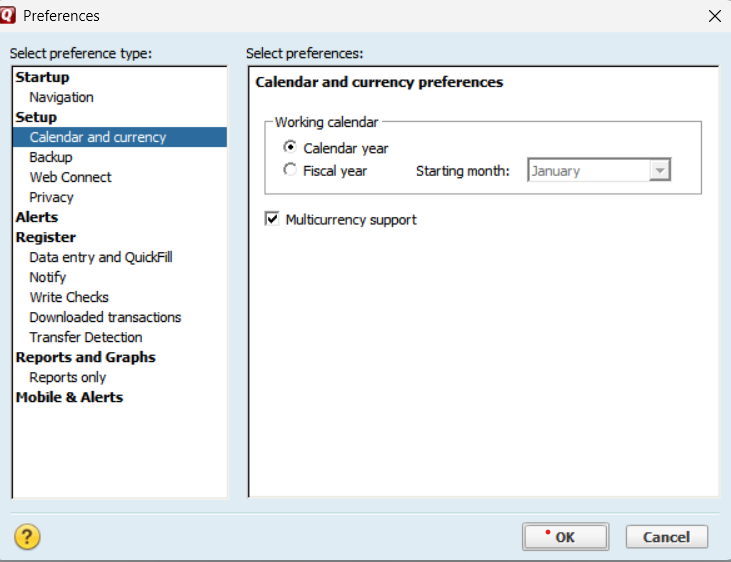
It might not be able to convert your data file directly (make sure you turn on multiple currency support in the preferences before trying to open/convert the data file).
You can try going through Microsoft Money. From what I understand Microsoft Money could read these foreign Quicken data files, and there is an import for Microsoft Money data files in Quicken.
If that fails, then maybe the QIF export/import method might work for you. Given you have UK accounts I would make sure that multiple currency support is turned on and the Home currency is set to your home currency and create any accounts that have a different currency before doing the QIF import since the QIF format knows nothing about currency, it just has numbers, and you can't change the currency of an account once it is created. Transfers also tend to be a problem; here is some information on that.
1 -
In your Quicken data file, how many years of transaction data do you have? 20 years or more?
This is just a shot fired into the dark … What if you created a copy of your data file containing only the latest 5 years of transactions, thus reducing the number of months that a tabular report or graph with monthly intervals has to work with.
I'm assuming here that the forecast cannot work with more than either 128 or 256 intervals (approx. 10 or 20 years, respectively) …0 -
I've 3 accounts with 8 years of transactions, so quite a big data file, but was manageable up to 1st January 2026, which seems very coincidental.
I will try to update to Quicken 2013 initially, but I work with GBP also and I understood that all Quicken versions after 2004 did not support GBP. If it will work with 2013 then "happy days!"
Thank you for the responses and huge help so far. I'll report back. I may even need to create a VM ( virtual machine) as a last resort.
0 -
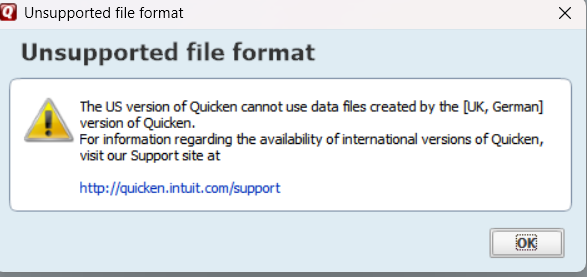
Right I've loaded Quicken 13 US and it apppears, despite changing to Multi Currency < Quicken US does not work for UK nor German QDF Files. Any further help? appreciated. Noted that there were around 180,000 items converted on the conversion run but the error below still popped up, so I can't use the original file. Is there an international version that will run my 2004 UK QDF file?
Thank you again
 0
0 -
Please review this discussion and see if it helps you convert your data file(s).
Quicken 2004 XG (UK) File Transfer / update to Quicken 2013 via QIF — Quicken
Also do not forget to search the Community for other discussions re: Quicken XG
0 -
Thank You UKR, I have found a solution to directly convert the full 2004 XG QDF UK files rather than removing all the categories. It was given by Chris_QPW above.
I loaded the sunset version of MS Money download above, then:
Selected the covert QDF (Quicken file) to (MS Money File) MNY.
This went ahead without any snags apart from the description of GBP which I just gave a 1 to 1 conversion rate to British Pound.
Then re-starting MS Money (this retained all the bespoke categories I had created in Quicken XG), all the dates etc were correct and so was the GBP currency.
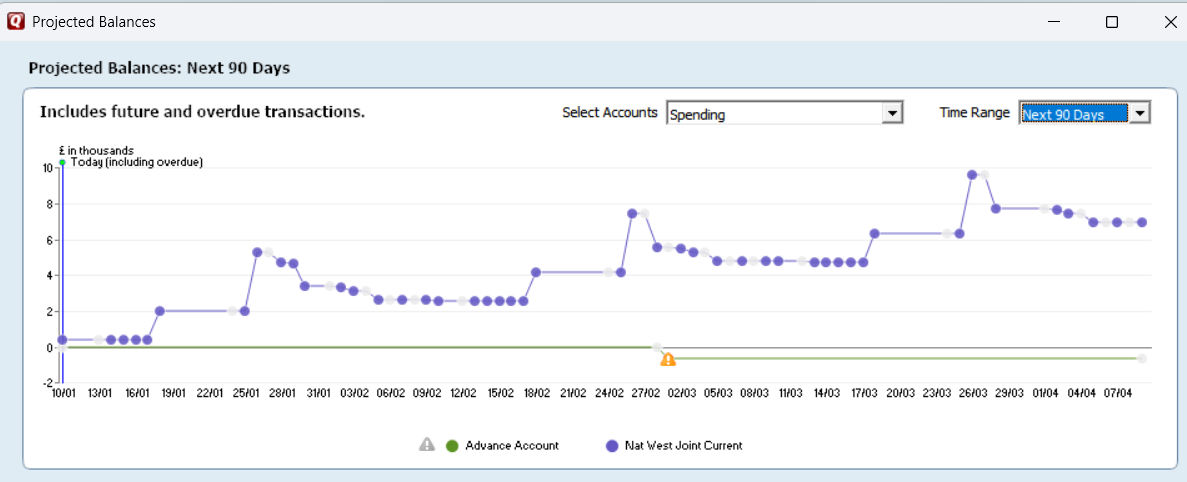
I loaded up Quicken 2013 and imported the MNY file into Quicken 2013 US deluxe from the link above. This loaded everything in 100% correctly as I could see, including the bespoke categories, apart from one thing which was my variable monthly salary. Once I had updated that with an estimated amount everything appears to have clicked into place, including the Cash Flow Forecast which is now the Projected Balances. Everything in GBP too as you can see below.
I just need to check the download from financial institution in OFX form (NatWest Bank UK), but I can't see a problem as I already used ImportQif.
(I'm wondering if this will update into any later Quicken now?)
A GREAT BIG THANK YOU to all, including Chris on here, your advice was comprehensive and invaluable.
 2
2 -
You could update to the latest version of Quicken, but I don't recommend it. Quicken 2013 is the last version that is completely offline. Most of what is new in Quicken is online features you can't take advantage of and you would be on a yearly subscription.
1 -
Chris,
I will stick with what I have then. I have now verified the ImportQIF download and import process is working correctly too with the Natwest Bank UK OFX file, I needed to reverse the dates back in ImportQIF settings as the US and UK have the Month and Date fields reversed, this wasn't a problem in Quicken XG, but apart from that simple fix in the settings all runs smoothly now.
Many Thanks Again.
1 -
Since you are using Quicken 2013 that means that QFX file imports aren't possible (only possible on a supported version of Quicken), so you must be using QIF imports.
OFX/QFX files have a standard date/time format and as such can never be wrong based on location, on the other hand QIF never had any standard and different programs/countries had different formats. Quicken US and Canada QIF files have always used MM/DD/YYYY (with the quirk that MM/DD'YY is also accepted, it was the fix for the year 2000 problem) even if the user has set the Windows short date format to something else, which Quicken Windows uses for the register and such. When different country versions of Quicken got created they tended to change to whatever was used in their country. I believe the Australian version has a setting for it.
This shows the real difference between an unstandardized format like QIF vs OFX/QFX.
0 -
I have just run through the calendar for transactions and it only goes as far as December 2027 then reverts to January 1900. Now is the time to start moving to a different program or version. This is why the Cash Flow Forecast fails as it can't do a 2 years forecast. 😫. I am currently running Quicken 5 and have been since 1995. So may run a newer version of Quicken and run the old version until Loans etc end.
0 -
In general, it is expected that one would change to something like the Lifetime Planner (used to be called the retirement planner) for such long-time planning. Anything over a year is mostly guessing anyways.
0



Categories
- All Categories
- 6 Product Ideas
- 34 Announcements
- 249 Alerts, Online Banking & Known Product Issues
- 19 Product Alerts
- 266 Welcome to the Community!
- 301 Before you Buy
- 1.5K Product Ideas
- 55.8K Quicken Classic for Windows
- 16.9K Quicken Classic for Mac
- 1K Quicken Mobile
- 834 Quicken on the Web
- 129 Quicken LifeHub