Discover Bank Not Listed as Financial Institution

When attempting to link my Discover Bank checking and savings accounts I do not see Discover Bank listed as a financial institution. Discover Card (Credit Card) is shown but the bank is not. Attempting to search for Discover Bank results in no success. Any idea when this will be resolved
Comments
-
Yes FWIW, I noticed this also, and I think it happened very recently and probably has to do with the Discover to Capital One transition. Maybe others will have more information.
0 -
Thank you for letting us know about this issue! I see the same thing in my Quicken. I forwarded this to the proper channels for further investigation and resolution. To contribute to the investigation, please navigate to Help>Report a Problem and send a problem report with log files attached.
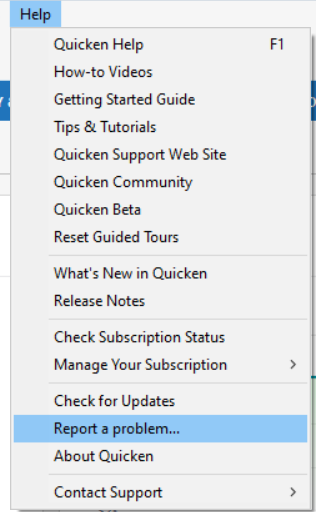
While you will not receive a response through this submission, these reports will help our teams in further investigating the issue. The more problem reports we receive, the better.
We apologize for any inconvenience! Thank you.
(CTP-16153)
Quicken Kristina
Make sure to sign up for the email digest to see a round up of your top posts.
0 -
Hello @audiomxr,
Thanks for sharing the details!
If you don't mind, please try adding your Discover Bank checking or savings account using the Discover Card entry in the financial institution list, and let us know whether or not it works.
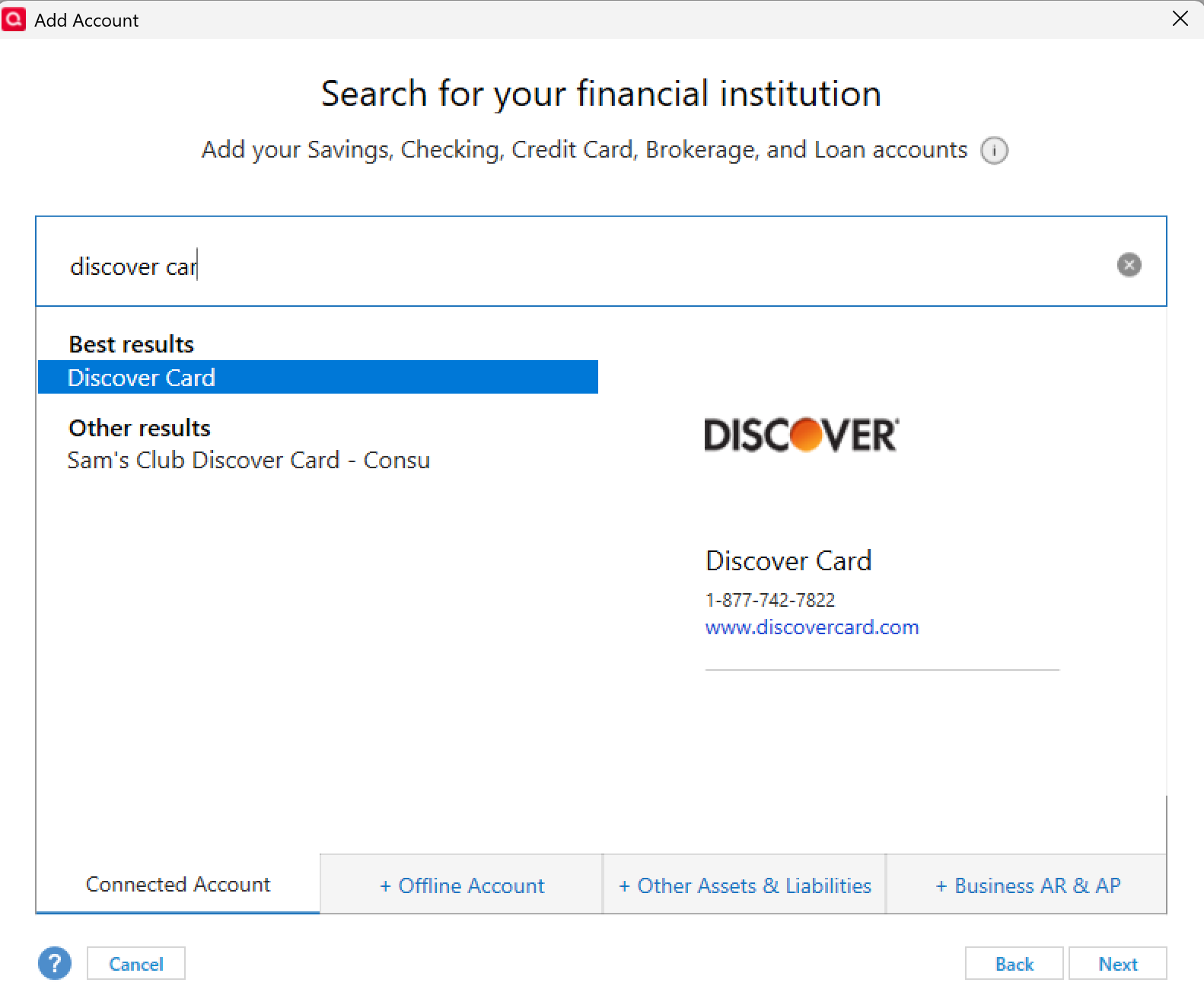
Looking forward to your response! Thank you.
-Quicken Anja
Make sure to sign up for the email digest to see a round up of your top posts.0 -
@Quicken Anja I tried in my account to add my Discover bank accounts with the Discover Card entry, but it gives me the following error:
We have experienced technical error. Please try again.This happens after logging into my Discover Account, selecting the Bank Account option in the drop down menu.
0 -
The other option to try is to add account using "Capital One 360" to reconnect Discover Bank since Discover is transitioning to Capital One, and Capital One 360 is the name of their bank. Worth a try.
- Q Win Deluxe user since 2010, US Subscription
- I don't use Cloud Sync, Mobile & Web, Bill Pay0 -
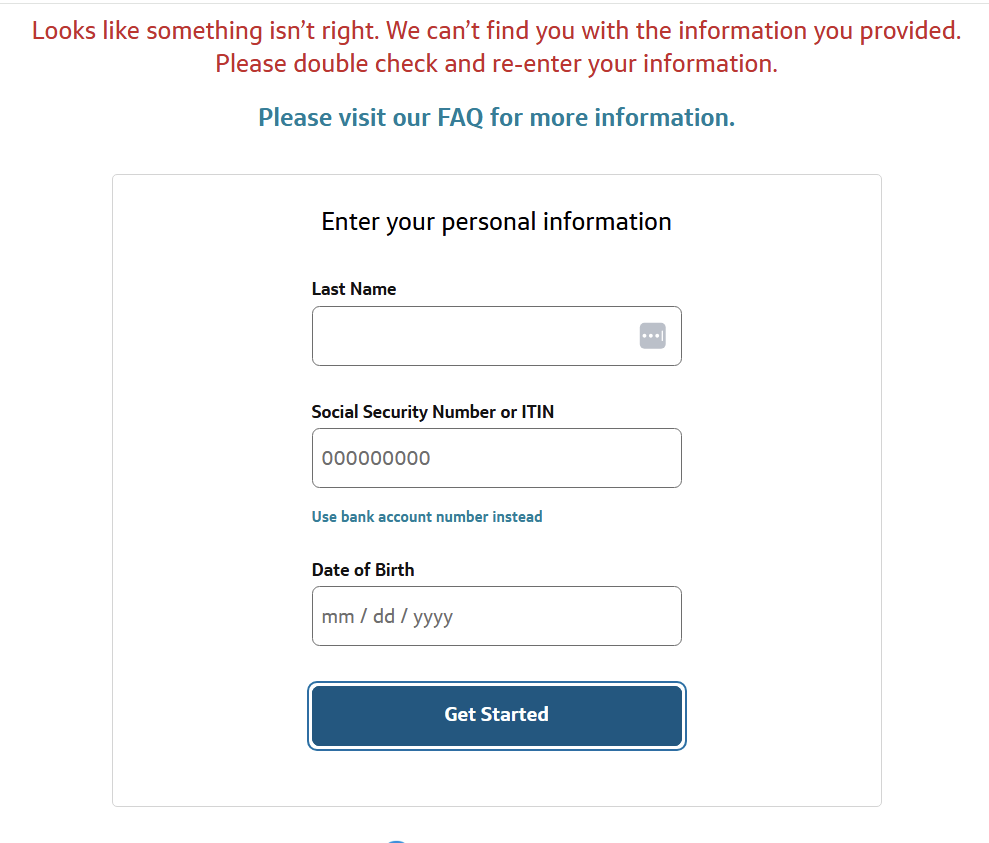
I tried to access using Captial One 360 but it did not recognize my credentials and when I tried to setup online access I entered my information and it said it could not find me
 0
0 -
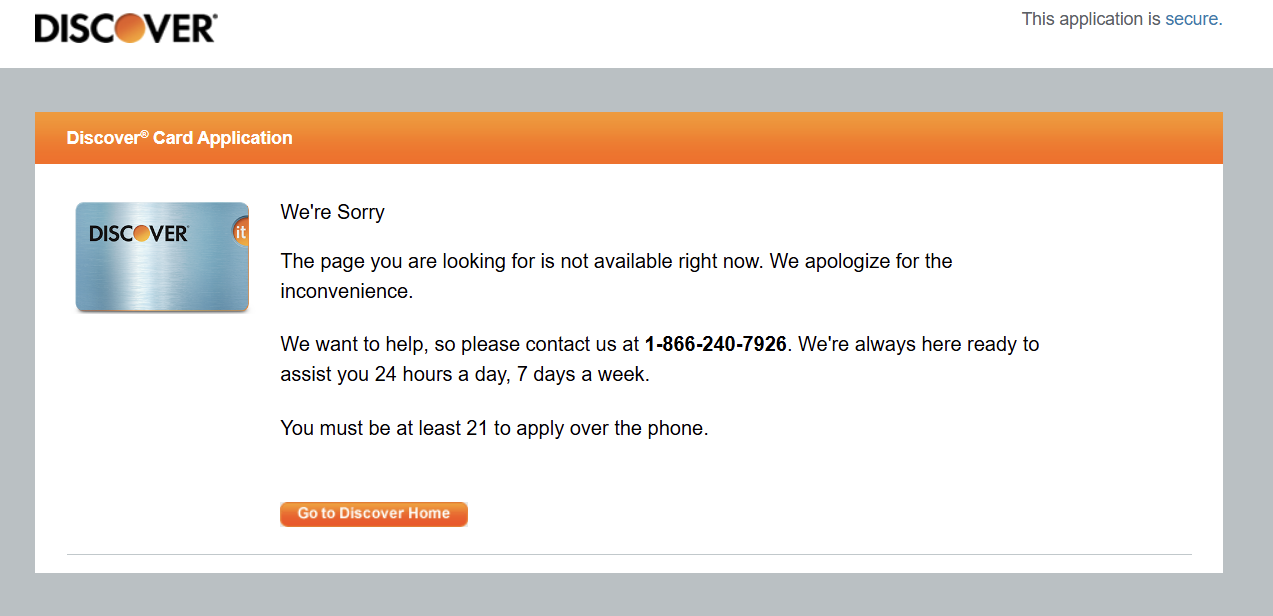
I tried to login using the Discover Credit Card and received this error
 0
0 -
I tried again to search for Discover bank and when I enter Discover I only get these options
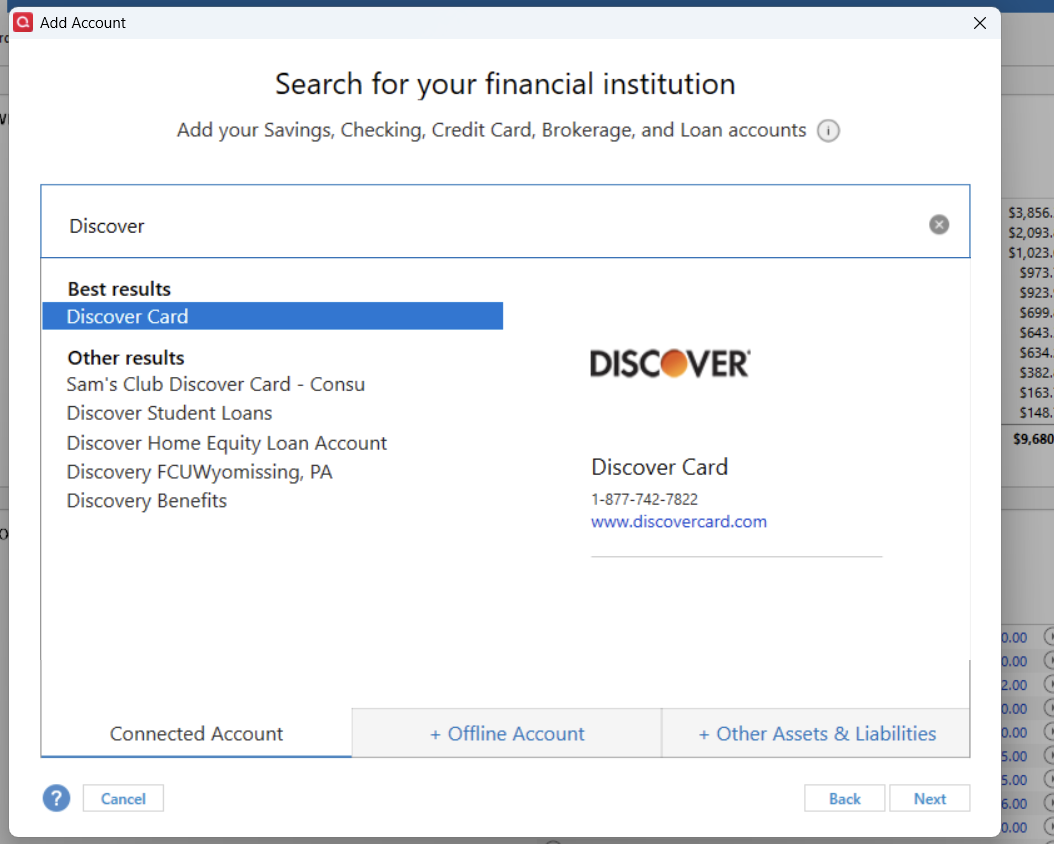 0
0 -
@Quicken Kristina @Quicken Anja I have reported the problem via the user interface as you requested.
0 -
I had problem connecting to checking account. What worked for me was to reset connection and when sign in website shows up, choose Discover Bank. After authorization, the screen shows up with all account to be linked to Quicken.
1 -
@RMMR That might be the solution for people that still have the old account link active. I attempted to start fresh and deactivated the account, so unfortunately I don't have that option. Last week before deactivating, I did try it your way, but it wouldn't take. Maybe something has changed in the back end somewhere.
0 -
I called Discover bank today and they said they discontinued support Quicken and Quickbooks in September of 2022. Nobody seems to know what is happeng.
0 -
[SOLVED] Discover Bank "Missing" from Search and Connection Failures (Jan 2026)
After being told by both Discover Bank and Quicken support that "Discover Bank no longer supports Quicken," I found a workaround that successfully re-linked 10 different bank accounts (Checking, Savings, and CDs).
If you cannot find "Discover Bank" in the financial institution search or your connection is broken, follow these steps:
1. Deactivate & Clean the Slate
- Go to Tools > Account List.
- Click Edit on your Discover Bank account(s) and select the Online Services tab.
- Click Deactivate.
- Crucial Step: Go to the General tab of that account and delete everything in the Financial Institution and Account Number fields. Click OK. (Repeat for all Discover accounts).
2. Use the "Discover Card" Gateway
- Go to Tools > Add Account.
- Search for "Discover Card" (even for bank accounts). Discover Bank is currently delisted or broken for many, but the "Card" link uses the new unified API.
- In the browser window that pops up, use the drop-down menu to select "Banking" (if you have separate logins).
- Log in with your Bank User ID and Password.
3. Authorize and Link
- Select all the accounts you want to sync and click Authorize.
- When you return to Quicken, the "Accounts Found" screen will appear.
- Don't just click Add. Change the "Action" column for each account to "Link to existing account" and match them to your nicknames in Quicken.
Note: If "Discover Card" fails, try searching for "Capital One - Discover Bank" as some accounts are already moving to the merged backend.
0 -
My Discover credit cards work when I link to Capital One
My Discover Savings does not work. Following the above steps, Quicken still goes to card.discover.com. Needs to go to discover.com.
0 -
Hello All,
Please try using the Discover Card connection option. According to our teams, you should be able to connect to your bank account(s) using that option.
Please let me know how it goes!
Quicken Kristina
Make sure to sign up for the email digest to see a round up of your top posts.
0 -
[Removed - Duplicate Post]
0


