One Step Update - Enabled Cloud Sync - Frozen

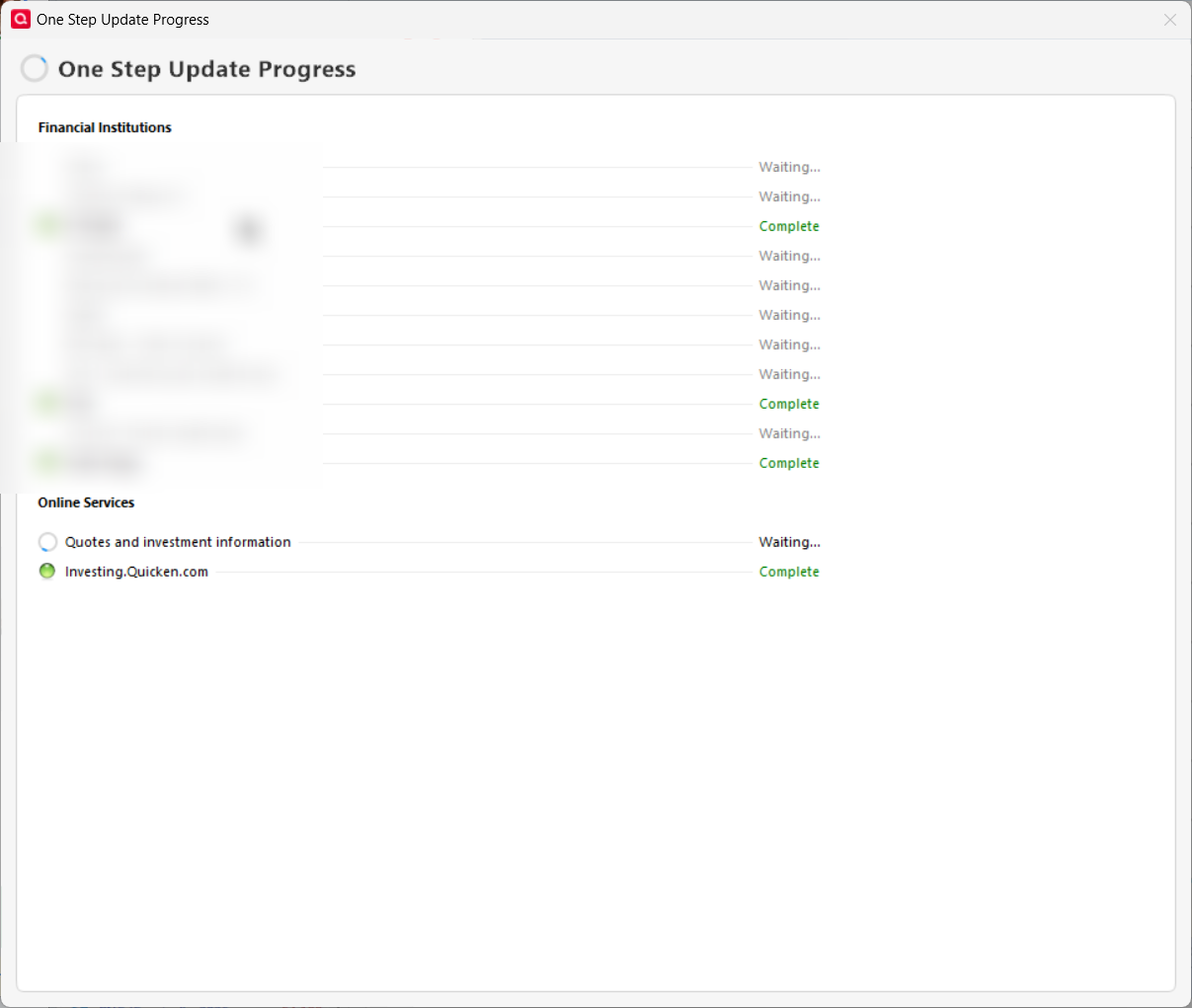
I never had this problem, but since I enabled Cloud Sync, One Step Update freezes (app not responding) almost every time, the first time I try to sync each day. If I End Task the qw.exe, then try again, it works.
Comments
-
Hello @Keith Davis,
Thank you for reaching out! To help troubleshoot, please provide more information:
- When did you first notice this issue?
- Did the issue start as soon as you enabled cloud sync in Quicken?
- Is your Quicken file located directly on your local hard drive?
- Is it synced with any cloud service, such as OneDrive, iCloud, or Dropbox?
- Do you use an antivirus, VPN, and/or firewall?
- If you do, please try pausing them and test to see if that prevents the issue.
I look forward to your response!
Quicken Kristina
Make sure to sign up for the email digest to see a round up of your top posts.
0 -
Last week, right after I enabled Mobile & Web sync. I've reset my cloud data and restored from a backup prior to enabling cloud sync. Still does it…probably 50% of the time.
0 -
Thank you for your reply,
With the problem happening about half the time, that implies there's something happening that's interrupting the One Step Update, causing the process to freeze. Please check these things, which may be causing the issue:
- Is your Quicken file located directly on your local hard drive?
- If it is not, please make sure your file is closed, then try moving it onto your local hard drive and reopen the file from there.
- Is it synced with any cloud service, such as OneDrive, iCloud, or Dropbox?
- If it is synced with one of those services, please unsync the file, or pause the service while you are using your Quicken file.
- Do you use an antivirus, VPN, and/or firewall?
- If you do, please try pausing them and test to see if that prevents the issue.
Thank you!
Quicken Kristina
Make sure to sign up for the email digest to see a round up of your top posts.
0 - Is your Quicken file located directly on your local hard drive?
-
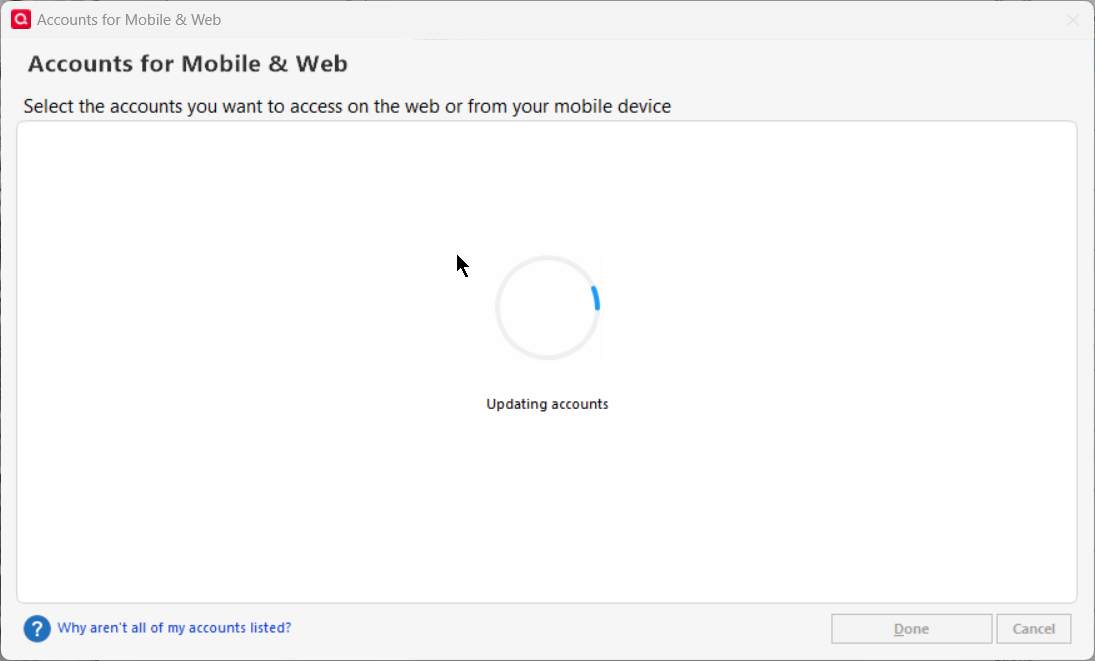
Actually, the behavior stopped in the last few days. I just checked, and for some reason, the mobile & web sync is still enabled, but 0 of 112 accounts are enabled for syncing! I did not do that. I just enabled one account and when I clicked OK, it immediately locked up Quicken. Shows that it's syncing, but the application is not responding to UI inputs (even ALT-TAB does not work.). However, in Task Manager, it does not indicate not responding, nor any CPU activity at all:

I do save the file in a folder on a local drive (M.2 SSD) that synced to Google Drive, but I have disabled Google Drive for testing and it has no effect on this issue. The only AV I use is Window Defender and no VPN.
0 -
Due to several crashes, as you reported, it might be a good idea to Reset Sync to allow Quicken to start over with a new sync file on the server.
How to reset Sync to Cloud
• Log out of your mobile app, then do this on your desktop / laptop:
• Go to Edit / Preferences / Mobile and Web
• Click the "Reset your cloud data" link and follow the instructions until it is complete.
• Sync your desktop file to the cloud
• Now you can log back into your mobile app0 -
I've done all that….twice.
0 -
OK. Do you really need to have Sync enabled? Do you use Quicken on the Web or the Quicken mobile app on your smartphone?
If you don't, turn Sync off in Edit / Preferences / Mobile & Web and eliminate it as a possible source of problems.0 -
I Quicken on my smartphone, or want to, but at this rate, may not be an option - this, plus many other problems is why I am constantly trying to find an alternative to Quicken. Unfortunately, as bad as Quicken is, nothing else works for me since I work full-time and my wife is self-employed (plus I hate to lose all my history).
0 -
Thank you for your replies,
Since it sounds like the issue is persisting, please follow the troubleshooting from my earlier post, if you haven't already done so.
Thank you!
Quicken Kristina
Make sure to sign up for the email digest to see a round up of your top posts.
0 -
Hello @Keith Davis,
We haven't heard back from you in a while. Do you still need assistance?
Check back and let us know! Thank you.
Quicken Kristina
Make sure to sign up for the email digest to see a round up of your top posts.
0 -
The problem stopped almost a month ago. Today, it happened again, but I did End Task to kill Quicken and tried again and it worked.
1 -
Thank you for the follow-up,
I'm glad to hear that it worked after you used Task Manager to force close it. If this becomes a recurring issue, please answer the questions in my earlier post, so I can help further troubleshoot.
Thank you!
Quicken Kristina
Make sure to sign up for the email digest to see a round up of your top posts.
0

