I can no longer import Apple Card transactions into Quicken

I can no longer import downloaded monthly statements from my Apple Card into Quicken Mac on 8.5.1
The file downloads to my MacBook Air (Tahoe 26.3) but is dimmed when I try to import it. This has just started happening in the past month.
I use the proper import (File>Import>Bank or Brokerage File) that I have used in the past.
Can't find an answer in the community. Thanks for any advice.
Answers
-
When I checked importing just now for my Apple Card account the QFX and CSV files were not dimmed but the OFX file was. Did you download an OFX file by mistake instead of a QFX file?
0 -
No. All the files - including past files that I had successfully imported previously - were all dimmed.
0 -
Hello @Patrick Stafford Golden,
Thank you for sharing your experience.
Files being "dimmed" usually indicate that they are an unsupported file type for the action you are trying to accomplish. If that is not the case, as you have stated, then it could be that they are in a read-only location on your computer.
- Are you signed in as the admin on the computer?
- Where is your Quicken data file located?
- Is your Quicken data file being backed up/synced by any third-party services like Dropbox, iCloud, or Back Blaze?
Additionally, can you right-click on one of these QFX files from your Finder, select Get Info, and share a screenshot of it with us? Some areas will give a better idea of what might be happening here. Below is an example of what sections to expand.
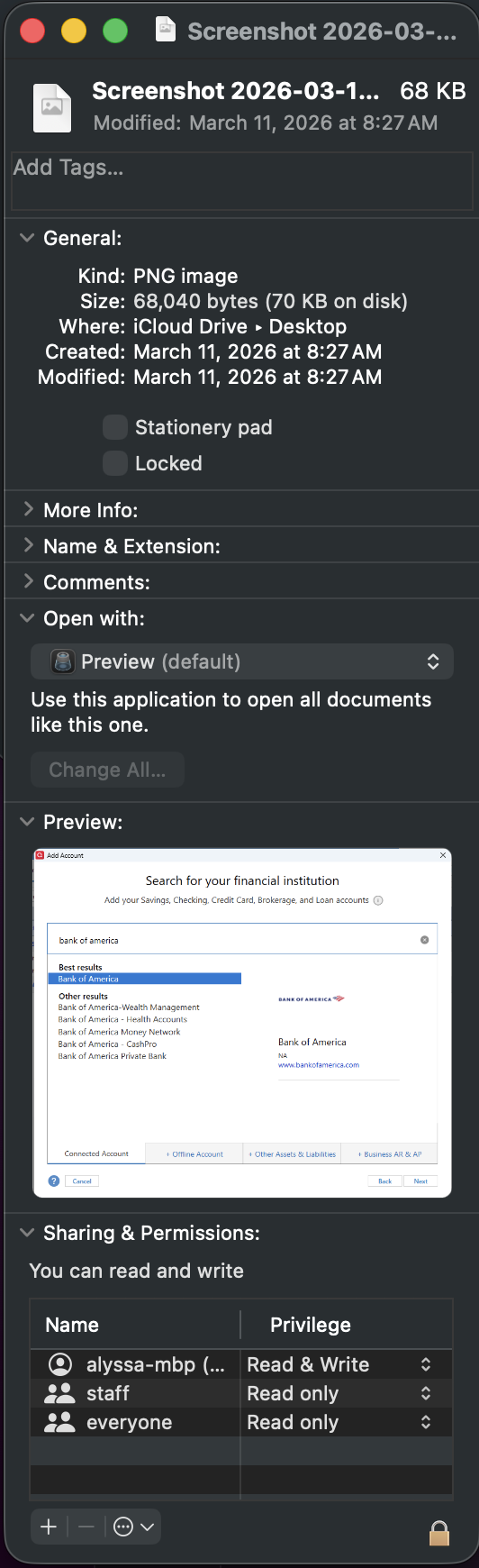
If needed, please refer to this Community FAQ for instructions on how to attach a screenshot. Alternatively, you can also drag and drop screenshots to your response if you are not given the option to add attachments.
Looking forward to your response!
Quicken Alyssa
Make sure to sign up for the email digest to see a round up of your top posts.
0

