Internal sync error message

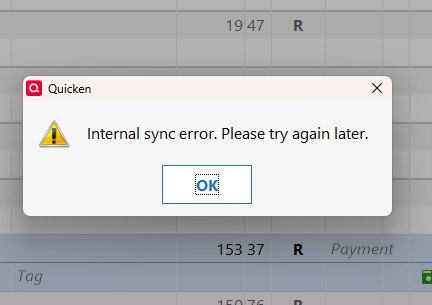
I have been getting this message with a "try again later" for over a month. I noticed when I tried to enter a transaction on mobile quicken Classic that only a few asset accounts showed up as choices and no banking accounts
I am running Quicken Business and Personal R66.28 on a Win 11 desktop. About Quicken says it expired 11.2.2025 but there was a renewal charge processed 11.2.2025 and Quicken Classic mobile shows an 11.2.2026 expiry
Do I have a self inflicted problem?
How can I clear this error
Comments
-
Hello @Horsefly,
Thanks for reaching out to tell us about this issue!
To better assist you, could you please provide the following details?
- Where is your Quicken data file stored? Is it on your local hard drive (C: Drive) or a cloud-based/external drive (e.g.: OneDrive, DropBox, USB, etc.)?
- Please provide the exact file path as shown in the example below.

- Please provide the exact file path as shown in the example below.
- Have you attempted any troubleshooting steps so far? If so, what were they?
- Were there any significant changes to your system or software before the issue began (updates, new installations, etc.)?
- Could you please provide screenshots of what you're seeing?
- If needed, please refer to this Community FAQ for instructions on how to attach a screenshot.
- Alternatively, you can also drag and drop screenshots to your response if you are not given the option to add attachments.
Your answers will help us diagnose the issue more effectively.
Looking forward to your response!
-Quicken Anja
Make sure to sign up for the email digest to see a round up of your top posts.0 - Where is your Quicken data file stored? Is it on your local hard drive (C: Drive) or a cloud-based/external drive (e.g.: OneDrive, DropBox, USB, etc.)?
-
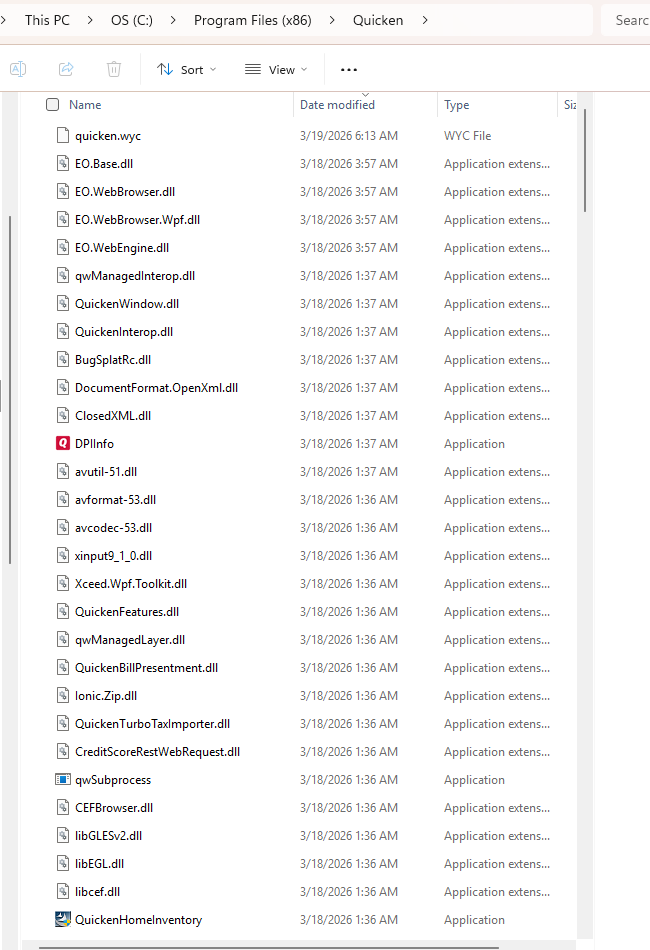
Data stored on local harddrive
have not attempted any fixes so far - been living with the issue in hope a weekly patch would corredt it
here is the error message
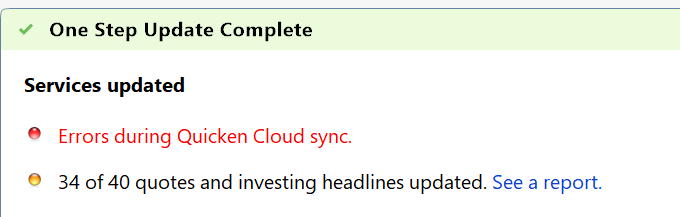
also this
 0
0 -
@Horsefly thanks for following up!
I suggest resetting your cloud data from your Quicken desktop program and see if that may make a difference. However, before doing so, first, verify that the Dataset name and the File name match each other identically by navigating to Edit > Preferences > Quicken ID & Cloud Accounts (see below).

If they do not match, please click Edit dataset name and change the Dataset name to match the File name exactly the same (do not copy the file extension: ".QDF").
Then, click OK in the preferences window and proceed to save a backup (just in case). From there, please follow the steps below to reset your cloud data.
- On your desktop program go to Edit
- Preferences...
- Mobile & Web
- Make sure Sync shows it's ON and click on Reset your cloud

- On the following screen you can leave the preselected option for "No, just reset my Cloud data", type Yes in the entry field to confirm, and click Reset
- Wait for the sync reset to finish
- Navigate to the Mobile & Web dropdown menu
- Select Cloud Sync to resync your data and to make sure no errors occur
- Wait for it to finish syncing
Once that is done, see if the issue still persists.
Let us know how it goes!
-Quicken Anja
Make sure to sign up for the email digest to see a round up of your top posts.0 -
Thanks - issue appears to be resolved by the complete re-sync suggestion (which I would never have found absent the help and screenshot)
0 -
@Horsefly Thanks for the update! Glad to hear that worked for you.
-Quicken Anja
Make sure to sign up for the email digest to see a round up of your top posts.0
