Unable to Download AmEx Accounts

I have multiple accounts with AmEx and 2 logins that are both getting the same result on updates…
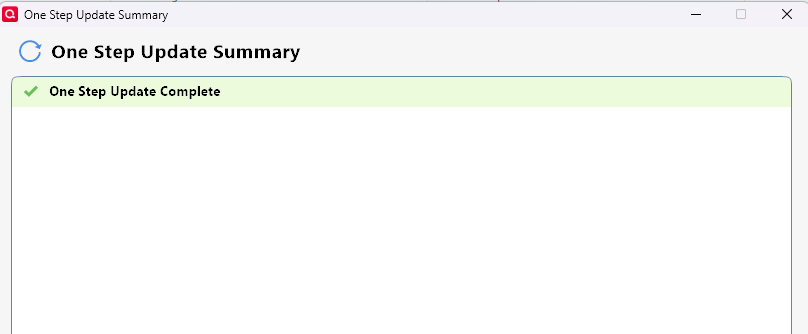
No error messages on OSU, but also no indication that the accounts have been updated. I believe this just started a couple of days ago.
It looks like there is an error in authorizing the accounts for download from AmEx. I went through each account, deactivated, reactivated, etc., and they don't seem to be being reauthorized properly with AmEx. I get no error on OSU completion, but also no indication that the OSU was successful.
[Edited Readability]
Comments
-
Thank you for reaching out and for sharing what you’re experiencing. After reviewing your account, I was able to identify an error affecting one set of accounts associated with one of your logins.
The error Quicken is returning is related to a known issue outlined in the Community Alert. Our teams are aware of an outage impacting the connection.
As a temporary workaround, I recommend connecting your accounts using the American Express Delegate option instead of the standard American Express instance.
We will continue to update the Community Alert as new information becomes available, so you may want to bookmark it to stay informed.
Please feel free to reach out if you have any additional questions.
Quicken Laura
Make sure to sign up for the email digest to see a round up of your top posts.
0 -
FYI… Using the AmEx Delegate option did not create a connection to my accounts either. Still no updates are shown.
0 -
Thank you for trying that. On our end, your accounts appear to be connecting to American Express Delegate, and one of them to American Express, without returning any error messages.
Are you seeing any errors during the update? If so, could you please provide the specific error message(s)?
I look forward to your response.
Quicken Laura
Make sure to sign up for the email digest to see a round up of your top posts.
0 -
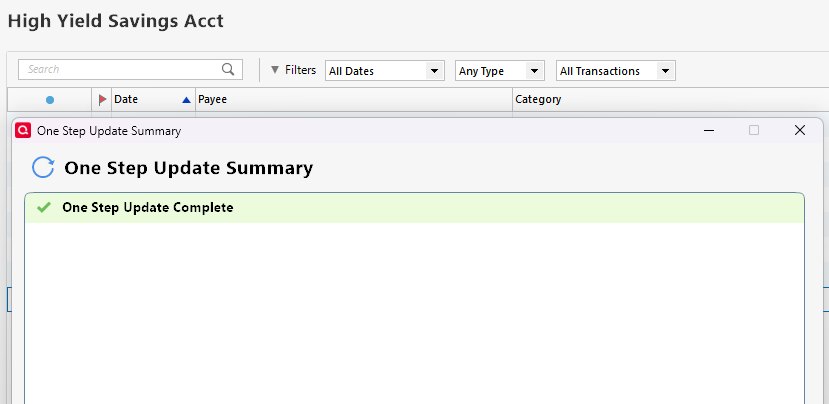
I get no error messages using the alternate connection to AmEx. I also get no messages in the OSU summary that list the OSU as being completed for that connection.
I get nothing in the account header or the OSU summary that indicates the update was completed successfully.
 0
0 -
Thank you for your reply,
A blank One Step Update Summary is often caused by issues with the runtime.dat file. To correct it, please follow these steps:
- Rename the runtime.dat file located at: C:\ProgramData\Quicken\Inet\FILENAME\
- (For example, add a 1 at the beginning of the file name so it reads 1runtime.dat.)

- (For example, add a 1 at the beginning of the file name so it reads 1runtime.dat.)
- Run One Step Update again to check if the problem is resolved.
- Close and reboot Quicken to ensure changes take effect.
📌 Note: The ProgramData folder is hidden by default. If you need help accessing it, Microsoft's support site has instructions on how to unhide folders.
Please let me know how it goes!
Quicken Kristina
Make sure to sign up for the email digest to see a round up of your top posts.
0 - Rename the runtime.dat file located at: C:\ProgramData\Quicken\Inet\FILENAME\
-
Thanks for the suggestion. Renaming the runtime.dat file seems to have corrected the issue. It now looks like it is updating correctly using the "American Express - Delegate" connection. and the results are now showing up in the OSU summary as well.
1 -
Thank you for the follow-up,
I'm glad to hear the issue is resolved!
If you need further assistance, please feel free to reach out!
Quicken Kristina
Make sure to sign up for the email digest to see a round up of your top posts.
0 -
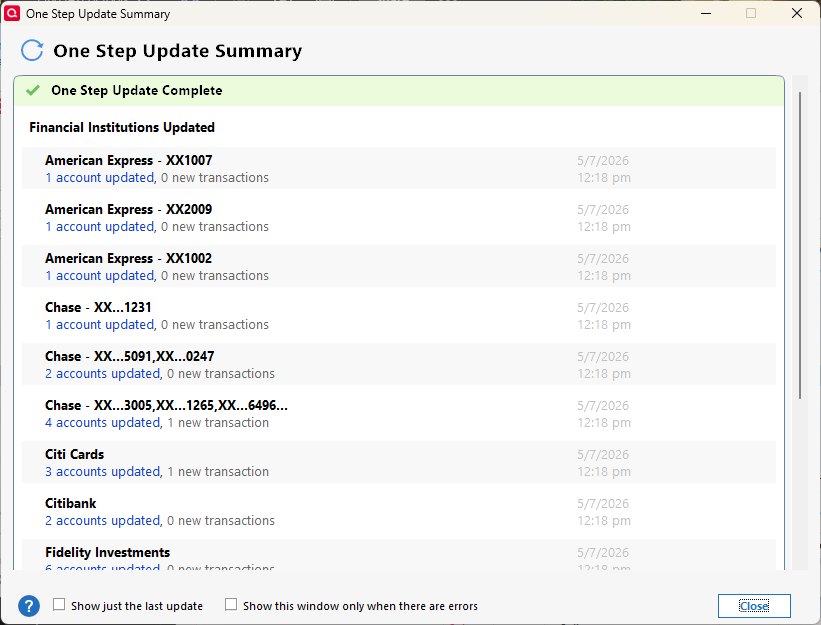
I have the same issue with updates not listed in the OSU Summary and the runtime.dat file does not appear to have updated since the data file was created. Renaming the file has no effect on the summary report. Updates for delegated AmEx accounts and for Discover accounts are not listed.
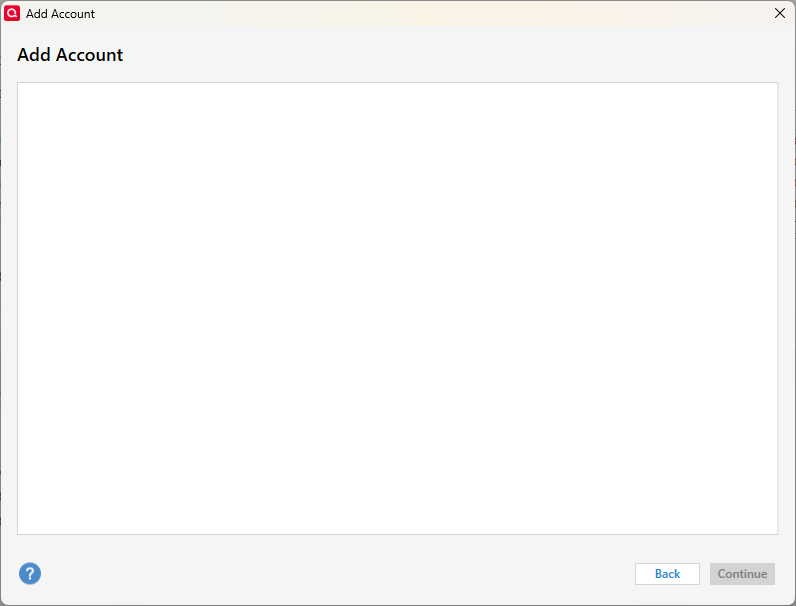
Attempts to add any accounts now shows blank add screen after the successful activation of the AmEx accounts as delegate. See below.
 0
0

