Vanguard OFX Error: 16503 [Edited]

The connection to my Vanguard accounts was working fine until last week. Now I cannot connect at all. I deleted the connection and tried to redo it, but that is not doing anything different.
Error 16503
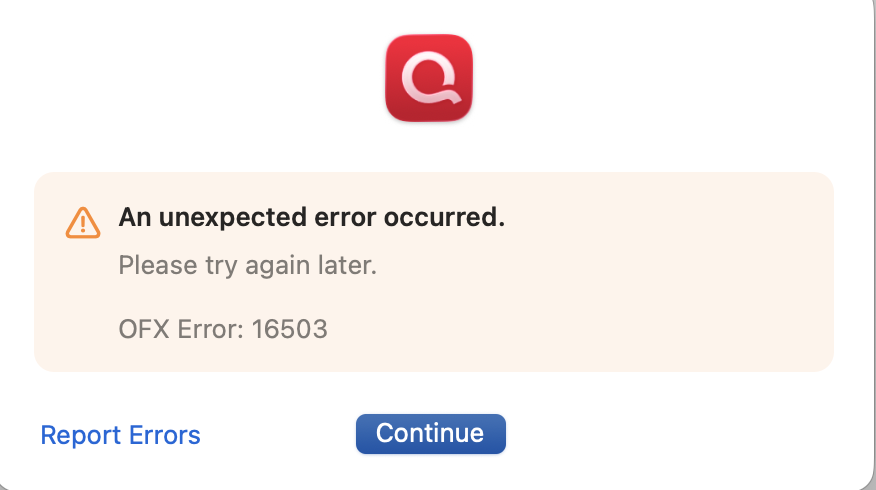
Is there any way to fix this or do I just give up?
Comments
-
Hi @Seth300,
Thanks for taking the time to reach out to the Quicken Community.There are several reasons you might see this error when updating your accounts, including:
- A temporary server issue
- Online services are activated incorrectly
- Incorrect or outdated login credentials
I recommend waiting 24 hours. If the error persists after that, I suggest following the steps below:
If you have not yet signed up for the bill payment service provided by your financial institution, but have enabled that service in Quicken, you will get this error. Make sure that your account settings in Quicken match the services currently provided by your financial institution. To do so:- Open the register for the affected account.
- Click the Settings button in the bottom right corner.
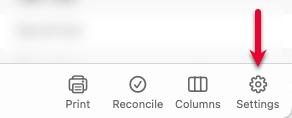
- In the Account Settings screen, click Bill Pay.

- In the Bill Pay tab, review if the Bank Bill Pay status is set to On. If you don't have Bill Pay enabled with your bank, but the status in Quicken is On, you will need to turn it off.
If the steps above do not resolve the issue, I recommend checking our support article for further assistance:
I hope this helps!
Quicken Carlos
Make sure to sign up for the email digest to see a round up of your top posts.
0
