I am having this issue which also relates to the Quicken Windows version I just converted from.
From my observation, the way Chase Self-directed brokerage account shows how you buy and sell security on their webiste is this. On their website, when you sell something, it will first show you the SELL transaction, and then show another "deposit" transaction so the CASH balance in your account increases by the respective sale. so in a way this adds an additional transaction. (if you buy something, there will be a "withdrawal" entry addded" so your cash balance decreases)
Here is an example: the four Sell from Nov 8 and Nov 11, plus the one interest payment, was "deposited" on Nov 12 for a total of $19,999.42.
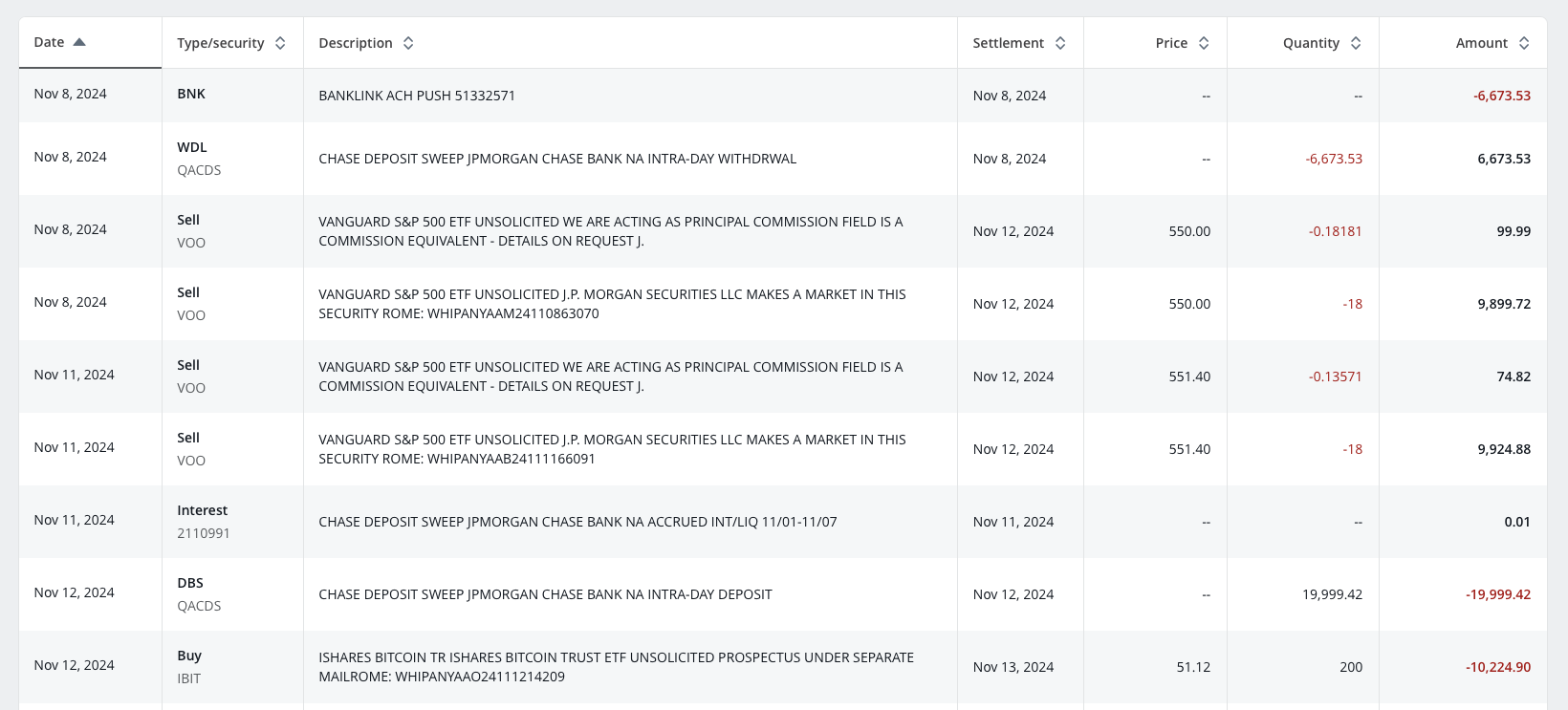
Note the transaction history page on the Chase website doesn't show the ending cash balance after each transaction, which makes reconciliation so much harder…. 💀
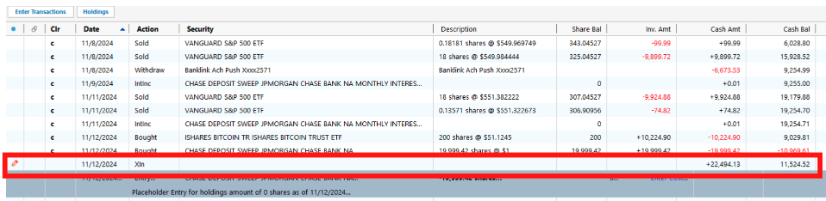
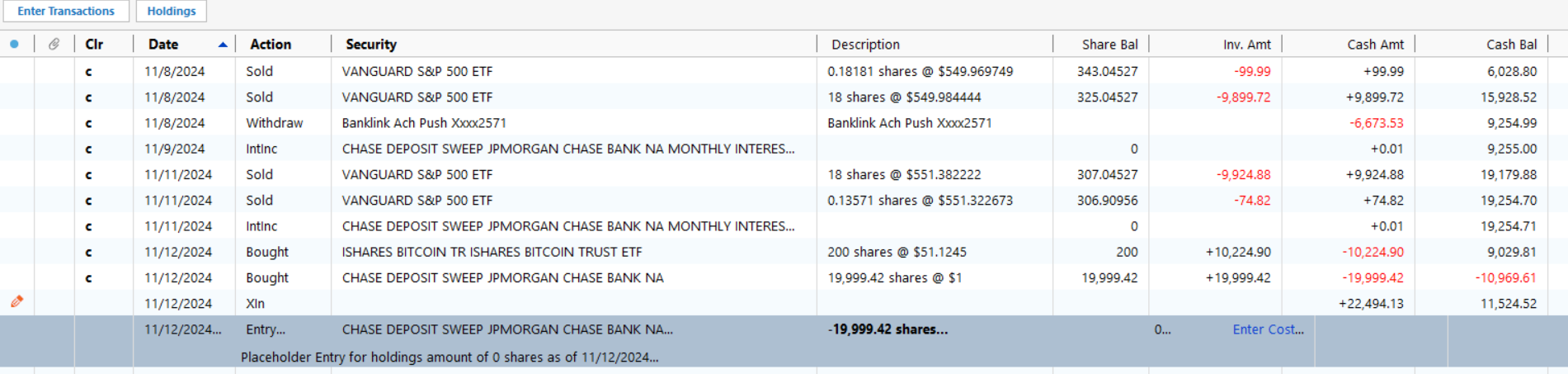
The Q windows app mostly skips this "fake" additional deposit or withdrawal, and the ending cash balance will just take into account of the buy / sell transaction however not 100% times. Here is what QWin pulled between Nov 8 and 12th. (sorry I am posting Windows related things but this goes into the Mac part later).
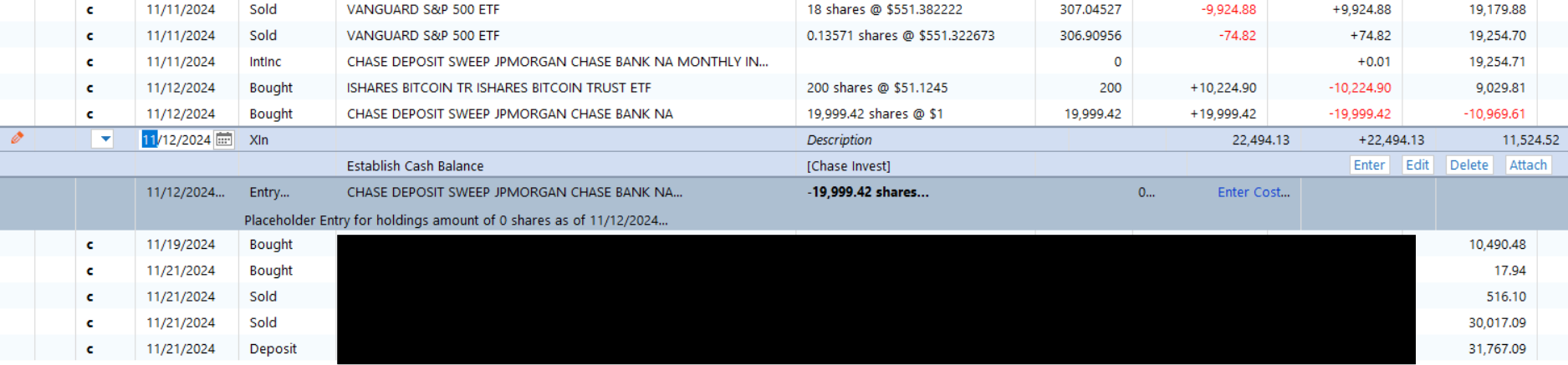
in here, the first 4 "sold" transactions already impacted the last column Cash Bal, but because it also added on 11/12 another $19,999.42 "bought" transaction (the fake one created by Chase), Qwin then added a placeholder entry for me to reduce it by 19,999.42 (the last one in the screenshot).
by the way, what is a good practice here, should I remove both entries as they come up?
All in call, the way QWin does it, at the end, as of today, my cash balance is correct (but having a number of placeholder entries that I never dealt with).
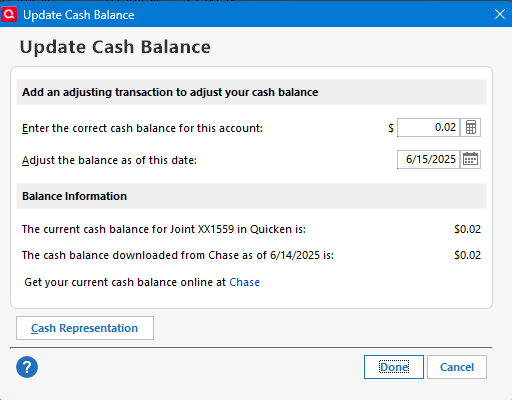
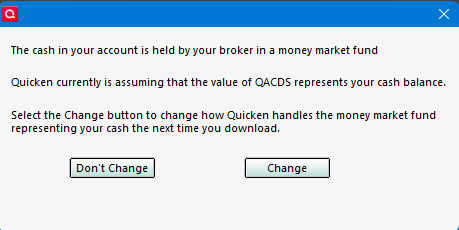
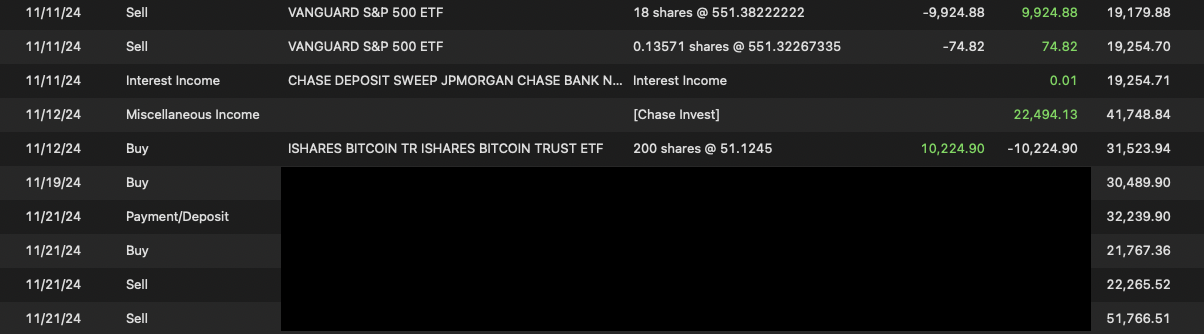
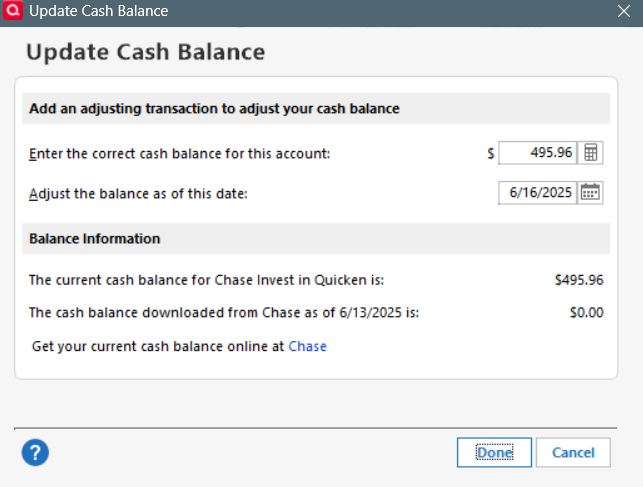
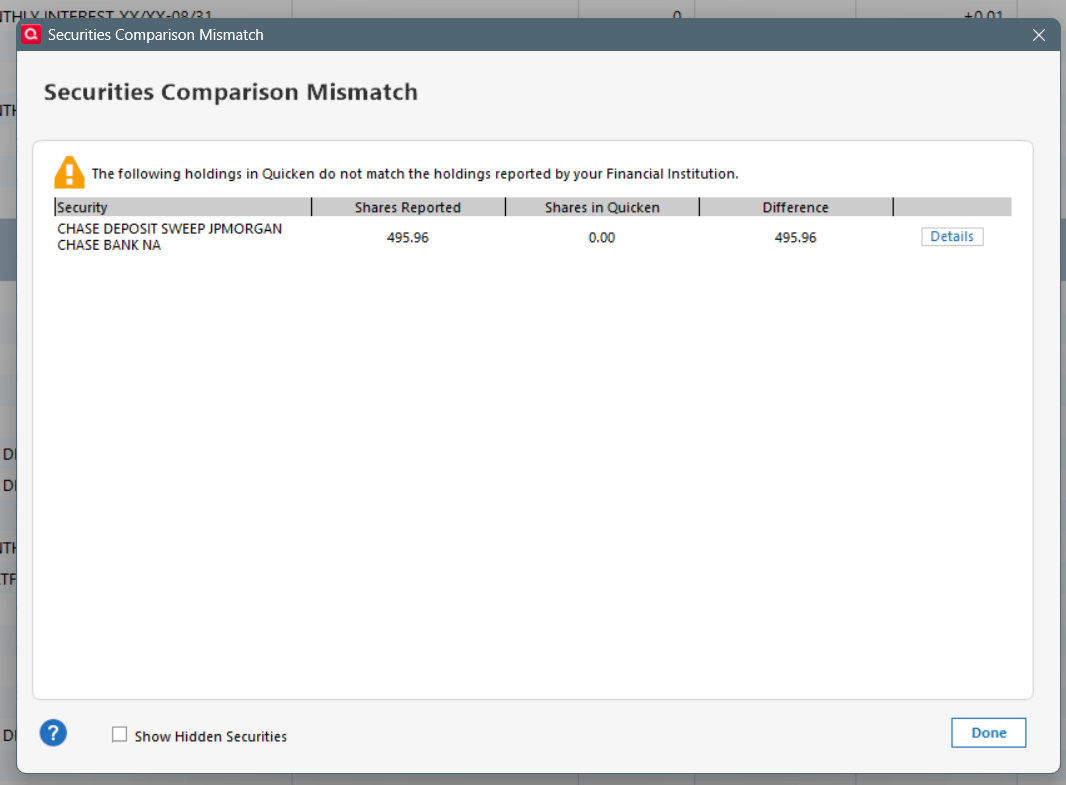
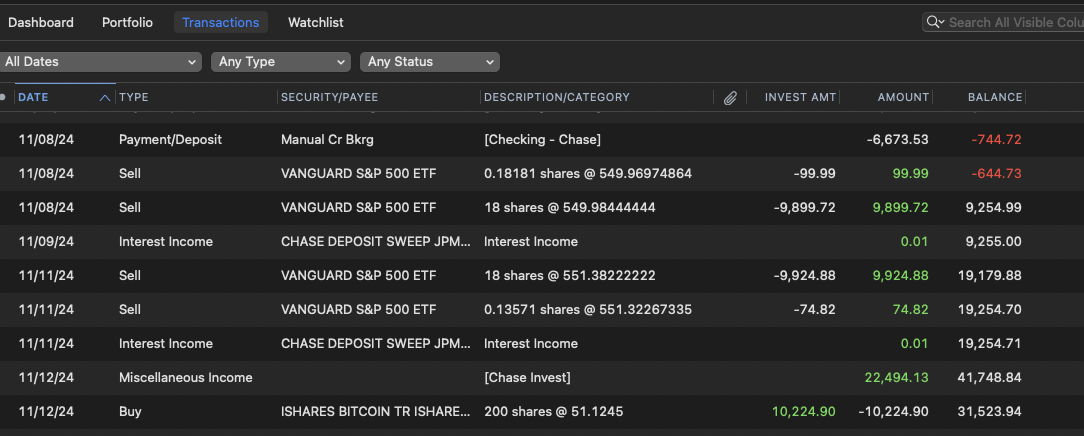
but after migrating to Mac today, here is what I see. I have this weird +22,494.13, I have no idea where it comes from. My total cash balance as of today is 21998.17 over, so I think this entry accounts for the majority of discrepancy. But given I have so many transactions leading today, it's too overwhelming to correct. Is it best if I just do a manual "payment" adjustment to make my cash balance correct?
adding @Quicken Jasmine since we were discussing in another post.