unable to open uploaded PDF files in all of my sections

I have uploaded many pdf's into many sections of Life Hub. For example, copies of our wills, trust documents, etc. Initially, I was able to go back to the file and open it. But, now I am not able to openy any of the documents that I have uploaded, and there are MANY. This is what I see
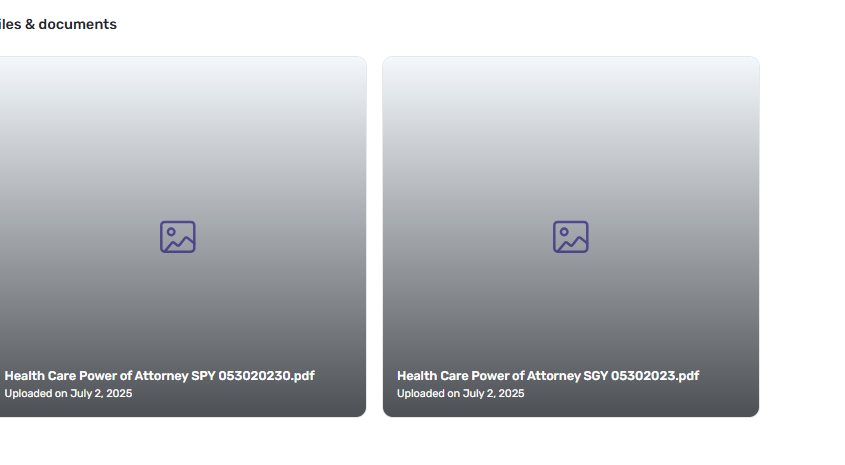
when I click on it I go to a grey screen that does nothing

Comments
-
This is true for photos (jpeg) as well.
0 -
Hello @sgyost1206,
Thanks for the detailed post—especially noting that this affects both PDFs and image files across all sections of Life Hub. That definitely sounds frustrating, especially after you've put the effort into uploading so many important documents.
To help us investigate further, could you answer a few quick questions?
- When did this issue start happening? Was it after a recent update to Quicken or your browser/system?
- Are you accessing Life Hub through the Quicken desktop app, or are you using the web version? If web, which browser are you using?
- Have you tried opening the files in a different browser or device? If so, do you experience the same gray screen behavior?
- Are you seeing any error messages, or is it just a blank/gray screen when you click on the file?
- Have you recently cleared your cache or browser data? Sometimes old or corrupt cached data can interfere with file previews.
We want to make sure your files are still there and accessible, so any extra detail you can provide will help us narrow it down quickly. Looking forward to your response!
-Quicken Jasmine
Make sure to sign up for the email digest to see a round-up of your top posts.
0 -
I have not heard from you yet, are you still needing assistance?
Let me know!
-Quicken Jasmine
Make sure to sign up for the email digest to see a round-up of your top posts.
0 -
Hello @sgyost1206,
Just checking in once more before this thread is closed due to low activity.
Let me know!
-Quicken Jasmine
Make sure to sign up for the email digest to see a round-up of your top posts.
0 -
I am having the same issue. I cannot look at PDFs that I have previously uploaded. I am able to download and see them.
0 -
The preview for the PDFs do not work, however, if I click download, or print, it creates a viewable PDF. So the issue is not in the file, but it is in the preview function of the software. Can this be corrected?
0 -
Hello @rboscalj,
Thank you for letting us know you're also seeing an issue with PDF attachment previews not working. To help troubleshoot, please provide more information. Is this happening with all PDF attachments, or only some? Are the PDF attachments password protected? Is this happening only with PDF, or are you also seeing this with other file types? Were the PDF files ever converted from a different file type, or was the file extension changed prior to being uploaded?
I look forward to your response!
Quicken Kristina
Make sure to sign up for the email digest to see a round up of your top posts.
0 -
The PDF files I cannot open are older, ones I initially loaded. Newer ones seem to be ok. This is using the application on my PC. If I use the application on my phone, I can open up all files without issues. So I think the original files are fine (I do not want to reload them all again)..
If I select print, it opens the file and it is visible to allow it to be printed.
If I download the file, it opens up just fine. I just cannot preview it within the Web Application.
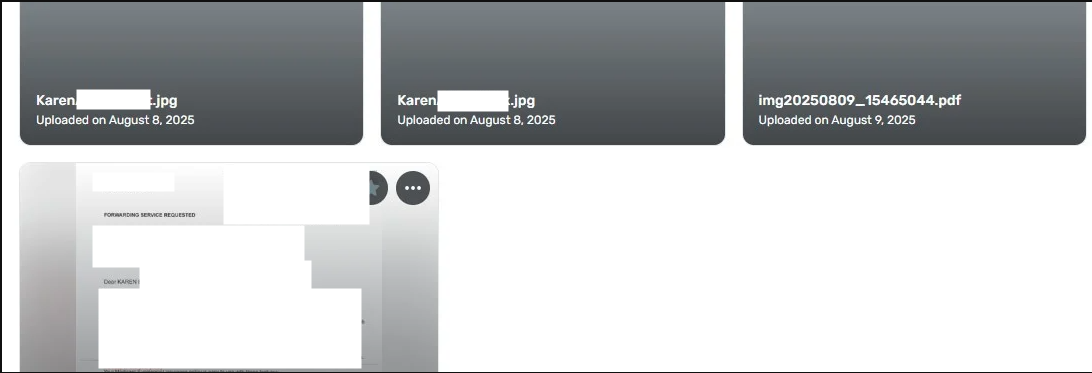
[Edit - Removed personal information]
0 -
Thank you for your reply,
The screenshot does show a preview. Would you please clarify what is happening? Is that preview for one of the jpg attachments? Is it what you can see when you select to print?
Thank you!
Quicken Kristina
Make sure to sign up for the email digest to see a round up of your top posts.
0 -
It now appears to be working correctly now. Thanks.
1 -
Thank you for the follow-up,
I'm glad to hear it's working now!
If you need further assistance, please feel free to reach out!
Quicken Kristina
Make sure to sign up for the email digest to see a round up of your top posts.
0


Categories
- All Categories
- 16 Product Ideas
- 34 Announcements
- 248 Alerts, Online Banking & Known Product Issues
- 20 Product Alerts
- 517 Welcome to the Community!
- 682 Before you Buy
- 1.5K Product Ideas
- 55.6K Quicken Classic for Windows
- 16.8K Quicken Classic for Mac
- 1K Quicken Mobile
- 834 Quicken on the Web
- 126 Quicken LifeHub