Long-time user and current beta tester posting here for the Quicken team and anyone else seeing similar issues.
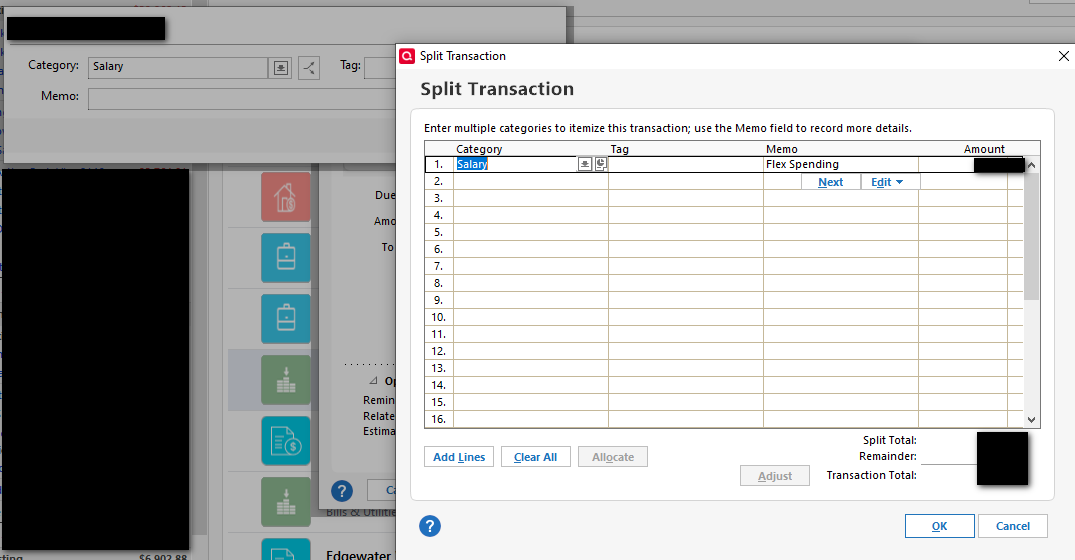
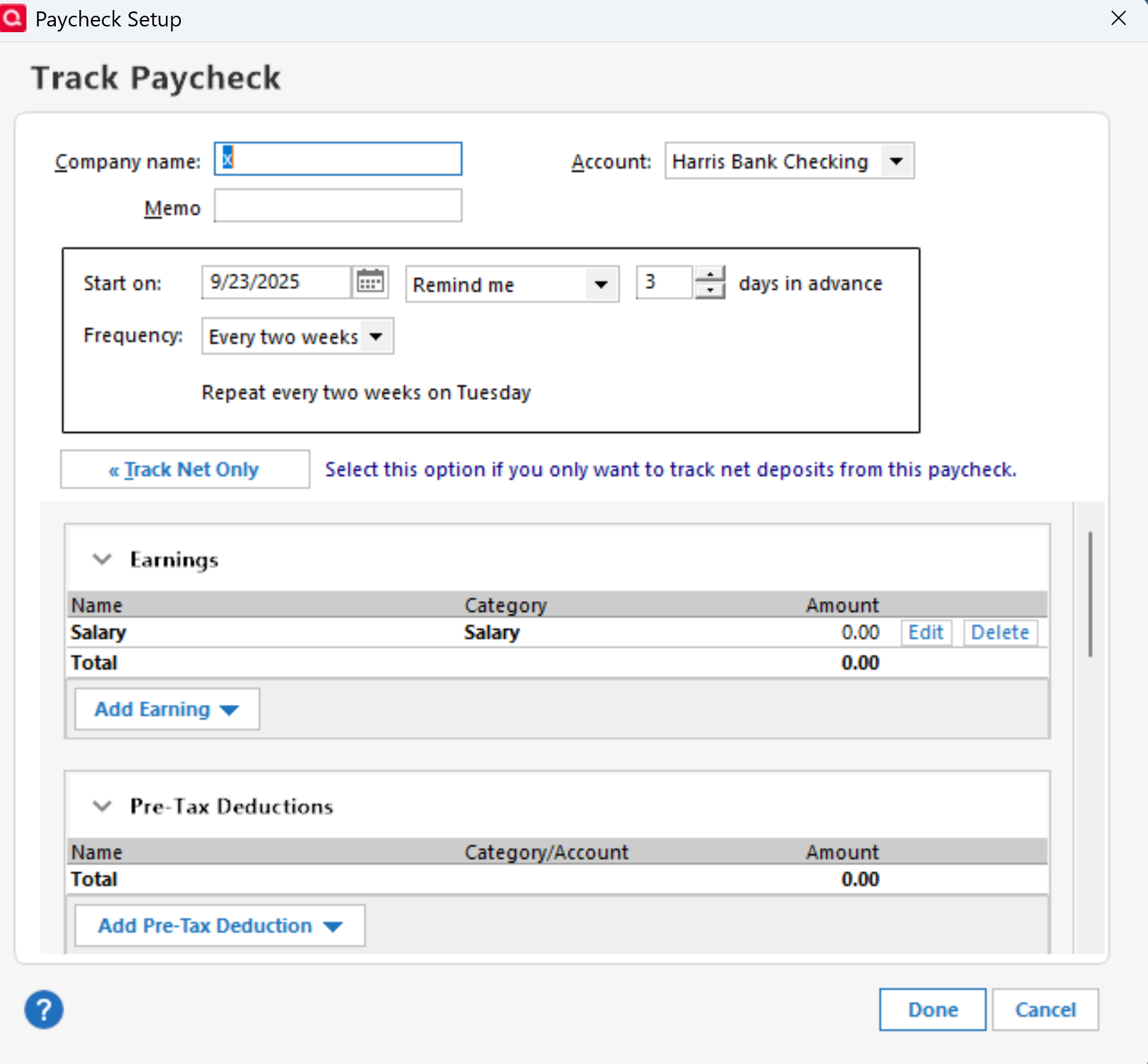
I applied the latest update earlier this week during a limited market account-only update. Today, when I went in, everything looked fine in my check register, including all of my future paychecks for the next several weeks. After doing a One Step Update, all of my unentered paycheck reminders switched from being deposits to payments with very screwy numbers.
I restored from a backup more than once, did a file validation and a super validation, and every time I ran One Step Update, I would get the same thing for all future paychecks. Finally, I noticed that the dialog for web syncing was coming up during the update. I found that odd as I have that turned off.
So, I restored from the backup again, enabled sync on the Quicken Mobile & Web page (it was ticked off), and the Accounts section told me there were like 11 accounts set up for sync with the web. I disabled all of those and the sync dialog came up and after about 10 minutes, I let it sit for over half an hour while I did some house cleaning while it worked. I came back to see it still trying to sync, so I finally had to kill the application, restart it, at which point Quicken said all the accounts were turned off. I reset all my cloud data for good measure and then turned off sync again, and this time, after running One Step Update, everything in my register stayed as expected.
Seems like Quicken may not be completely respecting the global Mobile & Web sync setting, causing files and other information to get out of whack with one another and overwriting future reminders in the active Quicken file.