Hello, I used quicken for a long time, was enticed by some of the cloud offerings, and now back with a fresh qcbp subscription last week.
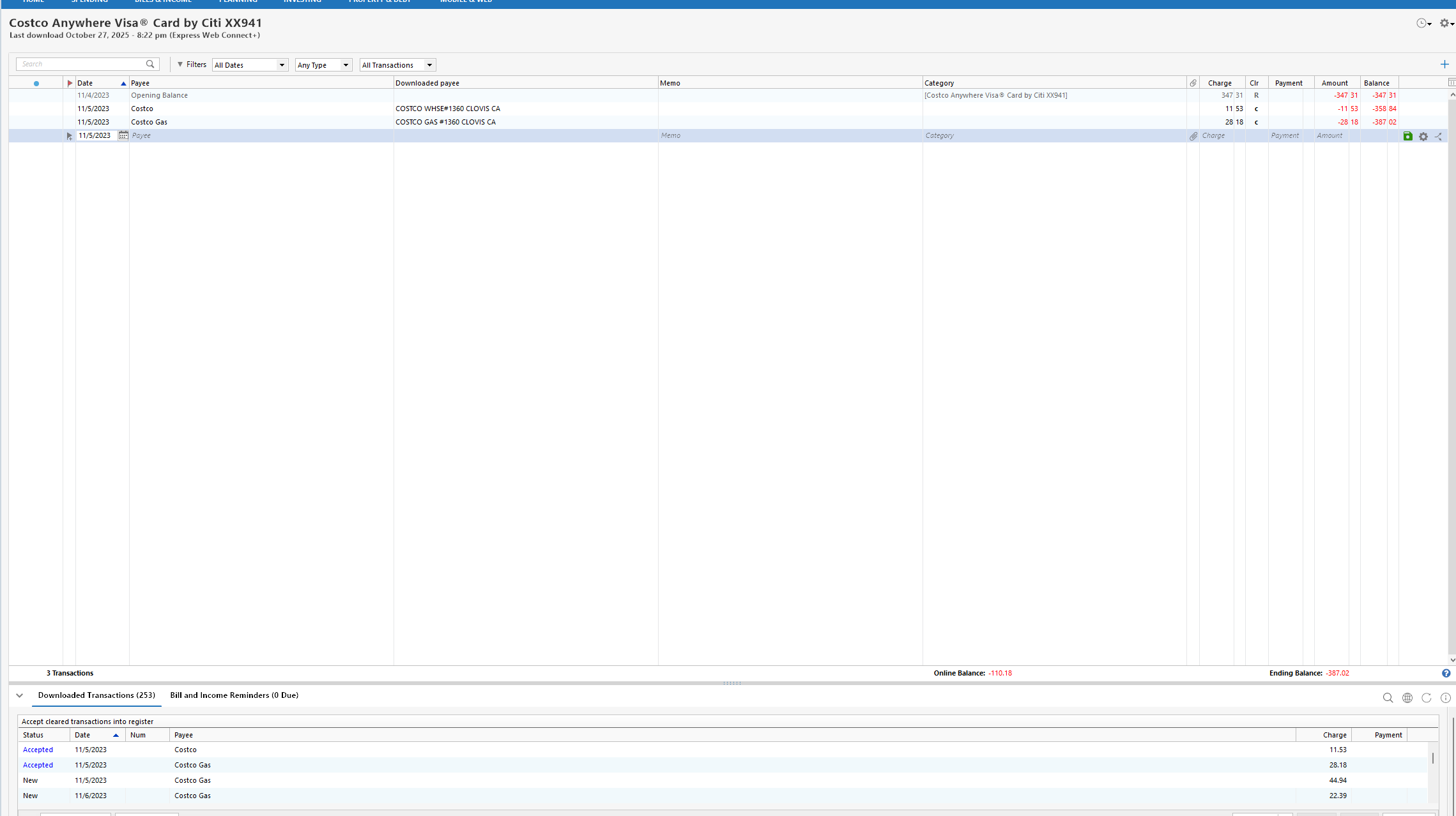
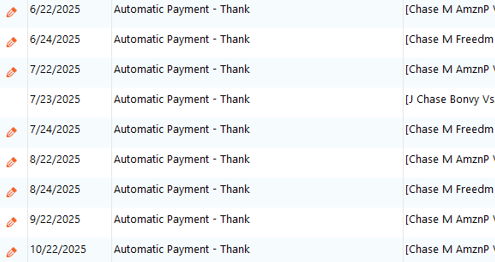
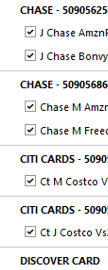
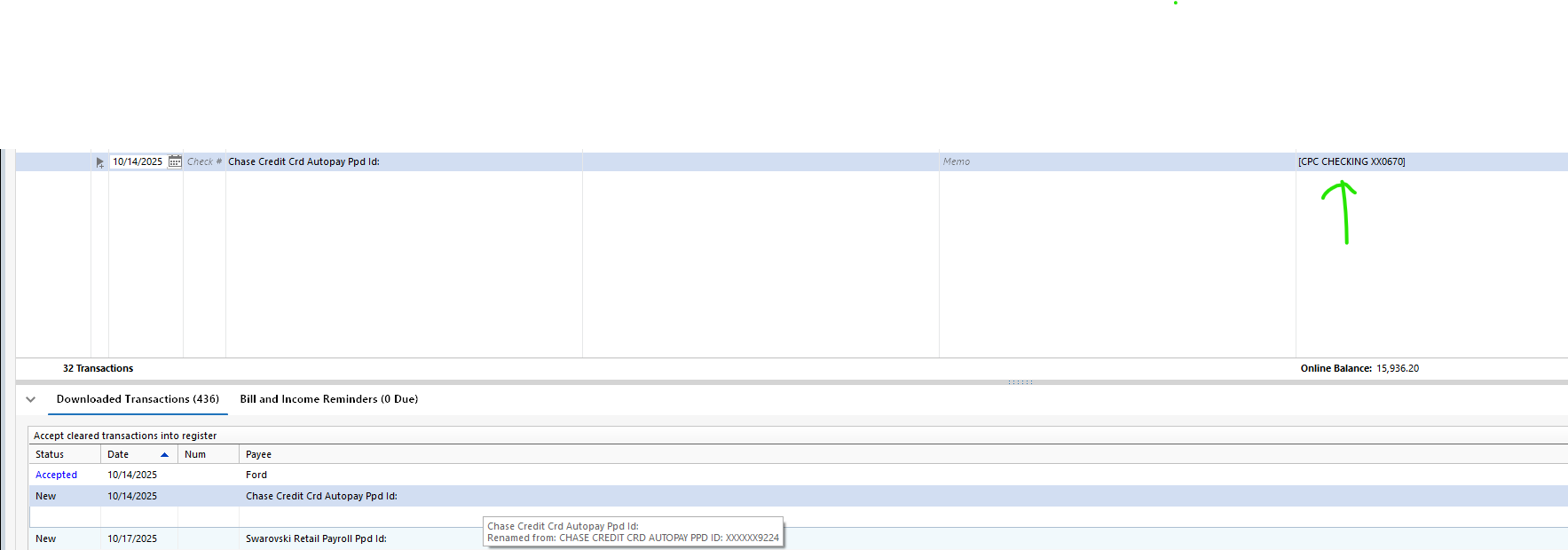
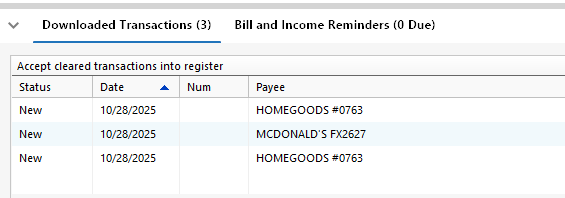
I naively accepted 'automatic add to registers' and connected my accounts. Then discoverd that many transactions were badly renamed and even in the wrong accounts [My wife's Chase CC had payments from my Chase CC, etc]. I deleted most of the accounts last night and have been trying to simply begin with a checking account from Wells - but I can't seem to turn off renaming.
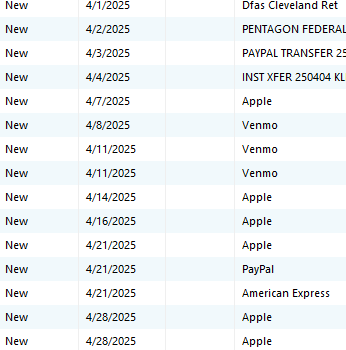
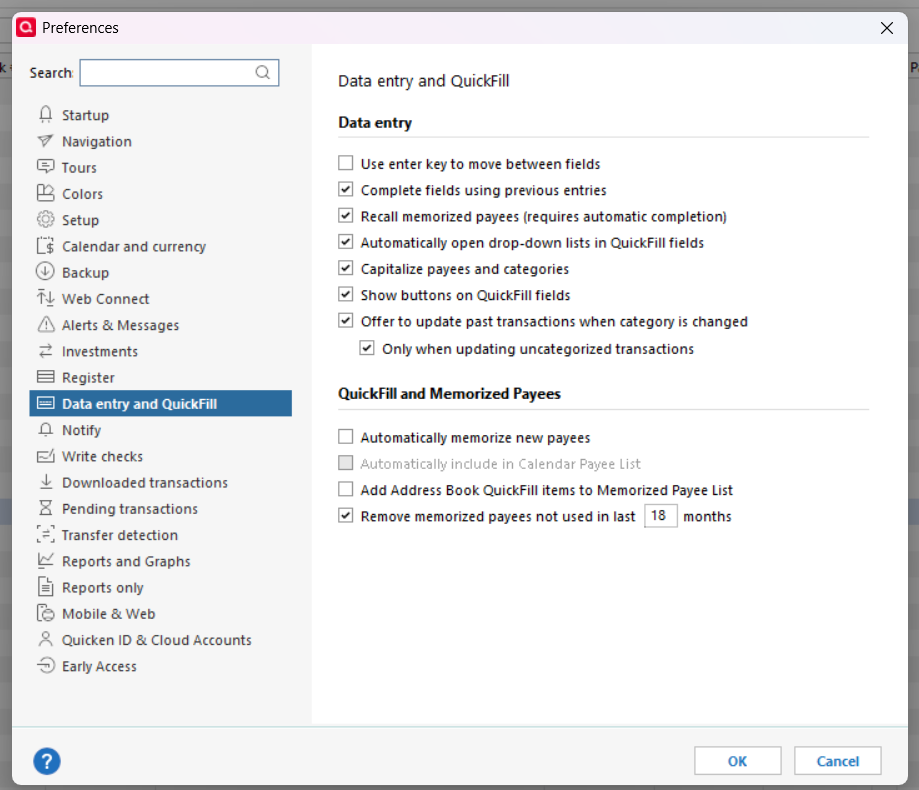
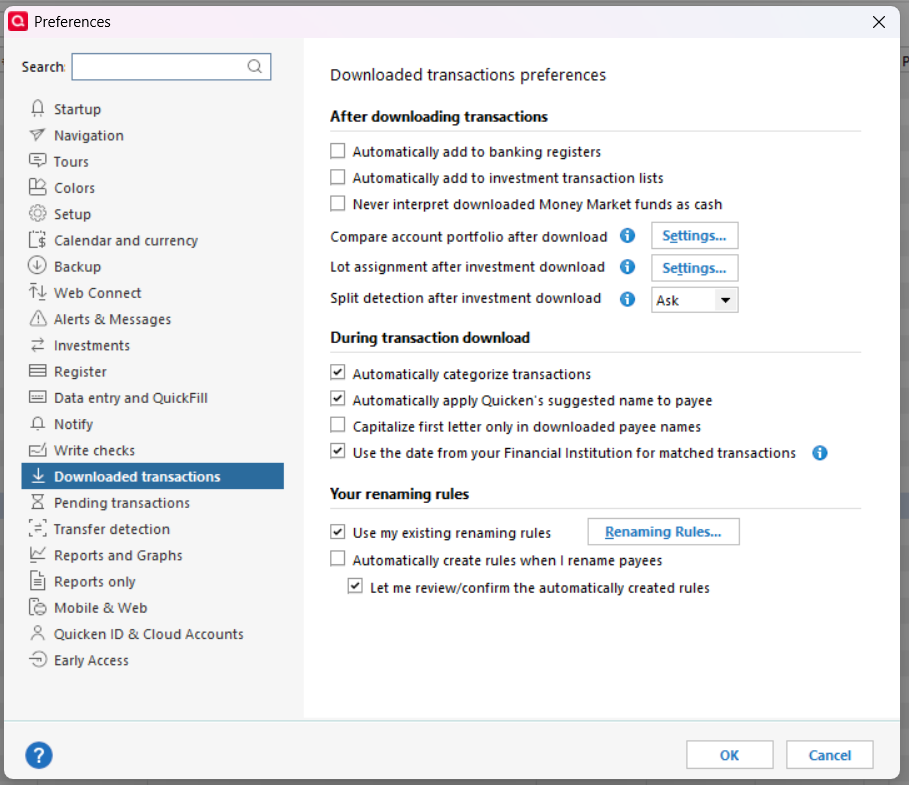
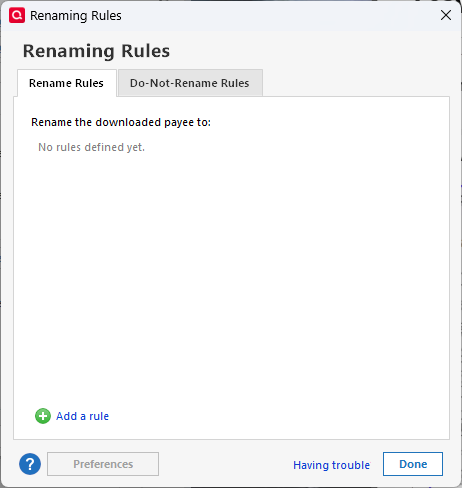
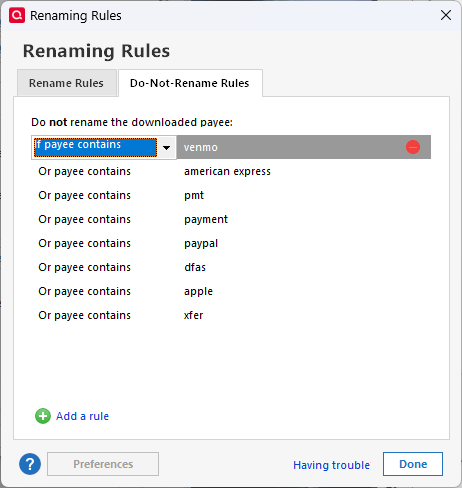
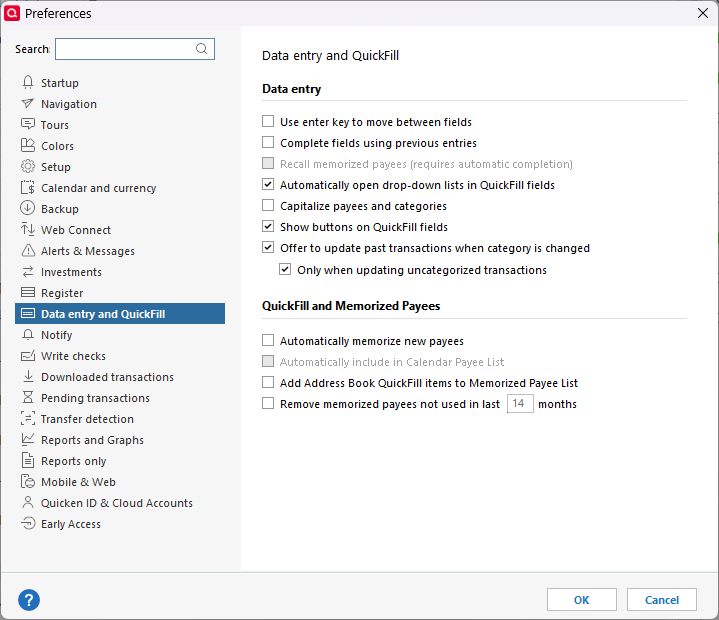
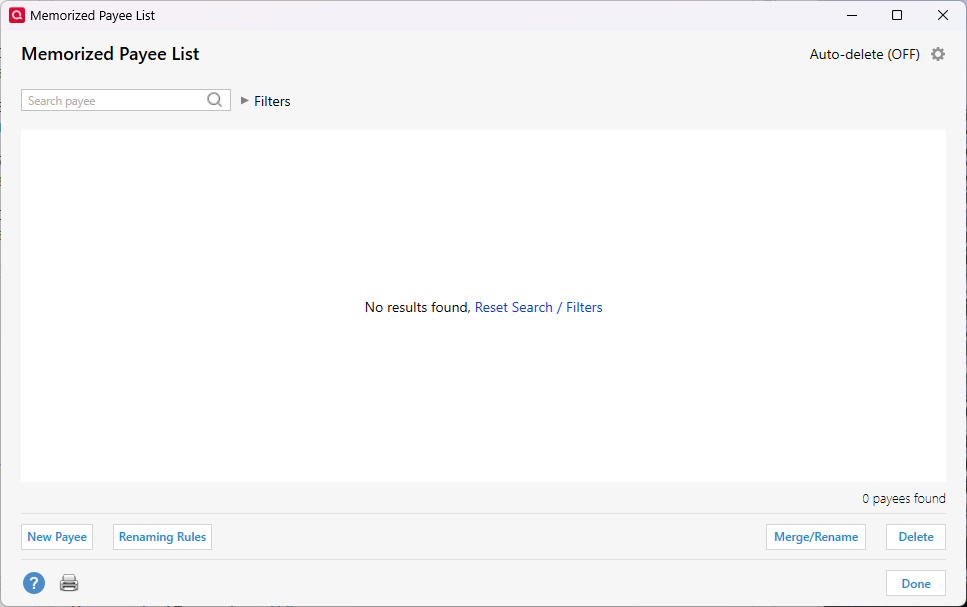
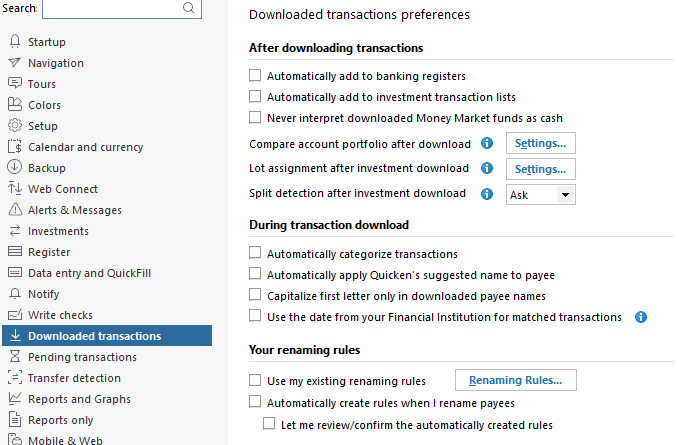
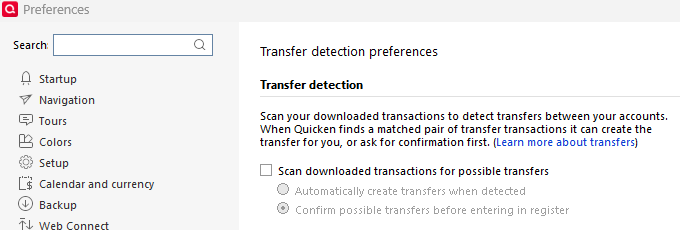
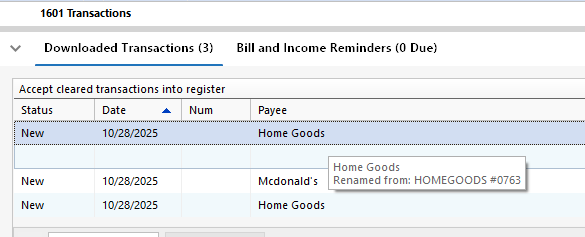
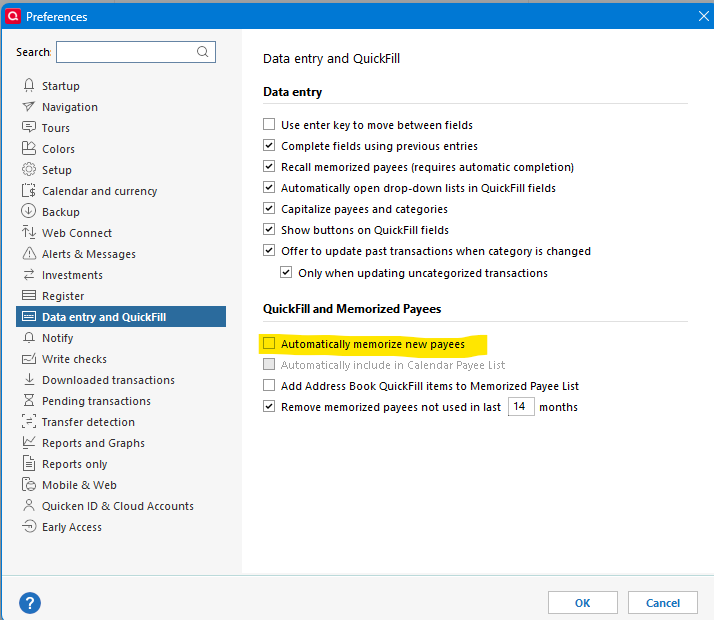
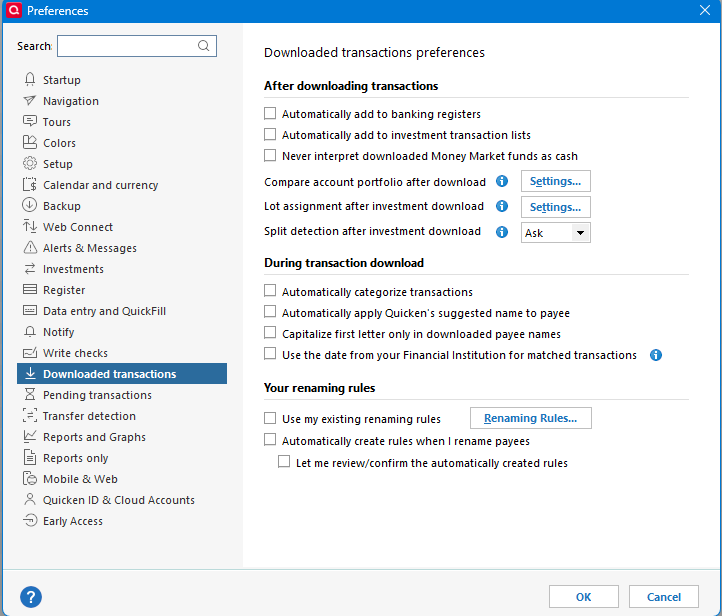
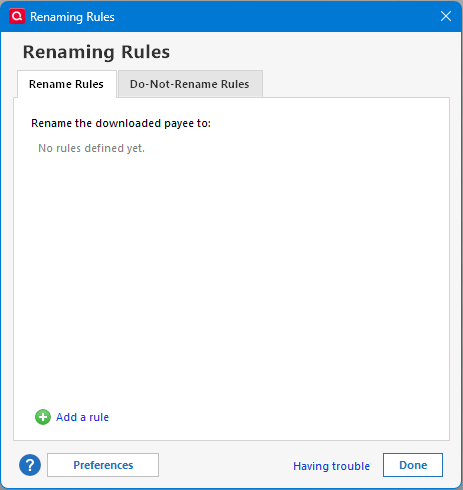
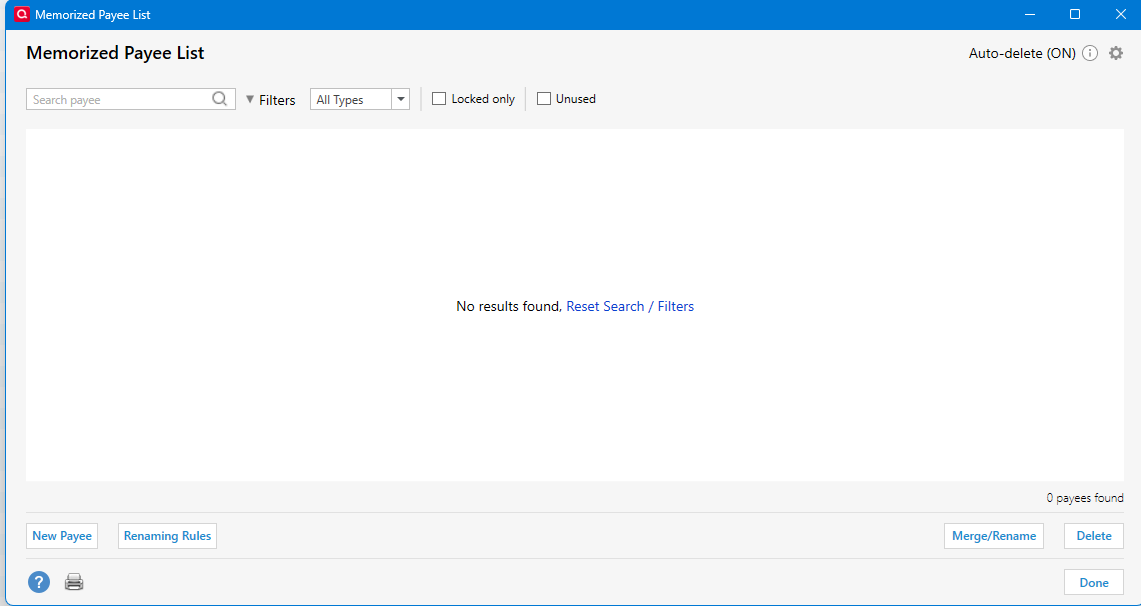
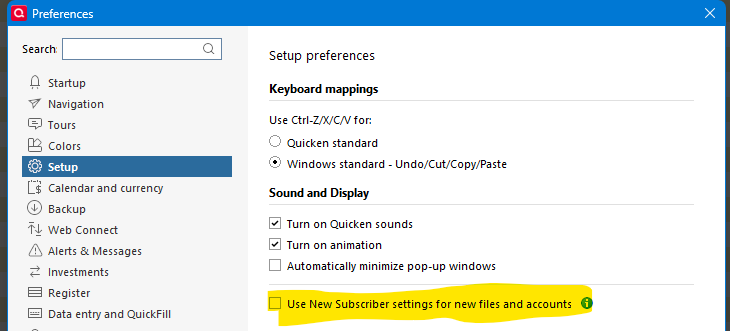
I had no renaming rules and then I added some do not rename rules - but those didn't do anything And I unchecked everything in prefs/downloadtransactions. I unchecked the pref/dataentry automatically memorize new payees and then deleted all of the memorized payees. And still instead of getting 'paypal inst xfer …apple.. user' I get 'Apple / Shopping Electronics & Software' Other paypal transactions are renamed to paypal - without the actual payee that's present in the original downloaded transaction (and available from revert…) and some are renamed to some version of the actual payee. Amex payments are simply renamed "American Express" when I'd prefer to keep the 'pmt'. Various transfers to different accounts were renamed as all transfers to one account. etc.
I'd like to keep the info from the raw transaction names at first so that I can clearly distinguish them and avoid the problems that I had. Of course, I could make some guesses and proceed manually, but Wells downloaded 400 transactions, USAA has 800, and several others have hundreds. I've now deleted Wells & synced & exited & re-added several times and still getting the bad renames.
Is this a caching issue? Is there a bulk revert?
I appreciate any pointers on where else I can turn off anything that is ocntributing to the renaming mess.
Bottom line is there any way to simpy turn off all renaming of downloaded transactions?
Much thanks,
joseph