RESOLVED 12/22/25
We’re happy to report that this issue is resolved in the Windows R65.29 release.
If you are still connected to PNC and are not on version R65.29 or later:
If your PNC Direct Connect accounts weren’t downloading transactions, updating to version R65.29 or later will resolve the issue.
To update:
- In Quicken, Select Help > Check for Updates…
If you previously disconnected your PNC accounts:
If you disconnected your PNC Direct Connect accounts while this issue was occurring:
- Update to version R65.29 or later.
- Reconnect your PNC account.
- Sign in using your PNC-provided PIN.
If you do not have a PIN, please contact PNC Support to get your PIN.
We apologize for the inconvenience.
Thank you!
_____________________________________________________________________________
UPDATE 11/19/25
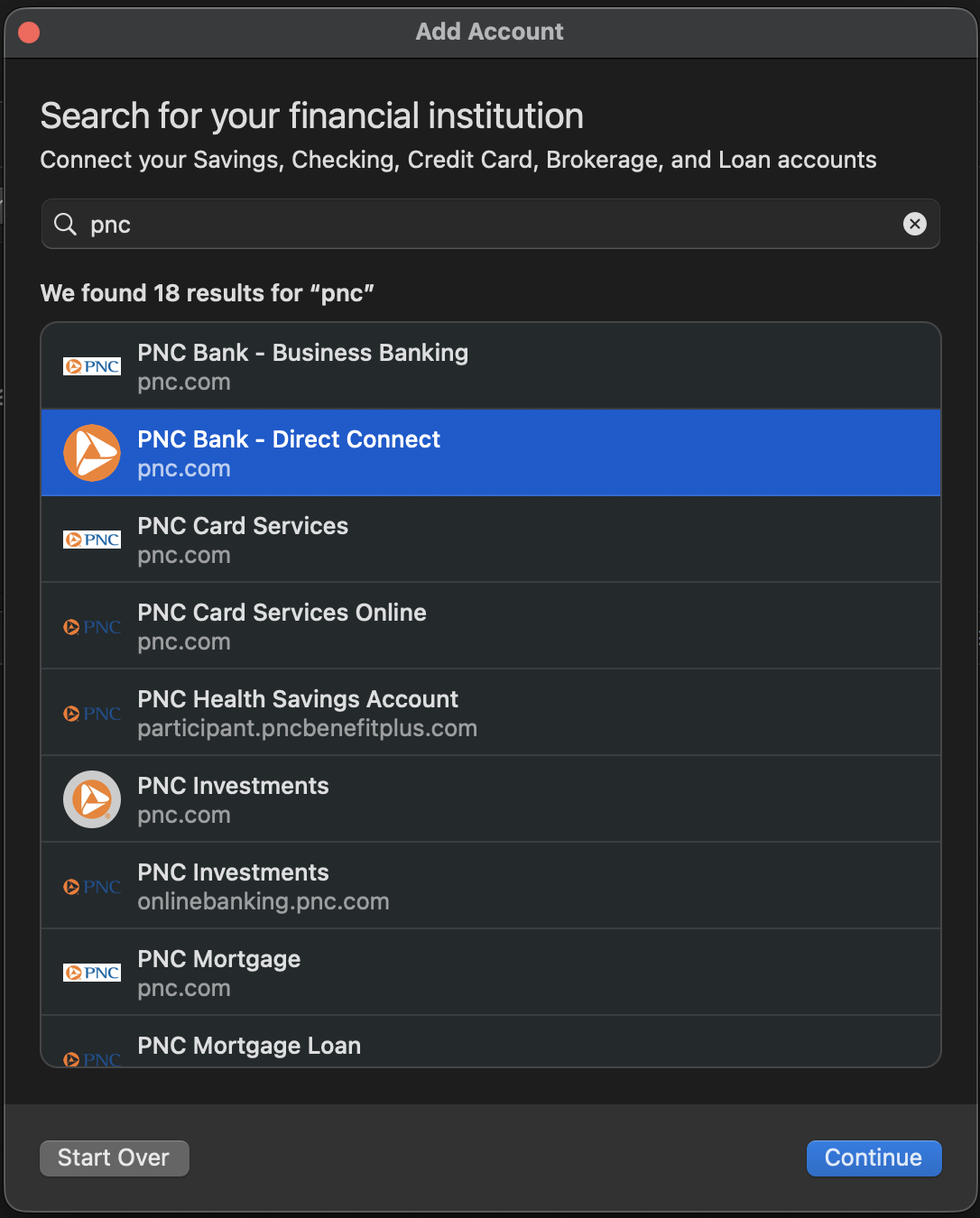
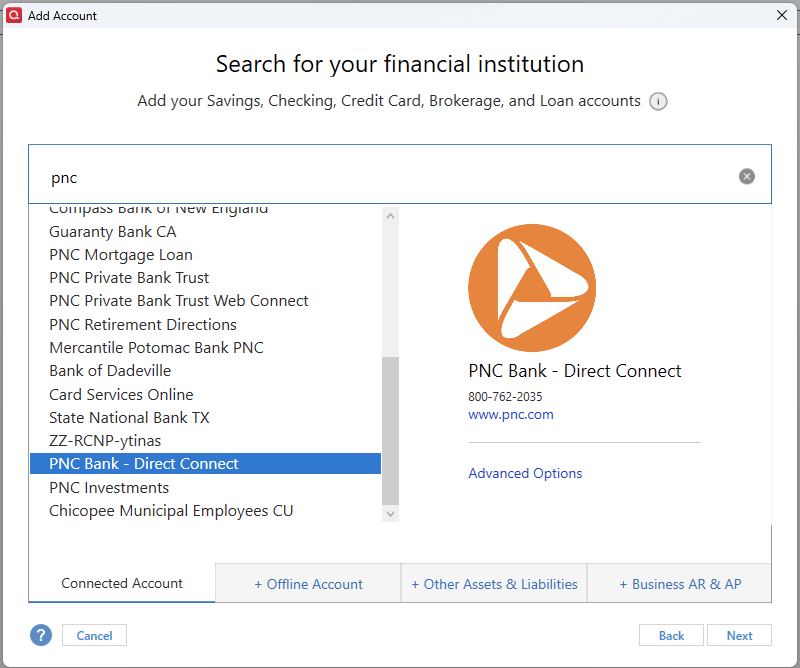
When deactivating and reactivating your account(s), please ensure you are using the PNC Direct Connect instance in Quicken to reconnect.
_____________________________________________________________________________
We are seeing reports of users connected to PNC Bank - Direct Connect and PNC - Web Connect missing transactions after running an update. This is happening in Quicken Windows and Quicken Mac.
We do not have an ETA at this time.
To be notified of updates as they become available, please click the bookmark ribbon located in the upper right. If you do not see the bookmark ribbon, please make sure that you are signed into the Quicken Community.
Thank you!
(Ticket #12035736/CTP-15041)