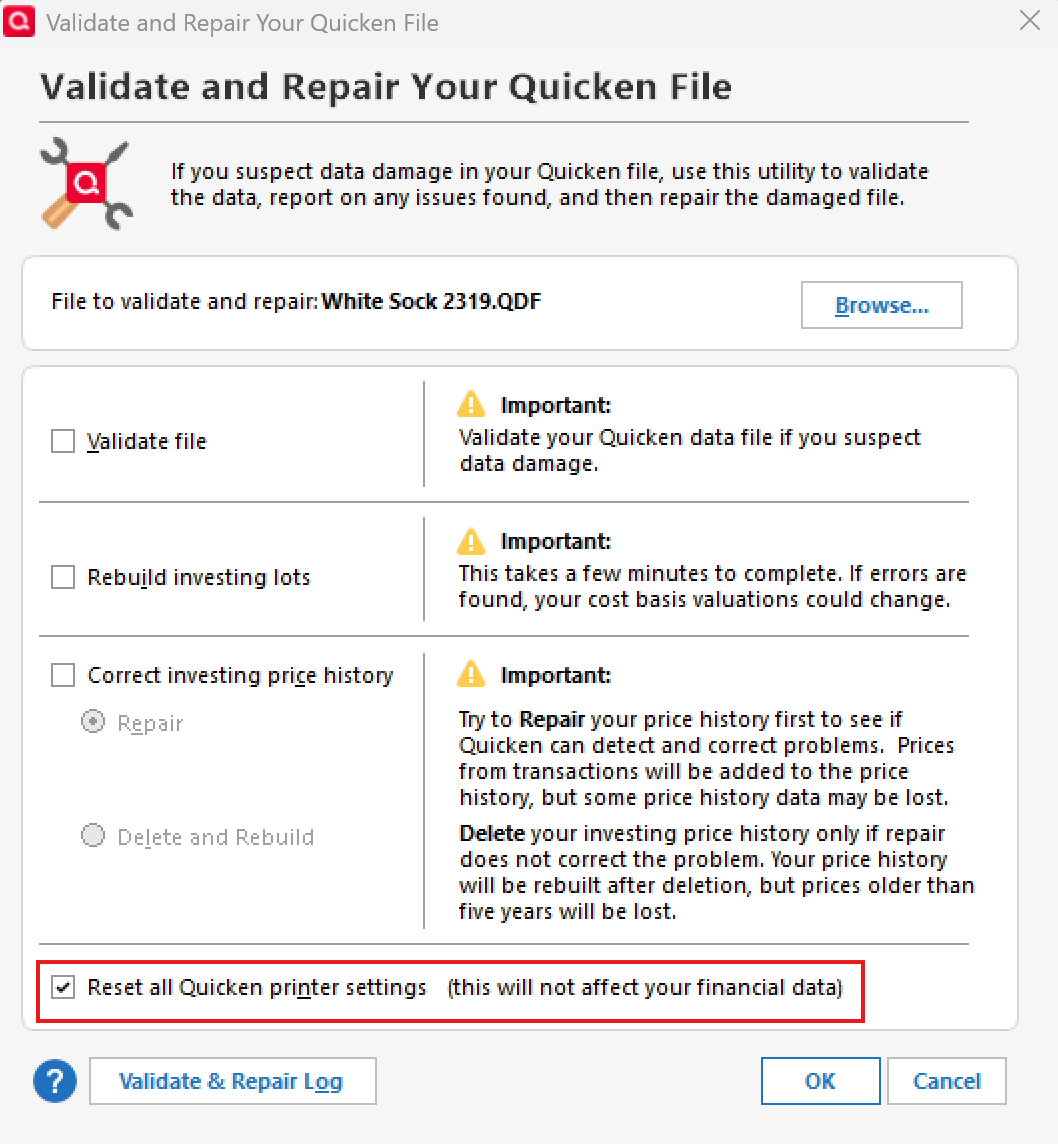
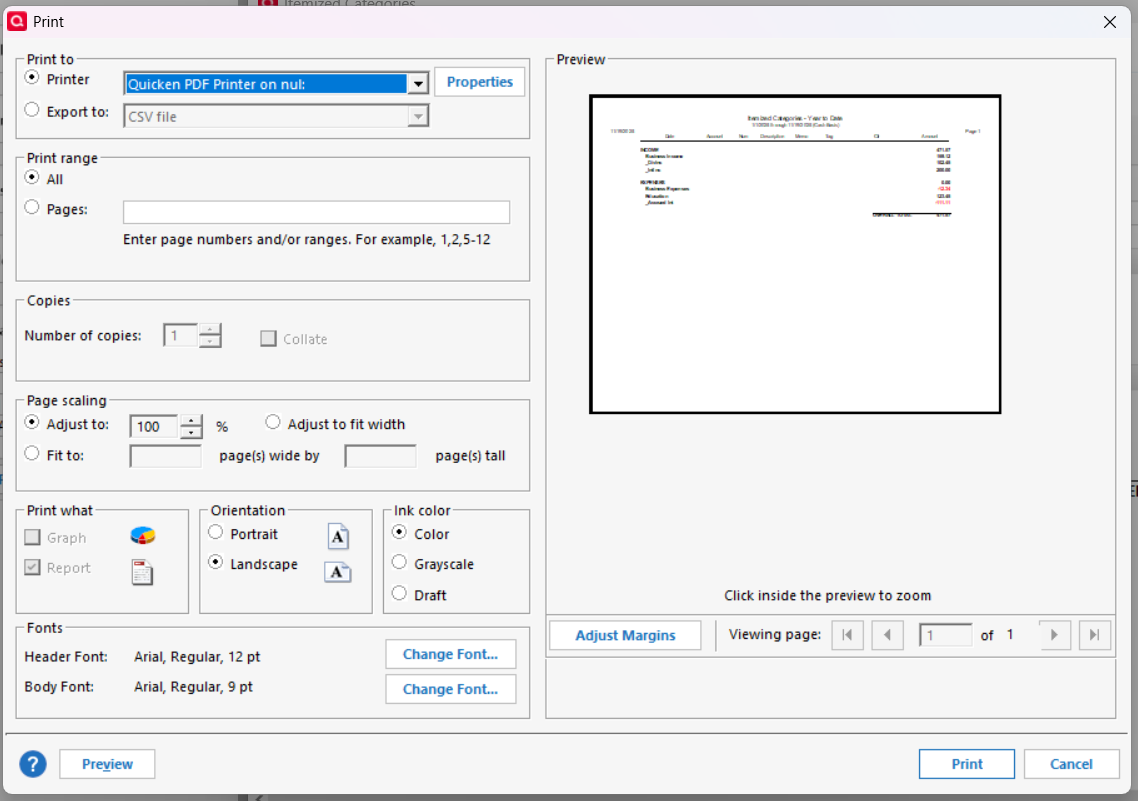
I am trying to activate Page Scaling in Print Preview. The option is grayed out, (see attached).
I would like to resize my budget document to avoid printing an extra page for 1,2,3,4, or 5 lines of data on a Budget Report and for various other document printing requirements. I have tried adjusting the top and bottom margins and cannot go less than the default of .50". This issue has existed for the many years (forever) I have been using Quicken. My annoyance level on this minor issue has reached the point where I need to flag it to bring to someone's attention to get some help.
I am using MS Windows 11, Quicken Classic Deluxe version R64.35, Build 27.1.64.35. I am current on my subscription, OS updates, firmware updates, printer drivers and checked all the printer property settings. This issue happens when trying to print any Quicken report on an HP or Epson printer. I do not have the same issue when printing Microsoft or other application documents. It appears to me to be a Quicken Application issue. Please advise if I need to initiate a service ticket. I am open to any and all suggestions the Moderator or Community Members may have. Thank you in advance for your help.