Monthly Salaries are displayed incorrectly
The monthly paycheck reminder in Bills & Income is not displaying the correct amount for our monthly paychecks. This is the amount displayed in the Bills & Income tab for all views (Stack, Biller Name, Due Date, etc)
When I click Enter on the paycheck, the "Edit Current Paycheck and Enter into Register" dialogue shows all the splits with their correct values and the correct pay amounts. I continued with entering a paycheck for November 30th, and the entry resulted in the correct value in the register and the correct splits. However, I have scrolled forward to the December 31st paycheck reminder, and it is again displaying incorrectly there.
I have attached an image and marked in red the correct pay amount in the foreground and the $0.00 displayed in the Bills & Income in the background.
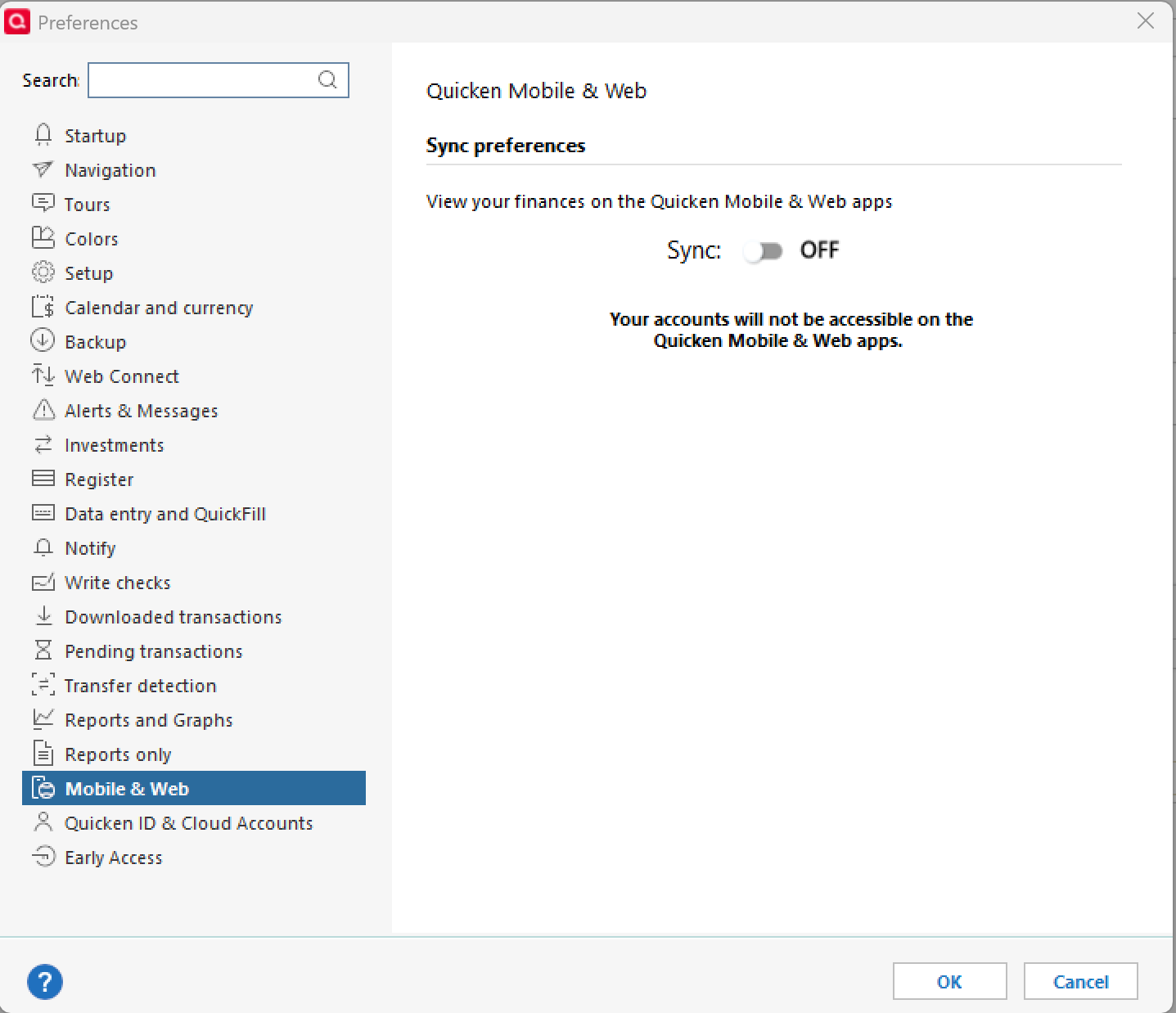
I have verified that Edit > Preferences > Mobile and Web > Sync is OFF, as I've read elsewhere that causes an issue with paychecks. I have never used web or mobile, and that sync has been off for a long time.
I'm using Quicken Classic for Windows (Release R65.17)
Comments
-
Hello @bumgarb,
Thanks for the detailed explanation—that’s very helpful, and the screenshot comparison makes the issue clear.
To better understand what might be causing the incorrect amount to display in Bills & Income, I have a few questions:
- Where is your Quicken data file stored? Is it on your local hard drive (C:\ drive), or is it located on a cloud-synced or external location such as OneDrive, Dropbox, Google Drive, or a USB drive?
- When did this issue first begin? Had the paycheck reminder been displaying correctly previously, or has it always shown $0.00?
- Have you attempted any troubleshooting steps so far? If so, what have you tried?
- Did anything change on your system around the time this started? For example, a recent Quicken update (other than R65.17), Windows update, new antivirus, or anything similar?
Once we have these details, we can narrow down what’s causing the discrepancy between the reminder preview and the actual paycheck entry.
Looking forward to your response!
-Quicken Anja
Make sure to sign up for the email digest to see a round up of your top posts.1 -
Hi Anja,
My Quicken file is on the C:\ drive.
The paychecks were displayed normally in October. We are only paid monthly at the end of the month, so attempting to enter November paychecks was the first time I've had/noticed the issue.
The only thing I've attempted is what I posted above. I proceeded with entering November paychecks to see if the display would correct for the December 31st entries, but so far, the incorrect values are still displayed. No other values in our Bills & Income are showing incorrectly, just the paychecks.
The only changes to the PC would be Windows updates around November 12th to 14th. I delay my Windows updates by 28 days, so this PC has the October 2025 Cumulative Updates instead of the November 2025 updates.
Thanks,
Brad
0
Categories
- All Categories
- 56 Product Ideas
- 36 Announcements
- 223 Alerts, Online Banking & Known Product Issues
- 22 Product Alerts
- 701 Welcome to the Community!
- 671 Before you Buy
- 1.2K Product Ideas
- 53.7K Quicken Classic for Windows
- 16.3K Quicken Classic for Mac
- 1K Quicken Mobile
- 813 Quicken on the Web
- 111 Quicken LifeHub