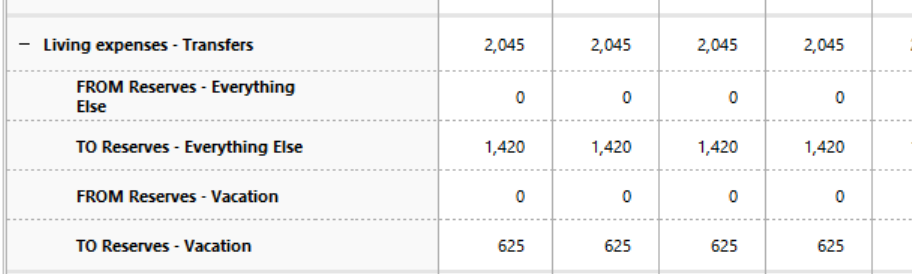
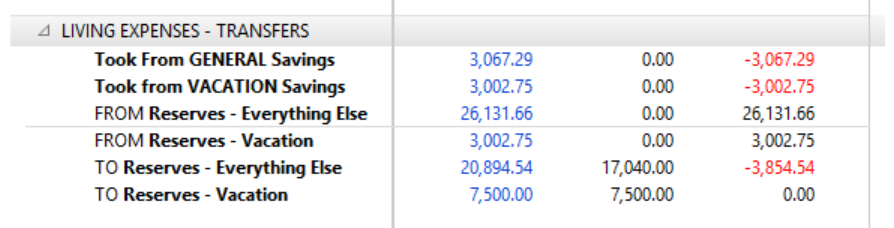
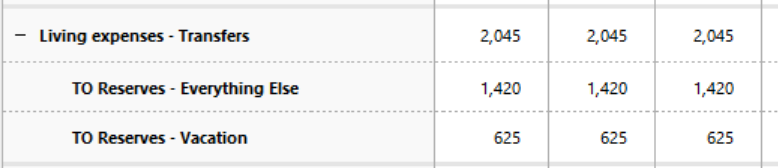
The infamous non-totaling Budget Report by Category Group

sNashville
sNashville Quicken Windows Subscription Member ✭✭✭

For many years now my budget report has not totaled when showing by Category Group. For a long time, I thought it was due to a mixture of Income and Expense categories in a couple groups even though I specified the Mixed / Default Group Type in the Budget.

However! I have discovered the problem may actually be one of totaling Category Groups when there are categories with amounts that were not budgeted.

I say this because:

  1. When the budget report is set to show Non-Zero Actual/Budgeted categories, the totals do not show in a category group that is not a mix of income and expense categories but has some unbudgeted categories.
  2. When the budget report is set to show only Budgeted Categories, the totals show in all category groups - both those with mixed income and expenses categories and unmixed.

Help Quicken Corporate, you are our only hope!

Comments

  • Quicken Kristina
    Quicken Kristina Quicken Windows Subscription Moderator mod

    Hello @sNashville,

    Thank you for reaching out. To clarify, the Community is mainly a user-to-user forum with some moderators, like myself, who can help troubleshoot with you.

    I tried to replicate the issue you describe, but wasn't able to get a budget report that is missing the totals. If you're willing, please post screenshots of what you are seeing (make sure to redact any personal information). If needed, please refer to this Community FAQ for instructions on how to attach a screenshot. Alternatively, you can also drag and drop screenshots to your response if you are not given the option to add attachments.

    I look forward to your response!

    Quicken Kristina

    Make sure to sign up for the email digest to see a round up of your top posts.