Fidelity transactions in linked Cash account downloading as "Cash"

acloudman
acloudman Quicken Windows Subscription Member ✭✭

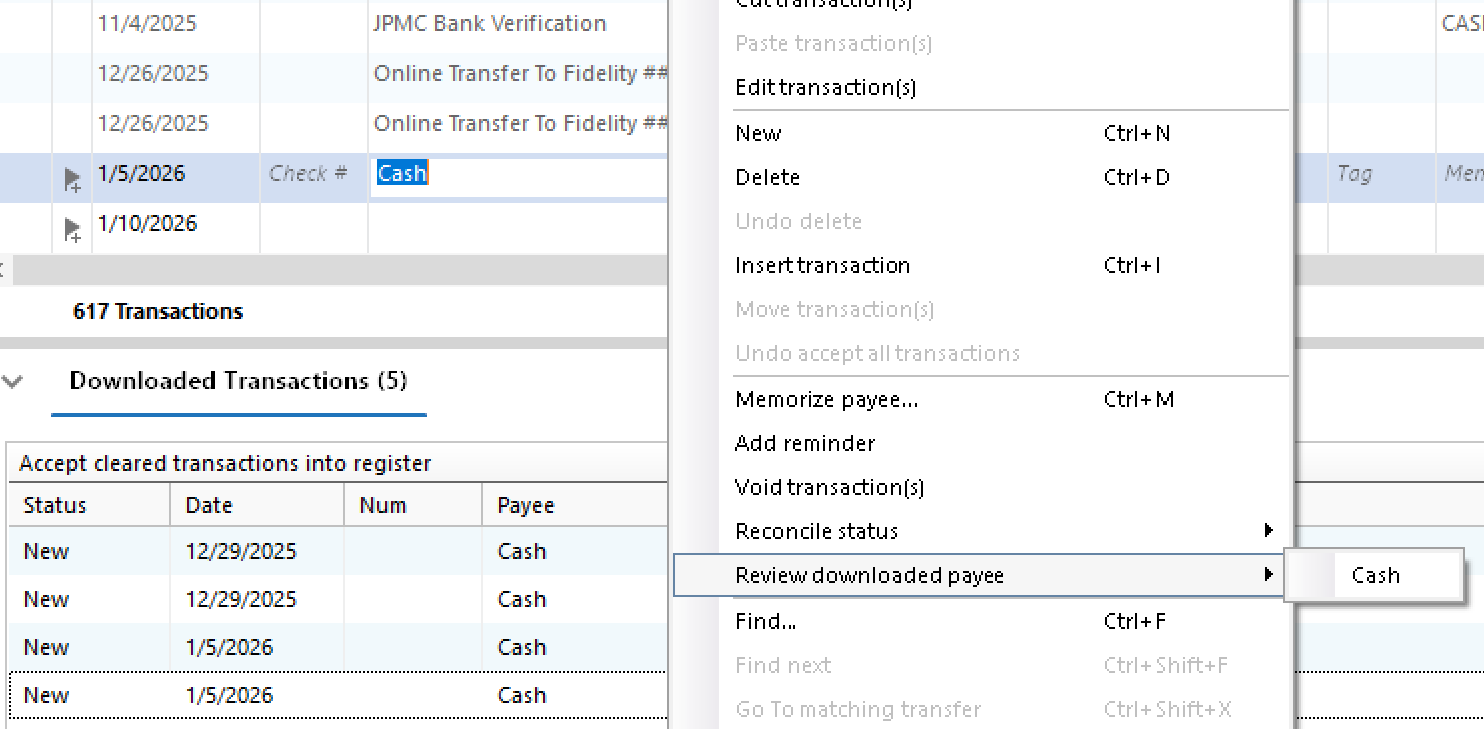
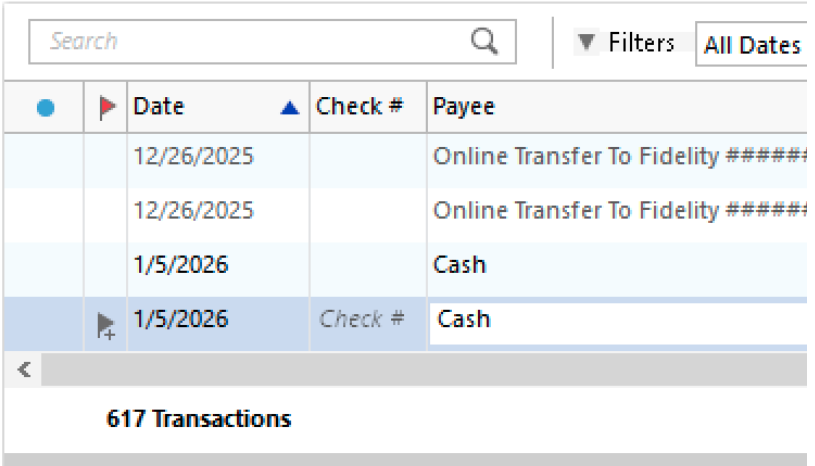
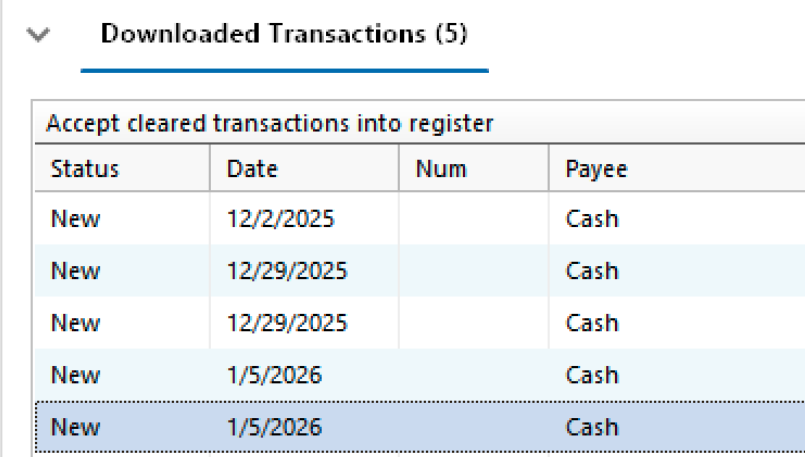
I have a few Fidelity accounts that have linked cash accounts in Quicken. Ever since the new Fidelity connection, all the transactions in the cash account download as just "Cash" and the dollar amount. I confirmed I don't have any renaming rules or memorized transactions. If I accept the transaction and then select "Review Downloaded Payee" it just says "Cash" so that appears to be what Quicken is getting from Fidelity. Is this a known issue? I didn't see it in the 12/19 Fidelity Update post.
Screenshot 2026-01-09 at 2.07.41 PM.png Screenshot 2026-01-09 at 2.07.51 PM.png

[Edited - Removed partial account number]

Comments

  • Quicken Kristina
    Quicken Kristina Quicken Windows Subscription Moderator mod

    Hello @acloudman,

    Thank you for letting us know you're seeing this problem. For assistance with this issue, I recommend that you reach out to Quicken Support directly, since they may need to review the logs to verify how the data is being sent to Quicken, and they're able to escalate the issue as needed. The Quicken Support phone number can be found through this link here. Phone support is available from 5:00 am PT to 5:00 pm PT, Monday through Friday.

    I apologize that I could not be of more assistance! 

    Quicken Kristina

    Make sure to sign up for the email digest to see a round up of your top posts.

  • NotACPA
    NotACPA Quicken Windows Subscription SuperUser ✭✭✭✭✭

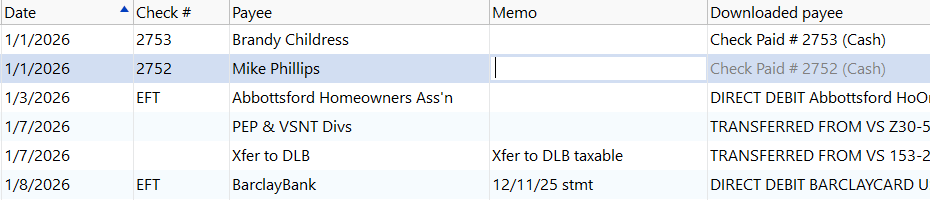
    I'd suspect Renaming Rules, because my wife & I each have brokerage accounts at Fidelity where "Show Cash in a checking account" is enabled in Q … and I'm not seeing this in either account.

    Q user since February, 1990. DOS Version 4
    Now running Quicken Windows Subscription, Business & Personal
    Retired "Certified Information Systems Auditor" & Bank Audit VP

  • acloudman
    acloudman Quicken Windows Subscription Member ✭✭

    @Quicken Kristina I did a chat session with support prior to posting and the representative told me there was nothing he could do, did not ask for any logs and told me to contact Fidelity. Will phone support be more helpful?

  • acloudman
    acloudman Quicken Windows Subscription Member ✭✭

    @NotACPA I thought the same, but normally with renaming rules you can select that "Review Downloaded Payee" option and it will show you what was downloaded before renaming. In my case that simply says the same, "Cash"

    image.png
  • NotACPA
    NotACPA Quicken Windows Subscription SuperUser ✭✭✭✭✭
    edited January 10

    Sorry, but I'm just not seeing such in my Fidelity Linked Checking Account.

    image.png

    So I still have to suspect something specific to your file.

    I probably should mention that I almost always manually input transactions before they're downloaded … so that all Q has to do is Match the download to my input. You might try that to see if it helps.

    Q user since February, 1990. DOS Version 4
    Now running Quicken Windows Subscription, Business & Personal
    Retired "Certified Information Systems Auditor" & Bank Audit VP