Unable to Link Existing Quicken Invest. Accounts to Fidelity Accounts after Fidelity Reauthorization

pgavon
pgavon Quicken Windows Subscription Member ✭✭✭
edited February 25 in Investing (Windows)

I was asked to "reauthorize" my Fidelity Investment accounts for downloading from Fidelity to Quicken, which I was able to do. However, when it gets to the screen that asks if you want to "add the account" or "link to an existing account", I select link to existing account. When the list of Quicken Investment accounts comes up to link to, none of the Fidelity Accounts are included in the Quicken list of Investment Accounts. So I cannot make the existing Quicken Account link to the Fidelity Account. I tried numerous times and it would not work. I closed Quicken and tried again, but no luck. I am running Windows Quicken Classic Premier version R66.18 (just updated today). Anyone else experienced this problem????

PGAVON

Quicken Premier - Windows Subscription

Comments

  • Quicken Alyssa
    Quicken Alyssa Quicken Windows Subscription Moderator mod
    edited February 25

    Hello @pgavon,

    Thank you for reporting this issue, though we apologize that you are experiencing this.

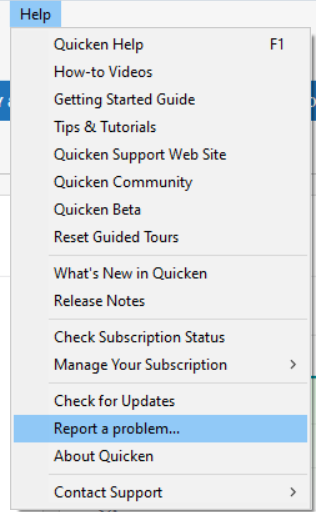
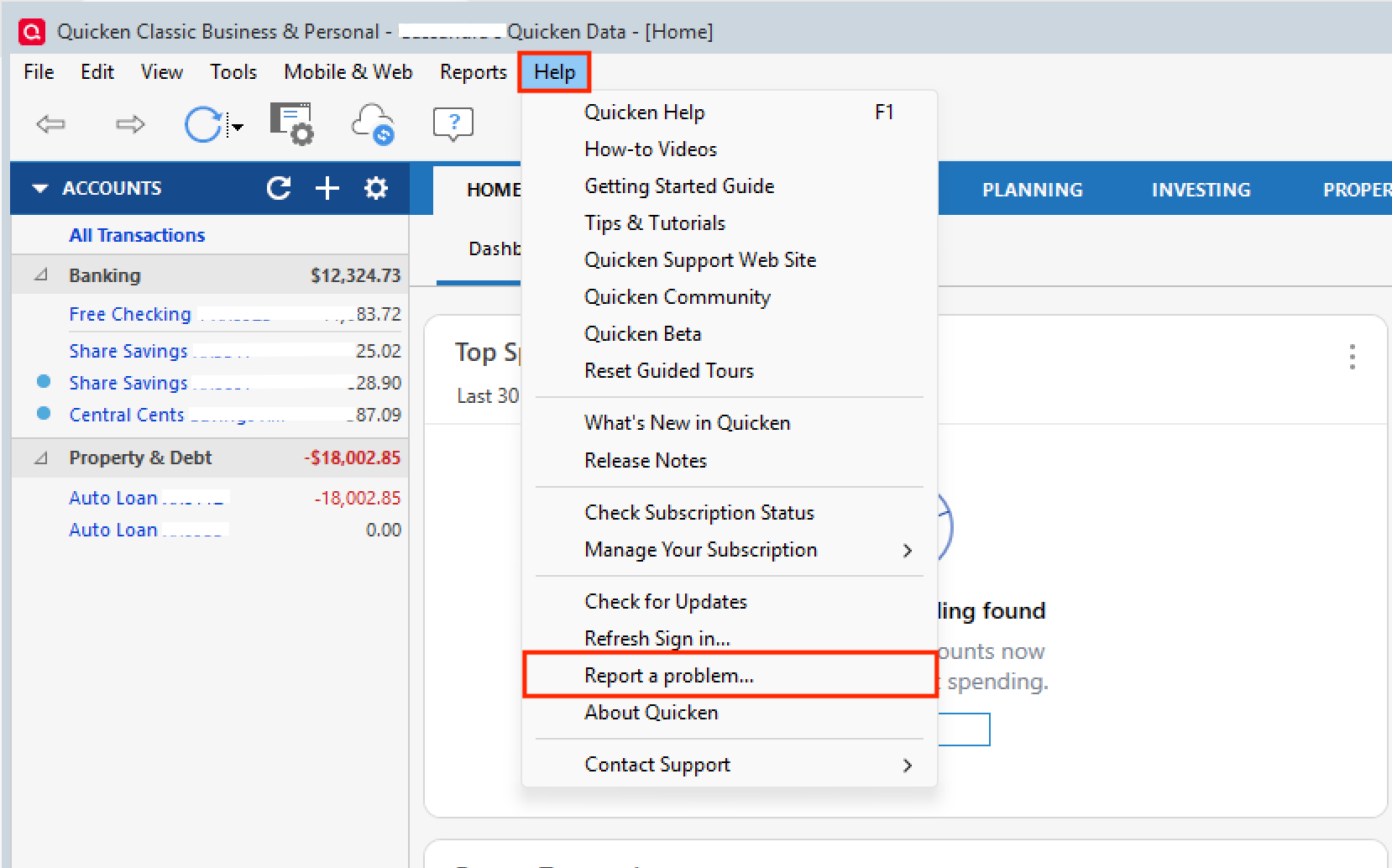
    We have received reports of multiple Fidelity issues this morning, and we are working to identify the cause. We will be forwarding this issue to the proper channels to have this further investigated. However, we request that you please navigate to Help > Report a problem within your Quicken program and submit a problem report with log files and screenshots attached in order to contribute to the investigation.

    image.png

    It would also aid the investigation to include a sanitized file when submitting the problem report. A sanitized file is a data file that removes personally identifiable information so you can comfortably share this file with the Quicken team.

    While you will not receive a response through this submission, these reports will help our teams in further investigating the issue. The more problem reports we receive, the better.

    Please let us know once you have sent them so we can add them to the ticket.

    Thank you.

    [CBT-1053]

    Quicken Alyssa

    Make sure to sign up for the email digest to see a round up of your top posts.

  • Quicken Alyssa
    Quicken Alyssa Quicken Windows Subscription Moderator mod

    @pgavon,

    Thank you again for taking the time to report this!

    We have forwarded these Fidelity issues along to the proper channels, and our teams are actively investigating.

    While we do not have an ETA available on resolution, in the meantime, please refer to this Community Alert for any and all available updates and information.

    Thank you!

    Quicken Alyssa

    Make sure to sign up for the email digest to see a round up of your top posts.

  • Quicken Alyssa
    Quicken Alyssa Quicken Windows Subscription Moderator mod

    @pgavon,

    I have sent you a direct message. Please navigate to the inbox in the top right-hand corner of the Community page and check your inbox.

    image.png

    Thank you!

    Quicken Alyssa

    Make sure to sign up for the email digest to see a round up of your top posts.

  • mvwabc
    mvwabc Quicken Windows Subscription Member ✭✭✭

    Similar Problem. I got the CC-800 error. I have multiple Fidelity accounts. I was able to reconnect to non-retirement account, because the the came up "Link to existing." Some of these accounts, I could open the drop down and see the check was on the right account. However, with other accounts showing "Link to existing," I was unable to see the accounts in the drop down list, but I assumed that Quicken had associated the correct account. The drop down list has entries that go beyond what I can see and does not allow me to scroll down to see the other listed entries. The drop down list shows old hidden accounts and pushes the new accounts out off sight in the drop down. I have been using Quicken for 30+ years and have a lot of hidden accounts.

    It appears that the non-retirement accounts have all been connected, because they were shown as "link to existing." The retirement (NetBenefits) accounts came up showing "add new account." Because the hidden accounts push these account out of sight, I cannot see the account and I am unable to check the existing account to link them.

    Hoping some know a solution.

  • jsk2817
    jsk2817 Quicken Windows Subscription Member ✭✭

    I just had the same exact problem

  • pgavon
    pgavon Quicken Windows Subscription Member ✭✭✭

    https://community.quicken.com/profile/jsk2817 https://community.quicken.com/profile/mvwabc https://community.quicken.com/profile/Quicken%20Alyssa

    I have submitted the problem to Quicken on the 25th. Hopefully this will get addressed shortly, but I fear they have too many other things they are working on to address in a quick new release. I guess we have to update manually until this gets addressed. Thanks!

    PGAVON

    Quicken Premier - Windows Subscription