Why isn't One Step Update downloading gold and silver spot prices?

I am using Quicken Classic for Business and Personal, Version R65.29, build 27.1.65.29 on a Win 11 virtual machine (MacOS Sequoia, 15.6.1). This issue has been happening since Sept 2024. I've added ^XAUUSD and ^XAGUSD for gold and silver respectively. When I do a one step update, I get the attached error, HOWEVER if i click the update button in photo 2, the price is updated as in photo 3….. thoughts?

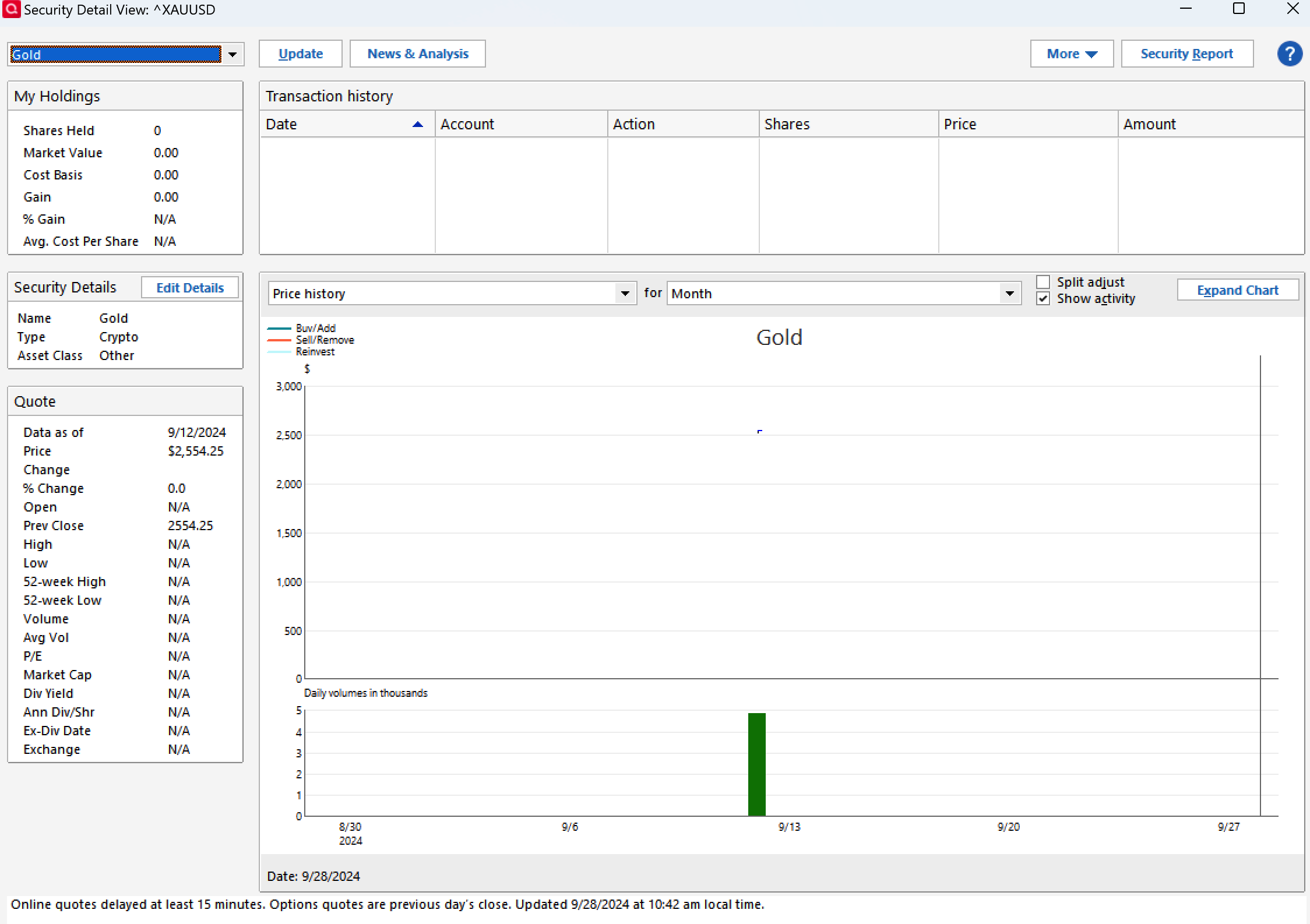
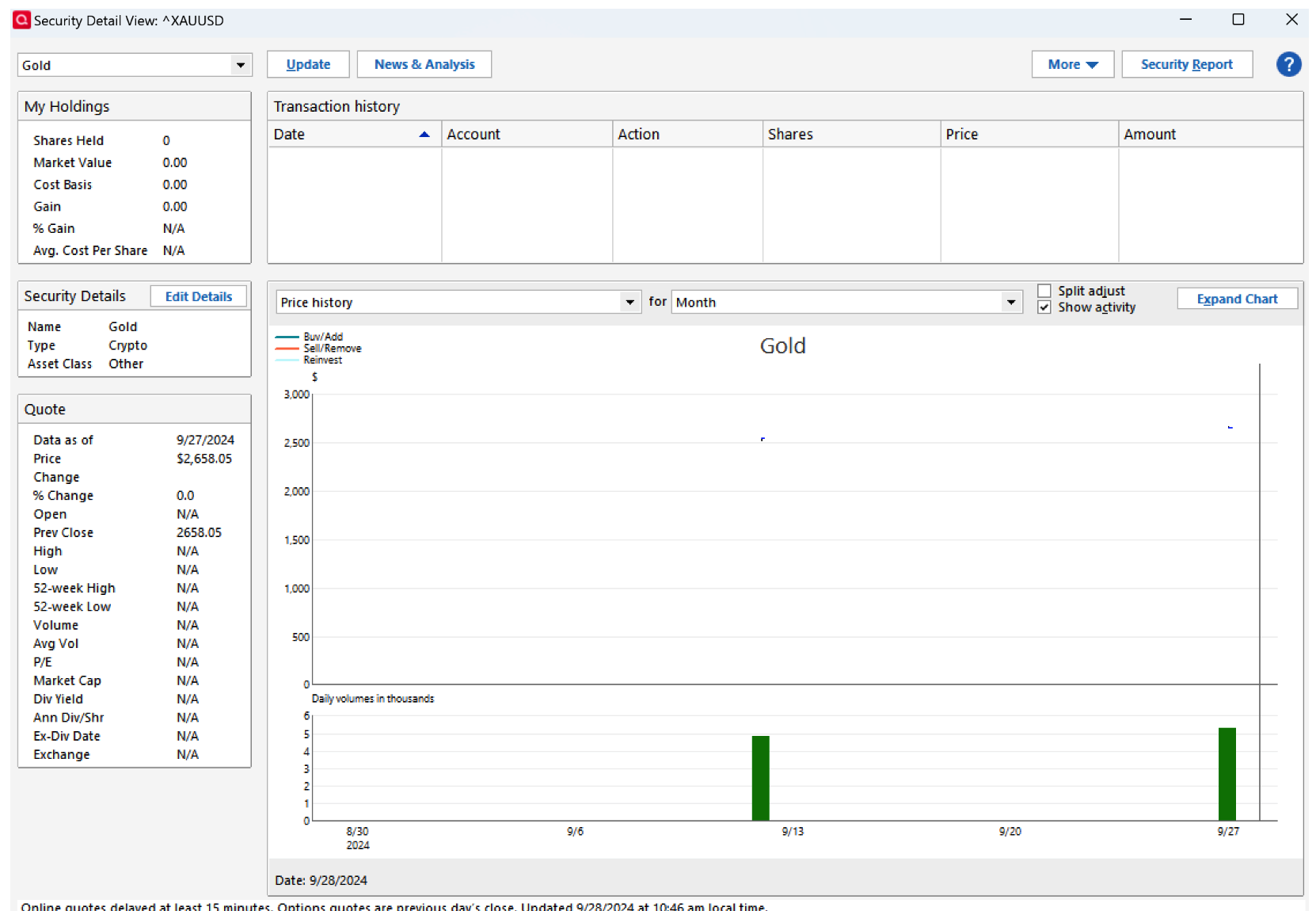
I might add that clicking "see a report" in picture 1 never has given any information about which securities failed to download. I assume the 2 missing are Gold and Silver, but this is a whole other issue i guess!!
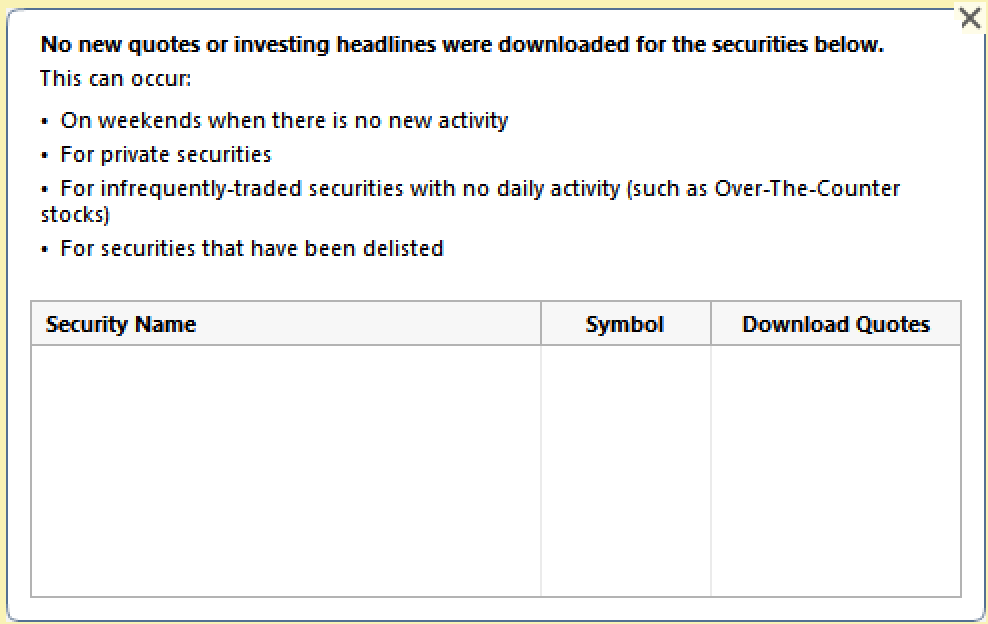
Anyone else having the same issue?
Answers
-
Are the Gold and Silver securities included, in your Q Portfolio, as being on the watch list?
Otherwise, since your holding of Gold is shown as 0, no quote will download.
And I'm uncertain about your classifying Gold as "Crypto". When I set up GOLD, just now, Q classified it as Type: OTHER, Asset Class: Other
Q user since February, 1990. DOS Version 4
Now running Quicken Windows Subscription, Business & Personal
Retired "Certified Information Systems Auditor" & Bank Audit VP0 -
Hello @Scott14,
We haven't heard back from you in a while. Do you still need assistance?
If so, could you please provide the answers to @NotACPA's questions?Check back and let us know! Thank you.
-Quicken Anja
Make sure to sign up for the email digest to see a round up of your top posts.0 -
Hello again,
Checking in once more before this thread is closed.
Let us know if you still need assistance.Thank you!
-Quicken Anja
Make sure to sign up for the email digest to see a round up of your top posts.0 -
Hello again,
Due to the lack of response, I went ahead and closed this post.
If you still require assistance, please feel free to start a new post.
Thank you!
-Quicken Anja
Make sure to sign up for the email digest to see a round up of your top posts.0

