ALERT: Quicken Classic for Windows fails to install under latest Windows 11

Problem is that the install contains an unsigned printer driver, which Win11 no longer allows. There's a workaround, but it involves rebooting into safe mode, disabling the driver signing requirement, then installing. (The latest Windows bug makes this especially complicated because it doesn't allow shutdown or restart…)
Comments
-
Hello @rloeb,
Thank you for letting us know you're seeing this. To better assist, please provide more information:
- Which version of Windows is this happening in? You can see this by navigating to Settings>System>About.
- I tested on my own computer, running Windows 11 Home version 25H2, and could not replicate the issue you describe.
- Are you able to provide a screenshot of the error message you saw when trying to install Quicken?
- If needed, please refer to this Community FAQ for instructions on how to attach a screenshot. Alternatively, you can also drag and drop screenshots to your response if you are not given the option to add attachments.
- Are you installing the program directly on your local hard drive?
- Are you installing the program in a virtual machine?
- Is this happening on a personal computer or a work computer?
- Are you running the installer from your downloads folder?
- If you are, please try moving the installer to your desktop. Sometimes permissions in the downloads folder prevent proper installation.
I look forward to your reply!
Quicken Kristina
Make sure to sign up for the email digest to see a round up of your top posts.
0 - Which version of Windows is this happening in? You can see this by navigating to Settings>System>About.
-
- I'm running 2026 Security Uodate (KB5074109) (26200.7623)
- Are you able to provide a screenshot of the error message you saw when trying to install Quicken?
- If needed, please refer to this
Community FAQfor instructions on how to attach a screenshot. Alternatively, you can also drag and drop screenshots to your response if you are not given the option to add attachments.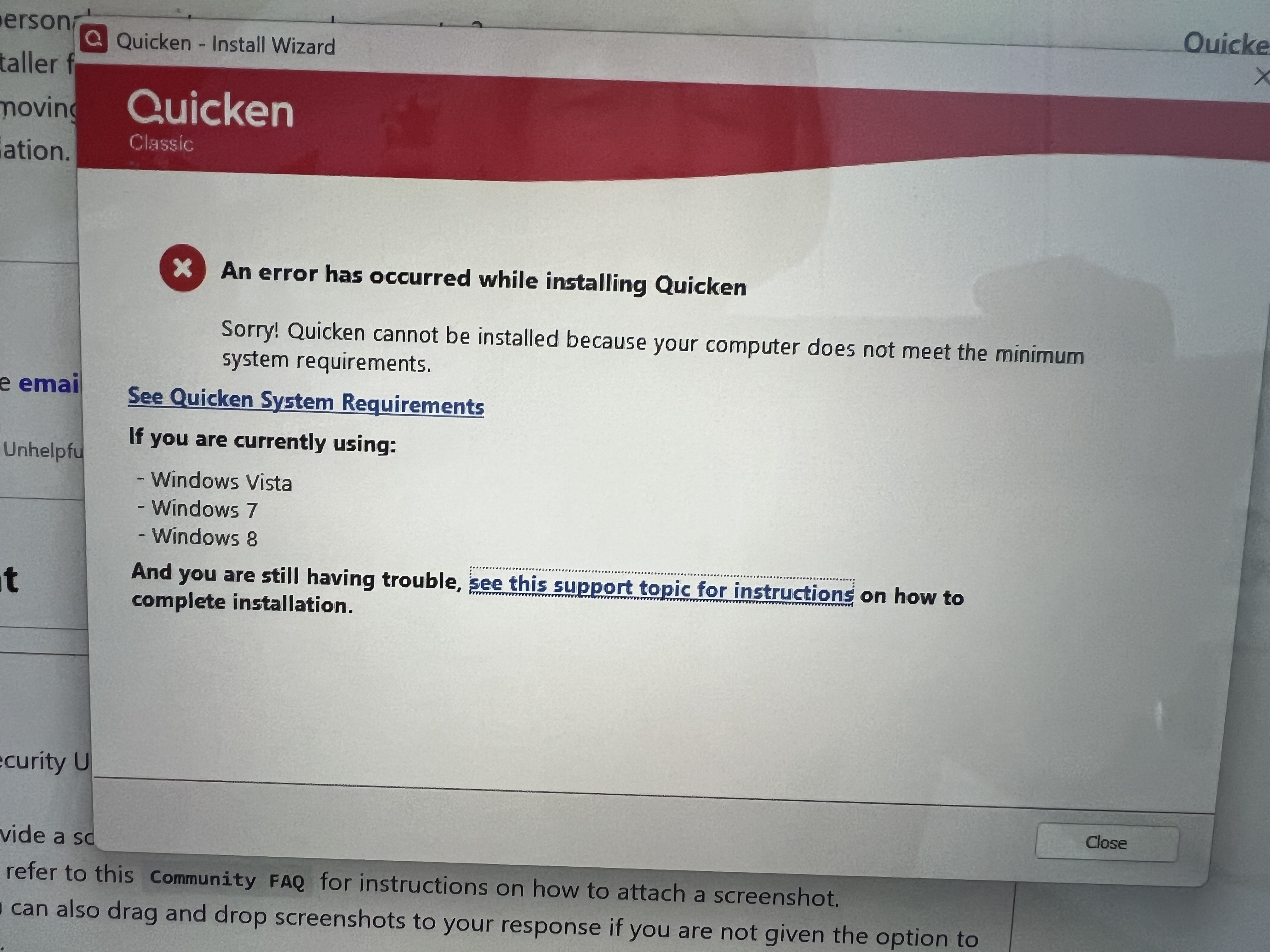
- If needed, please refer to this
- Are you installing the program directly on your local hard drive? From my desktop
- Are you installing the program in a virtual machine? No
- Is this happening on a personal computer or a work computer? personal
- Are you running the installer from your downloads folder?
- If you are, please try moving the installer to your desktop. Sometimes permissions in the downloads folder prevent proper installation. see above answer
Any help woud be appreciated
0 -
I would try updating your printer driver, reboot your computer, and then try installing Quicken.
0 -
@Grammy605 , Microsoft issued a warning about KB5074109, suggesting users experiencing issues to uninstall it. And presumably yesterday's KB5078127 resolves some of them but not all. I don't think that is your problem but just FYI.
- Q Win Deluxe user since 2010, US Subscription
- I don't use Cloud Sync, Mobile & Web, Bill Pay0 -
Edition Windows 11 Pro
Version 25H2
Installed on 1/21/2026
OS build 26200.7628
Experience Windows Feature Experience Pack 1000.26100.275.0Installing Amyuni PDF printer
Error Code: 1797
The printer driver is unknown.Install aborts. Quicken, however, appears to work, this time, after 3 attempts. I won't attempt to print to PDF!
0 -
Thank you for your reply,
To clarify, when you say it appears to work after 3 attempts, do you mean after 3 attempts to install, or do you mean you had to try to open the program 3 time before it worked?
Thank you!
Quicken Kristina
Make sure to sign up for the email digest to see a round up of your top posts.
0 -
I'm unsure whether to piggyback here (since I have seen the same installation error as the above screenshot) or somewhere else. I'm new to this support forum, but not new to Quicken or computers in general.
I had to reinstall Win11 today (long story but fairly straightforward). When trying to reinstall Quicken Classic for Windows with the exe file on the site, I got the same error message as the OP. I tried installing with an earlier version of the exe file (from July 2025) and that installed. Kinda. :) Let me add here that I always let Quicken search for updates every time I open it (which is daily), so it should have been updating all along. (Has it been updating, though?)
When I open Quicken after this reinstallation, I see this:
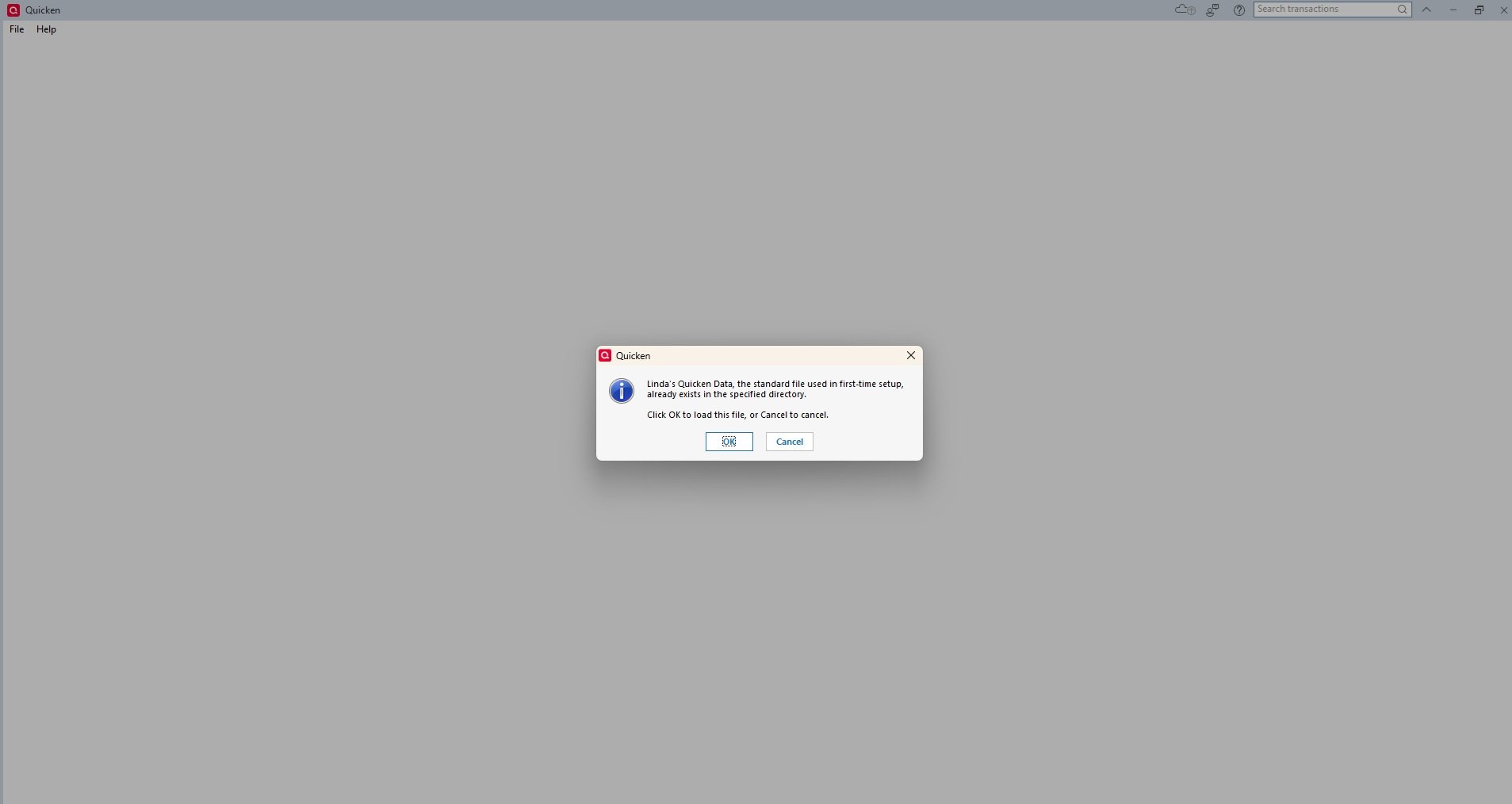
So, yay, it found my data file. But when I click on OK, I get this:
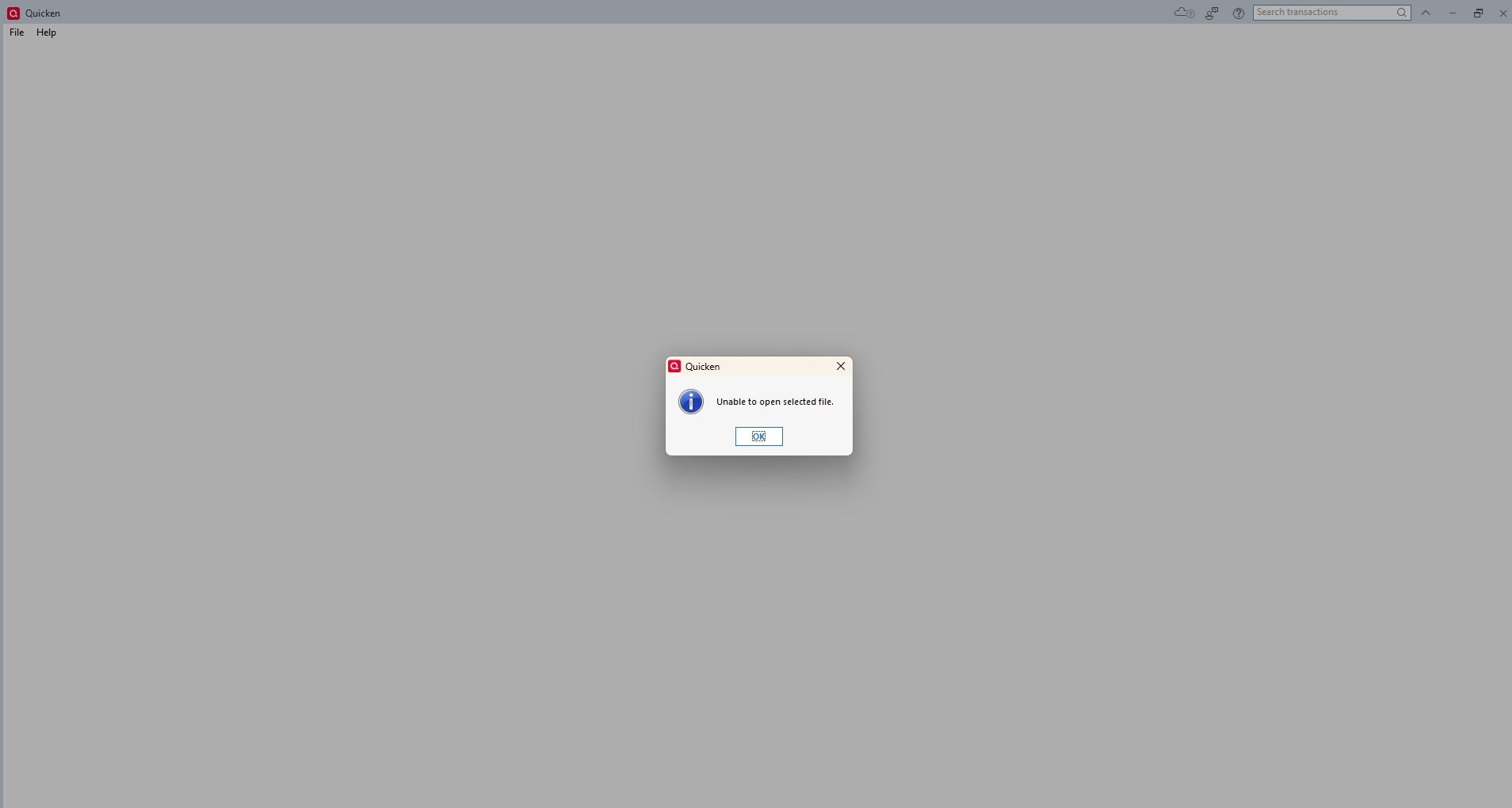
I've uninstalled and reinstalled a few times now, and I always up with a truncated version of the menu items available inside the program, which means I don't have options the Support articles say I should use (like converting data files or restoring a backup file).
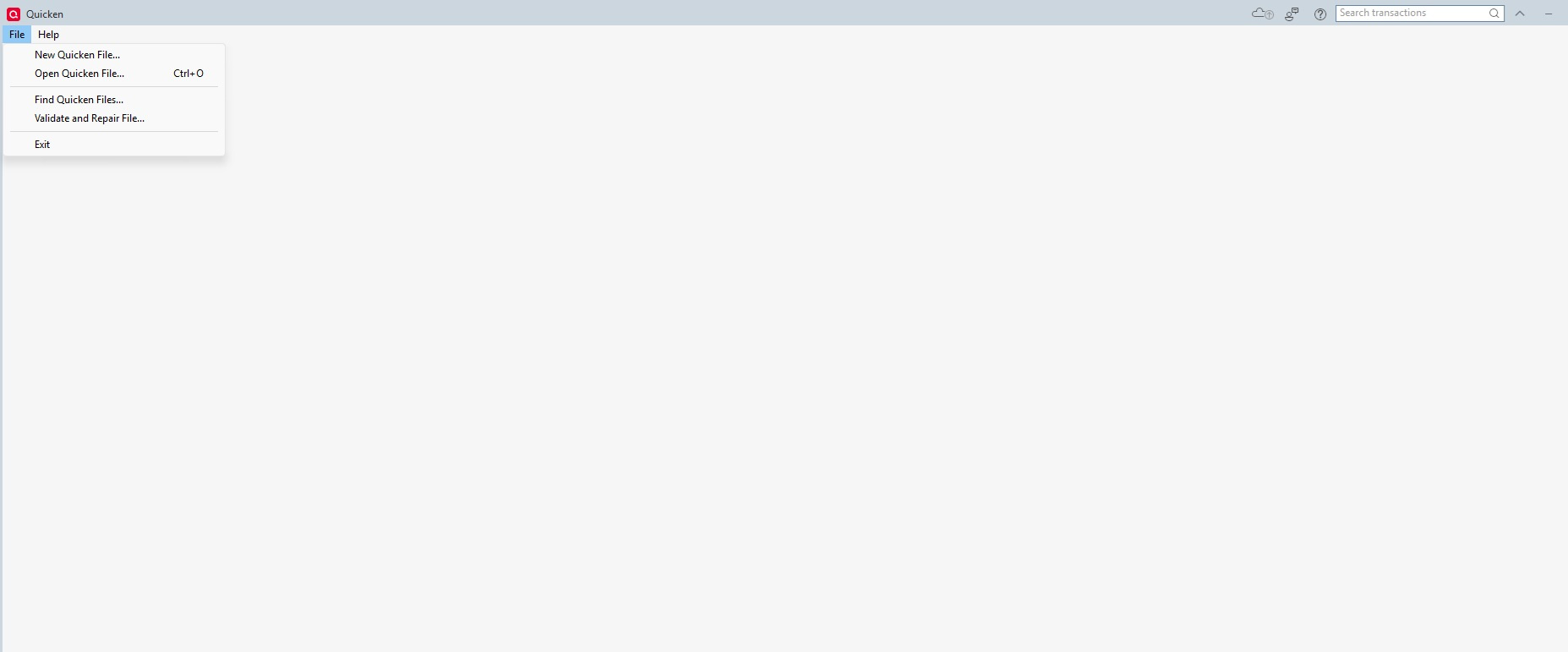
I used the Find Quicken Files option and seemed to have found my data file again, but when I clicked on it to open it, it cannot open the file. You know, the same file I had open about two days ago (and just about every day before that) on this same machine, before I had to reinstall Win11 and then tried to reinstall Quicken.
Nearly everything else I've had to reinstall today went smoothly. Oh, and when I tried to see my Quicken profile/account on the website, I got THIS error when I clicked on My Account:
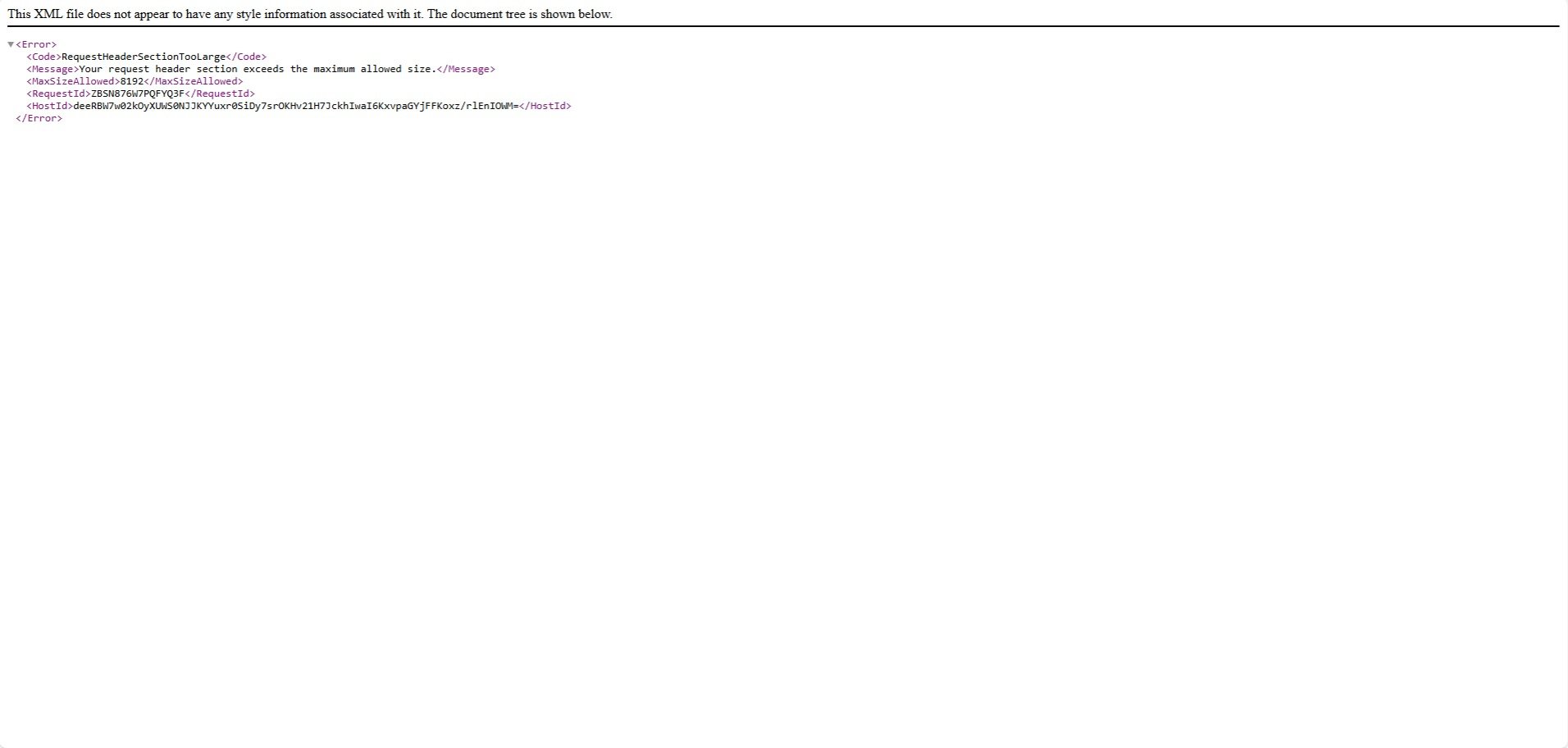
Honestly, I'm ready to tear my hair out.
0 -
Unless you have the same issue, everyone can disregard my previous screenshot-laden comment here. Here it is, a day later, and when I opened Quicken, it was fine. I hadn't even rebooted my computer since posting last night.
I haven't a clue what changed, but here we are. :) Quicken, heal thyself.
0 -
Hello @Austruck,
Thank you for sharing. I'm glad to hear that the issue you were encountering has self-resolved!
Quicken Kristina
Make sure to sign up for the email digest to see a round up of your top posts.
0



Categories
- All Categories
- 6 Product Ideas
- 34 Announcements
- 250 Alerts, Online Banking & Known Product Issues
- 19 Product Alerts
- 265 Welcome to the Community!
- 301 Before you Buy
- 1.5K Product Ideas
- 55.8K Quicken Classic for Windows
- 16.9K Quicken Classic for Mac
- 1K Quicken Mobile
- 834 Quicken on the Web
- 129 Quicken LifeHub